Let's be honest, who needs sticky floors and watered-down drinks? Hosting an online karaoke night with friends is the best way to get your sing-along fix and actually connect, no matter how far apart you all are. It’s a modern spin on a classic night out that brings the party right into everyone's living room, complete with a song list you actually want to sing from.
Bringing The Karaoke Bar To Your Living Room
The future of karaoke is definitely virtual, and it creates this amazing space for inside jokes, shared belting-at-the-top-of-your-lungs moments, and genuine connection. Forget trying to sing over a noisy bar crowd. A virtual party gives you total control. You pick the people, the music, and the vibe, which means you can create a night that's a perfect fit for your crew.
This isn't just a fleeting trend; it's a real shift in how we hang out. In fact, the global karaoke market is on track to hit USD 14,457.1 million by 2034, and the biggest boom is in personal, at-home setups. As reported by Congruence Market Insights, this shows that doing karaoke with friends online or at home is becoming a huge part of how we entertain ourselves.
Key Elements Of A Successful Online Karaoke Party
So, where do you start? A killer virtual event doesn't just happen by magic—it takes a little bit of prep in a few different areas.
A great online karaoke night is part tech setup, part song selection, and part masterful hosting. When you balance all three, you create an experience that feels effortless and incredibly fun for your guests.
Before we get into the nitty-gritty, let's look at the big picture. Here are the core building blocks you’ll need to assemble for a smooth and memorable night.
| Component | Why It's Important | Key Goal |
|---|---|---|
| Custom Songbook | Prevents endless searching for bad YouTube videos. | Curate a high-quality, ad-free list of songs everyone will love. |
| Virtual "Stage" | The platform you use dictates the flow and ease of the party. | Choose a video call or streaming service that's easy for everyone to use. |
| Tech Optimization | Poor audio or video can kill the vibe instantly. | Ensure clear sound and smooth video with minimal lag. |
| Skilled Hosting | A good host keeps the energy up and the party moving. | Manage the singer queue, engage the audience, and troubleshoot on the fly. |
Getting these four pieces right is the secret sauce to a fantastic party.
We're going to walk through everything you need to know, from the initial planning to the final encore. If you want to brush up on the basics first, check out our complete guide on how to do karaoke at home.
Here's what we'll cover to get you ready to host:
- Creating a killer songbook: Ditch those ad-riddled, low-res YouTube clips by using a tool like MyKaraoke Video.
- Picking your virtual stage: We'll compare the best options for your party, from a simple Zoom call to a more polished Twitch stream.
- Fixing your tech: Learn how to beat common frustrations like audio lag and blurry video so every performance is front-and-center.
- Mastering the art of the host: I'll share some practical tips for managing the flow of the night and keeping everyone hyped up and engaged.
Crafting A Custom Songbook With MyKaraoke Video
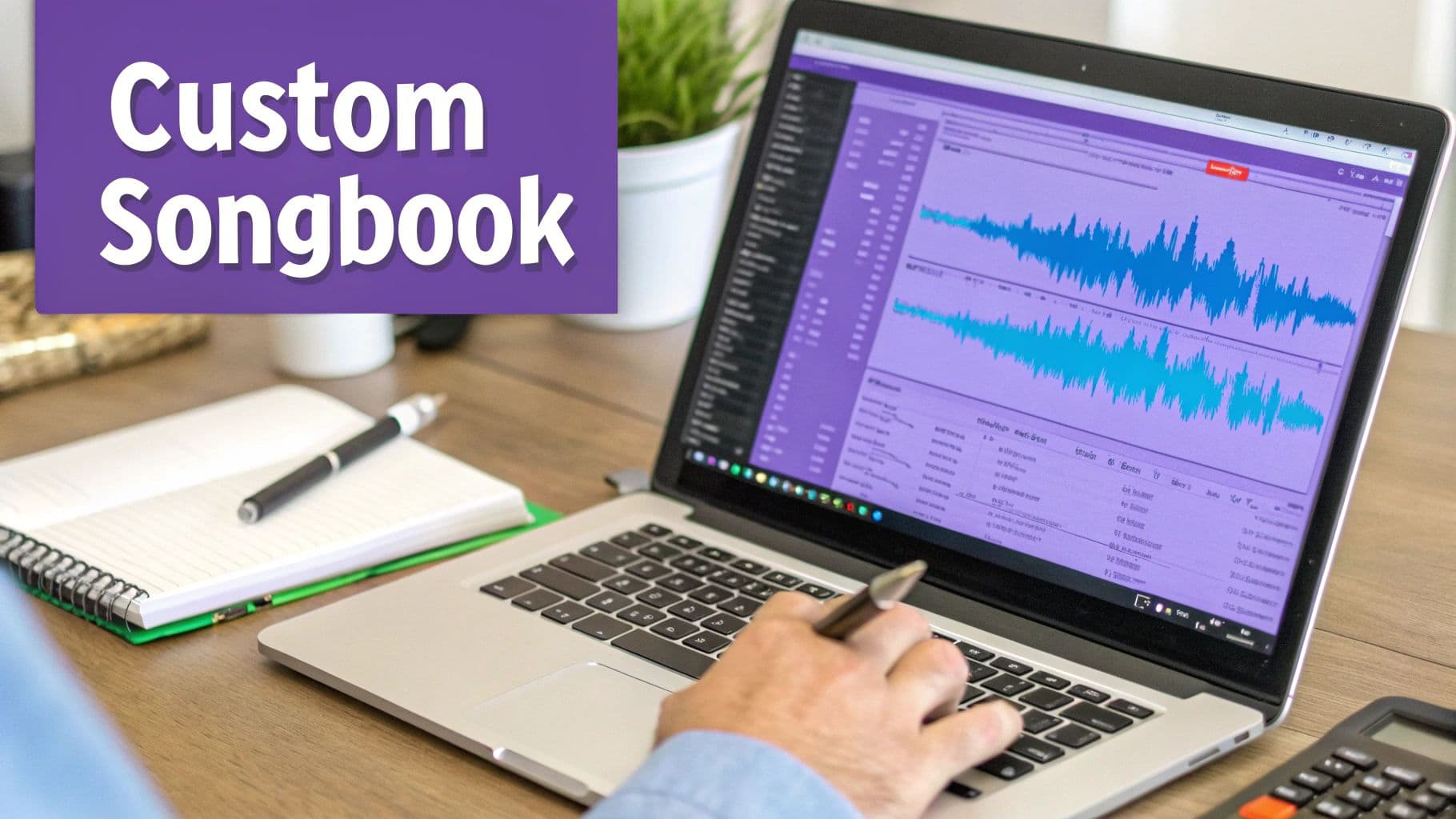
Let’s be honest, the song list is the heart and soul of any karaoke night, whether you're in a bar or on a video call. We've all been there—scrambling on YouTube for a specific track, only to find a version with terrible audio, obnoxious ads, or completely wrong lyrics. It just kills the vibe.
To really nail an online karaoke party with friends, you need a curated songbook that's actually good. This is your chance to build a library that perfectly matches your group's inside jokes and musical tastes.
Forget about settling for whatever you can find. With a browser-based tool like MyKaraoke Video, you can build your own high-quality, personalized library without having to download any clunky software. This kind of easy access is exactly why online channels have become the fastest-growing part of the karaoke market, as people want more convenient, digital options. You can read more about this shift in the latest karaoke system market report.
Turning Your Favorite Songs Into Karaoke Hits
The whole process starts with the music you already love. Just grab an MP3 of the song you want to convert—it could be a current chart-topper, an obscure B-side, or even an original track from a friend’s band.
Next up are the lyrics. You can simply copy and paste them right into the editor. This is your moment to be the quality control expert and fix any of those classic errors you see on lyric websites. If this is your first time doing this, our guide on how to add lyrics to songs for karaoke has some great pointers.
Here’s where the cool part comes in. The AI in MyKaraoke Video does the heavy lifting by automatically syncing the words to the music. It gives you a fantastic starting point in just a few seconds, saving you a ton of tedious manual work.
Fine-Tuning Your Video To Perfection
Once the AI has done its initial pass, you get to jump into the sync editor and act like a producer. This is where you can nudge the timing to perfection, making sure every word highlights at the exact right moment. A perfectly synced track is so much easier for everyone to follow and helps them feel like a rockstar.
But the customization goes way beyond just timing. You get total creative freedom over the video’s look and feel.
- Fonts and Colors: Pick a font that fits the mood. Go for something bold and loud for a rock anthem or a flowing script for a heartfelt ballad.
- Backgrounds: This is where you can get really creative. Upload your own images or videos. Think throwback photos for a 90s night or a slideshow of embarrassing baby pictures for the birthday person's special song.
- Branding: You can even add a custom logo or a watermark to make your online karaoke night feel like a real, professional event.
It’s this attention to detail that transforms a regular video call into a truly personal and memorable experience. When you craft each track yourself, you're building a unique songbook that no generic service could ever hope to replicate.
Alright, you’ve got your custom karaoke videos prepped and ready to rock. Now comes the big question: where are you actually going to host this thing? The platform you pick is more than just a technical detail; it’s the virtual stage that will define the entire vibe of your party.
This choice is all about matching the tech to your crew. Are you hosting a small, casual sing-along with a few close friends, or a bigger, more structured event? Your main options boil down to three camps: simple video calls, broadcast-style streams, and synchronized watch parties. There’s no single right answer, just the one that works best for your group.
The Casual & Interactive Vibe: Video Calls
For smaller get-togethers where everyone knows each other, you can't beat the simplicity of the tools we all use every day. Platforms like Zoom, Google Meet, and even a simple Discord video call are perfect for this.
The beauty of these platforms is their familiarity. Your friends already know how to join, mute themselves, and drop supportive emojis in the chat. This means less time spent on tech support and more time singing.
This setup is ideal for capturing that "hanging out in the living room" feeling. As soon as a singer belts out their final note, everyone can unmute and erupt in applause. That immediate, real-time feedback is what makes a virtual party feel genuinely connected. Most importantly, when considering your options, it's worth checking out different remote work collaboration tools, as their core features often double perfectly for a karaoke night.
Pro Tip: The single most important setting on a video call is a tiny checkbox. When you go to share your screen, you must check the box that says "Share computer sound" or "Include system audio." Forgetting this one step is the #1 rookie mistake, and it will leave your friends staring at a silent lyric video.
The Polished Performance: Streaming & Watch Parties
If you're aiming for something a bit more produced, maybe for a larger group or a special themed event, a broadcast-style stream is the way to go. Think of hosting a private stream on YouTube or Twitch. This turns the event into a one-way show where you, the host, control the main feed. It's a great way to manage a big crowd and maintain a professional feel. The trade-off? You lose that immediate back-and-forth interaction of a video call.
For what I consider the gold standard, look no further than Discord's "Go Live" feature. It’s the perfect hybrid. The host can stream their screen (playing the karaoke video) directly into a voice channel, offering much better audio and video quality than a standard screen share.
Everyone in the channel sees the same thing at the same time, in near-perfect sync. Best of all, they can still talk, laugh, and cheer over voice chat, preserving that essential party atmosphere. It's the best of both worlds.
Comparing Platforms For Online Karaoke
To make the decision a little easier, here's a quick breakdown of how the most popular options stack up for a karaoke party. I've focused on what really matters: audio quality, group size, and how easy it is for your less tech-savvy friends to join in.
| Platform | Best For | Audio Sharing Quality | Max Participants (Free Tier) | Ease of Use |
|---|---|---|---|---|
| Zoom | Small, casual hangouts | Good, with the "share sound" option | 100 (with a 40-minute limit) | Very Easy |
| Google Meet | Groups already in the Google ecosystem | Good | 100 | Very Easy |
| Discord (Go Live) | The best balance of quality and interaction | Excellent, low-latency streaming | Up to 50 in a voice channel | Moderate |
| YouTube Live (Unlisted) | Large, broadcast-style parties | Excellent | Unlimited Viewers | Advanced |
| Twitch (Private) | Themed events or public showcases | Excellent | Unlimited Viewers | Advanced |
Ultimately, the best platform is the one that gets your friends singing with the least amount of friction. If your group lives on Discord, use that. If they're all Zoom pros from work, stick with what they know. The goal is to make the technology disappear so the fun can take center stage.
Solving The Tech Puzzle For Clear Audio And Video
Nothing kills a show-stopping performance faster than a glitchy video feed or that dreaded audio lag. Getting your tech right is the secret to making your online karaoke session feel less like a chaotic conference call and more like a real party. The good news? You don’t need a professional studio setup to sound and look great.
The biggest hurdle is almost always the audio. To conquer it, just follow one simple rule: only the host shares their computer’s audio. When the host screen-shares the karaoke video, they need to find and enable the setting that also shares their system sound. This is the magic trick that ensures everyone hears the music track clearly and in sync with the lyrics on screen.
Everyone else—especially the person singing—needs to mute their microphones during the song. This one small act of audio discipline makes a world of difference in preventing echoes and feedback.
Optimizing Your Sound And Picture
For the person singing, a couple of small investments can dramatically improve quality. The first is a pair of headphones. Wearing them prevents the music from the host's stream from bleeding back into your microphone, which is a major cause of that awful echo effect.
The second is a simple USB microphone. Sure, your laptop’s built-in mic works, but an external one will make your voice sound much richer and clearer. The goal isn't just to be heard; it's to do your performance justice. You can find some excellent, affordable plug-and-play options online.
This focus on creating accessible, quality experiences is what makes karaoke a global phenomenon. It’s really no surprise that the Asia-Pacific region holds about 38% of the global market. Singing is just so deeply embedded in the culture, from homes to corporate events.
This flowchart can help you decide which type of platform best suits the vibe you're going for.
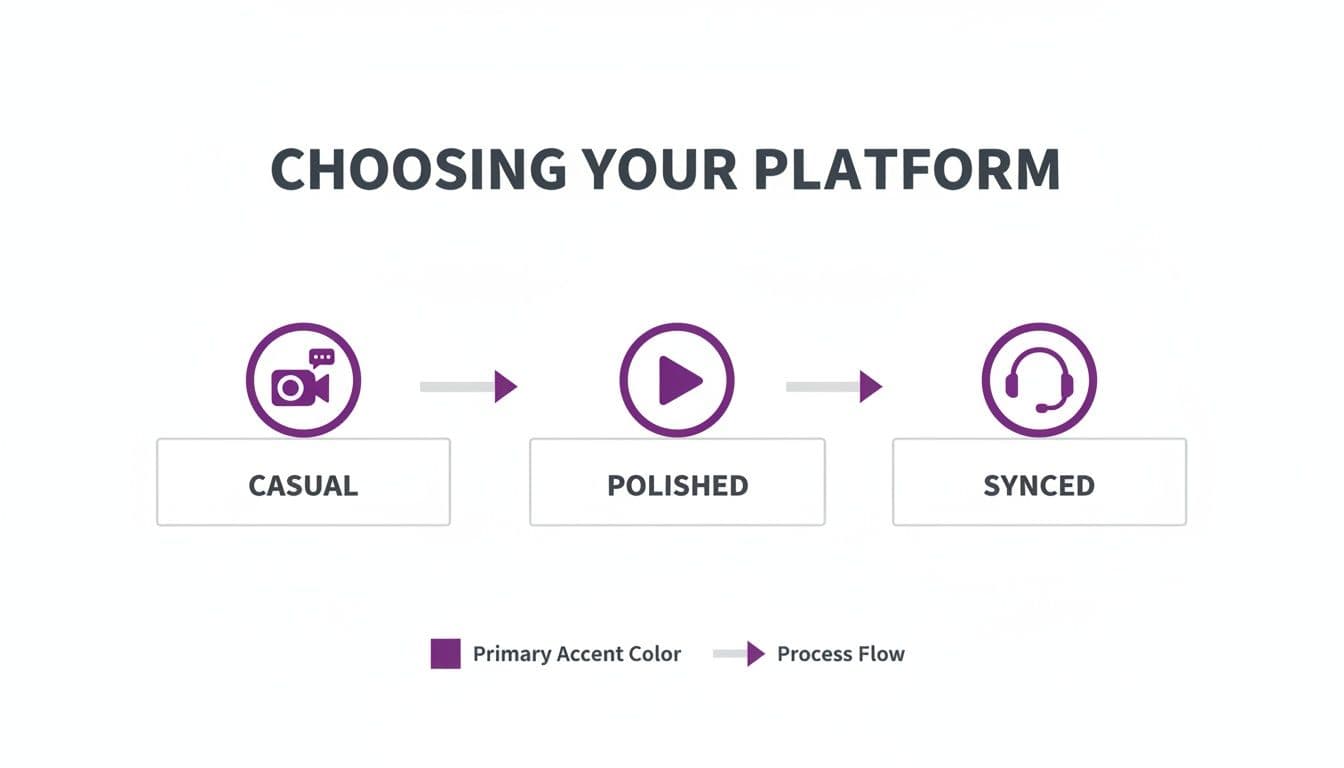
Whether you need a casual video call, a more polished stream, or a perfectly synced watch party, matching the tech to your party's needs is key.
Stabilizing Your Connection
On the video side of things, lighting is your best friend. Always try to face your main light source, whether it’s a window or a lamp. Sitting with a bright light behind you will turn you into a silhouette, and nobody wants to sing to a shadowy figure.
Finally, let’s talk about the internet. A wired ethernet connection will always be more stable and faster than Wi-Fi. If you can plug directly into your router, do it.
A stable connection is the foundation of a smooth online event. Frequent drops or lag can pull everyone out of the moment and create frustration for both the performer and the audience.
If a wired connection isn’t an option, at least try to move as close to your Wi-Fi router as possible. To avoid interruptions mid-song, it helps to do some basic troubleshooting persistent Wi-Fi disconnections beforehand.
With these tech issues sorted, you're set for a seamless show. If background noise is still a problem, you can explore some more advanced tips in our guide on how to https://www.mykaraoke.video/blog/remove-background-noise-from-audio.
How To Run Your Party Like A Pro
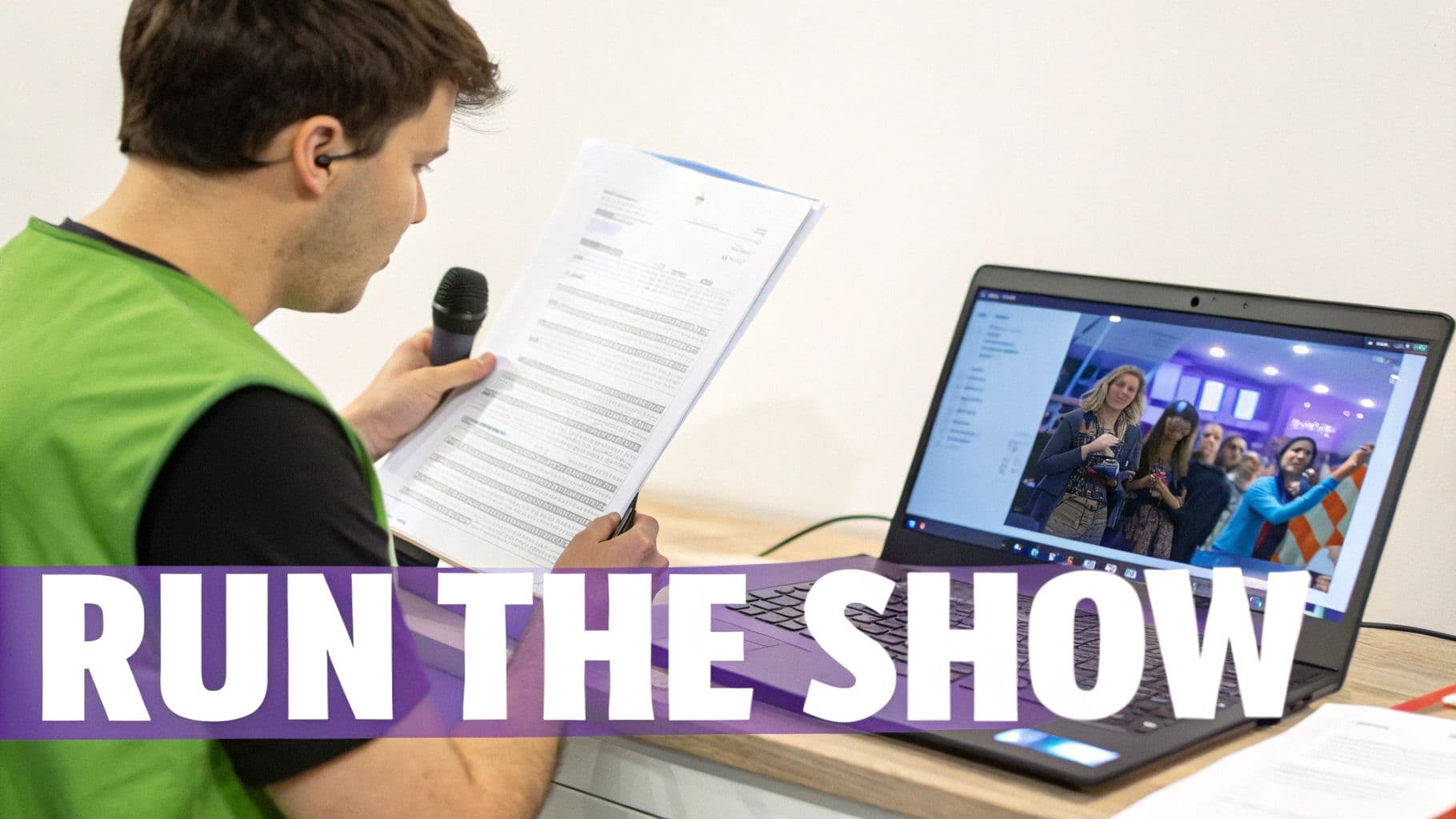
Alright, you've got the tech sorted. Now for the most important part of any get-together, virtual or not: the people. A truly legendary online karaoke night isn't just about the songs; it's about the host keeping the energy high and the party flowing. Think of yourself as the producer of a live show.
Your job is to create an atmosphere where everyone feels included, supported, and ready to belt out their favorite tunes. It’s all about managing the talent (your friends), engaging the audience, and keeping things on track. When done right, it looks completely effortless, even if you’re juggling a few things behind the scenes.
Assigning Key Party Roles
You don't have to do it all yourself! One of the best pro-tips is to deputize a few friends to help run the show. Sharing the responsibility makes it more fun for everyone and lightens your load.
Here are a couple of roles you can hand out:
- The Karaoke Jockey (KJ): This is your tech whiz. They're in charge of the playlist, cueing up the next track in MyKaraoke Video, and managing the screen share. This frees you up to actually host.
- The Master of Ceremonies (MC): This person is the heart and soul of the party. The MC introduces each singer with a ton of enthusiasm, keeps the chat buzzing between songs, and encourages everyone to smash those emoji reactions. Their energy is totally infectious.
When these roles are covered, no single person gets burned out. Plus, it gives more people a fun way to get involved beyond just singing.
A well-run online karaoke party feels organized but never rigid. The goal is to create a structure that fosters spontaneity and fun, eliminating awkward pauses and making every guest feel like a star.
Keeping The Show Moving Smoothly
We’ve all been in those video calls where an awkward silence falls, and everyone just stares at each other, wondering what's next. Let's avoid that. The secret weapon here is a simple run-sheet.
Just create a basic spreadsheet in a shared doc like Google Sheets. All you need are a couple of columns: the singer's name and their song choice. You could even add a column for a fun fact to share during their intro.
At the start of the party, just tell everyone to claim their spot by dropping their name and song in the chat. As they do, you or the KJ can quickly plug their info into the sheet. This little bit of organization works wonders—it keeps things fair, prevents chaos, and gives you a clear roadmap for the night. You'll glide from one amazing performance to the next without a single awkward moment.
Answering Your Top Online Karaoke Questions
When you're planning your first virtual karaoke night, a few questions always pop up. It's totally normal to feel a little intimidated by the tech side of things, from audio lag to managing everyone's song choices. Let's walk through the most common snags and how to handle them like a pro, so your party is a hit from the very first note.
How Can We Fix The Audio Delay Between The Music And The Singer?
Ah, audio lag. It's the classic villain of any online karaoke party. Here’s the trick that completely solves it.
The host shares their screen with the karaoke video and makes sure to share their computer's audio. The person who's up to sing needs to do one crucial thing: mute the host's audio stream on their end.
Then, the singer just plays the same song track locally on their phone with a pair of earbuds. This way, they can hear the music perfectly in time while they sing, completely side-stepping that awkward delay. Everyone else on the call hears the host's high-quality music track and the singer's voice coming through together. It's the closest you'll get to a real-life, synchronized performance.
Honestly, this little audio-splitting technique is the single most important hack for making online karaoke feel legit. It gets rid of the latency that throws singers off and gives the audience a much better show.
What’s The Easiest Way For Friends To Pick Their Songs?
A little bit of prep work here makes a world of difference. The best system I've found is to create a shared Google Sheet before the party and send the link out to all your guests. This becomes your collaborative songbook where everyone can queue up their requests in advance.
Having the list ahead of time means the host can use a tool like MyKaraoke Video to get all the lyric videos ready to go before the party even kicks off. What about those last-minute, inspired song choices? Just have people send them directly to the "KJ" (Karaoke Jockey) in a private message. Since browser-based tools are so fast, you can usually whip up a new track in a couple of minutes while the current singer is performing.
Can We Perform Duets Or Group Songs?
You absolutely can, but trying to sing live together over the internet just doesn't work. The lag will turn it into a mess. Instead, you've got a couple of great strategies for group numbers.
- The "Lead Vocalist" Method: Pick one person to be the main singer with their mic on. The other person sings their heart out on mute. For the audience, it still looks and feels like a live duet, and it's a lot of fun for the performers.
- The "Pre-Recorded World Premiere": This is my personal favorite. Have each singer record their part separately using the same backing track. The host can then quickly edit the videos together. Playing this pre-recorded masterpiece during the party always gets a huge reaction.
What Are Some Fun Themes For A Karaoke Party?
Themes are a game-changer! They get everyone more invested and make the night way more memorable. Don't forget to encourage costumes and custom virtual backgrounds to really sell it.
Here are a few ideas that always work well:
- Decade Nights: Think '80s Hair Metal, '90s Pop Hits, or 2000s Emo Anthems.
- Genre Battles: Pit Boy Bands vs. Girl Groups, Disney Classics vs. Broadway Showstoppers.
- Creative Concepts: A night of One-Hit Wonders, Guilty Pleasures, or even "Songs You Only Know From Commercials."
With MyKaraoke Video, the host can even customize the video backgrounds to match the party's theme, which is a really nice touch that ties everything together.
Ready to build the perfect, ad-free songbook for your next virtual get-together? MyKaraoke Video lets you turn any song into a professional-quality karaoke track right from your browser. Start creating your custom videos today!
