At its core, adding lyrics to a song is about taking a clean audio file and a plain text of your lyrics, then using a tool like MyKaraoke Video to sync them up. After the software does the heavy lifting, you'll spend some time fine-tuning the timing to get that polished, professional feel. It's a straightforward process that turns your music into a powerful lyric video for platforms like YouTube and Instagram.
Why Lyric Videos Are a Game-Changer for Musicians
In a world overflowing with content, just dropping a new track often isn't enough to cut through the noise. You need something that grabs people's attention, and lyric videos have become an indispensable tool for artists trying to do exactly that. They're the perfect middle ground between a simple audio upload and a full-blown music video, giving you a cost-effective way to boost engagement and help listeners connect more deeply with your songs.
Put yourself in a fan's shoes for a moment. We've all misheard a lyric or desperately wanted to sing along to a new favorite but couldn't quite catch all the words. Lyric videos eliminate that frustration. They're an open invitation for your audience to participate, making your music more accessible and, ultimately, far more memorable. That's how you build a real fanbase—one that doesn't just listen, but actively gets involved with your work.
More Than Just Words on a Screen
The magic of a great lyric video is its ability to add a visual layer to the story you're telling. This isn't just a utility; it's a creative opportunity. Learning how to add lyrics to songs well means learning how to amplify the emotion behind the music. The right font, a compelling background, and perfect timing can completely reshape how someone experiences your track.
So, what makes them such a powerful part of a modern artist's toolkit?
- Forge a Deeper Fan Connection: When someone truly understands your lyrics, they're far more likely to connect with the emotion and message you're trying to convey.
- Boost Your Watch Time: A screen with moving, synchronized text will hold a viewer's attention much longer than a static album cover. For platforms like YouTube, that extended watch time is pure gold.
- Fuel Social Sharing: A visually striking lyric video is incredibly shareable. It becomes a mini-promo that your fans are excited to post on their own social media feeds.
- Improve SEO and Discoverability: People are constantly searching for lyrics. When they search for yours, your official lyric video can be the first thing they find, funneling traffic and new subscribers directly to your channel.
The real objective here is to create an immersive experience that pulls people in. A dynamic lyric video does more than just satisfy a search query; it reinforces your artistic vision and helps turn casual listeners into dedicated followers.
Prepping Your Audio and Lyrics for a Smooth Workflow
Before you jump into syncing lyrics, a little prep work will save you a world of frustration later. Trust me on this one. Think of it like a chef's mise en place—getting everything organized first makes the creative part a breeze. For us, that means having a pristine audio track and an accurate lyric file ready to go.
Get Your Audio in Order
First up, the audio. Quality really matters here. While a standard MP3 is super convenient and works for most projects, if you're aiming for top-notch results, go with a WAV file. It's an uncompressed, high-fidelity format, which means you won't have any weird audio artifacts mucking up your timing when you get to syncing.
Does your track have a bit of a hum or some background hiss? Now's the time to fix it. A clean audio file is the bedrock of a professional video. If you're not sure where to start, you can learn how to remove background noise from audio before moving on.
Audio File Format Comparison for Lyric Videos
Choosing the right file type is all about balancing quality against file size. It really depends on what you're making. This quick table breaks down the most common formats I see people use.
| Format | Best For | Pros | Cons |
|---|---|---|---|
| MP3 | Quick projects and easy sharing | Small file size, universal compatibility | Lossy compression, lower audio quality |
| WAV | Professional-quality videos | Lossless, highest audio fidelity | Very large file size, slower uploads |
| AAC | Good balance of quality and size | Better quality than MP3 at same bitrate | Not as universally supported as MP3 |
| FLAC | Archival and high-end projects | Lossless quality, smaller than WAV | Not all editors support it natively |
For most online videos, an MP3 or AAC is perfectly fine. But if I’m working on something for a client or a portfolio piece, I always start with a WAV.
Crafting the Perfect Lyric File
With your audio sorted, it's time to tackle the lyrics. Let me be blunt: accuracy is non-negotiable. Typos, missed words, or even just weird line breaks will immediately scream "amateur" and can completely mess up the syncing process, especially if you're using an auto-sync tool.
I always prepare my lyrics in a simple plain text file (.txt). This gets rid of any wonky formatting from programs like Word or Google Docs that can cause import errors.
Here's my simple checklist for the text file:
- One Phrase, One Line: Each line in your file should be a single sung phrase. Don't clump everything into a paragraph.
- Listen and Read: Play the song and read your lyrics aloud. This is the fastest way to catch mistakes you might otherwise miss.
- Label Sections: This is optional but a huge help for organization. I like to add tags like
[Verse 1]or[Chorus]so I know where I am at a glance.
This attention to detail has become more critical than ever. The global music industry is projected to hit $29.6 billion in 2024, and a huge part of that is driven by streaming platforms that are pushing synchronized lyrics to keep users engaged. High-quality lyric videos are no longer a novelty; they're an expectation.
Honestly, getting your audio and lyrics right from the very beginning is the most important thing you can do. A clean track and a perfect text file are the foundation for a polished, professional-looking lyric video and a frustration-free creative process.
Bringing It All Together: Automated Lyric Syncing
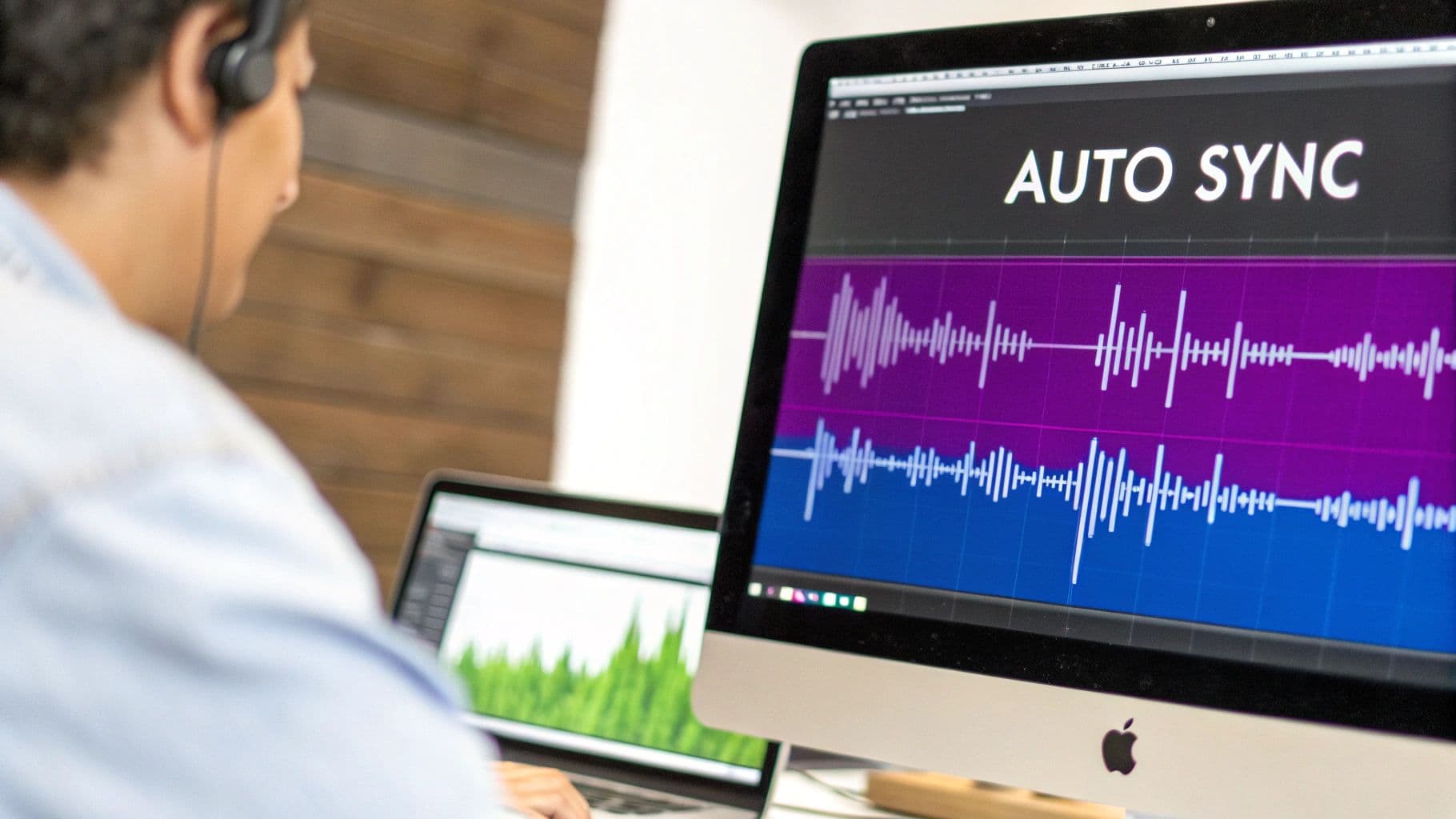
This is where all that prep work really starts to shine. You’ve got your pristine audio file and your perfectly formatted lyric text ready to go. Now, it's time to marry them together. In the past, this meant manually timing every single line—a painstaking process that could easily eat up an entire afternoon. Thankfully, modern tools have completely changed the game.
Using a platform like MyKaraoke Video makes this part almost effortless. You just upload your song and paste your lyrics into the editor. From there, the real magic begins.
Let the AI Do the Heavy Lifting
Once your files are loaded, you'll see the option for the AI-powered auto-sync. This isn't just a simple text-placing tool. It's a smart system that actually listens to your music, analyzing the audio waveform to pinpoint vocal patterns and timing. It then intelligently matches each line of your lyric text to the right spot in the song, creating timestamps for you.
Think about a song with a really rapid-fire chorus or a tricky bridge. Trying to sync that word-by-word would be a nightmare. The auto-sync feature, on the other hand, knocks this out in seconds, delivering a foundation that's often 90% accurate on the very first pass. Your role instantly shifts from tedious grunt work to simply making a few final tweaks.
For a more in-depth look at how this works behind the scenes, you can check out our guide on using an AI lyric video generator.
Why Auto-Sync is Such a Big Deal
The bottom line is that automated syncing slashes your production time. A task that used to take hours can now be done in minutes, which frees you up to focus on what really matters—the creative side of your video.
Here’s what you gain:
- Speed: You get a fully functional draft of your lyric video almost instantly.
- Accuracy: The AI provides an incredibly precise starting point, so you're not building from scratch.
- Creativity: You can spend your energy on styling, backgrounds, and fine-tuning the feel of the video instead of getting bogged down in repetitive tasks.
Modern Text To Video tools have completely simplified this process, turning a major technical hurdle into a simple click of a button.
By letting the technology handle the most time-consuming part of the job, you’re essentially giving yourself a massive head start. This means you can produce more high-quality lyric videos, more consistently. You end up with a perfectly synced foundation that's ready for your final, professional polish.
Fine-Tuning Your Timing for a Professional Touch
Auto-syncing does an amazing job getting you 90% of the way there, but that last 10% is where the real magic happens. This is the fine-tuning stage, and it’s what separates a decent lyric video from one that feels genuinely professional and captivating.
Think of the auto-sync as a rough sketch. It gets the basic shapes and timing down, but it’s up to you to add the detail and nuance. This is especially true for songs with tricky rhythms, rapid-fire rap verses, or emotional passages where a singer might hold a note just a little longer. An algorithm can struggle with these subtleties, but a quick manual touch-up can fix them in seconds.
Getting Hands-On with the Visual Timeline
This is where you’ll spend most of your time tweaking. In a tool like MyKaraoke Video, the visual timeline is your playground. It lays out the song’s audio waveform and places draggable blocks for each lyric line right on top of it. You can literally see the sound and the words at the same time.
Your job is to listen closely and watch the playback. Does a word appear a fraction of a second too soon? Just grab the edge of its block and drag it to line up perfectly with the audio waveform. This intuitive, hands-on control is what makes achieving that seamless, polished look so easy.
Common Tweaks for Perfect Syncing
Once you get into the groove, you'll notice you're making the same few types of adjustments over and over. Getting good at these will make your videos look incredible.
- Nudging Lines: This is your most common move. You’ll be shifting lines forward or back by tiny increments to lock them into the singer’s exact timing. It's a small change with a massive impact on the feel.
- Splitting Long Lines: Sometimes a singer will deliver a long sentence with a distinct pause in the middle. The AI might treat this as one block, but splitting it into two makes it much easier for the viewer to follow along.
- Merging Short Phrases: The opposite can also happen. The sync might break up two short, connected words (like "I am") into separate blocks. Merging them back into one makes the flow feel much more natural.
The goal is simple: make the lyrics feel completely connected to the music. Every tiny adjustment you make should serve this purpose, ensuring the words on screen are a perfect match for what you hear.
A pro tip is to learn the keyboard shortcuts. Using your arrow keys for micro-adjustments or a hotkey to split a line can seriously speed up your workflow. Spending less time clicking around means you can focus more on the creative feel of the video. It’s this attention to detail that really makes your work stand out.
Crafting a Compelling Visual Experience
Getting your lyrics perfectly timed is just half the battle. What really makes a lyric video stand out and feel professional is the visual design. Think of the background, fonts, and colors as your toolkit for amplifying the song’s emotional core. This is where you transform simple text on a screen into a truly immersive experience for your audience.
The background you choose sets the entire mood. For an intimate, emotional track, a simple, dark solid color often works best—it keeps the focus entirely on the words. But if you're working with an upbeat pop song, you might go for a vibrant, looping video or a bold static image to match that high energy. The trick is to find something that complements the music without distracting from the lyrics.
Aligning Style With Your Song's Genre
Your visual style should feel like a natural extension of the music. You wouldn't use a delicate, cursive font for a heavy metal anthem, right? The visuals need to make sense. A gritty rock song, for example, pairs well with bold, textured fonts and darker backgrounds. A soft acoustic ballad, on the other hand, calls for elegant, clean typography and something visually gentler.
Here are a few starting points based on genre:
- Pop Music: Think bright colors, modern sans-serif fonts, and dynamic backgrounds that feel energetic.
- Rock and Metal: Experiment with distressed textures, bold serif or even gothic-style fonts, and moody, atmospheric imagery.
- Folk and Acoustic: Lean into earthy tones, classic serif fonts, and natural backgrounds like landscapes or simple, organic textures.
- Hip-Hop: Go for strong, impactful typography. Urban-themed visuals or even high-contrast, minimalist designs work great here.
Your goal is to create a visual identity that feels intentional and deeply connected to the song. Every design choice, from the font weight to the background motion, should serve the music and enhance the story you’re telling.
Making Text Both Readable and Stylish
Choosing a font is a classic balancing act between artistic flair and pure readability. A wild, decorative font might look cool, but if people can't actually read the words as they sing along, you've missed the mark.
Always aim for high contrast between your text and background. White text on a dark background (or the reverse) is a can't-miss combo that ensures your lyrics pop off the screen. Tools like MyKaraoke Video give you a ton of fonts and color palettes to play with, so you can find the perfect match without much guesswork.
If you want to take things a step further, check out our guide on creating animated text for videos. Adding subtle movement can bring a whole new layer of life to your project.
As digital music consumption grows—it's now an $8.7 billion market in the U.S. alone—features like embedded lyrics have become key for keeping listeners engaged. To make your videos even more shareable, you can pull out key phrases and find ideas for impactful song lyric quotes that really connect with fans. For a deeper dive into the music publishing industry's growth, ibisworld.com has some great insights.
Bringing Your Lyric Video to Life: Exporting and Sharing
Alright, you’ve put in the work. The lyrics are synced, the timing is perfect, and the design looks sharp. Now for the final, crucial step: getting your video out of the editor and into the hands (and screens) of your audience. This isn't just about clicking a button; it's about making sure all your hard work translates into a high-quality video that people can easily find and enjoy.
In a tool like MyKaraoke Video, the export process is pretty user-friendly. Think of it as the final mastering stage. The goal is to produce a file that’s crisp on a big 4K TV but still plays smoothly on a phone.
Nailing the Export Settings
Getting your export settings right is non-negotiable. One wrong choice here, and you could end up with a pixelated mess that completely undermines all your effort. For web video, MP4 is almost always the way to go—it’s the universal standard for a reason, offering a great balance between quality and file size.
Here's a breakdown of the settings that really matter:
- Resolution: For platforms like YouTube, 1080p (1920x1080) is the gold standard. It looks fantastic and is what most viewers expect. If you’ve been working with super high-res assets and want to future-proof your video, exporting in 4K is a solid move, just be prepared for a much larger file and longer upload time.
- Frame Rate: You can't go wrong with 30 frames per second (fps). It's the standard for most online video and delivers that smooth playback we're all used to.
- Bitrate: This one can get technical, but thankfully, most modern tools handle it for you. A higher bitrate equals better quality but a bigger file. My advice? Stick with the default or "auto" setting unless you have a specific reason to change it.
Before you hit that final "Export" button, do one last full playthrough. Seriously. It’s amazing what you’ll catch on a final review—a tiny typo, a slightly off-sync word. It’s a five-minute check that can save you an hour of re-rendering.
Getting Your Video Seen
Once that shiny new MP4 file is sitting on your desktop, it's showtime. But just dumping it on YouTube with a generic filename is a recipe for getting zero views. How you package it for the platform is just as important as how you created it.
Think like someone searching for your song. Your title should be clear and informative: Artist Name - Song Title (Official Lyric Video). This format is instantly recognizable and search-friendly.
In the video description, paste the full lyrics. It’s great for SEO and for viewers who want to copy them. Also, drop in links to your Spotify, Apple Music, and social media profiles. Make it easy for people who like the song to find you elsewhere.
Finally, don't skimp on the tags. Use the artist name, song title, album name, genre, and keywords like "lyric video," "lyrics," and "karaoke." This is how you tell the platform's algorithm exactly who should see your video.
Got Questions? Let's Talk Lyric Videos
I get asked a lot about the nitty-gritty of making lyric videos, so let's tackle a few of the big ones.
A classic question is the "chicken or the egg" of songwriting: lyrics or music first? Honestly, there's no right answer. I've seen incredible songs come from both directions. Some artists are natural storytellers who pen the lyrics first, building the musical world around their words. Others start with a killer riff or a haunting melody and let the music dictate the lyrical mood. It really just comes down to your personal workflow.
Another thing that comes up constantly is getting your lyrics onto platforms like Spotify. This isn't automatic; you have to take an extra step. You'll need to go through a service like Musixmatch, get your artist profile verified, and then submit and sync your lyrics there. It's a must-do if you want to give your listeners that polished, interactive experience.
And, of course, the big legal question: can you make a lyric video for a cover song? This is a huge one. If you're using a song you didn't write, you absolutely need a synchronization license from the publisher who owns the rights. Simply buying the song or crediting the artist isn't enough. Skipping this step can lead to copyright strikes and your video getting pulled down, so it's not worth the risk.
Ready to turn your songs into professional-looking lyric videos? MyKaraoke Video makes it easy with smart AI syncing and a ton of cool customization features. You can get a project started in minutes. Check it out at https://www.mykaraoke.video.