Ready to turn your living room into the ultimate karaoke stage? It’s easier than you think. At its heart, a great home karaoke experience boils down to just four things: a microphone, a screen for lyrics, a sound system, and a source for your backing tracks, like YouTube or a dedicated app.
Building Your Perfect Home Karaoke Setup
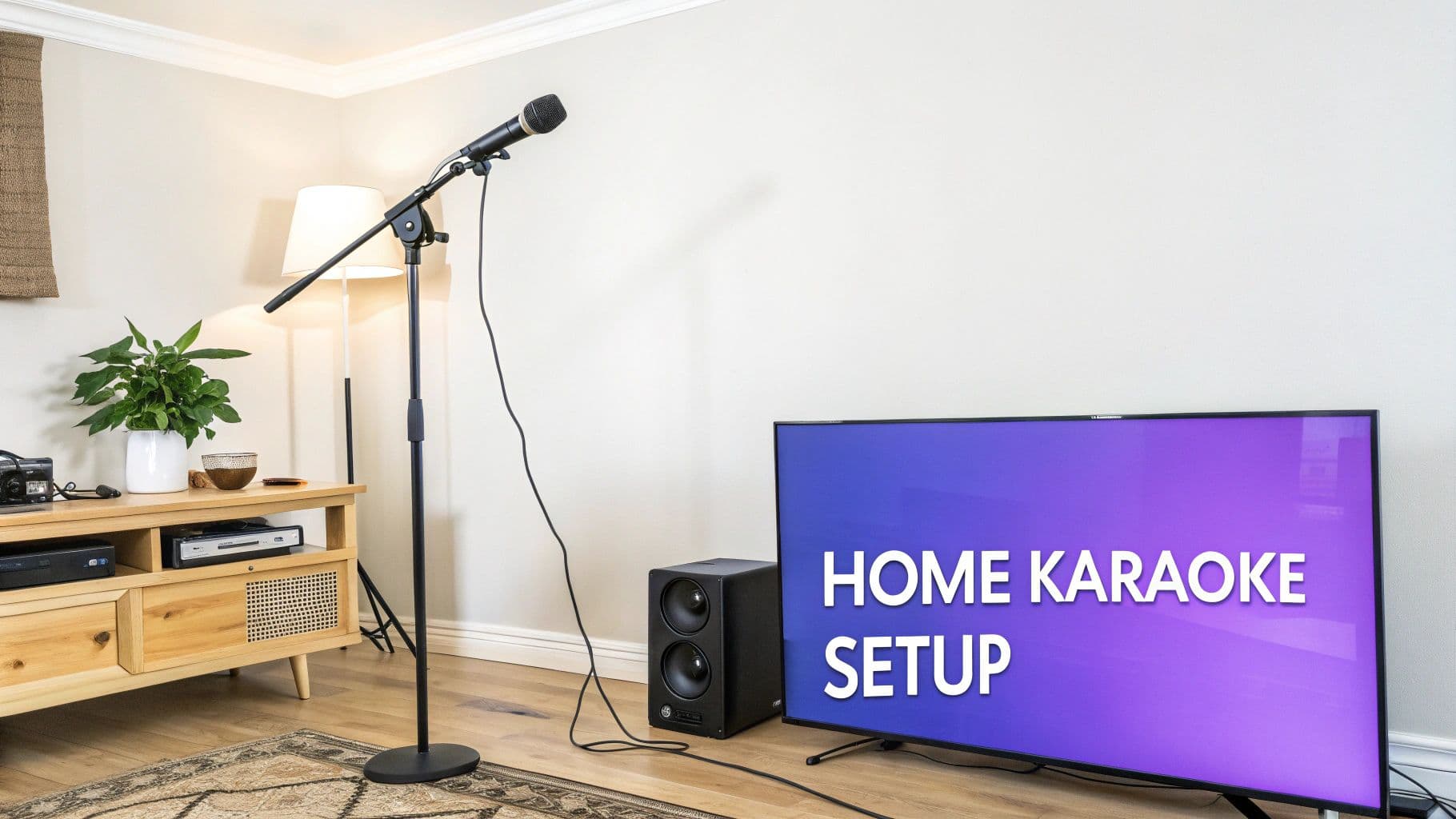
Before you can hit those high notes, let's get your gear sorted. The best part about setting up karaoke at home is the flexibility. You can cobble together a great system with stuff you probably already own or go all-out with a more dedicated rig. The main goal is to make it fun and easy to use.
Home karaoke is bigger than ever. The global market pulled in around USD 5.4 billion in 2023 and is expected to hit USD 6.8 billion by 2032. Much of that growth is thanks to portable, easy-to-use devices that make singing at home a breeze.
The Core Components You Can't Skip
No matter how simple or complex your setup is, you’ll need these key pieces to get the party started. Think of them as the must-haves for any good sing-along.
- Microphones: A decent mic is non-negotiable. You can go wired for a foolproof connection or wireless to nail those stage moves. A simple USB mic plugged into your laptop is a perfect, no-fuss way to begin.
- Lyric Display: Any screen works! A smart TV is ideal for a crowd, but a laptop, tablet, or even a projector gets the job done just fine.
- Sound System: Your TV speakers will work in a pinch, but you’ll get a much richer sound from a dedicated soundbar or a good Bluetooth speaker. It makes the music—and your voice—sound way better.
The most common mistake I see is overlooking the audio connection. A wired connection from your mic to your speaker (often through a small mixer) will almost always eliminate the frustrating audio lag that plagues many Bluetooth-only setups.
Picking Your Gear: From Casual to Pro
So, how do you decide what to get? Your budget and how much you want to tinker with the tech will point you in the right direction. A modern, minimalist setup might just be a smart TV, a karaoke app, and a Bluetooth mic. Easy.
For anyone craving better sound quality, adding a small audio mixer is a game-changer. It lets you balance your vocals with the music for that polished, professional feel.
To make things clearer, let's break down a few common approaches.
Home Karaoke Setup Options At a Glance
Here’s a quick comparison of three common home karaoke setups, from budget-friendly to advanced, to help you find the right gear for your party needs.
| Setup Level | Key Components | Best For |
|---|---|---|
| Budget-Friendly | Smart TV with YouTube, Bluetooth microphone | Casual singers, impromptu parties, and anyone on a tight budget. |
| Mid-Range | Laptop, external speaker, USB microphone, small audio mixer | Aspiring singers who want better sound control without breaking the bank. |
| Advanced | Dedicated karaoke machine, PA speakers, wireless mics, mixer with effects | Karaoke enthusiasts, frequent hosts, and those aiming for a pro-level experience. |
Ultimately, the best setup is the one that gets you singing. Whether you're just starting out or ready to upgrade, there's a perfect combination of gear out there for you. If you're serious about creating a top-tier system, check out our in-depth look at the best professional karaoke equipment.
Finding the Best Karaoke Apps and Song Libraries
You've got the hardware sorted out, which is great, but the real soul of any karaoke night is the song library. The right software is what transforms your living room into a stage, giving you access to everything from timeless classics to the latest chart-toppers. Thankfully, when it comes to doing karaoke at home, you've got more options than ever before.
YouTube is probably the first place most people look. It’s free, and you can find a seemingly endless supply of karaoke tracks uploaded by users. The catch? Quality is a total crapshoot. You might find a gem, or you might get a track with muddy audio and lyrics that are wildly out of sync. It’s fine in a pinch, but for a party where you want things to run smoothly, dedicated apps are the way to go.
Comparing Dedicated Karaoke Platforms
Platforms built specifically for karaoke, like Karafun and Smule, offer a much more polished experience. They give you curated libraries of high-quality, fully licensed songs with spot-on lyrics, usually for a monthly subscription. This shift towards premium home entertainment makes sense; consumer spending in this area hit around USD 25.4 billion in the first half of 2024 alone, a massive 22% jump from the previous year.
So, what are the big players?
- Karafun: This is my go-to for parties. It has a massive, constantly updated library and a really professional interface. Best of all, you can save songs for offline use, which has been a lifesaver at get-togethers where the Wi-Fi was flaky.
- Smule: This one puts a social spin on things, letting you sing duets with friends or even people across the globe. It's more of a community platform, which is fantastic for practicing on your own, but maybe not the best fit for a group party vibe.
- Let's Sing: If you've got a gaming console, options like this series turn karaoke into a fun competition with scoring systems. It adds a whole new dynamic to the night.
The best choice really comes down to what you're looking for. If you're hosting parties, a subscription to a service like Karafun is worth every penny for the reliability and sheer volume of great tracks. For a deeper dive, our guide to good karaoke programs breaks it down even further.
Don't forget you can also build your own custom library. Exploring the best free music download apps is a great way to find instrumental versions of your favorite songs. I always recommend putting together a few playlists ahead of time—it keeps the energy up and ensures there's something for everyone to sing.
Getting Everything Hooked Up
Alright, you’ve got your gear and a killer playlist. Now for the part that trips a lot of people up: plugging it all in. Don't worry, it's simpler than it looks. The basic idea is to get your voice (from the mic) and your music (from your laptop or phone) to come out of the same speakers, all while the lyrics pop up on your TV.
Think of it like this: you could have your microphone running into a small mixer, and your laptop—running a karaoke app—plugged into that same mixer. Then, one cable sends that combined sound out to your speaker. At the same time, an HDMI cable from your laptop to your TV handles the video, so everyone can see the words. It's all about managing the audio and video paths.
Before you even plug in a single cable, you need your songs. As this little graphic shows, your music can come from all over the place these days.
Whether you're pulling from YouTube, a dedicated app, or a game console, you'll need to figure out how to route that sound and video into your setup.
The #1 Karaoke Killer: Audio Lag
If there’s one technical gremlin that will absolutely ruin your karaoke night, it’s audio latency. That’s the maddening delay between the moment you sing and when you actually hear your voice coming out of the speakers. It’s incredibly disorienting, and 99% of the time, the culprit is Bluetooth.
Bluetooth is fantastic for just listening to music, but that tiny, imperceptible processing delay becomes a nightmare when you're trying to sing along. It throws your timing completely off.
Pro Tip: Wires are your best friend. To kill latency, your voice needs to travel through a physical cable, not through the air.
This means plugging your microphone directly into your mixer or speaker with a proper cable. Same goes for your music source—connect your laptop or tablet to the speaker with an AUX or RCA cable. Ditch the Bluetooth for anything related to your live voice.
Picking the Right Plugs and Cables
Knowing your cables will save you a world of headaches. You really only need to know a few key types for a solid home karaoke rig.
- HDMI: Your go-to for video. This is what you'll use to get the picture from your laptop, streaming stick, or gaming console onto your TV screen. The best part? It carries audio, too.
- Wired Mics (XLR or 1/4" jack): These are the classic, reliable microphone cables. They provide a super clean, lag-free signal straight into your sound system. There's a reason the pros use them.
- AUX (3.5mm): You know this one—it’s the standard headphone jack. It's the simplest way to get audio from your phone, tablet, or laptop into a speaker or mixer.
By sticking with wired connections for your audio, you guarantee that what you sing is what you hear, instantly. Once it's all set up, the tech just melts into the background, letting you and your guests focus on belting out those tunes.
It's All About the Vibe: Throwing an Unforgettable Karaoke Party
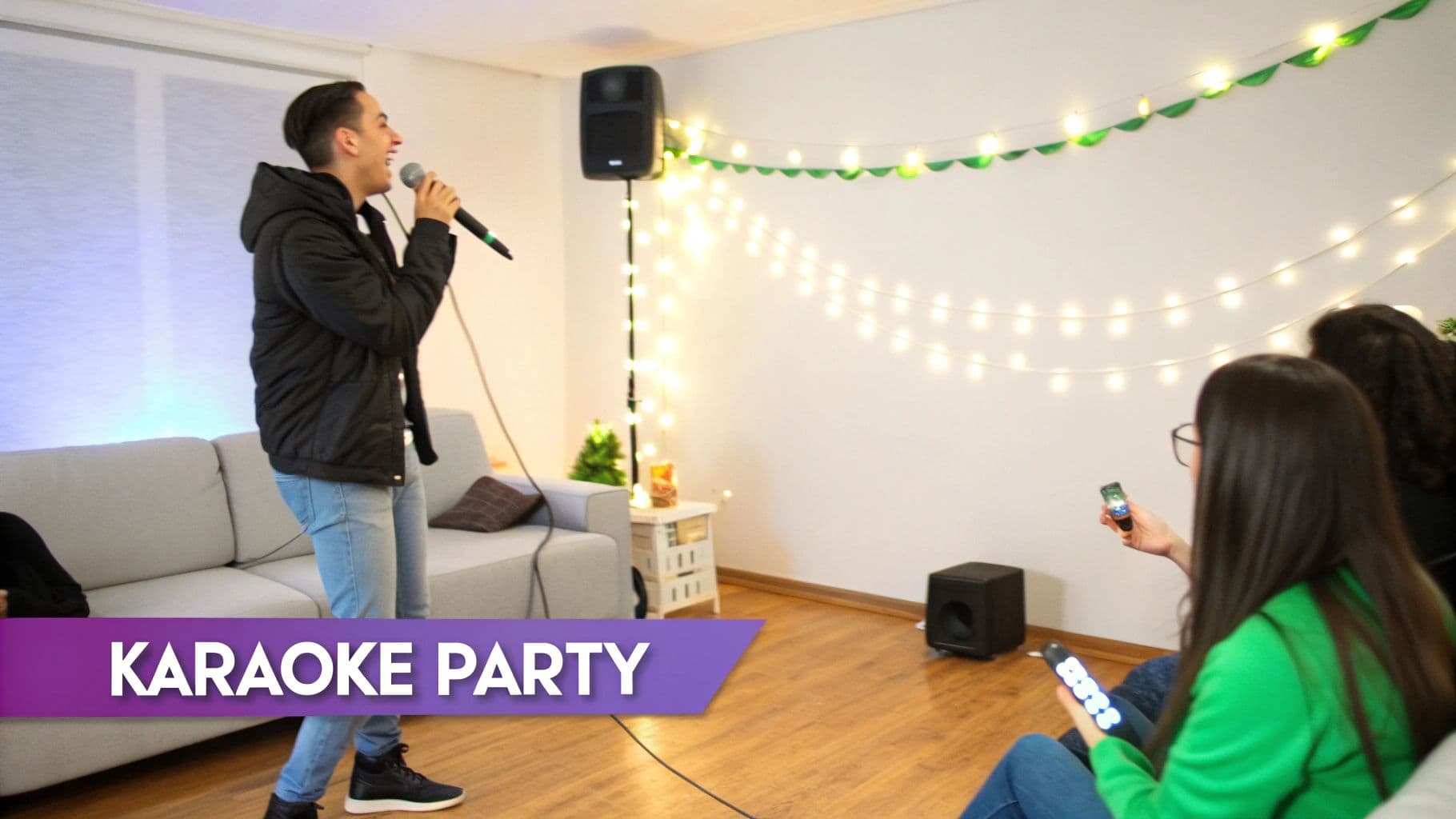
Okay, so your tech is all set up. That's the foundation, but it's not the fun part. The real secret to an amazing karaoke night is the atmosphere you build around the music. It’s what transforms your living room into a buzzing stage and makes everyone—from the shower-singing star to the nervous first-timer—feel like a part of the show.
And people are definitely looking for this kind of fun at home. The in-home karaoke market was already valued at USD 2.5 billion in 2023 and is on track to reach a whopping USD 4.3 billion by 2032. It's clear that creating social, entertaining experiences right where you live is a big deal.
Set the Stage for Stardom
Lighting is your best friend here. You don't need a concert-level setup to completely change the feel of a room. Just dimming the main lights and adding a splash of color instantly shifts the mood from "hanging out" to "showtime."
A few simple tricks can make all the difference:
- Smart Bulbs: These are fantastic. You can set them to cycle through different colors or even sync up with the beat of the music for a really dynamic feel.
- String Lights: Never underestimate the power of fairy lights or simple LED strips. They add a warm, festive glow that just feels special.
- Corner Lamps: For a real club-like atmosphere, a dedicated lamp like the Radiance Floor Corner Lamp with RGBW Lighting can wash a whole corner of the room in vibrant, changing colors.
Think about the physical space, too. Just creating a designated "stage" area—even if it's just a corner of the room—facing a comfy seating arrangement for the "audience" works wonders. It gives the performer a focal point and makes the whole thing feel more like a real event.
Here's a pro tip I swear by: get a prop box. Seriously. A cheap bin filled with silly hats, inflatable guitars, and giant sunglasses is the ultimate icebreaker. It’s amazing how a pair of goofy glasses can bring even the shyest singer out of their shell.
Finally, keep the energy from dipping by managing the song queue. A simple notepad or a shared digital list works perfectly. It avoids those awkward "who's next?" pauses and makes sure everyone who wants a turn gets one. If you need more inspiration, we've got a ton of fun ideas for a karaoke party that will help you nail every detail.
Pro Tips for a Showstopping Karaoke Performance
https://www.youtube.com/embed/XGirACdmiLM
Alright, you've got all the gear hooked up and the tech is dialed in. Now for the fun part: grabbing that mic. If you're feeling a bit of stage fright, don't worry—that's totally normal. A few simple tricks can help you channel that nervous energy into a performance that makes your home karaoke night legendary.
Remember, the goal here isn't to sound like a Grammy-winning artist. It’s all about letting loose and having a good time. Honestly, the most magnetic performances come from people who are clearly enjoying themselves. Before you even think about hitting a single note, choose a song you absolutely love and know by heart. That connection to the music is your secret weapon for a confident delivery.
Nail Your Microphone Technique
This might sound basic, but how you hold the microphone can make or break your sound. If you hold it too close, you'll get a muffled, boomy distortion. Hold it too far away, and your voice will sound thin and get lost in the mix.
The sweet spot is usually two to three inches from your mouth. Think of it as a dance—pull it back a bit when you're about to belt out a powerful chorus to avoid overwhelming the speakers, and bring it in a little closer for those soft, intimate verses. It's a small adjustment that makes a huge difference.
Warm Up Your Voice
You wouldn't sprint without stretching, right? Singing is the same. You don't need a professional vocal coaching session, just a few minutes to get your vocal cords ready.
- Gentle Hums: Humming a simple "do-re-mi" scale up and down is an easy way to get your vocal cords vibrating without straining them.
- Lip Trills: This is the "lip bubble" or "motorboat" sound. It's fantastic for relaxing your facial muscles and practicing breath control.
- Tongue Twisters: Firing off a few classics like "she sells seashells" sharpens your diction, ensuring your lyrics cut through loud and clear.
Look, here's the most important tip I can give you: don't take it too seriously. Connect with your audience, even if it’s just your family on the couch. Smile, make eye contact, and let your personality take over. The performances people remember aren't about vocal perfection; they're about pure, unadulterated joy.
Your Top Home Karaoke Questions, Answered
Even with the best setup, a few questions always pop up when you're getting your home karaoke rig running. Don't sweat it—most of these little hiccups have surprisingly simple solutions. I've pulled together the most common snags people hit, so you can solve them fast and keep the music playing.
Can I Really Just Use My Smart TV and a Phone?
You absolutely can. In fact, this is the fastest way to dive into a karaoke session. Just fire up the YouTube app on your smart TV and search for "[Song Name] karaoke version." You’ll find a massive library of tracks with on-screen lyrics ready to go.
For your vocals, a basic Bluetooth microphone that pairs directly with your TV is a great starting point. If your TV is a bit picky about microphone inputs, a small external Bluetooth receiver can bridge the gap. Be warned, though—this simple approach can sometimes introduce a bit of audio delay, but for a spontaneous sing-along, it’s tough to beat.
How Do I Kill That Awful Audio Lag?
Ah, audio latency. It's the ultimate party-killer. That noticeable delay between when you sing and when you hear your voice is almost always the fault of Bluetooth. The most straightforward and effective solution? Go wired whenever you can.
Plug your microphone directly into your speaker or a small mixer with a good old-fashioned cable. Likewise, run an HDMI or optical cable from your TV or laptop to your sound system for the music. Ditching wireless for your audio source and your mic is the key.
My rule of thumb for perfect, delay-free audio is this: if it involves your live voice, connect it with a wire. This one change fixes nearly all frustrating sound delays, making sure what you sing is what everyone hears, instantly.
What’s the Best Source for a Huge Song Library?
When you need a deep, reliable catalog of songs, a subscription service is your best bet.
- Dedicated Karaoke Apps: You can't go wrong with services like Karafun or Smule. For a small monthly fee, you get access to tens of thousands of licensed, high-quality karaoke tracks that are constantly updated with the latest hits.
- Good Ol' YouTube: This is, without a doubt, the best free option available. The selection is practically infinite. While the quality can be a mixed bag, its sheer variety is unbeatable. Pro tip: build a few playlists before your party starts to keep the flow going and the energy up.
Ready to make your own pro-level karaoke videos without all the grunt work? MyKaraoke Video uses some seriously smart AI to sync lyrics to any song automatically. You can churn out amazing 1080p videos in just a few minutes. Forget the tedious manual editing and start creating your custom tracks at https://www.mykaraoke.video.