
You've got the track, you've found the lyrics, and the video looks fine in the editor. Then you play it back on your phone and the words land late, the chorus gets crowded, and the highlight disappears against a bright background. That's the gap you hit when you make a karaoke video online. The fix isn't more effects. It's treating planning, sync, readability, and export as separate checks you control from the start.
Plan Your Browser-Based Karaoke Project
A musician preparing a weekly upload for a karaoke channel rarely fails because they picked the wrong font. They lose time because they styled the whole song before noticing they were using a live version of the audio with an extra chorus, or because the finished horizontal master couldn't be cropped cleanly for a vertical clip. Write the brief before you open the editor.
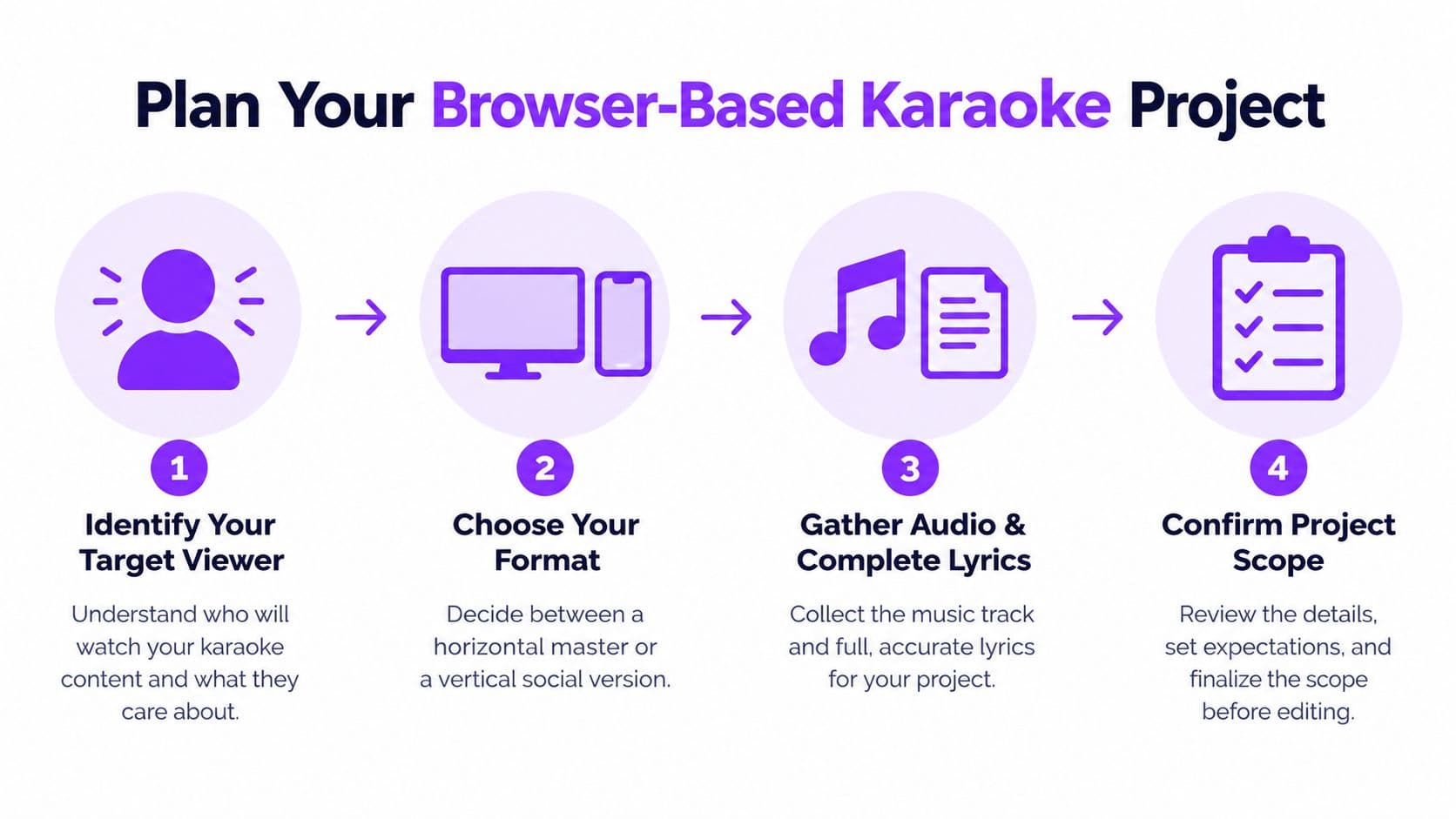
Start with the viewer and the job. A track for personal practice can keep a guide vocal low in the mix. An event file needs text readable across a room. A promotional clip needs the hook identified early, even if the full song is your main deliverable.
Lock the Decisions That Cause Rework
- Primary format: Choose 16:9 for the full-song master, 9:16 only for deliberate social cuts.
- Source audio: Confirm the exact recording, intro length, and whether it has backing tracks or leads with vocals.
- Lyrics and language: Gather the complete text, including repeated hooks and any translated variant you plan to offer.
- Viewing context: Note the destination platform, screen size, and whether viewers will sing, watch, or both.
That combination of backing tracks, timed words, and imagery isn't new. Laser-disc karaoke systems introduced in 1982 combined instrumental music, video scenes, and on-screen lyrics, which is why those three elements still need to be planned together rather than assembled at the end.
Upload Audio and Prepare Lyrics
Upload the audio first and listen to the beginning, one chorus, and the final section before you paste anything. You're confirming it's the right version, not a radio edit, live take, or extended mix with different phrasing. If your file is in a format your browser editor won't accept, an audio converter tool can help you create a compatible copy before you build timing around the wrong source.
The editor view below shows the point where source and text first meet, and it's where most avoidable sync errors are either prevented or baked in.
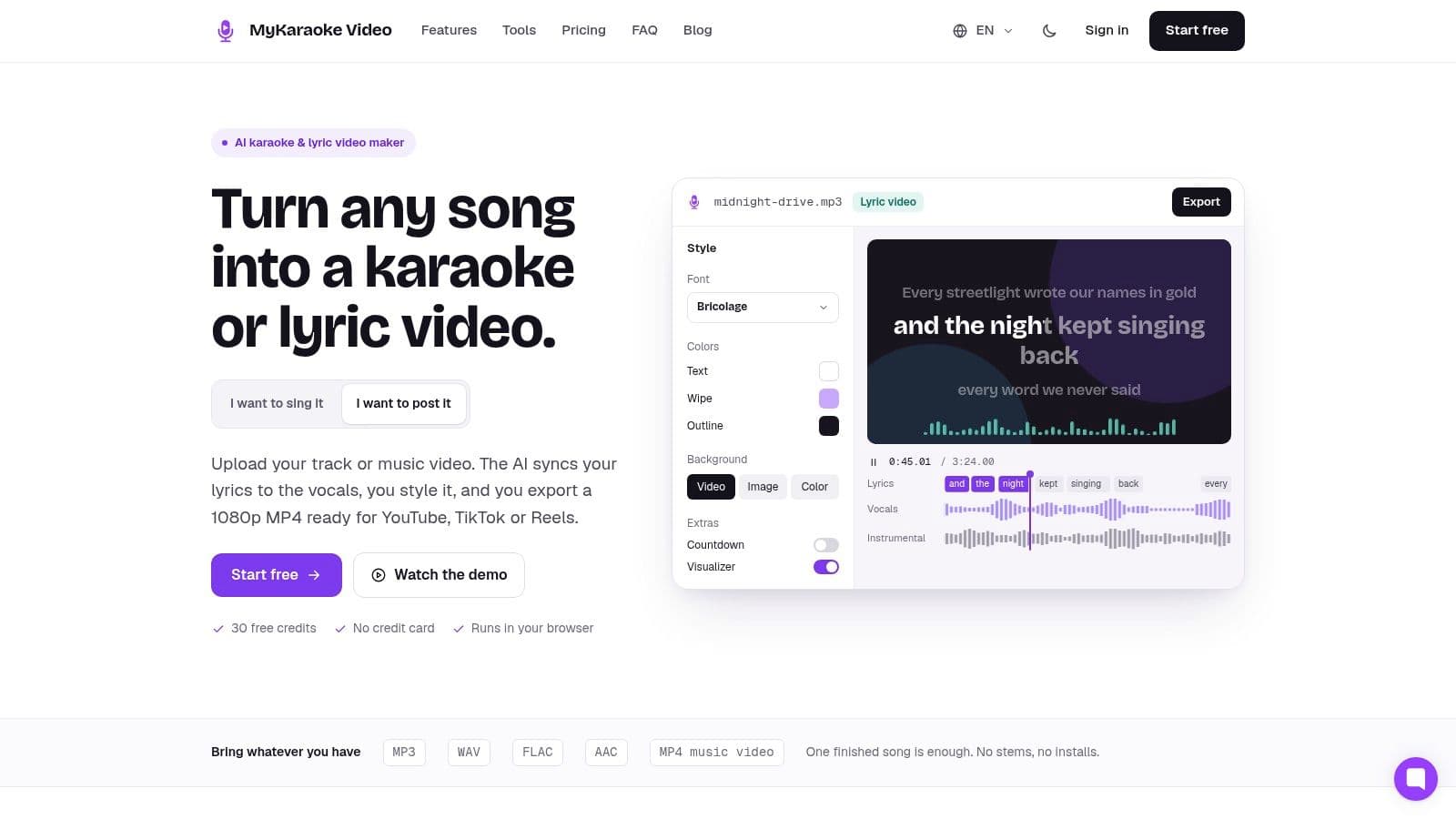
Paste lyrics that match this recording word for word. Write out every repeated chorus instead of adding a repeat note. Remove titles, credits, timestamps, and section labels the singer doesn't need, unless you want a discreet verse cue kept separate from the singable lines.
Clean the Text Before Alignment
Break long sentences into short, singable phrases at natural breaths. Fix duplicated words, missing pickups, stray punctuation, and regional spelling now, while you're reading rather than chasing a moving highlight. If a backing vocal matters for timing, decide whether it gets its own line or stays out, then stay consistent.
Practical rule: If a line doesn't match what the singer actually hears, no alignment tool can make it feel right on screen.
Set the canvas and note the source frame rate, but resist decorative styling until the words are stable. A plain, correctly structured lyric file gives automatic sync a fair chance. If you need the upload mechanics in more detail, follow the guide to uploading music files correctly before you move on. Tools such as MyKaraoke Video let you upload audio, paste lyrics, and preview edits in the browser, which fits this preparation-first approach.
Sync Lyrics With a Reliable Review Pass
Automatic sync gives you a draft, not a finished karaoke track. Let it place the lines, then sing along at normal speed and mark where you hesitate. That hesitation is your edit list. Don't start by nudging every syllable, because you'll spend an hour polishing a verse while a broken chorus waits untouched.
The process below keeps the order clear, from first alignment to a final sing-through.
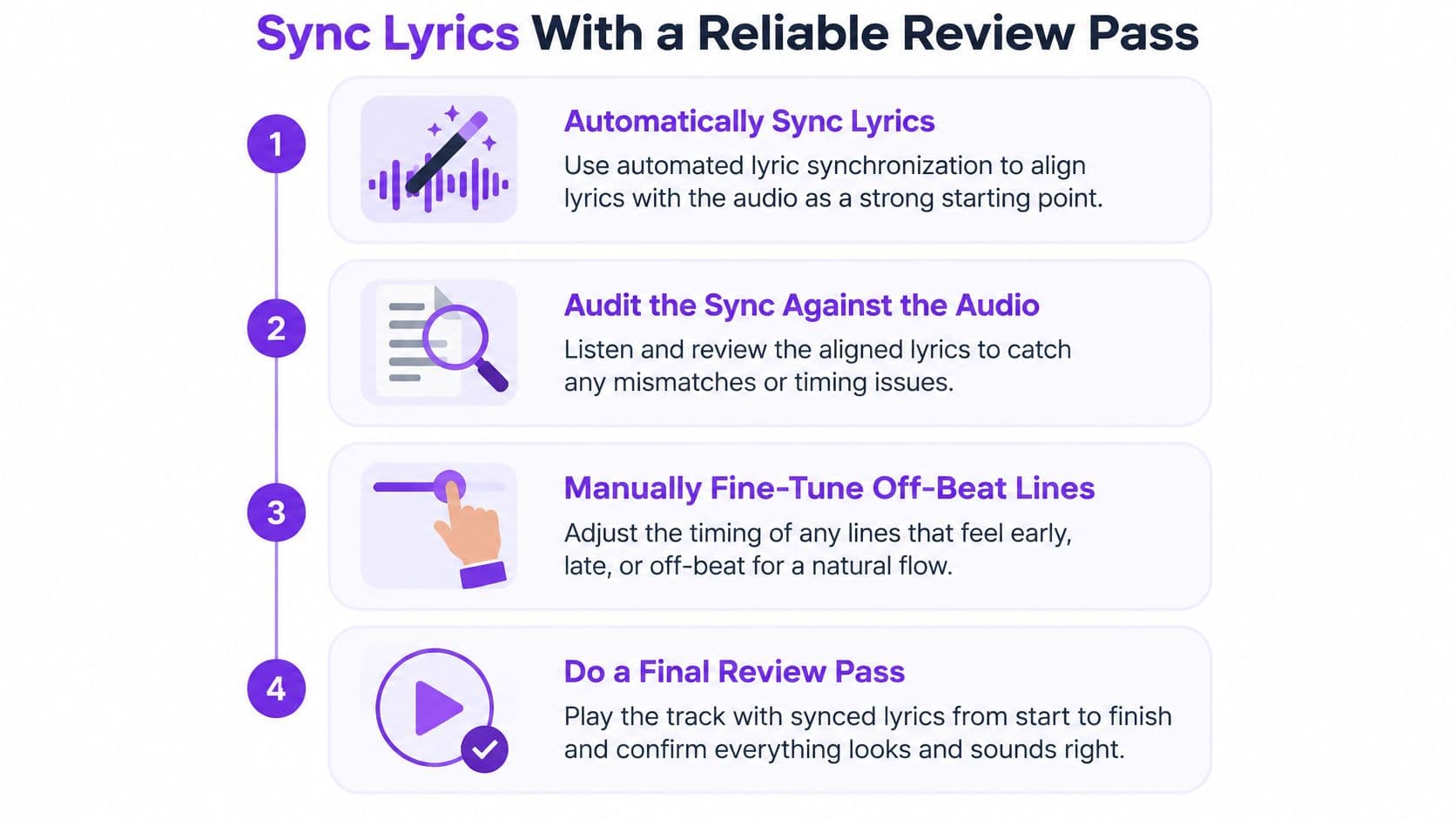
This caution matters because automatic lyric synchronization is a forced-alignment process affected by sustained vowels, vibrato, melisma, accompaniment, pronunciation variation, and overlapping vocals. Singing stretches and bends sounds in ways speech doesn't, so phrase-dependent errors are normal. Treat them as local problems first.
Audit the Lines Most Likely to Drift
- Rapid syllables: Check whether the highlight races ahead or trails consonants.
- Repeated words and hooks: Confirm each repeat is matched to the correct occurrence.
- Pickups before the beat: Give the singer enough lead time to start with the vocal.
- Gaps in the arrangement: Make sure the next line doesn't appear so early that it invites a false start.
- Overlapping vocals: Decide which voice the singer follows and time to that voice consistently.
A common failure looks like this. The first chorus aligns well, then a repeated hook with a sustained final word pulls the next line early, and every following phrase feels rushed. Splitting that hook into two timed phrases fixes the chorus without touching the verses.
Watch a worked sync example before you make your own corrections, paying attention to line starts rather than visual styling.
Only use a global offset when every line is early or late by the same amount. If the verse is late and the chorus is early, one project-wide delay will improve one section and damage the other. Nudge whole lines for broad placement, adjust within a line for a single stretched word, and correct missing text before you retime anything around it. For a deeper look at aligning sound and picture, see these notes on matching audio to video, then do one uninterrupted pass where you read aloud like a first-time singer.
Design Lyrics for Clear Mobile Viewing
Correct timing won't help if viewers can't read the words at arm's length. On a phone, a thin script font over moving footage fails fast, even when it looked elegant on a desktop preview. Build the visual system around contrast, size, and grouping first, then add personality in places that don't carry the singing load.
Hold the phone preview in mind as you style, because that's where crowded lines and weak highlights show up first.
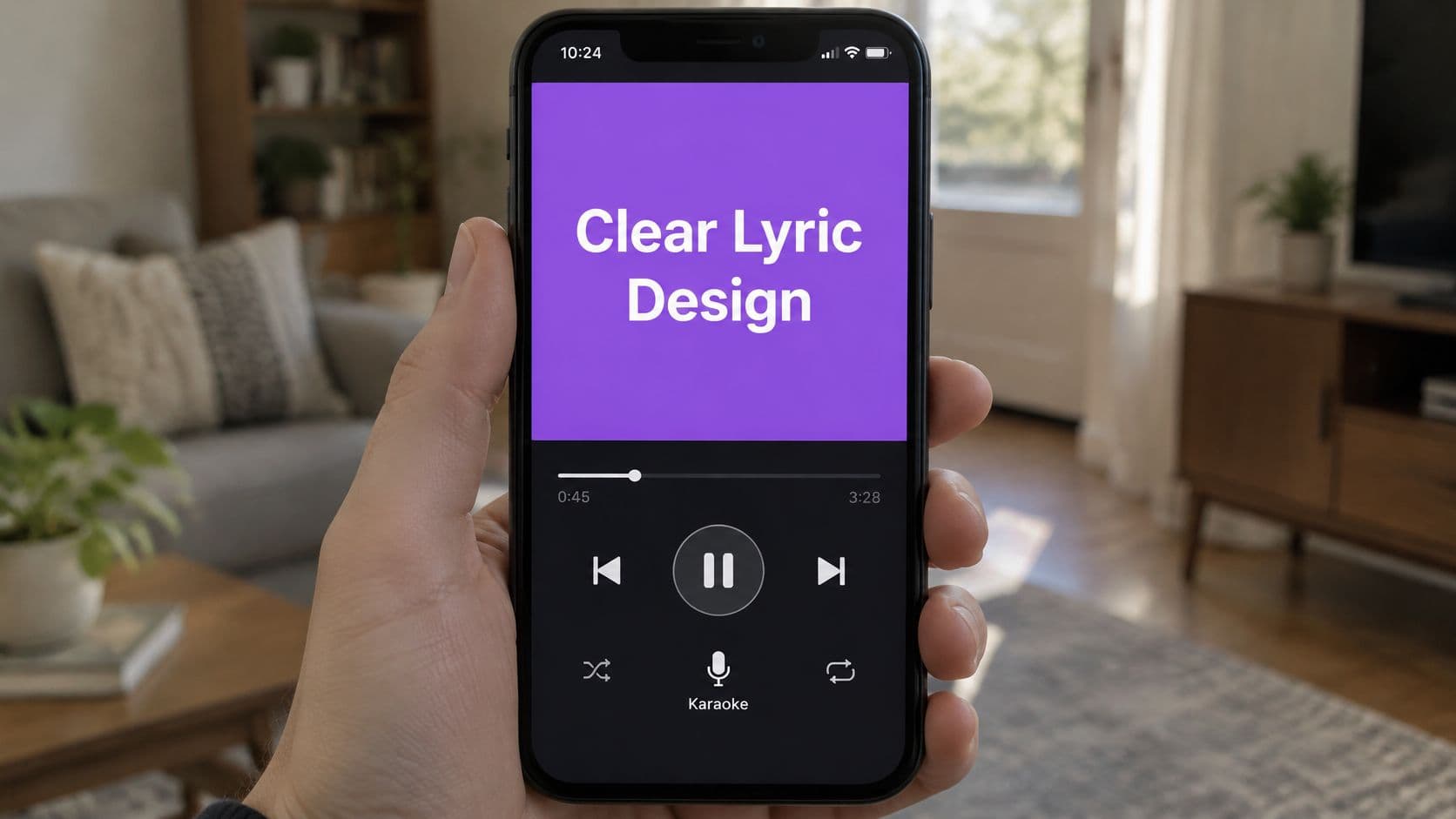
For fast pop lyrics, a restrained sans-serif with a clear outline or shadow usually reads better than a decorative face. Save the display font for the title card. For a slower ballad, you can allow more atmosphere in the background, but darken or soften any area behind the text so bright frames don't swallow the inactive line.
Make Readability an Accessibility Check
Accurate words alone don't make a video accessible. Accessibility research treats captions as essential infrastructure for Deaf and hard-of-hearing, neurodivergent, and multilingual viewers, and karaoke text should be held to the same standard. Keep lines short, keep placement away from platform controls, and make the active highlight distinct by more than color alone when you can.
- Line length: Prefer two short lines over one line stretching edge to edge.
- Capitalization: Use sentence case for scanning, reserving capitals for emphasis you need.
- Verse identification: Label a new singer or section clearly without adding unsingable clutter.
- Language variants: Keep translations as separate, consistently placed lines rather than squeezing them into the main lyric.
Preview at phone size and mute the audio for a few lines. If you can't follow the phrasing from the visual rhythm and text changes, viewers who depend on captions can't either. Animation should confirm timing, not bounce so aggressively that the eye loses the next word.
Choose the Right Format for Each Channel
You have two separate decisions here, and collapsing them causes trouble. The first is how much manual correction a song needs. The second is which shape the finished video should take. A difficult song in a horizontal master and an easy song in a vertical cut don't ask for the same amount of work.
Automatic alignment is a sensible first pass for clear vocals and steady phrasing. Hands-on correction earns its time when melisma, overlapping voices, extended passages, or loose timing make the draft unreliable. Don't pay the manual price everywhere. Spend it where a singer would stumble.
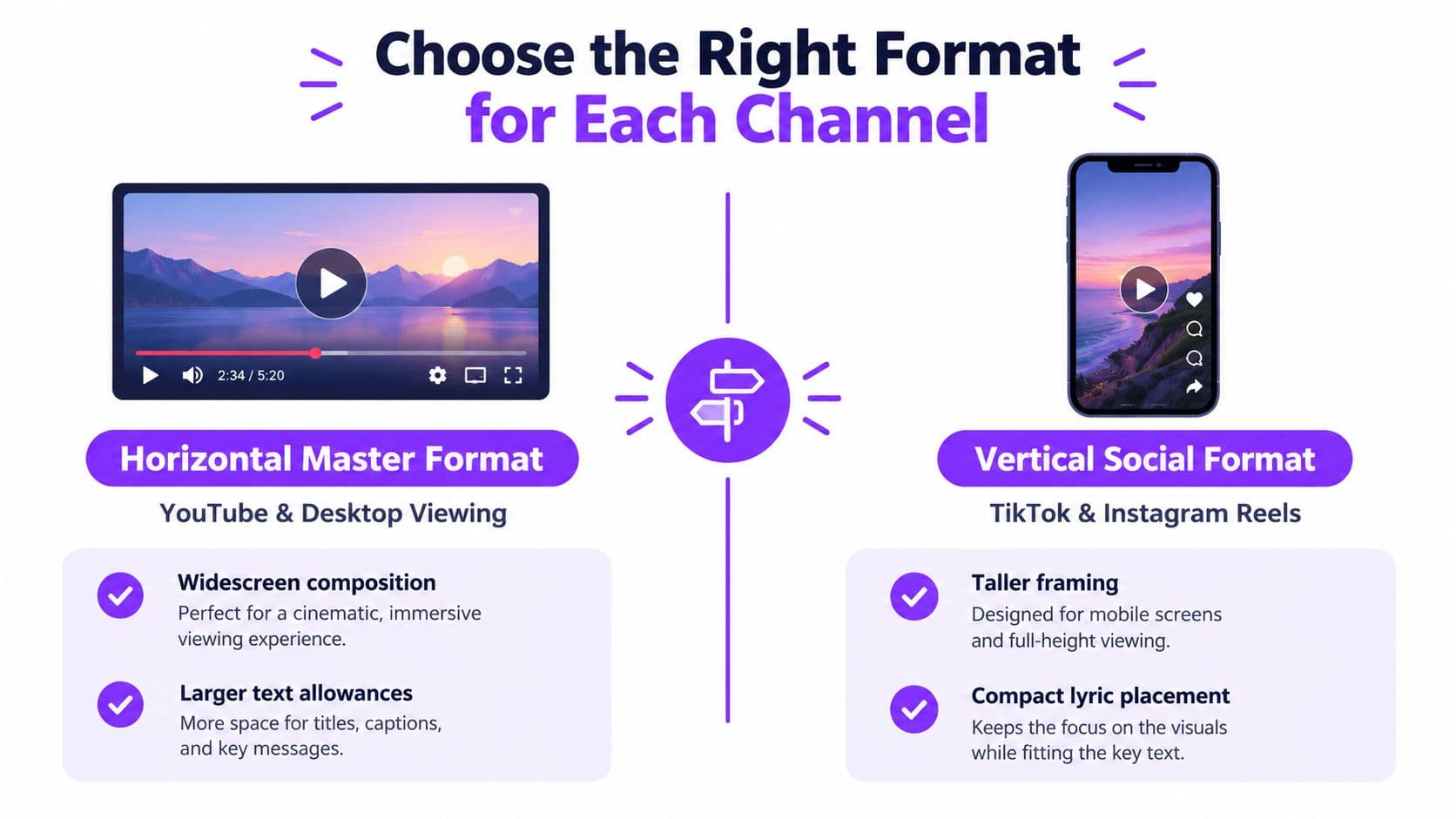
A 16:9 master suits full-song viewing on YouTube, TVs, and event screens, with room for two readable lines and background imagery. A 9:16 adaptation isn't a center crop. Reframe it, enlarge the text, shorten lines, and protect the musical context so the clip still feels singable rather than decorative.
A vertical clip that starts mid-phrase with no pickup may look energetic, but it doesn't give a new viewer a fair chance to join in.
Short-form work adds its own choices, since vertical safe zones, lyric pacing, hook-first editing, looping endings, alternate cuts, and rights all affect a karaoke Short. If Facebook is also on your distribution list, check the SleekPost guide to Facebook video specs before exporting a separate version. Adding lyrics doesn't grant permission to publish someone else's recording, whatever the aspect ratio.
Preview and Export Without Timing Drift
Preview the rendered file, not only the editor timeline. Compression, frame-rate conversion, and platform transcoding can expose problems you didn't see while editing. Watch the full song at the intended size, then revisit the transitions between quiet verses and energetic choruses where timing and readability often change character.
For a conventional master, normalize to a progressive 16:9 canvas, preserve the source frame rate, and export H.264 video in an MP4 container with AAC-LC audio. YouTube's SDR guidance recommends approximately 8 Mbps for 1080p at 24 to 30 fps and 12 Mbps for 1080p at 48 to 60 fps, and it also advises matching the upload frame rate to the recorded material and deinterlacing interlaced sources.
Verify the File You Actually Made
| Check | What to verify | Common warning sign |
|---|---|---|
| Lyric onset | Highlight meets the vocal consonant | Singer starts before the cue appears |
| Line ending | Text changes with the musical phrase | Next line arrives during a held note |
| Frame rate | Export matches the source rate | Uneven motion or apparent lyric drift |
| Readability | Fine glyph edges survive transcoding | Blocky artifacts around moving highlights |
| Playback | File opens cleanly on target devices | Audio and picture separate after export |
Low bitrate is a quiet culprit. Flat backgrounds compress well, but animated text and fine letter edges don't. A 10-minute 1080p SDR video at 8 Mbps is roughly 600 MB for the video stream alone, before audio and container overhead, so plan storage and upload time with a margin. The playback compatibility notes are useful when a file behaves differently across devices. If you're scaling production beyond what you can check yourself, comparing video editing services can clarify where outside help fits, but the timing pass still needs a singer's eye. Before upload, document whether the recording is original, public-domain, licensed, or platform-cleared, and keep that record with the project.
Use a Repeatable Final Karaoke Checklist
A repeatable routine beats a heroic final edit. Run the same sequence every time and you'll catch errors while they're still cheap to fix. Keep notes on the correction types you make, such as line split, syllable boundary, pronunciation, or missing lyric, so your lyric cleaning improves with each song.
- Confirm the source: Right recording, right version, clean enough audio.
- Review alignment: Sing through once without stopping, then fix marked sections.
- Check hard phrases: Revisit repeats, pickups, overlaps, and silent gaps.
- Inspect small-screen text: Test contrast, line length, and safe placement on a phone.
- Verify the render: Compare lyric onset and line endings in the exported file.
- Confirm rights and settings: Match technical choices to the destination and document permission.
Match the depth of checking to the deliverable. A quick social cut still needs readable text and a fair musical entry point, but a polished full-song master justifies the complete pass, device tests, and a fresh listen after a break. Don't add layered backgrounds, extra animation, or alternate versions until the plain version is easy to sing from.
Start with clean source material and a modest visual system. Once timing and readability are reliable, complexity becomes a choice rather than a rescue attempt.
Ready to put this workflow into practice with your own song, synced lyrics, and a clean export? Visit MyKaraoke Video to upload your audio, refine the timing in your browser, and create a karaoke video that's built to be sung from, not just watched.
