In the competitive world of music promotion, a captivating lyric video is no longer a bonus; it's a fundamental tool for audience engagement. A well-produced video not only helps listeners connect with your words but also significantly boosts your presence on platforms like YouTube, Instagram, and TikTok. The challenge lies in sifting through the countless software options to find the one that matches your technical skill, budget, and creative vision. Choosing the wrong tool can lead to hours of frustration and a final product that doesn't do your music justice.
This guide is designed to eliminate that guesswork. We've meticulously reviewed the top contenders, from simple drag-and-drop web platforms to powerful professional-grade software. We’ll provide an in-depth analysis of the best lyric video maker for various needs, whether you're a solo artist on a budget, a karaoke channel creator needing to produce content at scale, or a marketing team aiming for a high-end visual campaign. For those looking to expand their creative toolkit beyond just video, exploring a broader list of the best apps for content creation can offer valuable insights into building a comprehensive digital strategy.
Each review in this listicle includes a detailed breakdown of key features, honest pros and cons, transparent pricing information, and practical use-case scenarios to help you make an informed decision. You'll find screenshots for a visual preview and direct links to get started immediately. Our goal is to equip you with the knowledge to select the perfect platform, streamline your workflow, and create lyric videos that truly resonate with your audience.
1. MyKaraoke Video
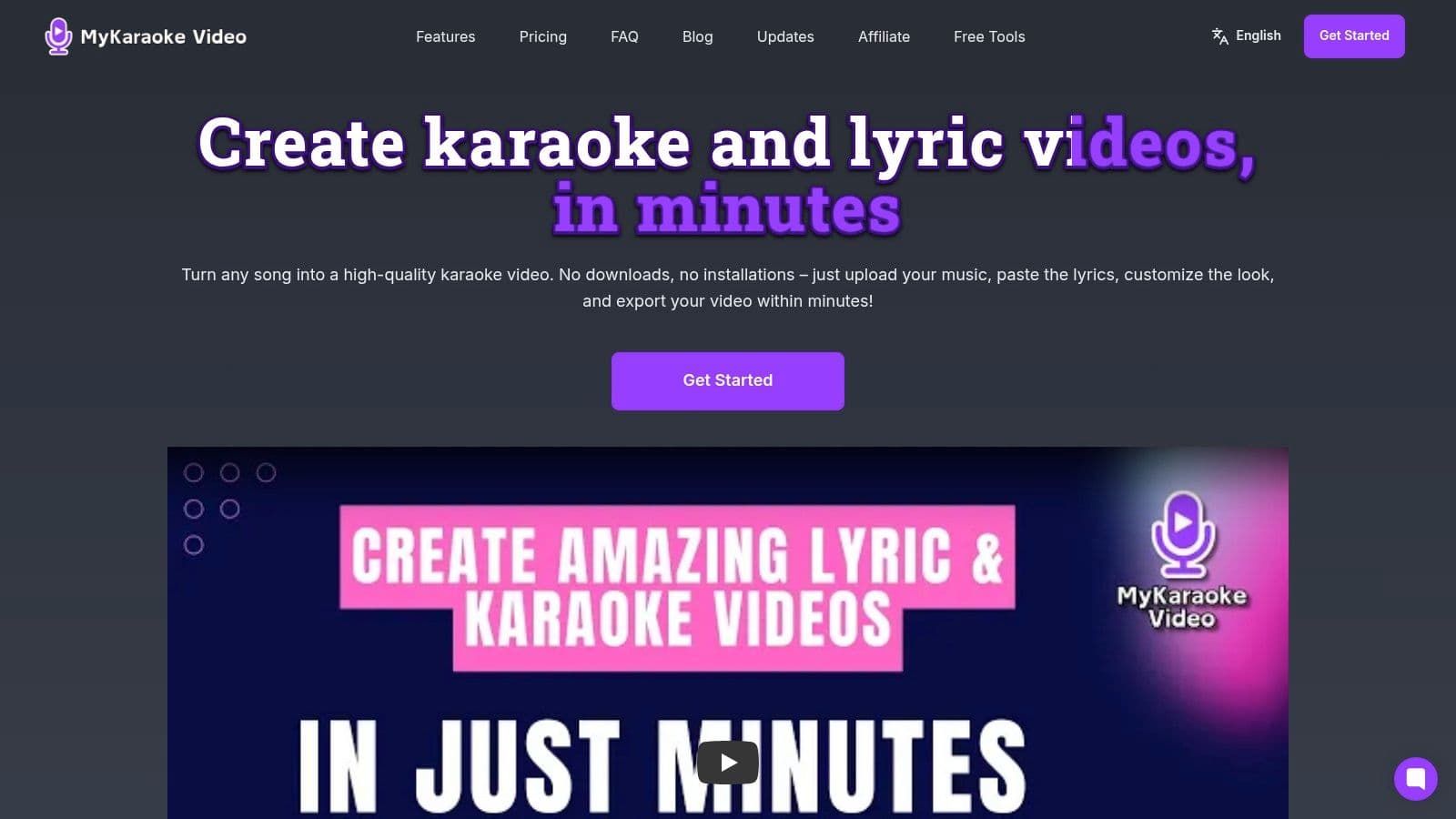
MyKaraoke Video solidifies its position as the best lyric video maker by combining powerful, AI-driven automation with an intuitive, fully browser-based interface. This platform is expertly engineered to eliminate the steep learning curve and technical overhead associated with traditional video editing software. Users can transform an audio track into a professional-grade lyric or karaoke video in minutes, not hours, making it an indispensable tool for creators who value both quality and efficiency.
The platform's core strength lies in its intelligent lyric synchronization. After a user uploads an audio file and pastes in the lyrics, its AI gets to work, automatically aligning the text with the vocals. This single feature drastically reduces production time. For fine-tuning, the dynamic sync editor provides granular control, allowing for precise adjustments to timing and word highlighting, ensuring a polished final product that rivals manually edited videos.
Key Features and Use Cases
MyKaraoke Video is packed with features designed for practical application across various creator needs.
- AI-Powered Synchronization: The automatic timing alignment is a game-changer for karaoke channels and musicians needing to produce content at scale. A task that once took hours of manual keyframing is now completed in seconds.
- Extensive Customization: Go beyond basic text overlays. Users can select from a vast library of fonts, adjust text colors, add outlines, and upload custom backgrounds (images or videos) to match their brand or song's aesthetic perfectly.
- Real-Time Previews: The "what you see is what you get" editor allows for instant feedback on design changes, streamlining the creative process without waiting for renders.
- High-Quality Exports: All videos are rendered in crisp 1080p MP4 format, ensuring they look professional on YouTube, social media, and large screens for live events.
Who Is It For?
This tool is exceptionally well-suited for musicians debuting a new single, YouTube creators managing popular karaoke channels, and marketing teams looking to create engaging, lyric-based social media content. Event organizers can also use it to quickly generate custom karaoke tracks for parties or corporate functions.
"I went from spending a full day on one video to making five in the same amount of time. The AI sync is shockingly accurate and has completely changed my workflow." - Endorsement from a popular karaoke creator.
Practical Considerations
The platform operates on a freemium model. The free plan is robust enough for casual users to create watermarked videos, while paid tiers unlock advanced features like watermark removal, higher export limits, and priority support. It's crucial for users intending commercial use to ensure they have secured the appropriate licenses for the music they use, as the platform does not handle rights management.
- Pros: AI-powered automatic lyrics syncing, fully browser-based with no downloads, extensive customization with live previews, fast 1080p MP4 exports, accessible pricing with a functional free plan.
- Cons: Advanced features are locked behind paid subscriptions, users must independently handle music licensing for commercial projects.
Website: https://www.mykaraoke.video
2. VEED.IO
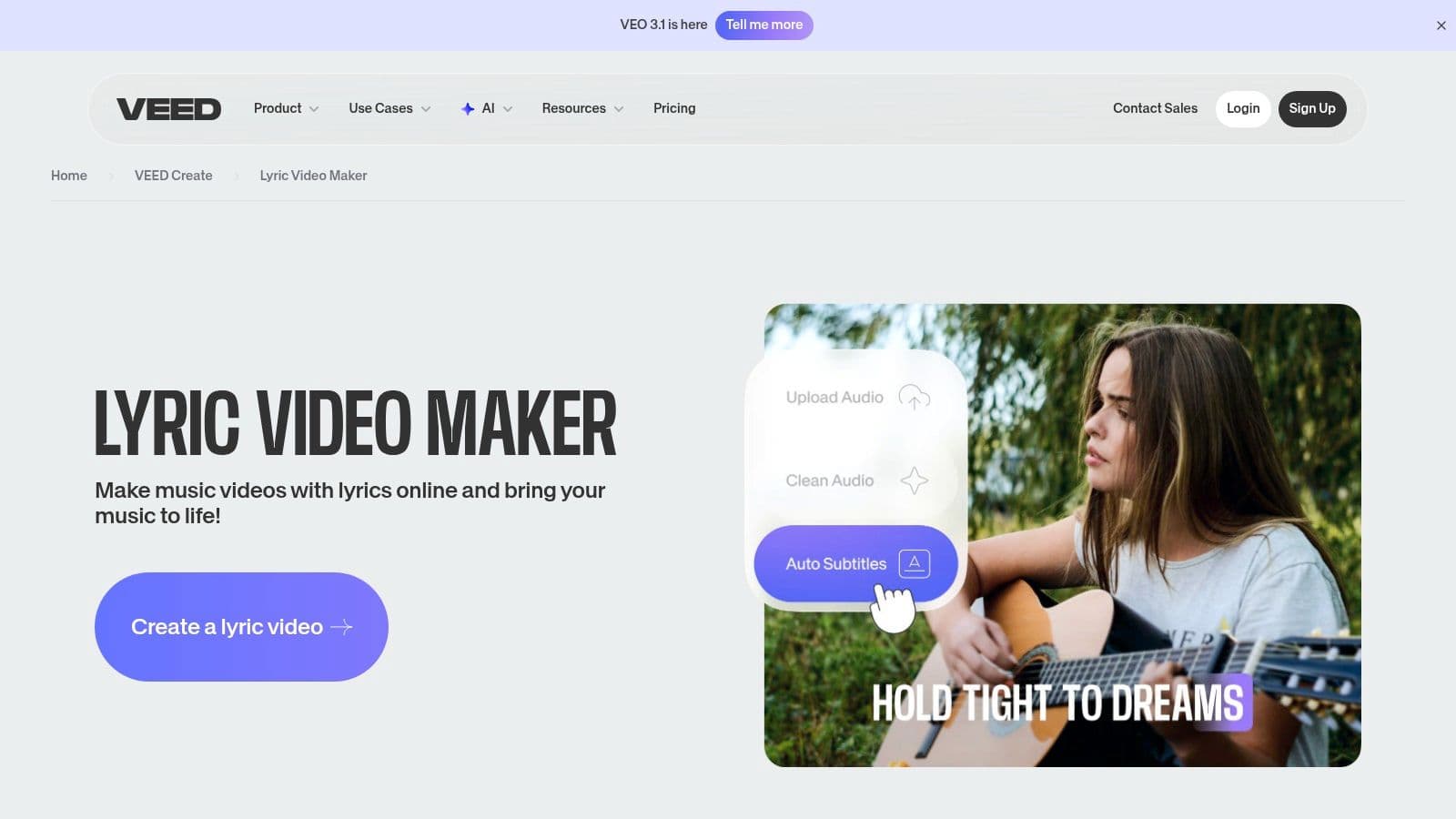
VEED.IO positions itself as a powerful, browser-based solution that makes it an excellent lyric video maker for creators who prioritize speed and collaboration. Its standout feature is the AI-powered automatic transcription tool. Simply upload your audio, and VEED generates timed subtitles that can be animated word-by-word, creating a classic karaoke effect with minimal manual effort. This accessibility makes it ideal for musicians and social media managers who need to produce high-quality lyric videos without the steep learning curve of professional desktop software.
The platform is entirely web-based, requiring no downloads and ensuring compatibility across Mac, Windows, and even Chromebooks. This makes it a fantastic option for teams or individuals who switch between devices.
Key Features and User Experience
VEED’s interface is clean and intuitive, guiding users through a straightforward workflow. Beyond auto-captioning, it offers a library of music visualizers, animated text presets, and audio cleanup tools to remove background noise, ensuring your vocals are crisp and clear.
- Pricing: A free plan is available but includes a watermark and has export time limits. Paid plans start at $18/month (billed annually) for the Basic plan, unlocking watermark-free exports and more features.
- Pros: The web-based interface is incredibly fast and easy to start with. Auto-subtitle accuracy is high, and the collaboration features are a major plus for teams.
- Cons: The free plan’s limitations are significant for serious creators. The pricing structure can become complex, especially when adding multiple collaborators to a workspace.
Best for: Social media content creators and musicians needing a fast, collaborative tool for producing engaging lyric videos without technical overhead.
Website: https://www.veed.io/create/lyric-video-maker
3. Kapwing
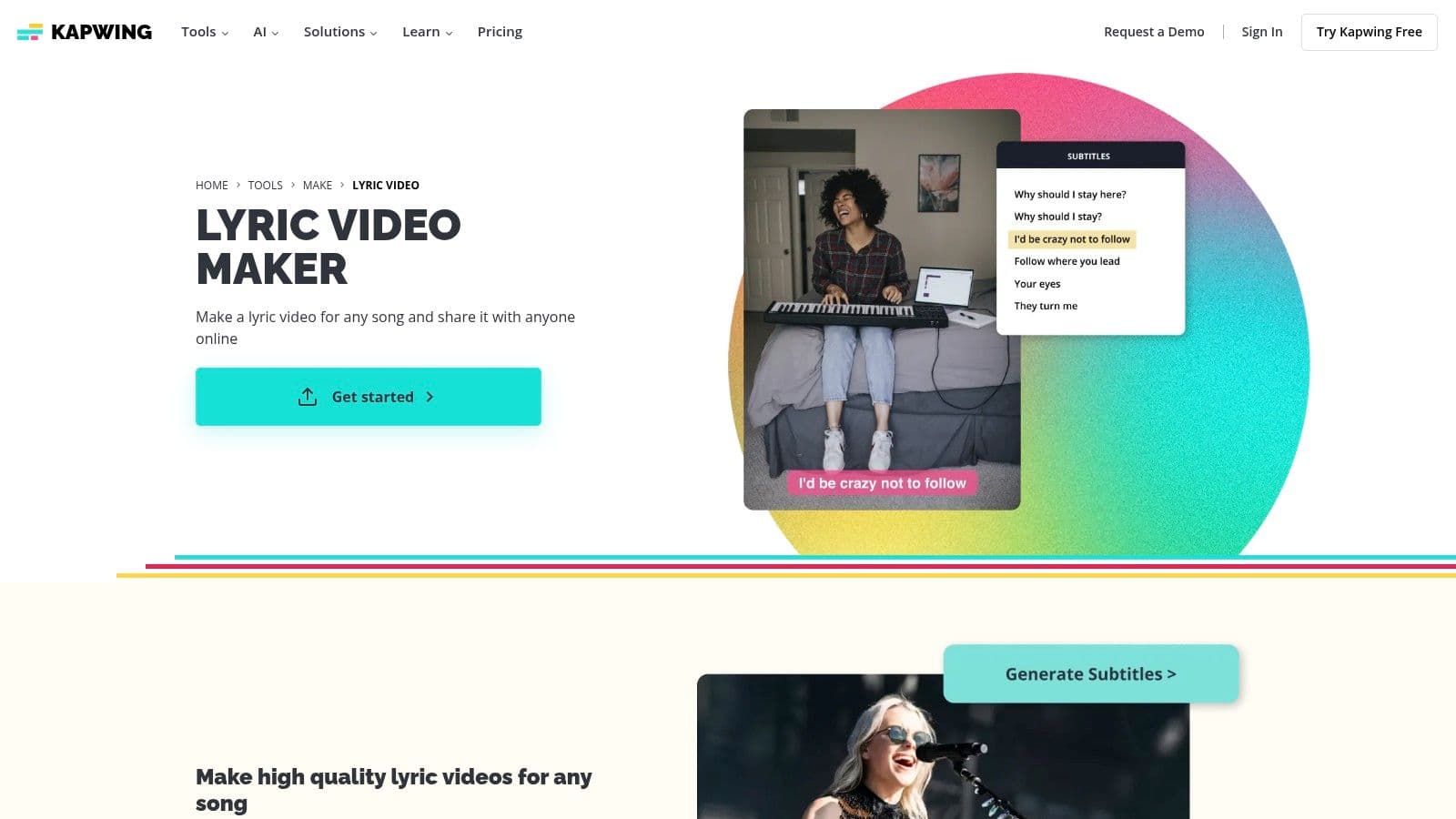
Kapwing stands out as a highly accessible and template-driven online lyric video maker, perfect for creators who need to produce visually appealing videos quickly. Its greatest strength lies in its vast library of over 3,000 lyric video templates, which provides a massive head start for musicians, social media managers, and karaoke channel creators. This template-first approach, combined with a reliable auto-subtitle generator, significantly lowers the barrier to entry for making professional-looking content.
The platform is entirely browser-based, offering robust cloud collaboration and brand kit features for professional users. This makes it a versatile tool for teams looking to maintain brand consistency across multiple video projects without needing to install complex software.
Key Features and User Experience
Kapwing’s user interface is straightforward and centered around its powerful timeline editor and template library. The workflow is intuitive: choose a template, upload your audio, generate automatic captions, and then customize the timing, fonts, and animations. It also integrates directly with stock asset libraries like GIPHY and Pexels, allowing you to add engaging visuals effortlessly.
- Pricing: A free plan is available but exports videos with a watermark and has file size and duration limits. The Pro plan starts at $16/month (billed annually) to remove watermarks and unlock advanced features like brand kits.
- Pros: The template-driven workflow and low learning curve are exceptional for beginners. Its auto-captioning is reliable, and the ability to export SRT, VTT, or TXT files is a bonus for versatility.
- Cons: The free plan’s limitations can be restrictive for serious projects. Being entirely cloud-based, the platform may feel slow when editing larger, high-resolution video files.
Best for: Content creators and musicians who prioritize speed and want to leverage a massive template library to quickly produce stylish lyric videos for social media.
Website: https://www.kapwing.com/tools/make/lyric-video
4. Canva
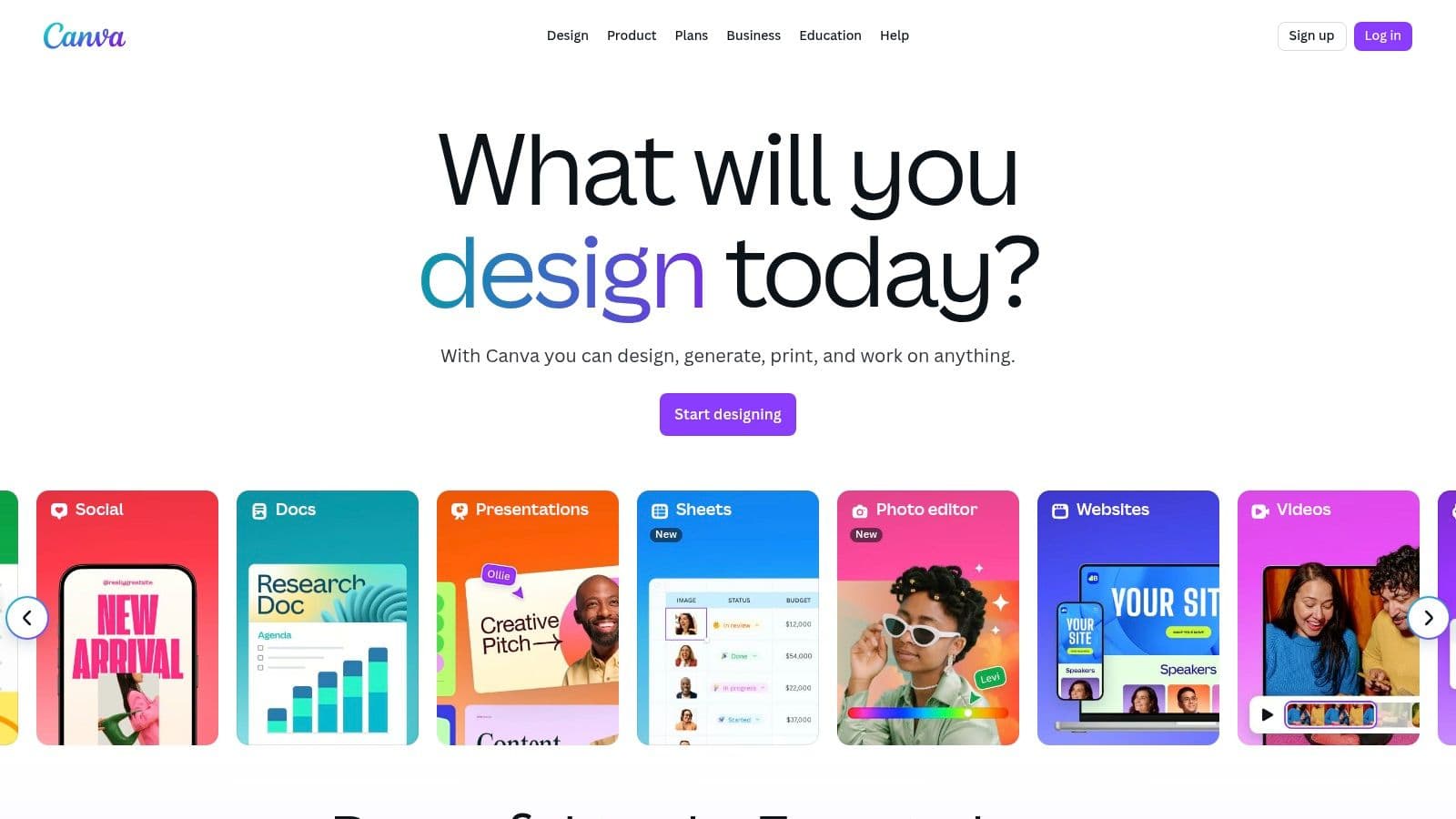
Canva has evolved from a simple graphic design tool into a comprehensive content creation ecosystem, making it a surprisingly effective lyric video maker for those who value speed and aesthetic consistency. Its core strength lies in its massive library of pre-made templates and a user-friendly, drag-and-drop video editor. Features like Beat Sync automatically match animations to your music’s rhythm, while Magic Animate applies smooth transitions to text and elements with a single click, drastically reducing production time.
This web-based platform is perfect for creators producing content for social media, as it integrates seamlessly with its extensive stock media library and music partners. Its accessibility removes the technical barriers often associated with video editing, allowing anyone to create a polished, visually appealing lyric video in minutes.
Key Features and User Experience
Canva’s interface is famously intuitive, designed for non-editors to achieve professional results. The video timeline is straightforward, allowing for easy timing and layout control. The platform’s extensive library of animated text, graphics, and royalty-free music (from partners like Artlist) provides endless creative possibilities without leaving the editor.
- Pricing: A robust free plan is available and does not add a watermark to your own designs. Canva Pro, which unlocks premium assets and advanced features, starts at $119.99/year for one person.
- Pros: Extremely easy to learn and use, with a vast library of templates and assets for quick creation. The free plan is highly functional for basic projects.
- Cons: Popular music tracks in the library have strict non-commercial licensing limits, which can be restrictive. Advanced animation and timing controls are less granular than dedicated video software.
Best for: Beginners, social media managers, and musicians needing to quickly produce simple, stylish lyric videos for platforms like Instagram Reels, TikTok, and YouTube Shorts.
Website: https://www.canva.com
5. InVideo
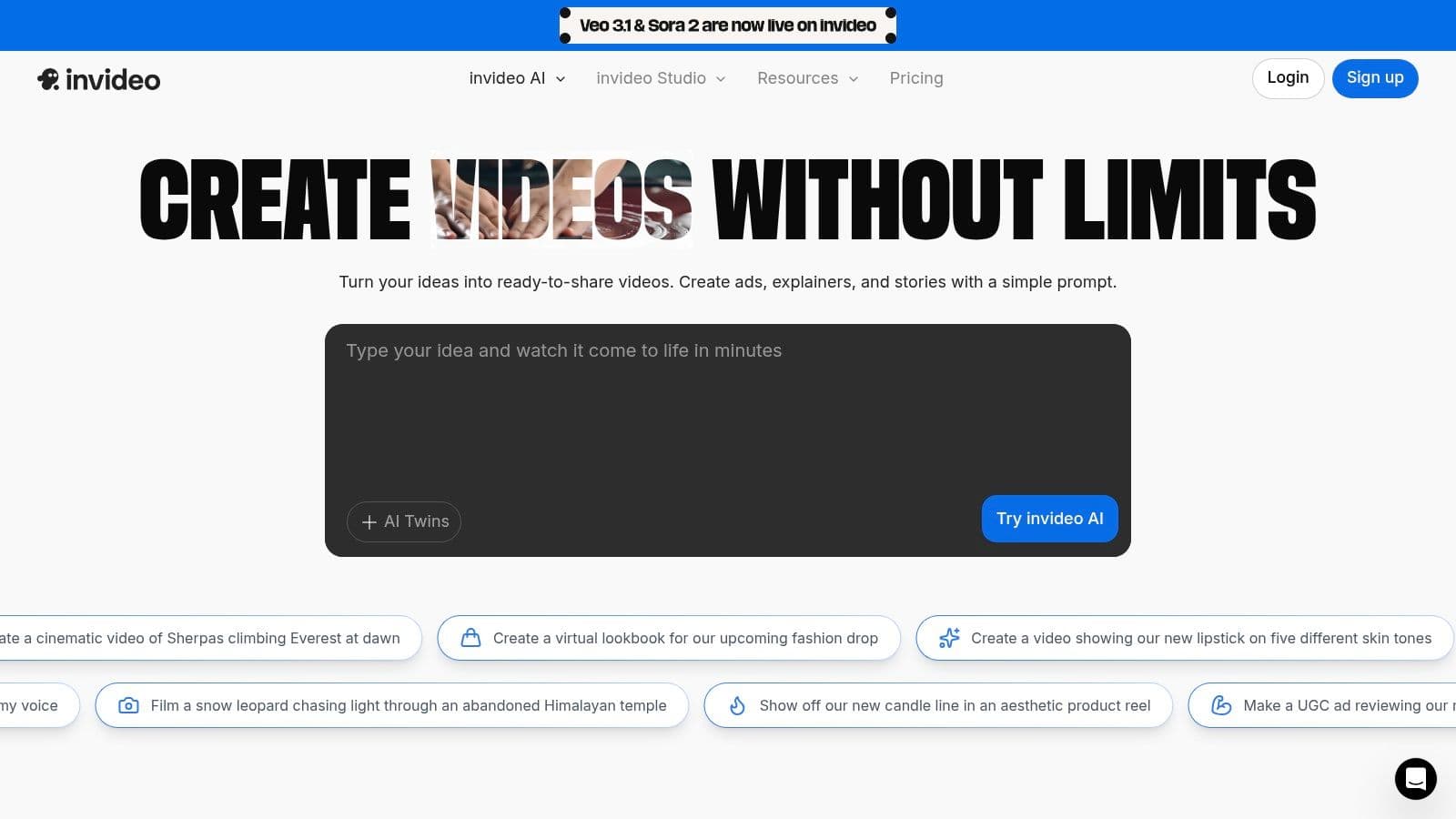
InVideo stands out as an AI-assisted online video editor that simplifies the creation process, making it a strong contender for a lyric video maker, especially for users focused on social media. It combines a user-friendly, template-driven approach with a more traditional timeline editor, offering a balance between speed and creative control. Users can quickly add text overlays, captions, and stock media to build a compelling visual narrative alongside their music.
The platform is entirely browser-based, making it accessible from any computer without software installation. Its extensive library of royalty-free music and stock footage (including Storyblocks and iStock on paid plans) provides a massive creative canvas for artists who may not have their own background visuals.
Key Features and User Experience
InVideo’s interface is designed for rapid creation, guiding users with AI suggestions and pre-made templates. While it doesn't offer automated word-by-word karaoke-style transcription like some competitors, its timeline editor allows for precise manual placement of text boxes. This gives creators full control over when each line appears, which is perfect for stylized lyric videos.
- Pricing: A generous free plan is available, offering a weekly quota of watermarked exports. Paid plans are credit-based, starting from $20/month (billed annually), which includes credits for premium stock media from iStock.
- Pros: Excellent access to high-quality stock footage and music resources. The free plan's export quota is great for testing the platform thoroughly before committing to a paid plan. The AI-assisted workflow is ideal for quickly generating drafts.
- Cons: The free plan’s watermark is a significant drawback for professional use. Achieving precise, word-by-word lyric timing is more manual and less granular compared to specialized or professional desktop editors.
Best for: Social media marketers and independent artists who need to quickly produce visually rich lyric videos using high-quality stock assets without a steep learning curve.
Website: https://invideo.io
6. Descript
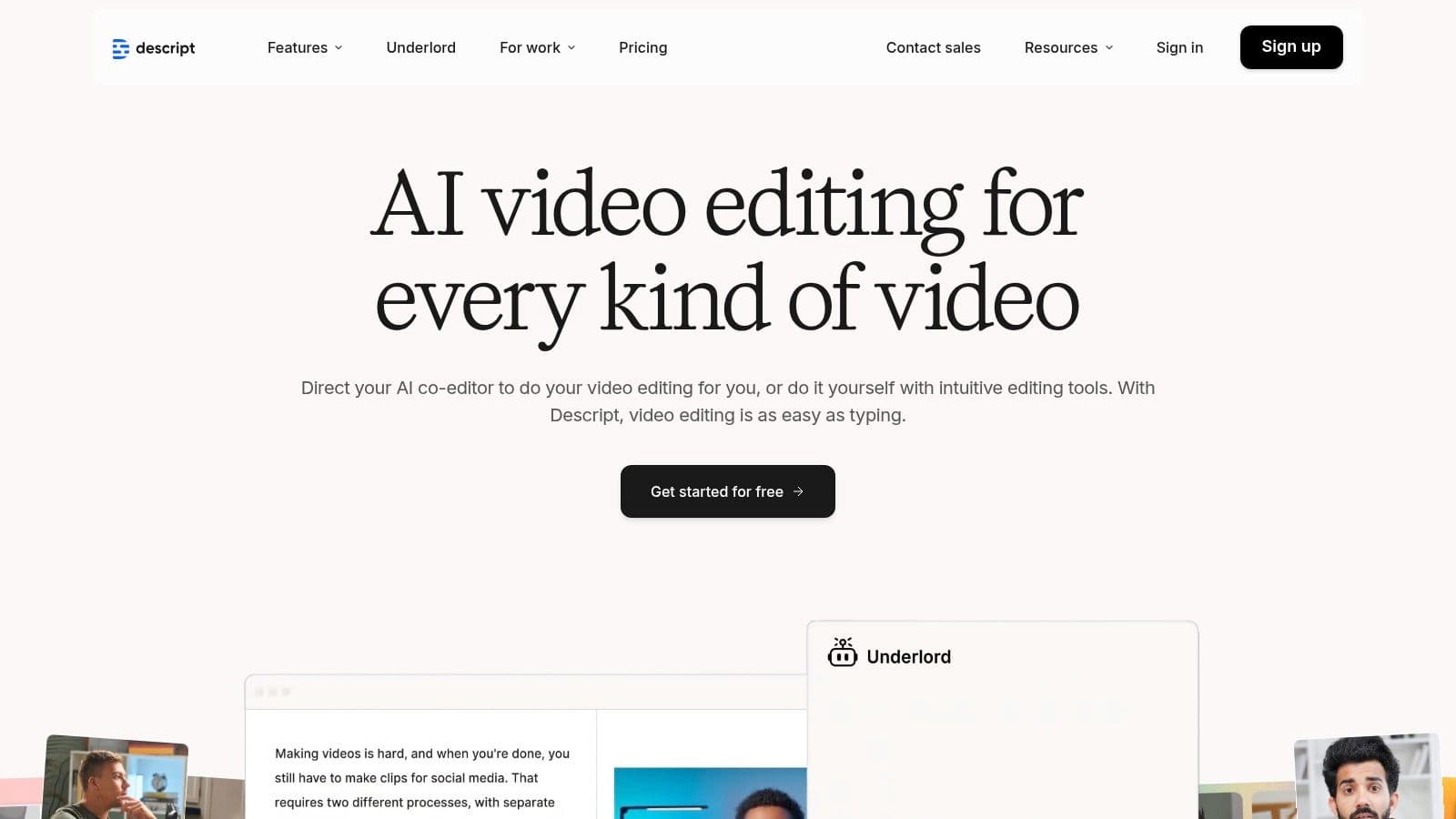
Descript revolutionizes the lyric video creation process by transforming it into a text-based editing experience. Its core strength lies in its powerful automatic transcription engine, which generates a word-for-word transcript of your song. Instead of manipulating complex timelines, you edit the video by simply editing the text, making it an exceptionally fast and intuitive lyric video maker for creators who value precision and speed. This unique approach allows for incredibly accurate karaoke-style animations where words are highlighted precisely as they are sung.
The platform is a comprehensive suite that combines recording, editing, and captioning in a single application, available for both Mac and Windows. This integrated workflow is ideal for artists who want to record audio and immediately start building a visually dynamic lyric video without switching between multiple programs.
Key Features and User Experience
Descript’s interface feels more like a document editor than a traditional video editor, which drastically lowers the learning curve. Features like Overdub for voice cloning and the "Studio Sound" tool for audio cleanup add immense value. The ability to remove background noise with a single click ensures your final audio is professional-grade.
- Pricing: A free plan is available with limited transcription hours and a watermark. Paid plans start at $12/month (billed annually) for the Creator plan, which includes more transcription time and watermark-free exports.
- Pros: The text-based editing workflow is incredibly fast and precise for syncing lyrics. The all-in-one suite with audio enhancement tools like Studio Sound is a major advantage.
- Cons: It is not built for complex motion graphics or visual effects beyond animated text. Transcription limits on all plans may be restrictive for high-volume producers.
Best for: Musicians and podcasters who want an ultra-efficient, text-first workflow for creating precise, karaoke-style lyric videos and enhancing their audio quality simultaneously.
Website: https://www.descript.com
7. Adobe Premiere Pro
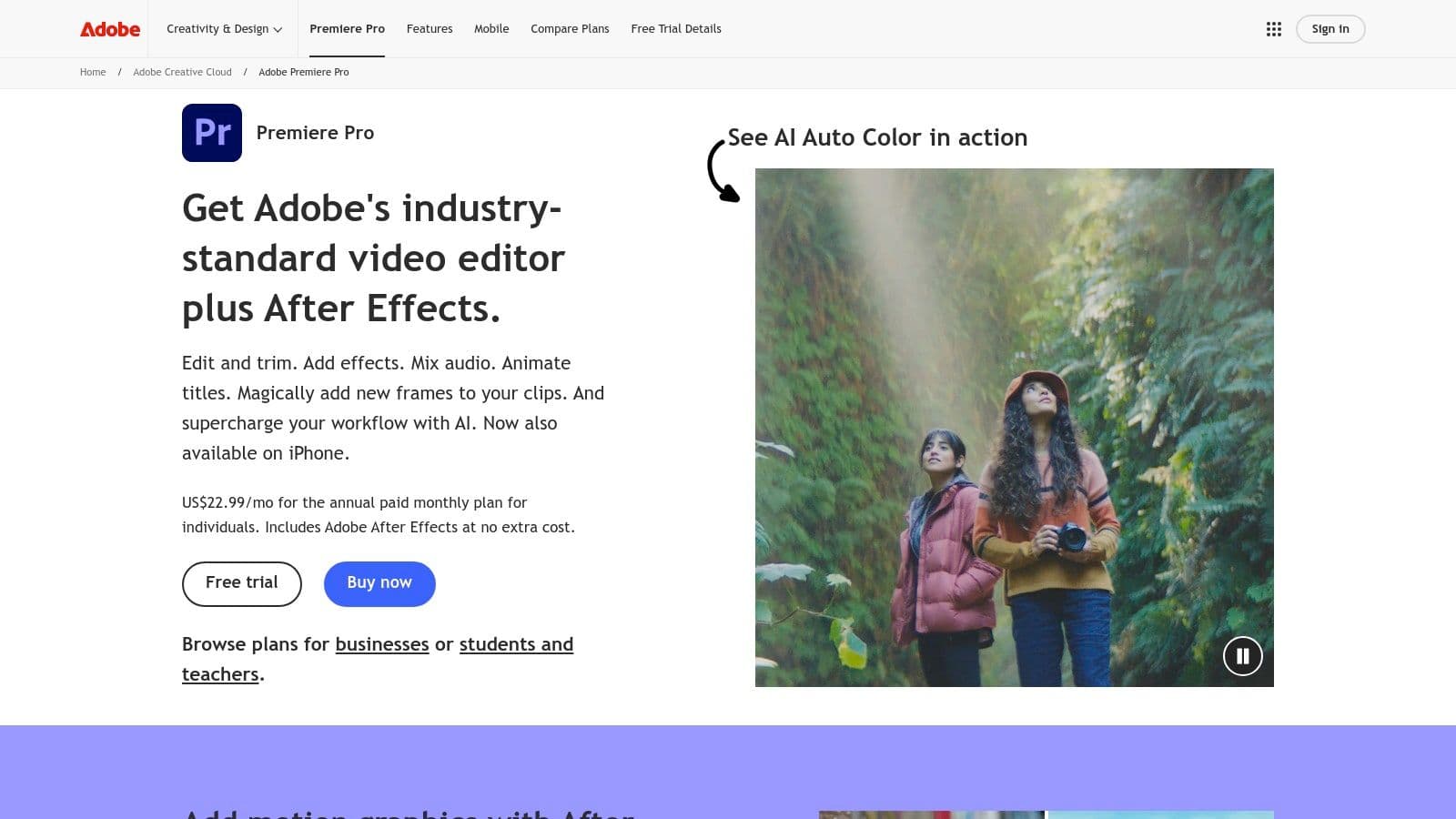
Adobe Premiere Pro is the industry-standard professional video editor, offering an unparalleled level of control that makes it a powerful lyric video maker for serious creators. Its strength lies in its precision. The platform’s automatic Speech-to-Text feature generates accurate, timed captions that serve as a perfect foundation, which can then be meticulously adjusted frame by frame for flawless synchronization. This tool is ideal for artists who want to integrate complex animations or blend lyrics seamlessly with high-quality music video footage.
As a desktop-based software, it provides robust performance for handling 4K footage, complex effects, and layered graphics without the limitations of browser-based editors. Its integration with other Adobe apps like After Effects opens up limitless creative possibilities for animated text and visual effects.
Key Features and User Experience
While its interface is complex, Premiere Pro’s timeline-based editing provides granular control over every element. The Essential Graphics panel simplifies the process of creating and styling custom text and graphic overlays, allowing for unique and branded lyric video designs. The seamless Dynamic Link with After Effects means you can create sophisticated motion graphics for your lyrics and see them update in Premiere Pro in real-time.
- Pricing: Available through an Adobe Creative Cloud subscription. The Premiere Pro single app plan starts at $22.99/month, or it can be bundled with the full Creative Cloud suite.
- Pros: Unmatched precision for editing and lyric timing. The extensive ecosystem of plugins and templates offers endless customization. Tight integration with other Adobe apps is a major workflow advantage.
- Cons: It has a significant learning curve compared to dedicated online makers. The subscription model is a considerable ongoing cost.
Best for: Professional video editors, filmmakers, and musicians who require maximum creative control and plan to integrate lyrics with high-quality live-action footage or advanced animations. For those just starting, learning about the best video editing software for beginners can be a helpful first step.
Website: https://www.adobe.com/products/premiere.html
8. Adobe After Effects
Adobe After Effects is the industry standard for motion graphics, making it the ultimate tool for creators who demand complete creative control over their lyric videos. It’s not a simple, template-driven lyric video maker; it's a powerful digital compositing application where you build complex animations from the ground up. Its core strength lies in its powerful text animators, keyframing, and expression scripting, allowing for sophisticated kinetic typography that can bring lyrics to life with unparalleled precision and style.
This desktop software is for professionals and dedicated enthusiasts who want to create truly unique, broadcast-quality lyric videos. The ability to control every aspect, from character-level animation to intricate camera movements, sets it apart from any browser-based solution. For those looking to elevate their visuals, mastering After Effects for green screen effects can integrate live-action footage or complex backgrounds seamlessly.
Key Features and User Experience
After Effects offers a dense, professional interface with a steep learning curve but immense rewards. The workflow is often time-intensive, requiring users to manually sync lyrics using markers and keyframes. However, features like Motion Graphics Templates and Dynamic Link with Premiere Pro create an efficient ecosystem for professional video production.
- Pricing: Available through an Adobe Creative Cloud subscription. After Effects alone costs $22.99/month (billed annually), or it can be bundled with all apps for $59.99/month.
- Pros: Unmatched creative freedom for complex lyric animations. A massive ecosystem of third-party templates and plugins can significantly speed up production. Integrates seamlessly with other Adobe creative apps.
- Cons: The learning curve is extremely steep and time-consuming for beginners. It has high system requirements and a recurring subscription cost.
Best for: Professional motion graphics artists, studios, and musicians aiming to produce high-end, custom-animated lyric videos with no creative limitations.
Website: https://www.adobe.com/products/aftereffects.html
9. Adobe Premiere Elements
Adobe Premiere Elements enters the list as a powerful, consumer-focused desktop application for creators who prefer a one-time purchase over a monthly subscription. As a streamlined version of its professional counterpart, Premiere Pro, it offers an excellent lyric video maker experience through its "Guided Edits" feature. This system walks users through creating animated text overlays and titles, making it incredibly accessible for beginners who want the reliability of the Adobe ecosystem without the steep learning curve.
Its standout appeal is the licensing model: a single purchase provides a term license, eliminating recurring fees, which is a major advantage for budget-conscious creators planning for the long term. This makes it a stable, offline alternative to browser-based editors.
Key Features and User Experience
The interface in Premiere Elements is designed for simplicity, with three modes (Quick, Guided, and Expert) to match user skill levels. The Guided mode is particularly useful for lyric videos, providing step-by-step instructions for adding and animating text that syncs with your audio. While it lacks the advanced motion graphics of After Effects, its collection of text presets and simple controls are more than sufficient for producing clean, professional-looking lyric videos.
- Pricing: A one-time purchase of $99.99 for a perpetual license. No subscription is required.
- Pros: The one-time fee is cost-effective over several years compared to subscriptions. The Guided Edits feature significantly lowers the barrier to entry for new video editors.
- Cons: It lacks advanced animation and motion-graphic tools found in professional software. The license is tied to specific versions, meaning major updates may require a new purchase.
Best for: Musicians and hobbyists looking for a reliable, offline video editor with a one-time payment and a gentle learning curve for creating straightforward lyric videos.
Website: https://www.adobe.com/products/premiere-elements.html
10. Envato Elements
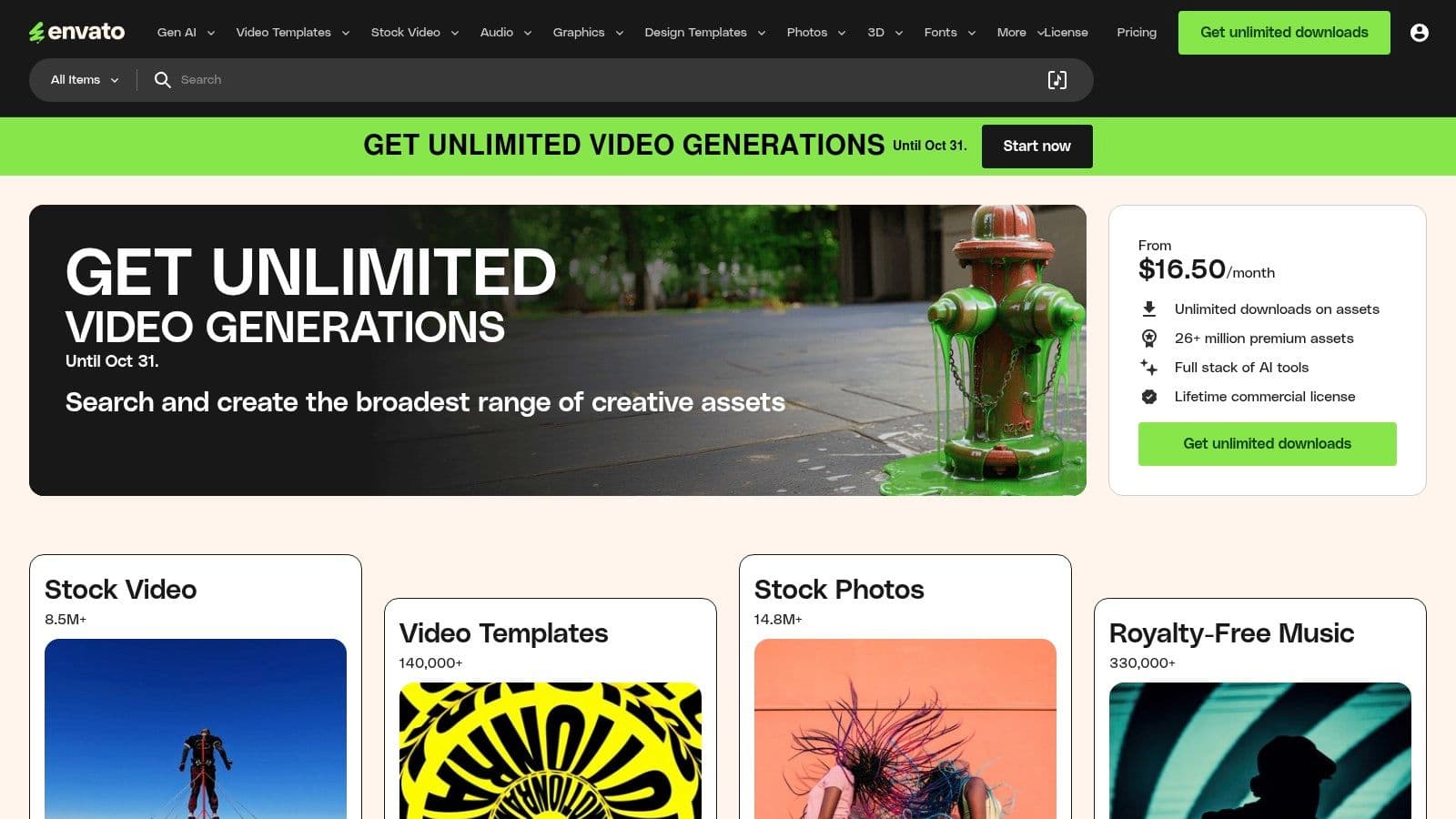
Envato Elements isn't a dedicated lyric video maker but an all-encompassing creative subscription service that empowers creators using professional software like Adobe After Effects and Premiere Pro. Its value lies in its massive library of high-quality, pre-made lyric video templates, kinetic typography packs, and motion graphics. Instead of building a video from scratch, users can download a professional template, customize the text and timing, and render a polished final product in a fraction of the time.
This approach is ideal for video editors and artists who already have editing software but want to dramatically accelerate their workflow. The unlimited download model means you can experiment with numerous styles and assets without incurring extra costs, making it a cost-effective solution for prolific creators.
Key Features and User Experience
Navigating Envato Elements is straightforward, with powerful search filters to find the perfect template for After Effects, Premiere Pro, Final Cut Pro, or DaVinci Resolve. Beyond templates, the subscription includes unlimited access to stock footage, music tracks, sound effects, and fonts, providing all the creative assets needed for a project in one place.
- Pricing: A single subscription model starts at $16.50/month (billed annually), offering unlimited downloads across the entire library.
- Pros: Incredible value for anyone needing a constant supply of creative assets. The ready-made templates significantly speed up production for professional-level lyric videos.
- Cons: Requires existing knowledge of professional video editing software. The quality of templates can vary since they come from different third-party creators.
Best for: Video editors and creative professionals who use software like After Effects and want to produce high-end lyric videos efficiently using pre-built templates and assets.
Website: https://elements.envato.com
11. Motion Array
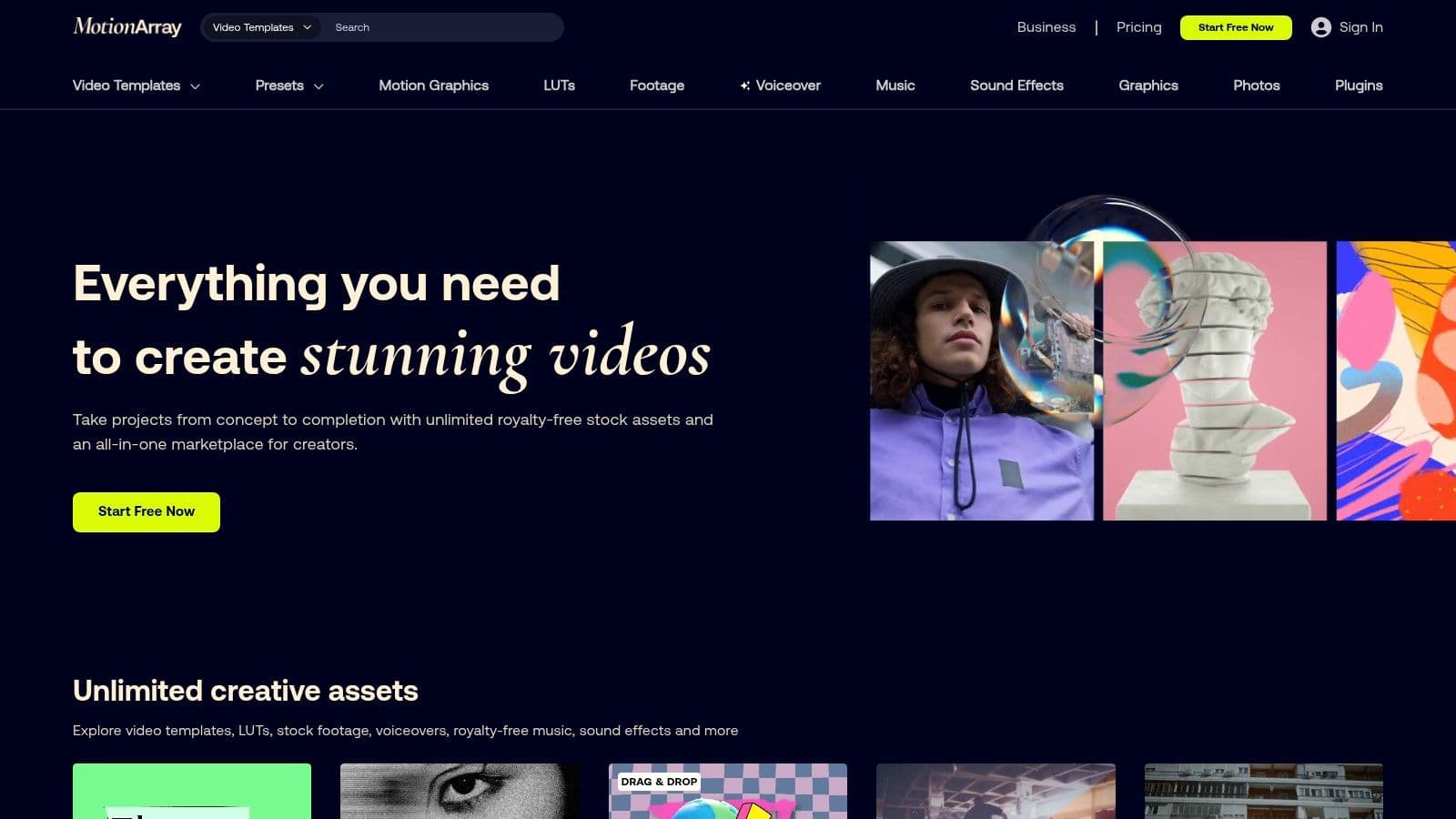
Motion Array is a subscription-based marketplace that serves as a powerful resource for professional video editors seeking to create high-end lyric videos without building animations from scratch. Instead of being a standalone lyric video maker, it offers a massive library of curated, ready-to-use templates for industry-standard software like After Effects, Premiere Pro, and Final Cut Pro. Its key strength lies in providing templates with pre-animated text and automated word-reveal timing, drastically cutting down on tedious keyframing.
This approach is perfect for creators already comfortable within a professional editing environment who want to elevate their production value. The all-in-one subscription also includes unlimited access to stock footage, sound effects, and a vast library of royalty-free music, making it a comprehensive toolkit for video projects. For those looking to source additional audio, understanding the nuances of music for editing videos is crucial.
Key Features and User Experience
Navigating Motion Array is straightforward; users can easily filter templates by software compatibility (AE, Premiere Pro, MOGRTs, Final Cut Pro) and style. The platform complements its assets with high-quality tutorials and guides that teach specific workflows for implementing the templates effectively, which is a great value-add for intermediate editors looking to improve their skills.
- Pricing: Access is subscription-based, with plans starting around $29.99/month (billed annually) for unlimited downloads of all assets, including templates, music, and stock video.
- Pros: Professionally designed templates save countless hours of design and animation work. The subscription model offers incredible value with unlimited access to a huge range of creative assets.
- Cons: It is not a standalone tool and requires ownership and knowledge of compatible professional NLE software (like After Effects or Premiere Pro). Some advanced templates may require recent versions of the host software to function correctly.
Best for: Professional video editors and content creators who use Adobe Creative Cloud or Final Cut Pro and want to accelerate their workflow with high-quality, pre-made lyric video templates.
Website: https://motionarray.com
12. Fiverr
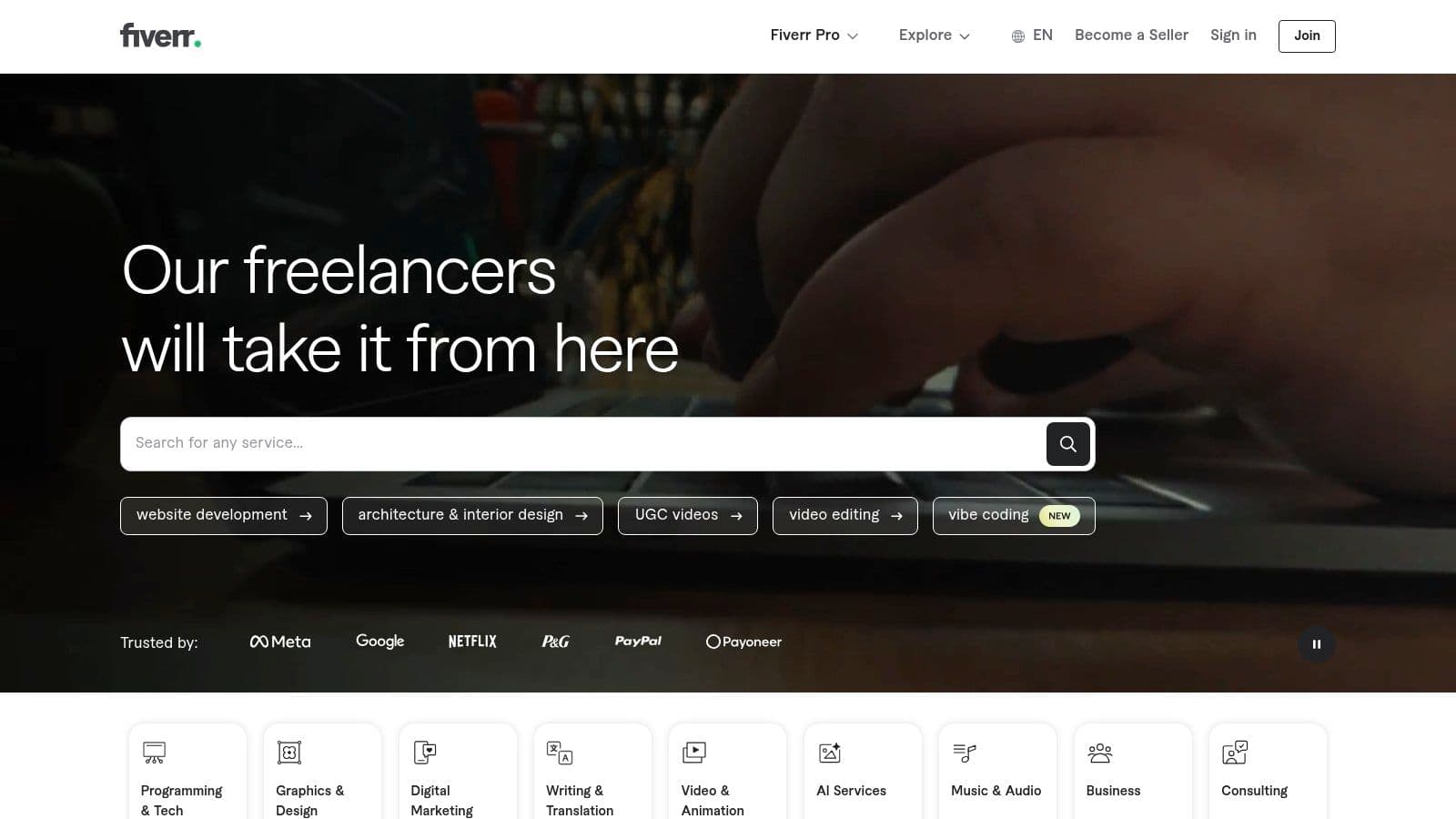
For artists and creators who prefer to outsource production rather than learn a new tool, Fiverr offers a unique approach to finding the best lyric video maker: hiring a professional to do it for you. This freelance marketplace connects you with thousands of specialists who can create a custom lyric video tailored to your exact specifications, from minimalist text overlays to complex kinetic typography animations. It’s an ideal solution for those who want a high-quality, polished product without investing time in the creation process themselves.
The platform allows you to browse portfolios, read customer reviews, and select a freelancer whose style perfectly matches your music’s genre and aesthetic. This direct-to-creator model gives you access to professional-grade results that might otherwise be out of reach.
Key Features and User Experience
Navigating Fiverr is straightforward. You search for "lyric video," filter by budget, delivery time, and seller rating, and then communicate directly with your chosen artist to define the project scope. This ensures your vision for the video is clearly understood and executed.
- Pricing: Varies significantly based on the freelancer's experience and the project's complexity. Basic lyric videos can start as low as $10-$20, while highly customized animations can cost several hundred dollars.
- Pros: Offloads the entire creative and technical workload to an experienced professional. Offers a massive variety of styles and predictable delivery timelines. You can get a video that matches your existing branding or album art.
- Cons: Quality can vary widely, so carefully vetting portfolios and reviews is crucial. You must explicitly confirm that the gig includes commercial licensing for all assets used.
Best for: Musicians and labels who want a fully customized, professional-quality lyric video without any of the hands-on work.
Website: https://www.fiverr.com
Top 12 Lyric Video Makers Feature Comparison
| Product | Core Features & Functionality | User Experience & Quality ★ | Value & Pricing 💰 | Target Audience 👥 | Unique Selling Points ✨ |
|---|---|---|---|---|---|
| MyKaraoke Video 🏆 | AI-powered auto lyrics sync, browser-based, real-time preview, 1080p MP4 exports | ★★★★☆ Fast, intuitive, polished results | Free plan + scalable paid tiers 💰 | Karaoke creators, musicians, content & event teams 👥 | Full customization, no downloads, AI sync ✨ |
| VEED.IO | Auto-subtitles, animated text, music visualizers, team collaboration | ★★★☆☆ Easy start, web-based, watermark on free plan | Free limited + complex billing 💰 | Social creators, teams, quick lyric videos 👥 | Animated text presets, collaboration ✨ |
| Kapwing | Auto-subtitle, 3,000+ templates, cloud collaboration | ★★★☆☆ Low learning curve, reliable captions | Free with watermarks + Pro plans 💰 | Social media creators, casual editors 👥 | Massive template library, translation tools ✨ |
| Canva | Animated text, beat sync, AI layout, extensive stock & music | ★★★☆☆ Beginner-friendly, vast assets | Free + Pro for premium assets 💰 | Beginners, marketers, social media users 👥 | AI-assisted design, beat sync ✨ |
| InVideo | AI-assisted timeline editor, captions, stock assets, music library | ★★★☆☆ Rapid drafts, watermark on free | Free with watermark + credit plans 💰 | Social media marketers, simple lyric videos 👥 | Timeline editor, royalty-free music ✨ |
| Descript | Text-based editor, word-level timing, overdub voice cloning | ★★★★☆ Precise lyric editing by text | Subscription plans 💰 | Podcasters, lyric editors, voice artists 👥 | Overdub, Studio Sound cleanup ✨ |
| Adobe Premiere Pro | Pro video editor, auto-transcription, graphics overlays | ★★★★★ Industry standard, steep learning curve | Subscription-only 💰 | Professional editors, studios 👥 | Dynamic Link, advanced timing control ✨ |
| Adobe After Effects | Motion graphics, text animators, expression scripting | ★★★★★ Deep creative control, complex animations | Subscription-only 💰 | Motion designers, animators 👥 | Keyframe animation, kinetic typography ✨ |
| Adobe Premiere Elements | Guided edits, no subscription, 3-year license | ★★★☆☆ Simpler than Pro, beginner-friendly | 1-time purchase (3-year) 💰 | Beginners, casual video makers 👥 | No subscription, guided workflows ✨ |
| Envato Elements | Unlimited templates, motion graphics, fonts | ★★★★☆ Great template variety, subscription-based | Subscription-only 💰 | Professional editors needing assets 👥 | Vast asset library, unlimited downloads ✨ |
| Motion Array | Curated templates for AE, Premiere, Final Cut | ★★★★☆ Saves design time, subscription model | Subscription-only 💰 | Editors using professional NLEs 👥 | Auto word reveal templates, tutorials ✨ |
| Fiverr | Freelance gigs for custom lyric videos | ★★★☆☆ Variable quality, portfolio reviews needed | Varies per freelancer 💰 | Users outsourcing video creation 👥 | Custom gigs, diverse styles, licensing support ✨ |
Choosing Your Perfect Workflow: The Final Cut
Navigating the landscape of lyric video creation can feel overwhelming, with a vast array of tools each claiming to be the ultimate solution. We've explored a wide spectrum, from dedicated karaoke specialists like MyKaraoke Video to powerful, all-in-one platforms like VEED.IO and Kapwing, and even professional-grade industry standards from Adobe. The key takeaway is this: the best lyric video maker isn't a one-size-fits-all answer. It's the tool that aligns perfectly with your specific goals, technical skill level, and budget.
Your journey from a simple audio track to a compelling, visually engaging lyric video depends entirely on choosing the right creative partner. A clear understanding of your own needs is the most critical first step. Are you building a karaoke channel that demands precise timing and classic styling, or are you a musician aiming for a unique, artistic music video to premiere on YouTube? The answer will dramatically change which tool is right for you.
Recapping Your Options: A Needs-Based Guide
To simplify your decision, let's categorize the tools we've reviewed based on common user needs. This framework will help you pinpoint the ideal starting point for your creative workflow.
- For Speed and Simplicity: If your priority is getting a high-quality video out quickly with a minimal learning curve, platforms like VEED.IO and Kapwing are your best bet. Their template-driven, browser-based approach removes technical friction, making them perfect for social media content creators and musicians on a tight deadline.
- For Karaoke Channel Specialists: When your entire brand revolves around karaoke, specialized software is non-negotiable. MyKaraoke Video is purpose-built for this niche, offering unparalleled control over timing, duets, and traditional karaoke aesthetics that other general-purpose editors simply cannot match.
- For Maximum Creative Control: For artists and videographers who view the lyric video as a true art form, the Adobe Creative Cloud suite is the undisputed champion. Adobe Premiere Pro provides a robust editing timeline, while Adobe After Effects unlocks limitless possibilities for custom text animations, visual effects, and kinetic typography. This path requires a significant investment in both time and money but delivers unparalleled professional results.
- For Asset-Rich Productions: If you need more than just an editor, consider services that bundle high-quality stock footage, music, and templates. Envato Elements and Motion Array provide vast libraries that can elevate a simple lyric video into a cinematic experience, saving you the time and cost of sourcing assets individually.
- For Outsourcing and Collaboration: Don't have the time or technical skill to do it yourself? Platforms like Fiverr connect you with talented freelancers who can bring your vision to life. This is an excellent option for one-off projects or for artists who prefer to focus on the music rather than the video production.
Final Considerations Before You Commit
Before you subscribe to a service or download software, ask yourself a few final questions to solidify your choice. First, what is your budget? Be realistic about both one-time costs and recurring subscriptions. Second, evaluate your existing skills. While it's tempting to jump into After Effects, a simpler tool like Canva might produce a better result if you're a complete beginner.
Finally, consider your long-term goals. If you plan to produce lyric videos consistently, investing time to learn a more powerful tool like Premiere Pro could be more beneficial than relying on template-based editors. The right tool empowers your creativity; the wrong one becomes a frustrating roadblock. Use this guide to find your perfect match, and start turning your lyrics into a visual masterpiece.
Ready to create professional-grade karaoke content with ease? If your goal is to build a dedicated karaoke channel, look no further than the specialized tools offered by MyKaraoke Video. Start your free trial today and discover the fastest way to produce high-quality, perfectly synced karaoke videos that will keep your audience singing along. MyKaraoke Video