You've got the song, the lyrics and a background you like. Then you press play: the chorus highlights too late, a long line disappears against the footage, and you're not sure whether buying the track gave you permission to publish it. Turning audio to visual content means solving those problems together, not adding words to a screen and hoping the export works.
A publishable lyric video starts with the right source file. From there, you can build a draft, check its timing, make the words readable and clear the permissions before committing to the final render.
Choose the Right Input and Sync Path
Which file do you have? Start with that question, because the recording determines how you'll time the lyrics.
Input file types and the sync path each one needs
| Input | What You Provide | Sync Path |
|---|---|---|
| Full song (MP3, WAV, FLAC, AAC) | Pasted lyrics, or AI transcription if none | Manual timing in the Sync Editor |
| Instrumental track plus isolated vocal | Pasted lyrics | Automatic lyric sync from the vocal track |
| MP4 music video | Pasted lyrics | Lyric video built on the existing footage |
| YouTube link | Link to the source; audio and details are fetched from it | Use automatic sync with an isolated vocal; otherwise time manually. Check rights first |
| No lyrics available | Audio only | AI transcribes lyrics, then you verify every line |
A full mix contains the singer, instruments and often backing vocals in the same recording. A vocal stem separates the voice from the accompaniment. That distinction matters more to synchronization than whether your filename ends in MP3 or WAV.
With an isolated lead vocal, automatic alignment can follow the singer without competing drums, guitars or overlapping harmonies. With a full mix, expect more hands-on work, particularly where backing singers repeat words underneath the lead.
Match the source to the finished performance
Keep the backing track and vocal stem from the same arrangement. An album backing track won't necessarily match a live vocal, even if both recordings have the same song title. Different introductions, omitted verses and extended endings create structural mismatches that timestamp adjustments alone can't fix.
An MP4 offers another starting point: keep the picture and add lyrics over it. Watch for existing titles, faces and subtitles before choosing where the lyric area will sit. You'll need space for text throughout the footage, not just on its opening frame.
For file preparation, use our guide to uploading music files. Preserve your original recording separately so that experimenting with trims or conversions doesn't overwrite it.
Practical rule: Test the difficult passage, not just the clean introduction.
For example, choose a short excerpt that includes a verse leading into a chorus. Run it through your selected path and inspect the lyrics, line boundaries and vocal entrances. If the chorus needs manual timestamps, establish that workflow before processing the full song.
Transcription and synchronization are different jobs. Transcription answers what was sung; synchronization answers when it was sung. A correctly timed misspelling is still wrong, so approve the text before spending time polishing its timing.
Build the Lyric Video from Upload to Draft
Build the first draft for judgment, not decoration. You need enough visual structure to assess the song, but not so many effects that every correction becomes a redesign.
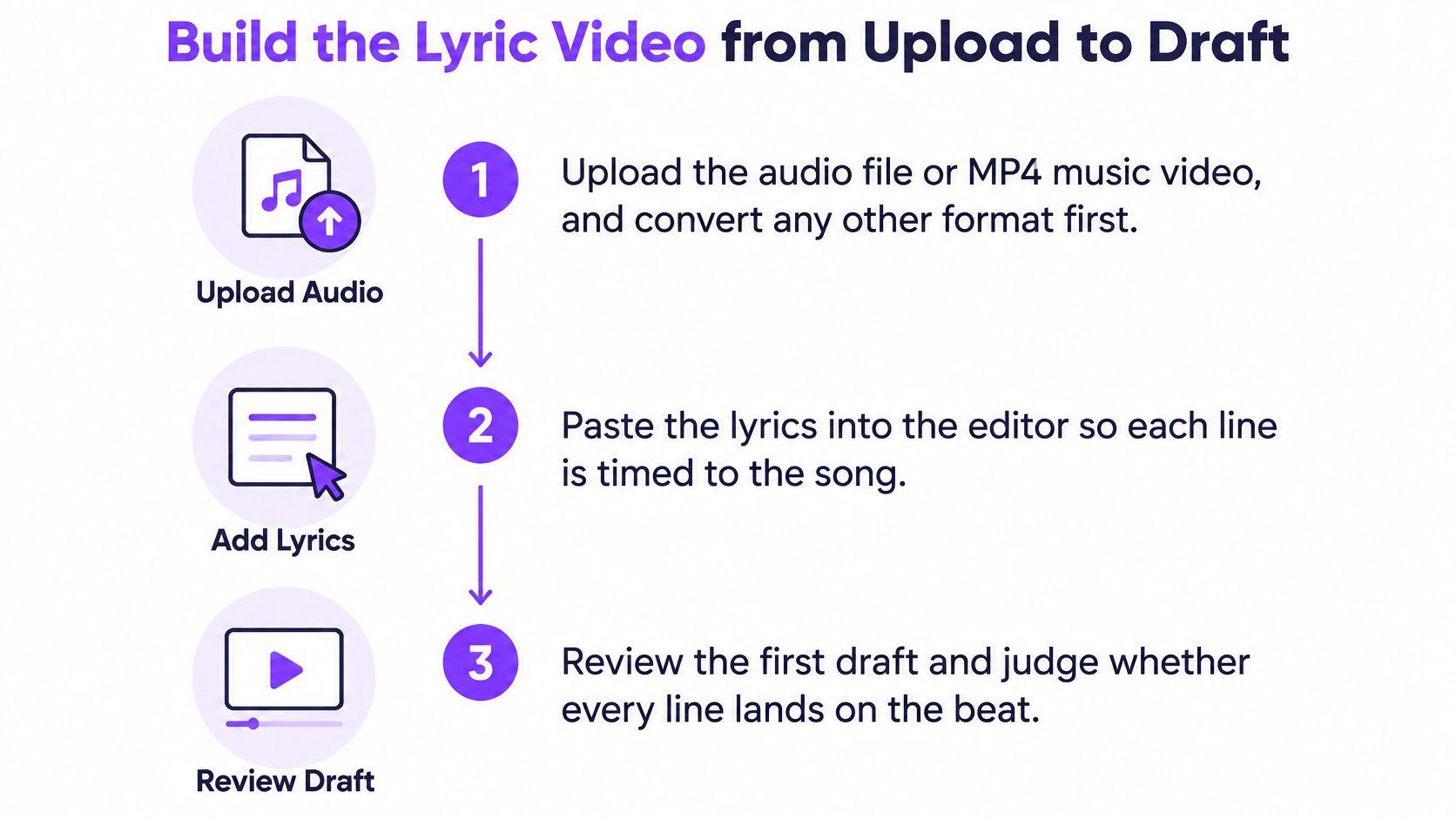
This upload-to-review flow keeps the work in a useful order.
Establish the audio and text
- Upload the intended recording. Add a supported audio file or MP4 music video, converting unsupported formats first. A common slip is choosing an earlier mix with a different introduction, which makes later edits unsuitable for the release version.
- Paste lyrics as sung lines. If you don't have lyrics, let AI transcribe them, then correct every line while listening to the recording. Remove headings and accidental blank lines that could split the text into unintended display units, and retain repeated choruses wherever they're sung.
- Choose the timing path. Use automatic lyric sync with an isolated vocal, or the Sync Editor for manual alignment. Don't assume a successful import means the words are ready: check that the opening line, verse order and repeated sections correspond to the recording before styling anything.
Treat punctuation as a reading aid rather than a reason to force a line break. A long sentence may need several display lines, while a short repeated phrase may work best as one unit. Read each line aloud with the singer to find natural phrase boundaries.
Add only what the viewer needs
- Set a quiet background. Use your own image or footage, or select material from the royalty-free stock library. Avoid a scene whose brightest detail sits behind the lyric area, because attractive footage can still obscure the words at the exact moment viewers need them.
- Add functional extras. A countdown can prepare a singer for the entrance, a visualizer can give a wordless passage movement, and chords can help a band follow the arrangement. The common mistake is enabling every option, which leaves viewers deciding what to watch instead of following the performance.
- Run Instant Preview. Review changes with vocals to judge the sung phrasing, then without vocals to assess the sing-along presentation. Make your layout decisions before spending a credit on export, rather than using finished renders to compare background choices.
- Export a review draft. Watch it at phone size without enlarging the player. If you have to lean closer to distinguish words, simplify the layout before making more versions.
A useful draft lets you judge the song. It doesn't need finished effects, but it does need complete lyrics and a stable layout.
Keep a short correction list while reviewing: text errors, awkward line breaks, obscured words and unnecessary overlays. Fix those before adjusting decorative details. A good draft has lines that arrive with the performance, text that reads at phone size and a background that stays subordinate to the lyrics.
Check Timing Drift Before You Export
The opening verse looks right, but by the final chorus the singer has moved ahead of the highlight. That's timing drift, and shifting the whole track won't solve it if the opening was already correct.
Separate two checks: temporal alignment, whether text appears at the right moment, and semantic correspondence, whether it's the right text. The AV-SyncBench paper distinguishes timing from sound-source correspondence, a useful principle when a repeated lyric can appear convincingly on time in the wrong section.
Diagnose before moving timestamps
Work from the waveform first, identifying vocal entrances and phrase boundaries, then match the visual lines to those events. Normalize the working audio if inconsistent levels make entrances difficult to inspect, but don't alter the arrangement after alignment.
Timing symptoms, likely causes and fixes
| Symptom | Likely Cause | Fix |
|---|---|---|
| Every line late by the same amount | Constant offset is wrong | Apply one global offset to the whole track |
| Lines drift further off toward the end | Tempo change or cumulative error | Add local timestamp edits at the drifting section |
| Text appears during an instrumental break | Silence treated as a lyric cue | Remove timestamps in the gap and re-sync the next verse |
| Pickup line starts too late | Missed lead-in before the beat | Move the first word earlier by hand |
| Chorus lands on the wrong words | Repeated chorus matched to an earlier verse | Edit that chorus line by line |
| Backing vocals appear as lead lines | Background singers in the vocal track | Use the isolated lead vocal or set timestamps manually |
Compare the visual entrance with the audible word and record the gap in milliseconds using the available timestamp precision. You're looking for a pattern: a consistent displacement calls for a global offset; a problem confined to a passage calls for local edits.
A pickup is especially easy to miss. If the singer begins before the strong beat, align to that sung entrance rather than snapping the word to the drum hit. During a music break, locate the next actual vocal entrance instead of treating quiet audio as proof that a lyric belongs there.
Verify the rendered relationship
Use our guide to matching audio to video when inspecting the relationship between sound and picture. If your separate editing workflow requires you to combine separate audio and video files, RenderIO's FFmpeg guide is useful for that assembly step; merging files doesn't repair incorrect lyric timestamps.
Run the final timing check with the vocal track playing:
- First word: Include any breath-led or off-beat pickup.
- Midpoint line: Confirm the alignment hasn't gradually shifted.
- Final chorus: Check the correct repetition and its phrasing.
- Last line before the fade: Follow the actual ending, not an assumed repeat.
Don't approve a song after checking only its first verse. Listen through edited passages again so a local correction doesn't create a new overlap with the following line.
Style Lyrics So Viewers Can Read Every Line
Readability comes before decoration. Viewers need to recognize the next phrase, follow its highlight and keep their place while the song continues. Any styling choice that interrupts those tasks needs a clear reason to stay.
Use a normal viewing setup as your reference, not an enlarged editing canvas.
Make the lyric area dependable
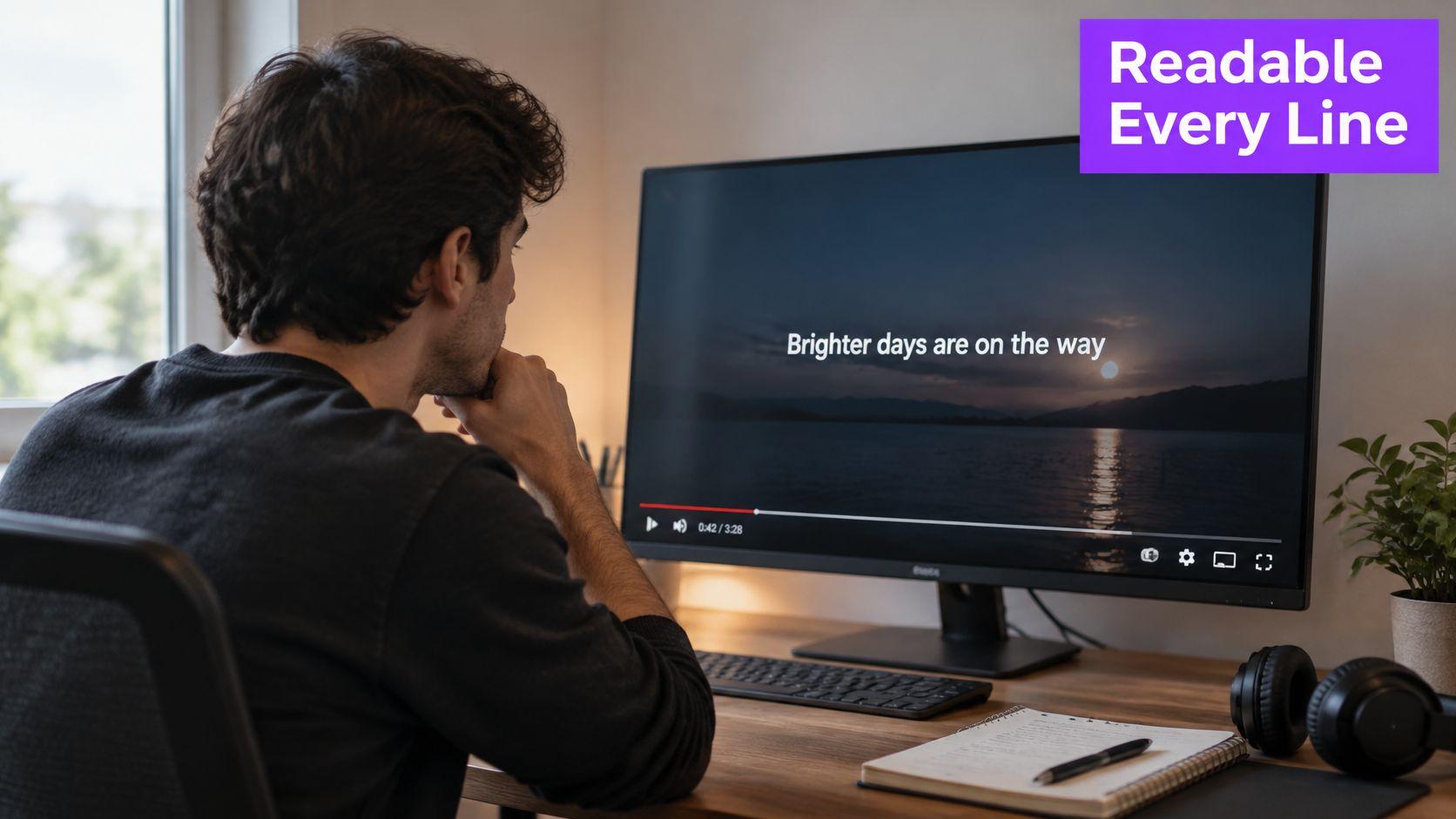
Choose a font with open letterforms and easily distinguished characters. Size it against the longest lyric line, not the title or shortest chorus phrase, and split an overlong line at a natural sung boundary rather than shrinking every line to accommodate it.
Check text against both bright and dark frames. An outline, shadow or subdued panel can preserve separation when moving footage changes underneath the words. Our high-contrast text guide offers practical ways to keep that separation consistent.
Use a stable highlight colour for the active lyric. For a duet, assign distinct singer colours and include names or labels so colour isn't the only way to identify the performer. Keep chords above the lyrics and a translation below, with enough visual distinction that viewers can immediately recognize each role.
Treat accessibility as a design task
The American Foundation for the Blind's Innovation for Access report describes caption use alongside concerns about AI-caption accuracy. Treat generated words as editable content, not an accessibility guarantee.
Keep the words still enough to follow. Let the music supply the energy.
Move visualizers away from the lyric area, and avoid flashing overlays or zooms behind active text. Expressive typography can support a song's mood, but don't make viewers chase individual words across the frame.
Use this quick review before accepting the style:
- Contrast: Can you read the text through the brightest background change?
- Hierarchy: Can you distinguish lyrics, translations and chords immediately?
- Pacing: Can you finish each phrase before it disappears?
Play the busiest passage without pausing. If you lose your place, reduce motion, shorten the displayed phrase or remove an overlay before trying a more elaborate font.
Clear Rights, Captions and Export
A finished-looking video isn't necessarily ready to publish. You also need permission for the music you've paired with the visuals, and enough information on screen for viewers who can't rely on the audio.
Clear the intended use, not just possession of the file. Buying a download, receiving lyrics from a collaborator or fetching audio from a YouTube link doesn't by itself establish permission to publish a lyric video.
Separate the composition from the recording
The composition is the underlying song; the master is a particular recording of it. Renderforest's music-rights guidance explains that synchronizing music with video generally requires composition synchronization permission and master-use permission for the recording; AI-generated visuals don't remove those obligations.
Rights needed for four song cases
| Case | Composition (sync license) | Recording (master-use license) | Next check |
|---|---|---|---|
| Original song you wrote | Owned by you, subject to co-writer or publishing agreements | Owned by you if you own the recording | Confirm no third-party samples are included |
| Licensed track you bought | Must be expressly covered by the licence | Licence terms set by the seller | Confirm the licence covers synchronizing to video |
| Cover of someone else's song | Sync license required | Your own recording, so you own the master if you retained its rights | Confirm the composition license before upload |
| Public-domain or platform-cleared music | Cleared or public domain for the intended use | Separately cleared or public domain | Check platform terms and Content ID exposure |
For an original song, check agreements with co-writers, publishers and anyone who controls the recording. Writing the lyrics doesn't necessarily mean you control every element of the finished track.
For purchased or library music, save the licence and verify that it covers your intended video, distribution and commercial use. For a cover, recording the performance yourself resolves only the recording side when you retain that master; it doesn't clear the underlying composition.
Public-domain status also needs separate consideration for the song and recording. A newly recorded performance of an old composition can have its own rights, while platform-cleared music may be limited to uses allowed by that platform.
Keep ownership, upload permission and monetization eligibility separate in your records. Original visuals won't prevent a platform claim against the audio, and written permission is useful evidence rather than a guarantee that automated matching won't occur.
Add meaningful information beyond lyrics
Caption sounds that affect understanding, such as [applause], [crowd cheering] or a spoken introduction. Identify the singer when a duet changes voices, and add a brief opening mood cue when it conveys something the words alone don't communicate.
Place these cues where they won't be mistaken for sung lines. Don't fill every music passage with descriptions; include information that helps viewers understand the performance.
Ask someone who relies on visual information to review the draft. Ask what they understood, whether they could identify the singers and whether any meaningful event was missing, rather than asking whether the video looked good.
Pass the export gate
- Play the full presentation with vocals. Confirm that the last chorus and ending survive the complete render, not just an editor preview. Check that no title, translation or sound cue covers an active lyric.
- Confirm the publication records. Keep written rights documentation with the project, and confirm that corrections and non-lyric captions are present in the approved draft. Name the final version clearly so you don't upload an earlier review file.
- Choose the destination format. Use a 1080p MP4 for social video. Our lyric-video output retains vocals, while karaoke output uses AI vocal removal; Premium also offers MP3+G for KJ software and a transparent-background lyric overlay for footage.
Export one test video this week. Watch it on a phone and a larger screen, check the actual delivered file from beginning to end, and only then reuse its layout for a larger production batch.
MyKaraoke Video lets you turn uploaded audio or music footage into lyric and karaoke videos, with editable timing, customizable text and live previews. Bring one song and its checked lyrics, build a draft, and use the timing, readability and rights checks above before your first publishable export.
