You've captured a beautiful sunset, a street filling with headlights, or clouds sliding across the sky. The footage looks promising, but ordinary video can make slow change feel almost motionless. A time lapse application solves that storytelling problem by turning gradual movement into a compact visual beat that works for films, construction records, social posts, lyric videos, and karaoke backgrounds.
The technique is easier to understand than it first appears. You choose a subject, capture individual frames at set intervals, and play those frames back as moving footage. The creative challenge isn't making time move faster. It's choosing the right subject, interval, exposure, and visual treatment so the accelerated motion supports the story rather than distracting from it.
What Time Lapse Really Means and Why It Captivates
A creator points a phone toward a window before sunset. At first, nothing seems to happen. The sky changes gradually, buildings become silhouettes, and lights begin appearing across the street. Played back as a short sequence, that quiet transition becomes a visual event.
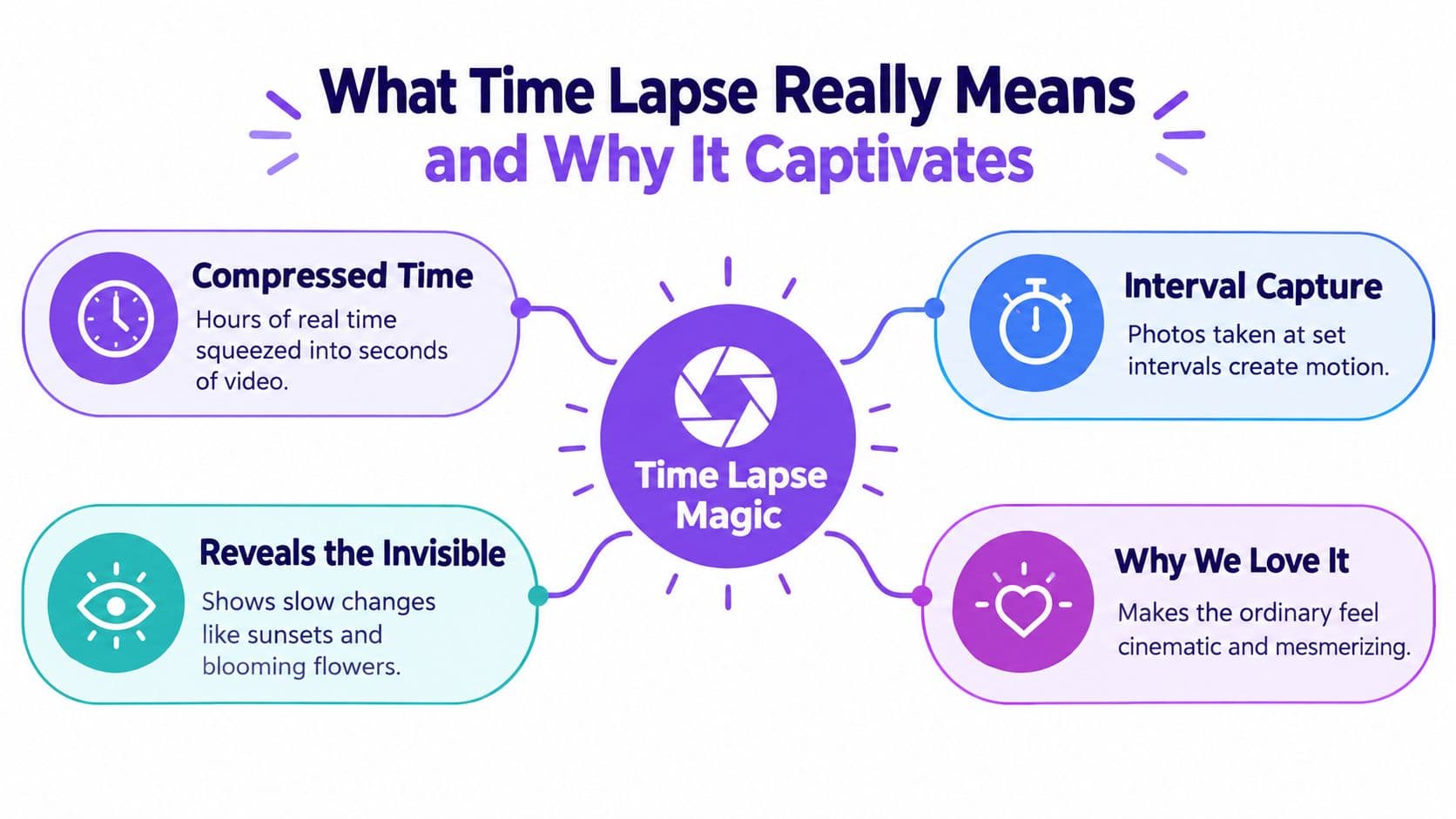
That's the basic appeal of time-lapse photography. Instead of recording every moment continuously like normal video, the camera captures separate frames at chosen intervals. When those frames play in sequence, the viewer sees a long period compressed into a much shorter experience.
The simple mental model
Think of a flipbook. Each page holds a slightly different image, and your eyes combine the pages into motion. A time lapse works on the same principle, but the camera decides how far apart those pages are in real time.
A normal video camera records continuously. A time lapse camera records selected moments, then presents them at a playback speed chosen for viewing. That difference gives you control over the relationship between real duration and screen duration.
A sunset might take a long time in real life but occupy only a few seconds in a finished video. A construction project can unfold over many months, yet a carefully planned sequence can communicate its visible progress in a concise visual record. The viewer doesn't need to wait for the change. The sequence makes the change legible immediately.
The creative shortcut: Time lapse turns slow transformation into visible movement.
Our brains respond to that compression because it reveals patterns that ordinary observation hides. Clouds gather and separate, shadows travel across a wall, traffic forms streams, and flowers open in ways that are difficult to perceive while standing still. The technique makes familiar subjects feel cinematic because it changes the viewer's sense of scale and time.
For lyric and karaoke creators, that effect can add emotion without complicated animation. Drifting clouds can support a reflective verse, city lights can create energy behind an upbeat chorus, and a gradual color shift can make a song feel more expansive. The background moves, but the lyrics remain the guide.
How Time Lapse Evolved From Experiment to Everyday Tool
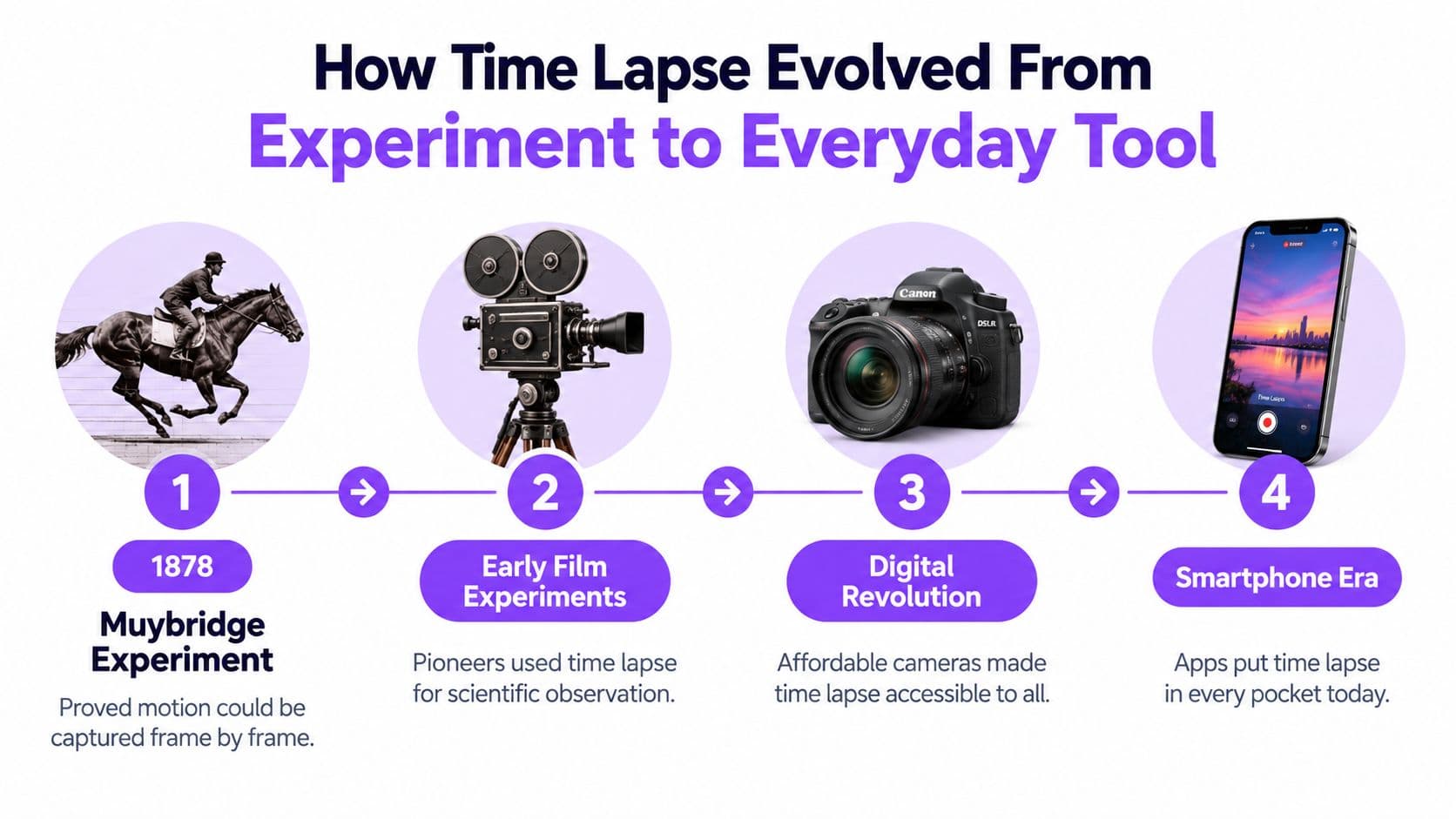
The history of time lapse begins with a practical question about motion. In 1872, Leland Stanford hired Eadweard Muybridge to investigate whether a galloping horse's hooves ever left the ground at the same time. The project continued for 6 years, and in 1878 Muybridge used a multi-camera arrangement triggered by tripwires to capture the horse's movement frame by frame. These dates and details are documented in the history of time-lapse photography.
The important lesson isn't only that Muybridge photographed a horse. He created a way to inspect movement that the naked eye couldn't separate into clear stages. Each frame preserved a moment, and the sequence revealed information that continuous observation had concealed.
From experiment to visual language
Once filmmakers understood that cameras could select and reorder moments, time lapse became more than a scientific curiosity. It appeared in feature film by 1897, including Georges Méliès' Carrefour De L'Opera, marking an early connection between interval-based capture and cinematic illusion.
The same principle later served several purposes. Filmmakers used it to make skies feel dramatic, scientists used it to study gradual processes, and documentarians used it to show change that would otherwise require patience from the audience. In every case, the camera acted as a bridge between a long real-world process and a short viewing experience.
Digital cameras and smartphones made the workflow more accessible. Operators no longer needed a complex multi-camera experiment to create a sequence. A single device, a stable mounting position, and an interval setting can now support a wide range of visual projects.
A mature commercial workflow
Time lapse has also become a substantial commercial category. One industry report estimates the global time-lapse camera market at USD 251.81 million in 2026, with a projection of USD 490.34 million by 2035 and a 7.69% CAGR. The same time-lapse camera market report estimates an installed base of about 1.2 million active cameras in 2025, while more than 500,000 units were deployed globally in 2024, including over 75,000 in construction.
Those figures point to a change in perception. Time lapse isn't limited to experimental artists. It's now a repeatable documentation method for construction, infrastructure, creative production, and long-duration observation.
Where Time Lapse Applications Shine Across Industries
A time lapse application works best when the subject changes slowly enough to benefit from compression, yet visibly enough to reward the viewer. The same capture method can serve completely different goals depending on who watches the finished sequence.
A filmmaker wants atmosphere. A construction manager wants a dependable record of progress. A scientist wants gradual change to become easier to inspect. A social creator wants movement that earns attention quickly. The footage may look similar at first, but the planning priorities differ.
| Application Field | Typical Subject | Viewer Goal |
|---|---|---|
| Film and visual storytelling | Sunsets, clouds, shadows, city movement | Feel scale, mood, or transformation |
| Construction and infrastructure | Site activity, structural progress, installation stages | Understand development over a long project |
| Science and education | Plant growth, material changes, environmental movement | Observe a process that unfolds slowly |
| Marketing and social content | Events, products, crowds, changing locations | Capture attention through visible motion |
| Lyric and karaoke video | Skies, lights, landscapes, abstract movement | Support song emotion while preserving lyric readability |
Construction needs reliability, not just beauty
Construction is a leading time-lapse use case, and recent market coverage describes a shift toward higher-resolution cameras, cloud storage, remote operation, and BIM integration. That coverage also reports a 25% increase in new project deployments integrating with BIM platforms, as described in this time-lapse camera market analysis.
For these teams, the application must fit an operational workflow. They need to consider mounting security, weather exposure, remote access, data retention, offline capture, and how footage supports project communication. A visually impressive clip is useful, but a dependable record can be even more valuable for stakeholders reviewing progress, coordination, or site conditions.
Creators working across disciplines can also benefit from broader production guidance, especially when they're combining captured footage with music, titles, and other assets. The resource on master video production in 2026 offers useful context for building a consistent production process.
Creative applications prioritize meaning
A filmmaker may accept changing light because the variation adds drama. A lyric video creator may need to reduce that variation so text remains readable. A construction team may prefer a fixed composition, while a social creator may favor a quick, visually dense sequence.
The correct application is therefore defined by the viewer's question. Are they asking, “How does this feel?” “What changed?” “How did this process unfold?” or “Why should I keep watching?” Answer that question first, then choose the subject and capture style.
Planning Your Shoot With Simple Math and Smart Intervals
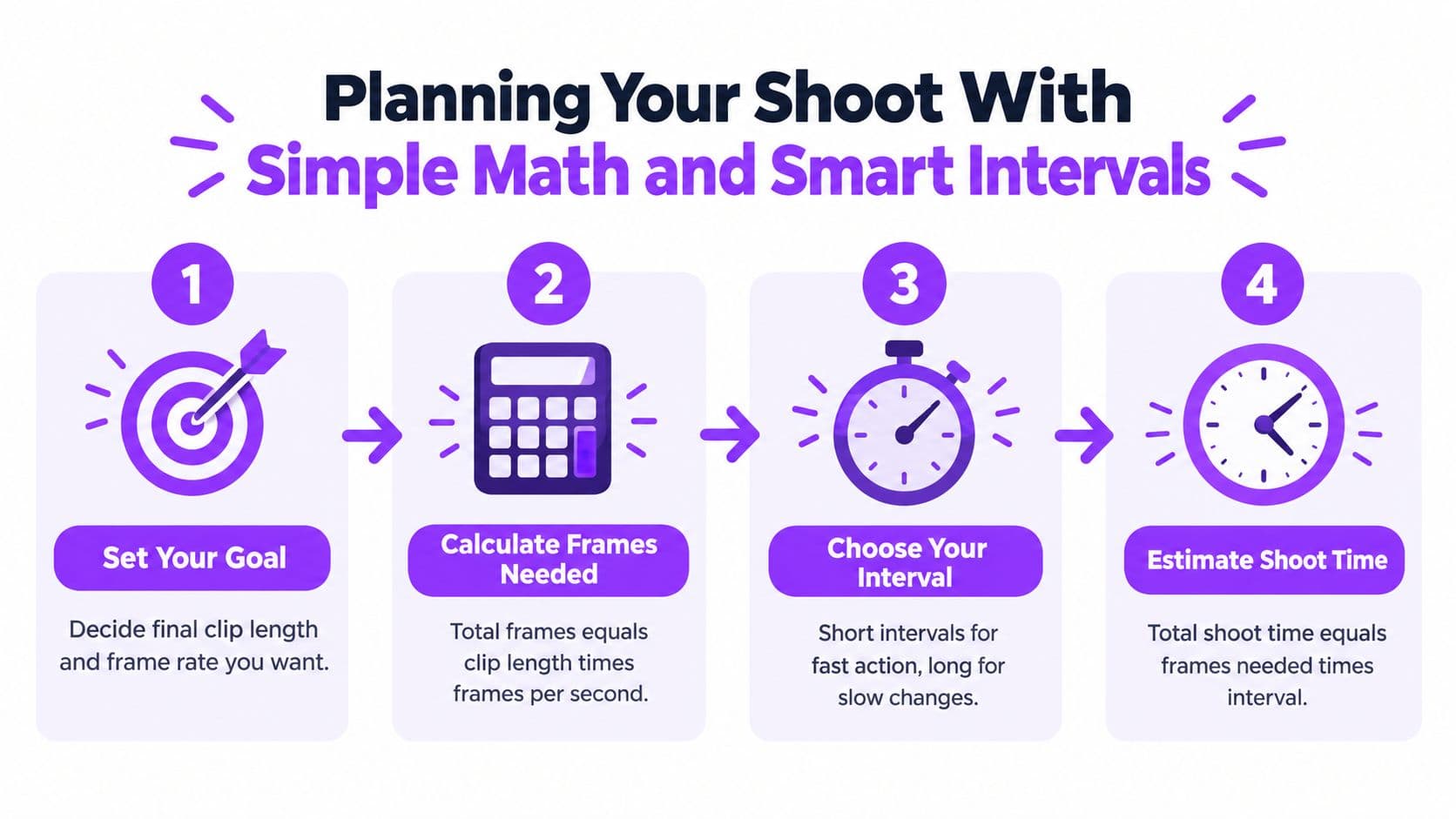
A time-lapse plan begins with the finished clip. Decide its length and playback frame rate, then calculate how many images the camera must capture:
Final clip length in seconds = total captured frames ÷ playback frame rate.
For example, a 10-second video at 30 frames per second requires 300 frames, as explained in this time-lapse and interval recording guide. That frame count becomes the anchor for estimating how long the camera should run and how much storage and power the shoot may need.
Choose the interval from the subject
The interval is the pause between frames. It works like the spacing between snapshots in a flipbook: shorter gaps show movement more continuously, while wider gaps make gradual change more visible.
- Cars and people: 1 to 2 seconds can keep movement from appearing too jumpy.
- Clouds: Around 3 to 4 seconds can reveal their drift while preserving a smooth flow.
- Day-to-night transitions: 5 to 7 seconds or longer may suit changes that develop gradually.
These ranges are starting points rather than fixed rules. Shorten the interval when people or vehicles move quickly through the frame. Use a longer gap when the scene changes slowly and you want the finished sequence to feel more active.
Planning rule: Faster visible movement needs more frequent frames. Slower change can tolerate wider gaps.
Estimate the capture period by multiplying the required frame count by the interval. With 300 frames arriving four seconds apart, the camera needs time to collect those images across that spacing. Leave room for setup, testing, file writing, and pauses caused by the equipment.
For lyric or karaoke videos, plan around the background's emotional role. Gentle movement with wider spacing can support a calm song, while quicker motion may suit a lively chorus. The background should still leave the words easy to read. Capture a short test before committing to a long shoot, then use a workflow for making a video loop when the background must repeat cleanly.
Essential Shooting and Editing Techniques for Smooth Results
A time-lapse can look polished during planning yet stutter after capture. The camera records separate frames, so a small shake, exposure change, or storage delay repeats throughout the final sequence. For lyric and karaoke creators, these flaws can distract from the words just as the music begins to build.
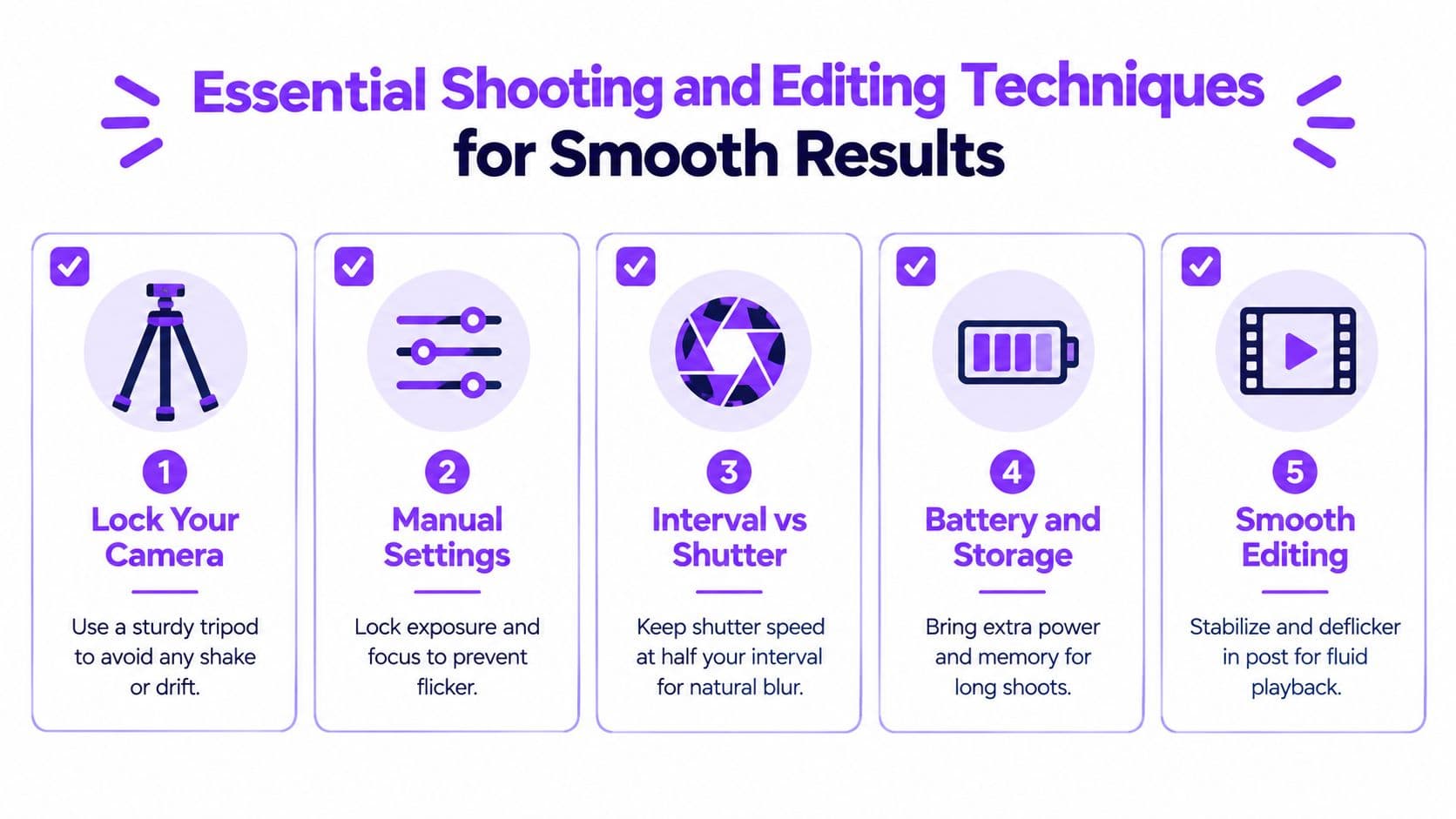
Start with physical stability. Use a sturdy tripod and protect the mounting position from accidental bumps. Before a long capture, check battery power, available storage, and file-writing performance. A strong visual idea cannot reach its payoff if the camera stops early or the memory card fills first.
Control the settings that cause flicker
Automatic controls may respond differently from frame to frame. One image can become brighter, the next can shift white balance, and autofocus can move to a new detail. Played rapidly, those small differences appear as flicker, brightness drift, or an unstable point of focus.
Use manual exposure, manual white balance, and manual focus whenever the scene permits. The time-lapse photography guide explains why timing matters: the camera must finish the exposure and write the file before the next trigger.
Exposure should remain shorter than the interval, leaving time for file writing and other camera operations. A practical guideline is to keep exposure around 60% to 80% of the interval. If the camera spends nearly the whole interval exposing and processing, it may miss a trigger, fill its buffer, or create gaps.
Exposure check: Leave breathing room between one finished file and the next capture. The interval is also the camera's processing window.
Edit for continuity
After capture, inspect the sequence for unwanted movement, brightness shifts, and missing frames. Apply gentle crops, reframing, stabilization, or flicker correction only when the footage supports it. A restrained edit keeps a time-lapse background behind the story instead of competing with the singer, lyrics, or karaoke timing.
If you are turning ordinary footage into a faster sequence, this guide to how to speed up videos offers useful editing context. For minor camera movement, follow a measured video stabilization workflow. Stabilization should steady the frame without producing warped edges or distracting motion.
That balance matters in modern creator workflows. A clean time-lapse background can add emotion to a lyric video with little editing, provided its movement remains consistent and its visual changes leave room for the words.
Using Time Lapse Backgrounds to Elevate Lyric and Karaoke Videos
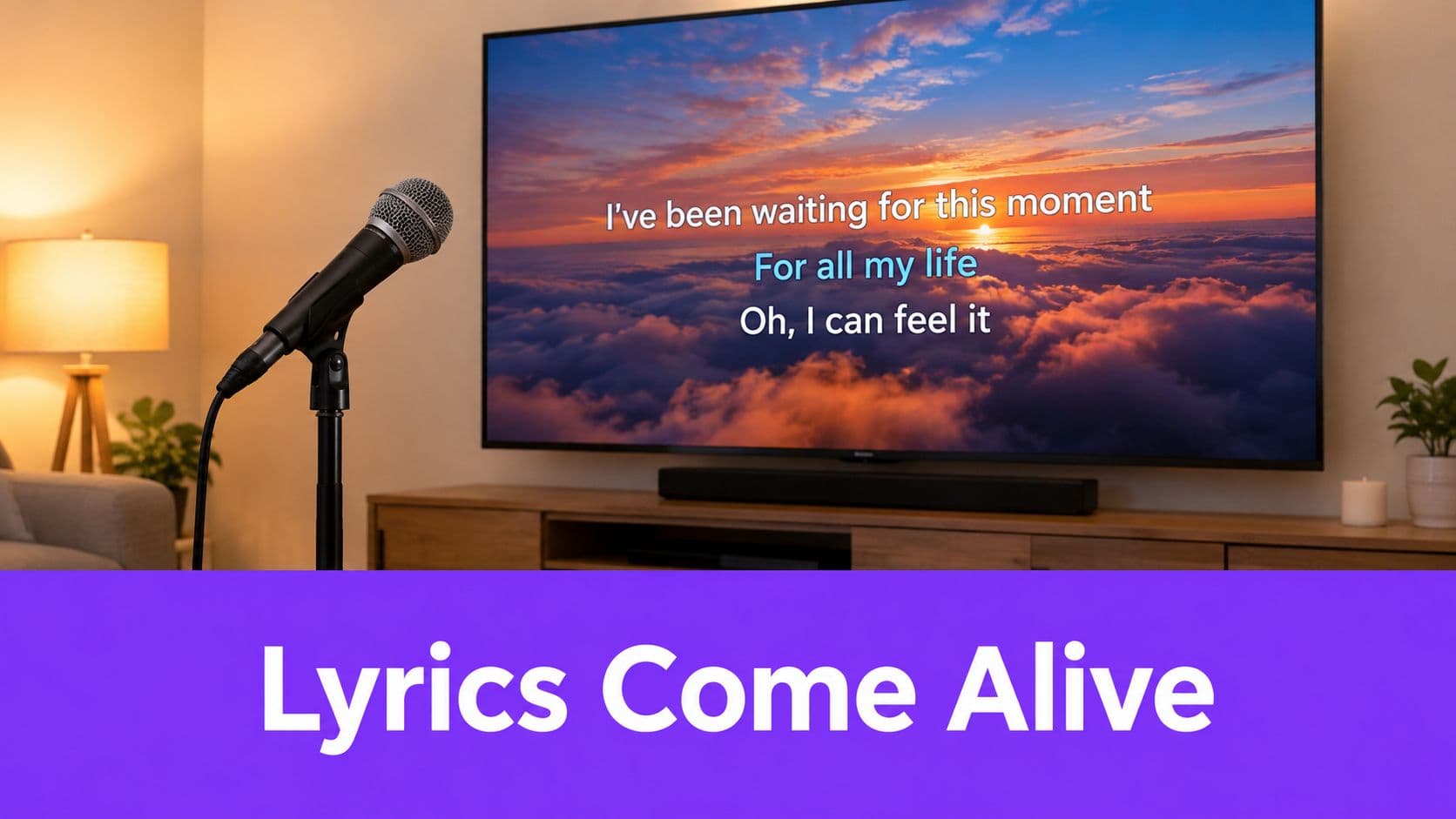
Lyrics need a readable stage. A time lapse background can provide that stage with more emotional movement than a static image, but the background should support the words rather than compete with them.
A sunset behind karaoke lyrics can make a ballad feel intimate. Moving clouds can give a reflective verse room to breathe. City lights can add momentum to a pop track, while a slow floral sequence can suit a gentle acoustic performance. The best choice comes from the song's mood, not from the most visually impressive clip.
Match motion to the song
Start by listening for the song's emotional center. Ask whether the background should feel calm, hopeful, urgent, nostalgic, or celebratory. Then choose movement with a similar character.
A background with high contrast or fast activity can make lyric edges harder to read. Look for areas of relative visual quiet where text can sit comfortably. If necessary, darken, soften, blur, or overlay the footage so the typography remains the first thing viewers notice.
The timing matters too. A background doesn't have to change with every lyric. It can build across a verse, shift at a chorus, or loop beneath a repeated section. A subtle visual transition can make a song feel arranged rather than merely displayed.
Keep the workflow focused
A browser-based lyric video workflow can reduce the number of separate editing tasks. Upload the song and lyrics, select or add a background, adjust fonts and colors, and inspect the result in a preview. The practical advantage is not a claim that automation replaces judgment. It's that creators can spend more time deciding how the song should feel and less time managing disconnected files.
Use background images in a lyric video as a starting point, then adapt the same visual thinking to moving footage. If the project requires custom animated typography, compositing, or branded sequences beyond a straightforward lyric treatment, studying the work of motion graphics studios can help you identify techniques worth borrowing.
A useful test is simple: pause the video on several frames and read the lyrics without effort. If the words disappear into the background, reduce visual intensity before adding more effects.
Inspiring Time Lapse Ideas and Your Next Creative Steps
A karaoke channel can open a song with a quiet horizon changing color, then bring the lyrics in once the background has established the mood. An event organizer can use a time lapse of an empty venue becoming active as an introduction. A social creator can show a workspace transforming from preparation to finished set, using the accelerated sequence as a compact story.
The same footage can serve different roles:
- Opening: Establish a place or emotional atmosphere before the first lyric appears.
- Transition: Move between sections of a song while keeping the visual identity consistent.
- Full background: Sustain gentle motion throughout the video when the footage has enough quiet space for text.
- Closing: Let the scene continue after the final lyric, giving the ending room to settle.
Choose your first project by reducing the number of decisions. Pick one subject, one camera position, and one clear purpose. If you're working with a phone, choose a short outdoor sequence with visible cloud or light movement. If you have a tripod and reliable power, try a longer transition such as daylight becoming evening. If you're creating a lyric video, begin with a background whose motion is gentle enough to protect readability.
The strongest time lapse application isn't always the most elaborate one. It's the one that makes a slow change easy to feel, understand, or remember. Start with the story, calculate the frames, protect the capture, and edit with restraint.
MyKaraoke Video lets you turn songs and lyrics into customized karaoke or lyric videos in your browser, with automatic lyric syncing, a sync editor, background controls, and real-time previews. Add a time-lapse background to give your next song more atmosphere without building the entire video from scratch, then visit MyKaraoke Video to create your first project.
