A reusable template turns each new song into a minutes-long adaptation instead of an hours-long rebuild. The pattern is clear in template libraries, where one site had 934 available templates but only 313 used to author a note, while another had 765 available and 480 used.
You've just finished a polished karaoke video. The lyrics are timed, the background feels right, the font is readable, and the colors match your channel. Then another song arrives, and you realize you're about to rebuild the same layout, text styling, animation choices, and export settings from scratch.
That cycle is where template usage earns its place. In MyKaraoke Video, a finished karaoke project can become a reusable structure for future songs, so you're adapting a proven design instead of repeating every editing decision. The advantage isn't just speed. It's a production system that keeps quality consistent while reducing the number of small choices you need to make for every upload.
Why Smart Template Usage Changes Your Workflow
A strong template changes the editor's role. Instead of treating every song as a separate design project, you create a dependable base once and reserve your attention for the parts that change, such as lyrics, timing, artwork, and song-specific emphasis.
That distinction matters for channel managers. Rebuilding a video from a blank project creates many opportunities for inconsistency. One upload may use a slightly different title position, another may have a different lyric color, and a third may use a background that competes with the words. The audience might not identify the cause, but the channel can start to feel less coherent.
A reusable format gives you a visual baseline:
- Brand structure: Keep the familiar placement of titles, lyrics, progress indicators, and other recurring elements.
- Production decisions: Set the font family, color palette, contrast, and background treatment before the next deadline arrives.
- Review routine: Check the changing content instead of repeatedly validating the entire design from the beginning.
The value of this approach becomes clearer when you look at real template libraries. A 2008 study of electronic clinical note templates found that one New York hospital site had 934 available templates, but only 313 were used to author at least one note. At the other site, 765 templates were available and 480 were used. Monthly use was also uneven, with about 30% of templates used at one campus compared with around 60% at the other, as documented in the study of electronic clinical note template usage.
Practical rule: A template only saves time when it matches the work you actually repeat.
That's why creating dozens of variations at the start usually doesn't help. Begin with the format you use most often. Make it dependable, easy to understand, and quick to adjust. Once that base works across several songs, you'll know which variations deserve their own saved versions.
The best template isn't the most elaborate one. It's the one that lets you move from a new audio file to a credible first draft without reopening every design decision.
Building Your First Reusable Video Template
Start with a project that already represents the standard you want to maintain. Don't build your first template from an experiment with unusual colors or a one-off visual effect. Choose a video whose typography, contrast, and pacing already feel suitable for the majority of your channel.

Establish the visual foundation
Upload the song and set up the elements that define the channel's identity. Work through the project in a deliberate order:
- Choose the background treatment. Decide whether the template uses a static image, a simple color field, a gradient, or another recurring visual style. Check that the background supports lyric readability rather than competing with it.
- Set the lyric typography. Pick a font that remains legible at the intended video size. Adjust the weight, size, alignment, and line spacing while viewing longer lyric lines, not only short phrases.
- Define the color system. Select the primary lyric color, any highlighted or active-lyric color, and supporting text colors. Check the combinations against both light and dark areas of the background.
- Position recurring elements. Place the song title, artist information, branding, and lyric area where they can remain stable across different tracks.
- Preview the complete flow. Review several lyric changes and transitions. A layout that looks balanced on the opening frame can feel cramped once longer lines appear.
The guide to creating lyric videos with AI can help you think through the relationship between lyric content, synchronization, and the visual presentation before you save the project.
Lock the right settings
Save the settings that represent your brand, but leave content-specific fields open. Background style, font choices, standard colors, and recurring layout positions are usually good candidates for protection. Song title, artist name, audio, lyrics, timing, and track-specific imagery should remain editable.
Use a descriptive name that tells you what the template is for. “Main channel karaoke layout” is more useful than “New Project,” especially once your library grows. Before relying on it, apply the saved version to a different song and inspect the result. That test reveals whether you created a truly reusable template or only saved a project that still depends on its original content.
Balancing Fixed Elements with Flexible Fields
The central template decision is simple: what should never change, and what must change often? Lock too little, and each new project becomes a design exercise. Lock too much, and the template becomes awkward when a song has longer lyrics, a different mood, or unusual timing.
| Fixed elements | Flexible fields |
|---|---|
| Brand colors and core font choices | Lyrics and line breaks |
| Standard lyric placement | Audio and song duration |
| Recurring title treatment | Song title and artist information |
| Default background approach | Track-specific background imagery |
| Consistent export preferences | Timing and emphasis adjustments |
Hard-coding every detail can make the first project look highly polished. It can also create downstream problems. A long chorus may need different line spacing, a song with a quiet mood may need a calmer background, and a track with dense lyrics may expose limits in a layout that looked perfect with the original song.
The more resilient approach uses modular consistency. Keep the visual rules stable, but allow the content fields to respond to the song. For example, you can preserve the same lyric color and general position while permitting modest changes to size or spacing when a new track contains unusually long lines.
Compare the two extremes
An over-customized template contains so many locked decisions that every exception requires workarounds. Editors may duplicate the project, break the intended structure, or abandon the template altogether. That defeats the point of saving it.
A loosely defined template has the opposite problem. It provides a starting file but no meaningful guardrails. The editor still has to decide which font to use, where to place the lyrics, how to handle the title, and whether the colors remain readable.
The useful middle ground is a stable shell with editable content. Think of the shell as the channel's visual language. Think of the fields as the information that belongs to one song. This approach also makes it easier to maintain several related styles, such as a standard format, a darker mood format, and a high-energy format, without turning every project into a new design system.
For background decisions, the tutorial on adding background images is a useful reference when you need to vary the imagery without changing the rest of the composition.
Applying Templates to New Songs Efficiently
The saved template becomes valuable at the moment a new track enters your queue. The aim isn't to preserve every detail from the original project. The aim is to load the established structure, replace the song-specific content, and make only the adjustments the new track requires.
Start by creating a new project for the incoming song and selecting the saved template. Confirm that the audio belongs to the correct track before you begin editing. Then replace the original lyrics with the new text and inspect the title, artist field, background, and any other content-specific elements.
Use the sync editor as a quality checkpoint
Automatic synchronization can give you a useful starting point, but timing still needs a human review. Read along with the vocal or backing cue and look for the moments that commonly drift:
- Fast verses: Short lyric phrases can appear too late or disappear too quickly.
- Repeated choruses: Similar lines may inherit timing that fits one repetition but not another.
- Long held notes: The lyric may need to remain visible until the vocal phrase finishes.
- Dense sections: Several lines may need spacing changes to avoid crowding.
The most efficient review isn't a complete redesign. Play the song from the beginning, mark the points where the words feel early or late, and adjust those moments in the sync editor. Then scan the transitions around each change. Targeted corrections protect the saved layout while giving the new track an appropriately fitting result.
Make changes in the right order
Handle content before cosmetics. First confirm the audio, lyrics, and timing. Next review the title and artist details. After that, adjust the background or a small number of visual details if the song calls for a different treatment.
This order prevents wasted effort. There's little value in perfecting a background when the lyric timing still needs attention, and changing the font before checking the longest lyric line can create more review work later.
For creators who also prepare short promotional clips from finished videos, StreamGen clip editing tools can fit alongside this workflow. Use the karaoke template for the full production, then handle short-form adaptations as a separate editing task so the core project remains clean.
A final preview should answer three questions: Can the lyrics be read, do they appear at the right time, and does the video still look like part of the same channel? If the answer is yes, export the finished file and preserve the template as the untouched source for the next project.
Troubleshooting Common Template Pitfalls
Most template failures aren't mysterious. They usually come from a mismatch between the assumptions built into the original project and the demands of the new song.
Text overlap is a common example. A lyric line that fit comfortably in the source song may wrap onto another line in the replacement track. Check the longest phrases first, then adjust the editable typography or spacing rather than moving the entire layout. If the background contains a bright or detailed area behind the lyrics, change the image treatment or use a more controlled background for that particular song.
Timing problems need a different diagnosis. If every lyric line is early or late, check the relationship between the imported audio and the timing data. If only certain sections drift, inspect the affected phrases individually. Don't compensate for one faulty verse by changing the whole project.
A reusable template should reduce repeated decisions, not hide errors until export.
Treat the library as a production asset
Naming affects speed once you have more than one saved style. Include the intended use in the name, such as the channel identity, visual mood, or content type. Add a short description that explains what remains fixed and which fields are expected to change.
Use a small set of categories instead of creating a new version for every minor variation:
- Core format: The default design for most songs.
- Mood variation: A restrained or darker treatment for slower material.
- Performance variation: A layout suited to energetic tracks or prominent sing-along cues.
- Platform variation: A structure adapted to a different aspect ratio or publishing destination.
Independent workflow guidance identifies missing substeps and inefficient step sequencing as recurring reasons templates fail in practice, as outlined in this workflow template guidance. That applies to karaoke production too. If the saved process skips audio verification, lyric cleanup, timing review, or final playback, the template may appear efficient while pushing corrective work to the end.
Keep one untouched master for each dependable format. Test changes on a duplicate, and retire versions that no longer fit the way your channel produces videos.
Scaling Your Workflow for High-Volume Production
Scaling template usage doesn't mean making every upload identical. It means separating the stable parts of production from the decisions that deserve creative attention.
Start with one core template and create variations only when a recurring need appears. A variation should solve a clear problem, such as a different lyric density, mood, or output format. If the difference is too small for an editor to recognize quickly, it probably doesn't need its own saved version.
A practical high-volume workflow has distinct checkpoints:
- Intake: Confirm the audio file, lyrics, title, artist, and intended format.
- Template selection: Choose the saved structure that fits the song rather than defaulting to the most recently used file.
- Content replacement: Add the new material without changing protected brand settings.
- Sync review: Inspect difficult sections and correct timing in the editor.
- Visual review: Check line wrapping, contrast, backgrounds, and transitions.
- Release check: Watch enough of the finished video to catch issues that a still frame won't show.
This division lets channel managers delegate or batch repetitive tasks without losing control of the final presentation. It also makes bottlenecks visible. If timing review is always the slowest stage, improve that checkpoint instead of adding more visual templates.
The workflow optimization guide can help you examine the wider process around your saved designs, including where files, reviews, and exports create unnecessary repetition.
Template usage also benefits from restraint. A 2016 analysis of Wikimedia Commons license templates found 4,167 templates in the system, but 90% of files relied on just 3% of the most-used templates. The analysis is a useful reminder that a large catalog doesn't automatically create broad usage. A small, trusted collection can serve more of the actual workflow than an impressive archive of rarely opened options, as shown in the Wikimedia Commons template usage analysis.
For a broader view of how assets, review stages, and handoffs fit together, this guide to a video editing pipeline that scales offers useful planning context. The principle is straightforward: save creative energy for decisions that affect the song, and let the repeatable structure handle everything else.
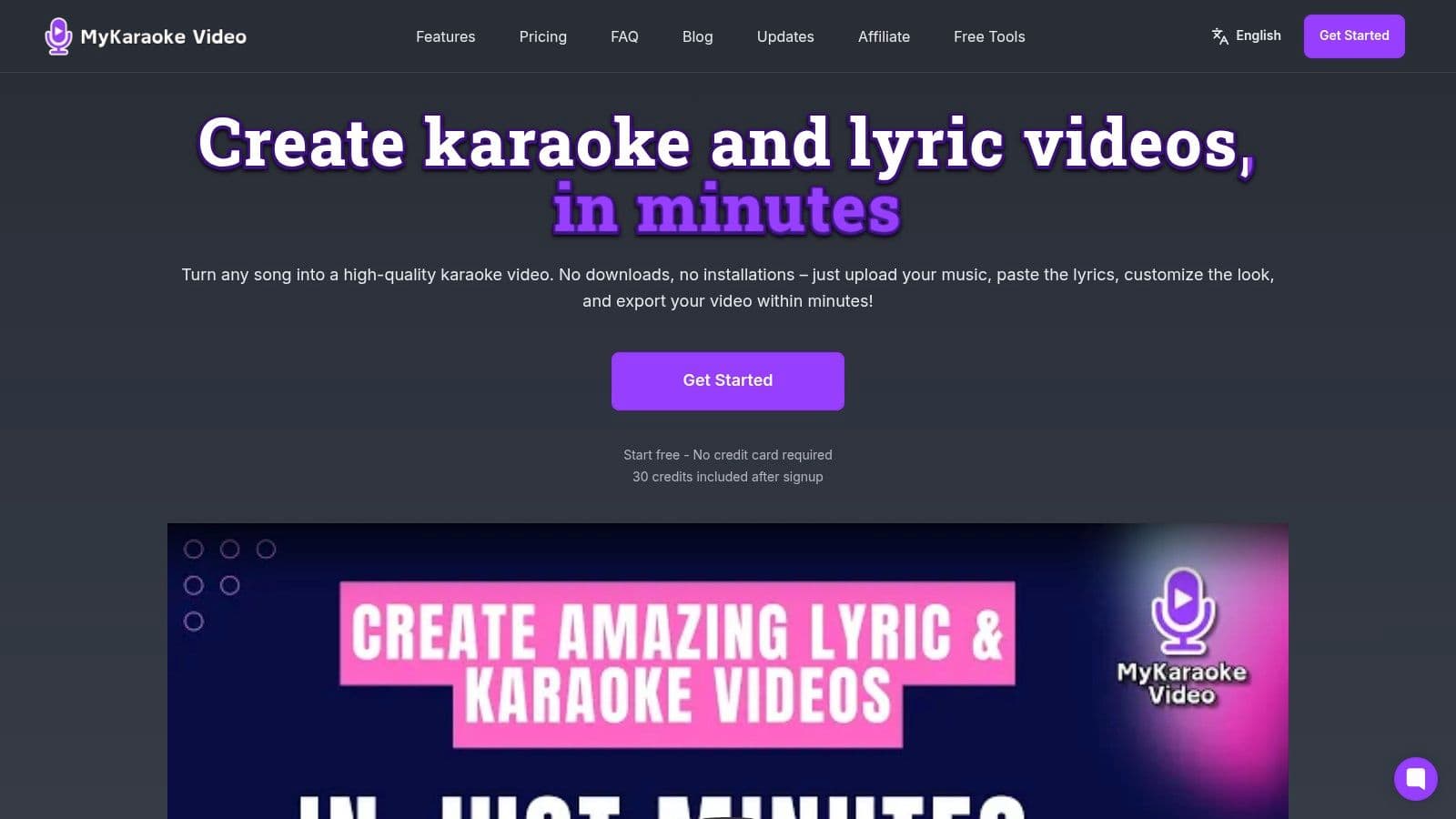
MyKaraoke Video lets you turn a configured karaoke or lyric video into a reusable template, then apply its fonts, colors, layouts, and other project settings to future songs in the browser. Visit MyKaraoke Video, build one dependable master project, and test it on your next track before expanding your template library.
