You're probably sitting on a rock track that already works. The riff hits, the chorus lands, and the lyrics are doing real emotional heavy lifting, but the presentation still feels unfinished. That's where the right workflow matters, because rock music with lyrics isn't just about showing words on screen, it's about choosing the best tool for discovery, practice, timing, and final production.
For creators, the question isn't “which app shows lyrics?” It's which tool gets you from listening to a song to publishing a polished lyric video without wasting hours. If you're also trying to improve your editing stack, find the right TikTok video editor alongside the music tools below, because short-form promotion and lyric-video production often feed each other.
1. MyKaraoke Video
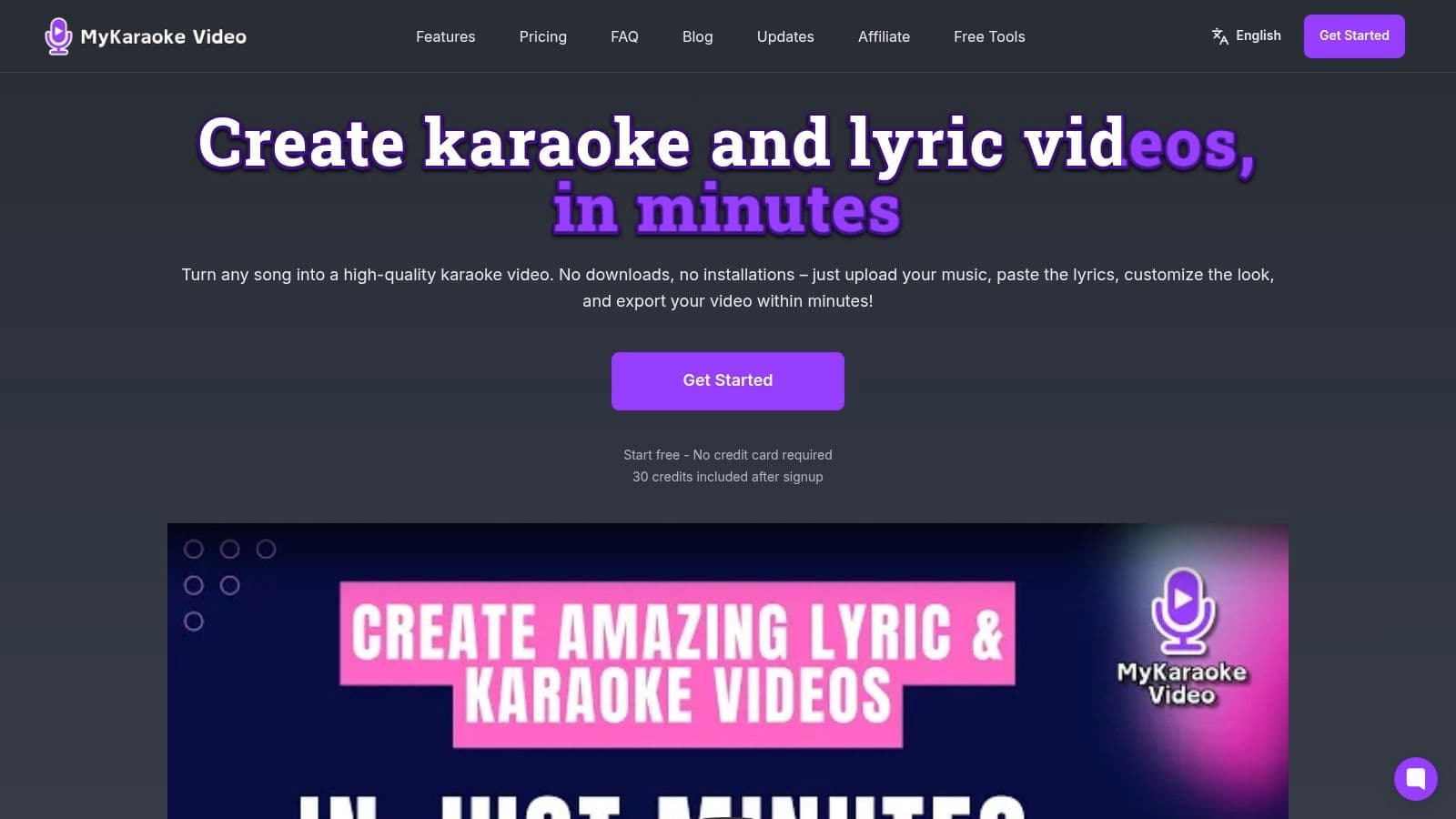
MyKaraoke Video is the quickest path from a finished rock track to a clean lyric video you can upload. It runs in the browser, so there is no heavy software to install, and the workflow fits how rock creators work: upload a song, paste the lyrics, sync the lines, and export a polished 1080p MP4. The platform takes on the tedious parts, including AI vocal removal, transcription, and automatic lyric syncing, then gives you room to fine-tune timing in the Sync Editor when a chorus needs more impact. If you need to build tracks with DissTrack AI before syncing lyrics, that integration can streamline your workflow.
Fast production without giving up control
I keep this tool near the top of a rock lyric workflow because it balances speed and control better than most browser tools. The one-click karaoke and lyric-video makers get you moving fast, while duet mode, full visual customization, overlays, backgrounds, visualizers, and Google Fonts give you enough room to match the feel of a power ballad or a harder classic-rock cut.
For teams that publish often, the server-side rendering matters as much as the visuals. Your device stays free while exports run, which helps when you are batch-producing content for a channel, venue, or client. The pricing also works well for creators who do not want a fixed monthly lock-in, with a free trial, pay-as-you-go credits, and subscription tiers that add perks like queue exports and priority processing.
Practical rule: Use auto-sync for the first pass, then open the Sync Editor on choruses, fast vocal runs, and any lyric line where the singer cuts across the beat.
The workflow guide on workflow optimization is worth following if you want a repeatable production process. Treat MyKaraoke Video as the finishing tool, not just a converter. It works best when you already know the song, know the audience, and want to turn that judgment into a polished result fast.
2. Spotify
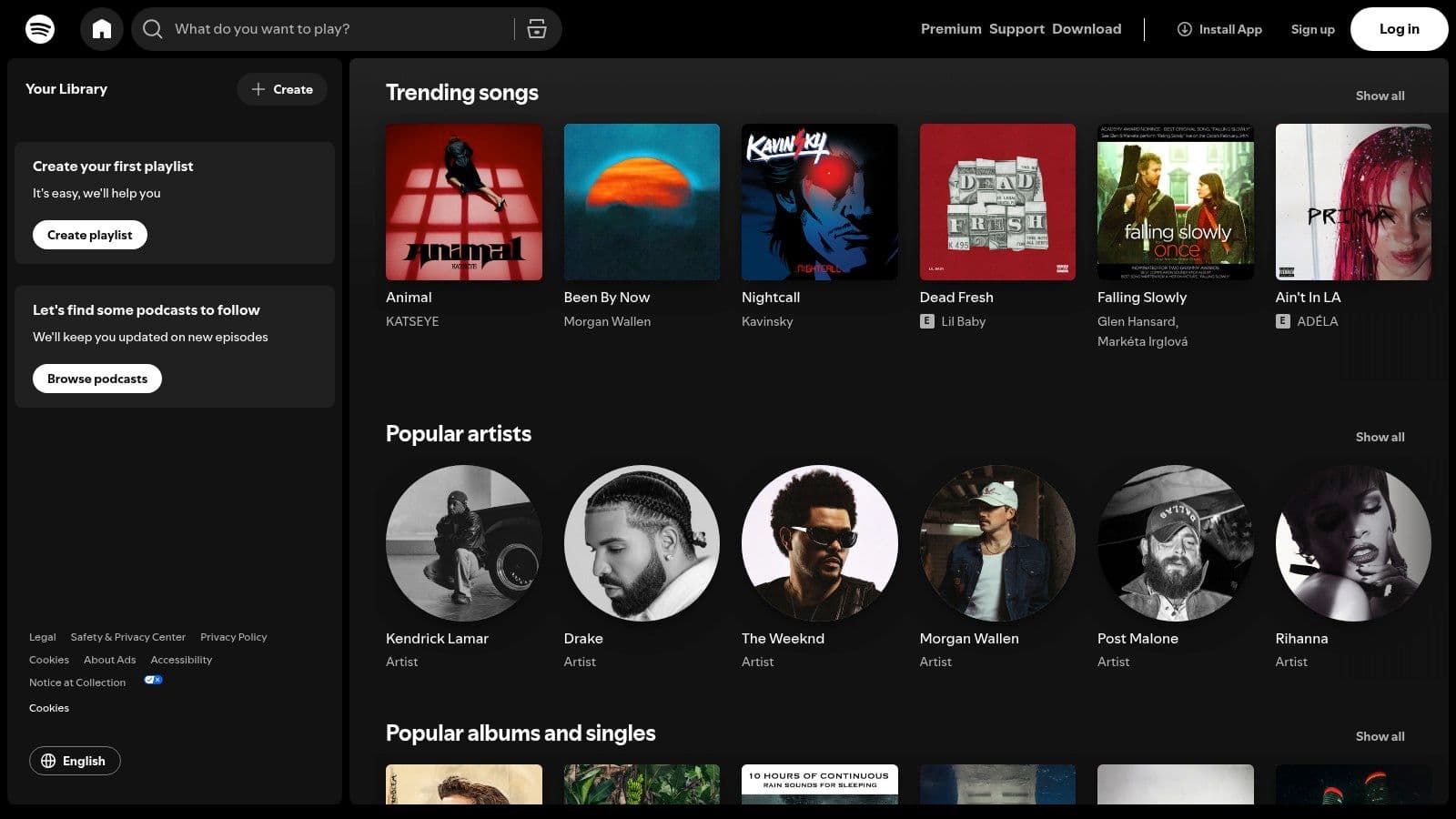
Spotify is the best starting point when you're still deciding what to make. The platform's time-synced lyrics make it easy to follow along on mobile, desktop, game consoles, smart TVs, and other supported devices, so it's useful both for casual listening and for checking whether a lyric-heavy rock track will work as a sing-along or video concept. Its editorial rock playlists and radio features also make discovery easier when you're searching across classic material and newer releases.
Best for discovery, not production
Spotify's main strength is upstream work. I use it when I need a fast answer to questions like, does this track have lyric display support, is it a familiar catalog song, and how does it sit next to similar rock releases in playlists? That's especially useful for creators who are planning a lyric-video series and need songs with obvious audience recognition.
The trade-off is just as clear. Spotify helps you follow lyrics, but it doesn't help you build a karaoke track or final lyric video. If your goal is practice, reference listening, or venue playback, it's a solid choice. If your goal is to export a finished visual asset, you'll need a production tool afterward.
Use Spotify with a creator mindset, not a consumer mindset. Build a shortlist from official rock playlists, listen for repeated phrases and memorable hooks, then move the selected song into your production workflow. If you're already planning a video, pair that listening pass with how to add lyrics to songs so you don't waste time guessing at timing later.
3. Apple Music Including Apple Music Sing
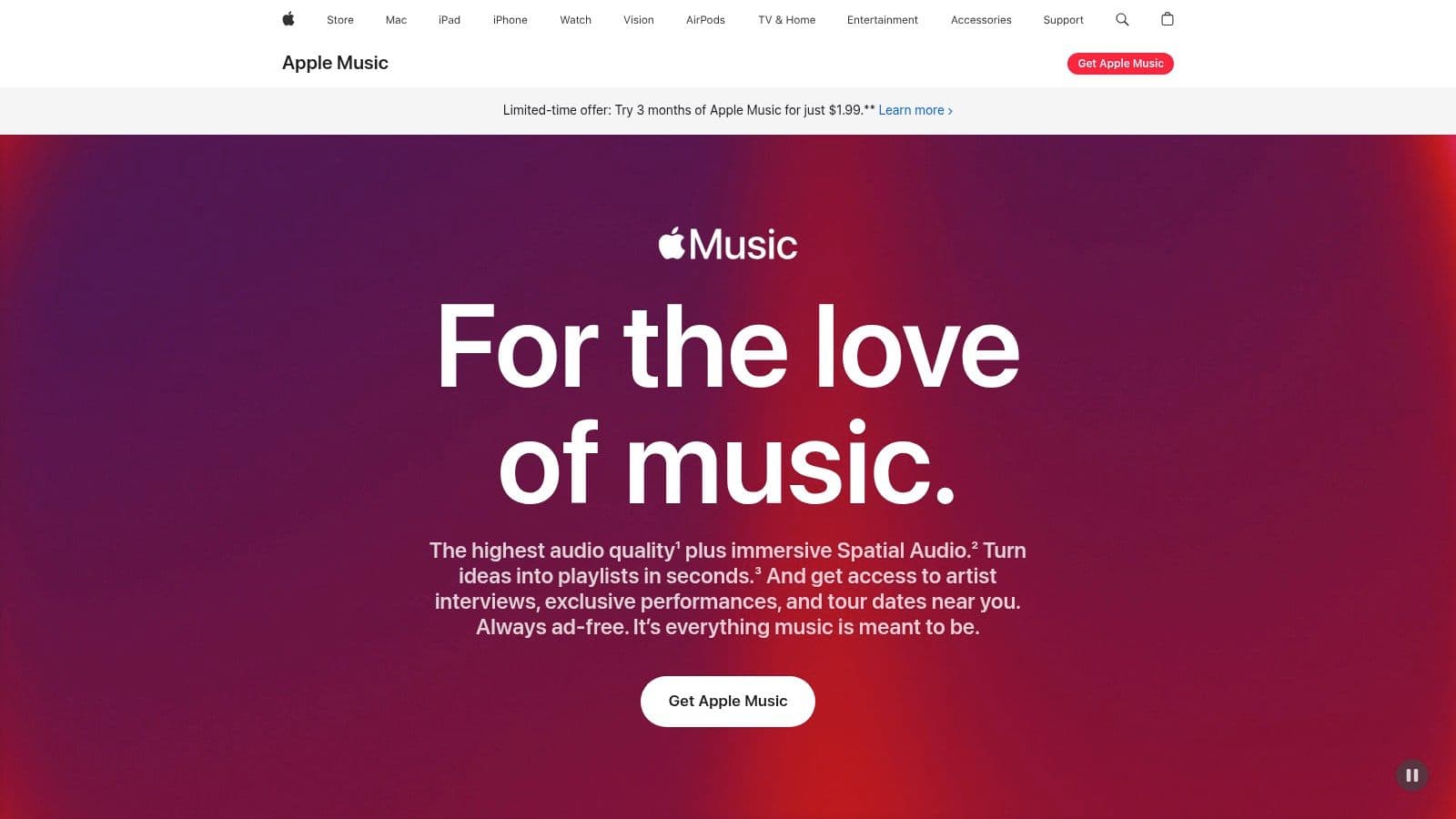
Apple Music is the cleanest option for creators who want a polished listening and rehearsal environment. Its time-synced lyrics are easy to follow line by line, and Apple Music Sing adds a karaoke-style layer on supported devices by reducing lead vocals and showing beat-by-beat lyrics on iPhone, iPad, Apple TV 4K, and select Macs. For rock songs, that's especially useful when you're trying to learn phrasing or test how a chorus feels before you commit to a lyric-video layout.
Strong for rehearsal and device integration
The best part of Apple Music is how stable the experience feels across Apple hardware. That matters for event playback, AirPlay setups, or simple in-house rehearsal workflows where you don't want display glitches or inconsistent lyric behavior. The audio side is strong too, with high-quality playback and Spatial Audio or Dolby Atmos on many releases, which helps when you're studying arrangement details.
The limitation is hardware dependence. Apple Music Sing only works on supported devices, so it's not a universal solution if your team uses mixed hardware or if you need something that works across any browser and any screen. The recent US price increase also affects budgeting for teams that already pay for multiple creative subscriptions.
For lyric-related work, I'd use Apple Music when I need reliable playback and a better sing-along experience than a plain streaming app can provide. It's a good bridge between casual listening and production planning, especially if you're mapping out how a rock chorus should feel before you build the visual pacing in a separate editor.
4. YouTube Music
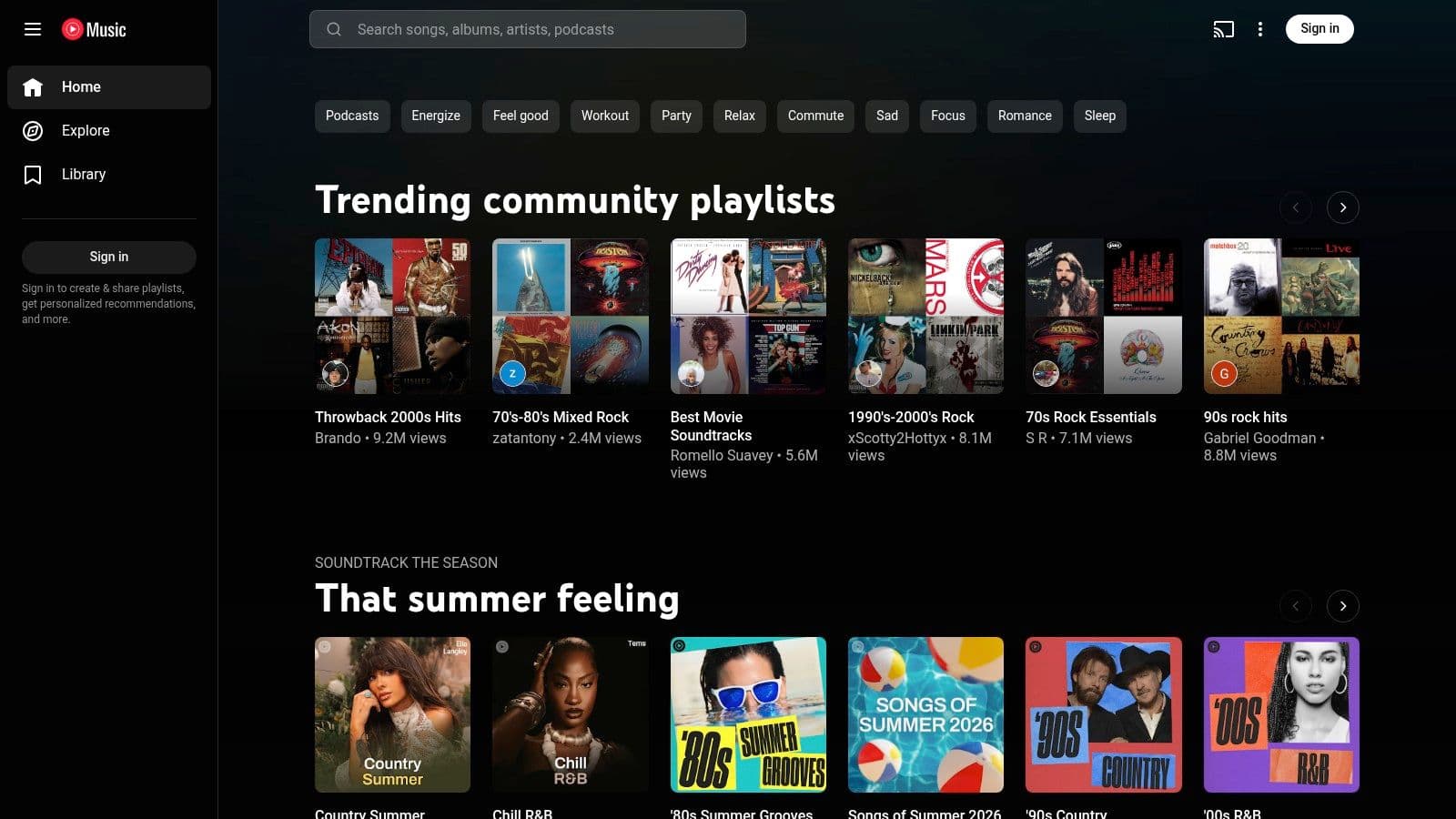
YouTube Music is where I go when the song itself is only part of the research. It combines official releases with a huge mix of official lyric videos, live recordings, covers, and harder-to-find rock cuts, which makes it especially strong for creators scouting visual style. If you're studying how other channels handle pacing, typography, or audience comments around classic tracks, YouTube Music gives you more raw material than most streaming apps.
Best for visual reference and rare versions
The big advantage here is variety. A rock song can show up as a studio track, an official lyric video, a live clip, or a fan upload, and that makes it easier to compare how different versions affect the emotional read of the lyrics. For creators, that matters because rock lyrics often rely on repetition and direct address, so the way a line appears on screen can change the way the audience feels it.
YouTube Music's in-app lyrics, background play, and downloads are useful, but the feature set gets less friendly once lyric access sits behind the Premium wall. That doesn't make it a bad tool, it just means it works best as a discovery and reference platform rather than a final production workspace.
If a song has multiple live versions, check which one keeps the lyric meaning clearest before you start editing. The version that sounds best isn't always the one that's easiest to subtitle cleanly.
For creators building lyric videos from rock material, YouTube Music is valuable because it shows what's already resonating visually. Use it to study framing, timing, and audience expectations, then move to a dedicated editor when you're ready to publish.
5. Amazon Music Unlimited
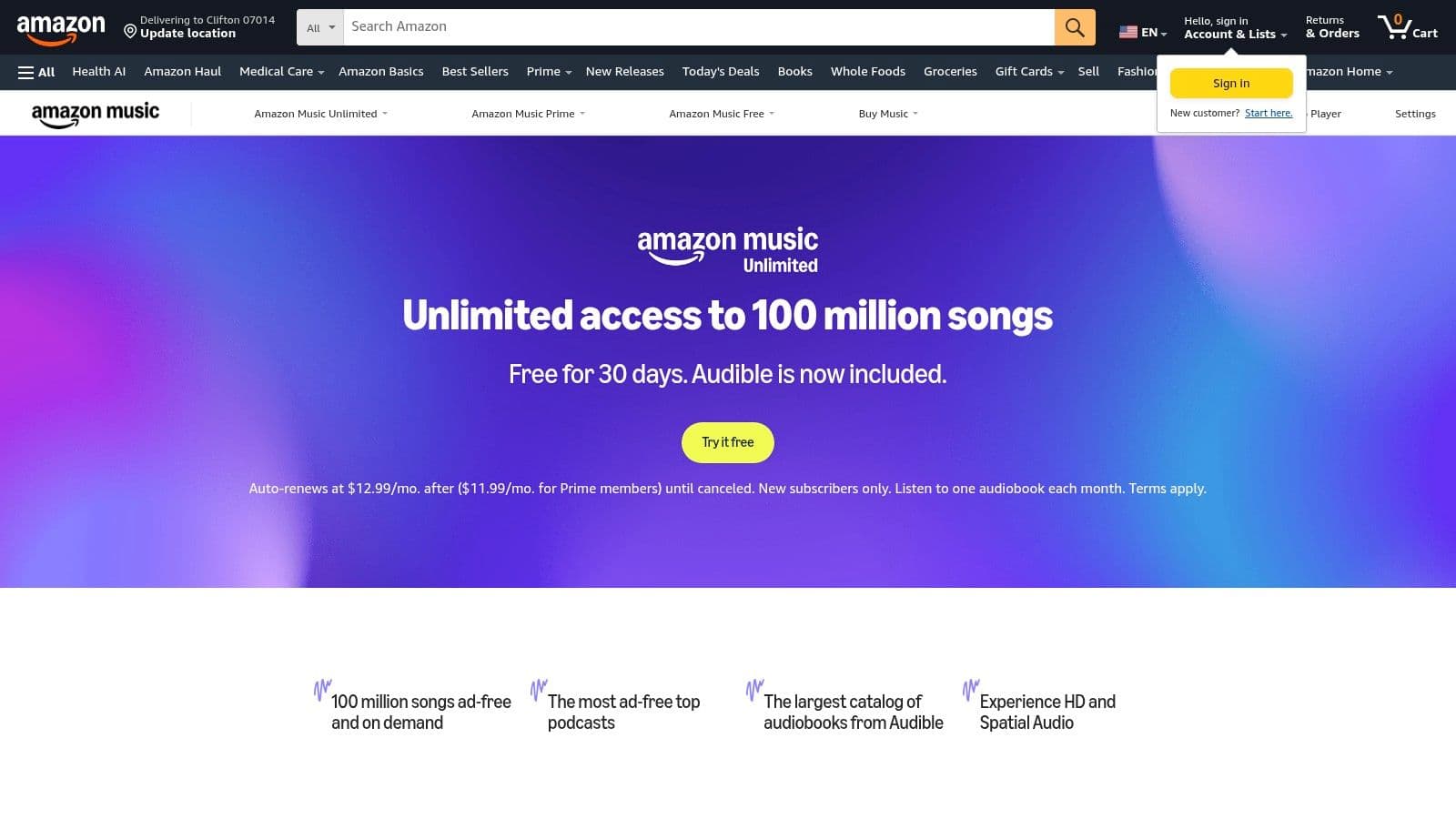
Amazon Music Unlimited is a practical choice when your lyric project needs to play well on a living-room screen, a smart display, or a venue setup. Its synchronized lyrics across many devices, including TVs, Fire TV, and smart displays, make it easy to put rock music with lyrics in front of a crowd without making the playback experience feel clumsy. It also supports HD and Ultra HD audio on Unlimited plans, which helps if you care about the sonic details in classic recordings or cleaner modern remasters.
Good for displays, less exciting for discovery
The strongest use case here is playback, not browsing. If you're running a party, a hospitality space, or a living-room sing-along, the on-screen lyric display is the main reason to pick it. Alexa integration also makes hands-free control easy when you're skipping between songs or testing a setlist.
Where Amazon Music loses ground is curation. The interface and discovery features can feel less sharp than the best-known music apps, so I wouldn't choose it as my first research tool for finding the next great lyric-video candidate. It's better when you already know what you want to play and just need a stable, visually readable experience.
That trade-off is fine if your project is presentation-focused. In those cases, reliable lyric display and decent audio matter more than endless recommendation feeds. If the audience is already there and the song choice is set, Amazon Music does the job without much friction.
6. Deezer
Deezer is the sleeper pick for people who care about lyric readability across languages. Its time-synced lyrics, built-in translations, and broad device support make it a strong follow-along tool when you're comparing rock tracks from different regions or learning a song that isn't originally in English. The service also includes Flow, which is useful when you want personalized discovery without getting trapped in one narrow playlist loop.
Best for translation and casual follow-along
Deezer's translation support is the standout feature for lyric work. If you're adapting a non-English rock song, studying a cover, or just trying to understand the phrasing in a track from another market, having translations inside the player reduces friction. The paid plans also add lossless FLAC, which is a nice bonus for rock listeners who want cleaner detail when checking vocal timing.
The downside is coverage. On niche or indie rock, lyric availability can be less consistent than on bigger platforms, and some regions will have catalog gaps. That means Deezer is best treated as a supportive tool rather than the only place you do your research.
For me, it fills a specific middle ground. It's less sprawling than YouTube Music and less production-focused than MyKaraoke Video, but it's better than many services when lyric comprehension is the main issue. If you work with international rock catalog, the translation layer alone can save a lot of guesswork.
7. Musixmatch
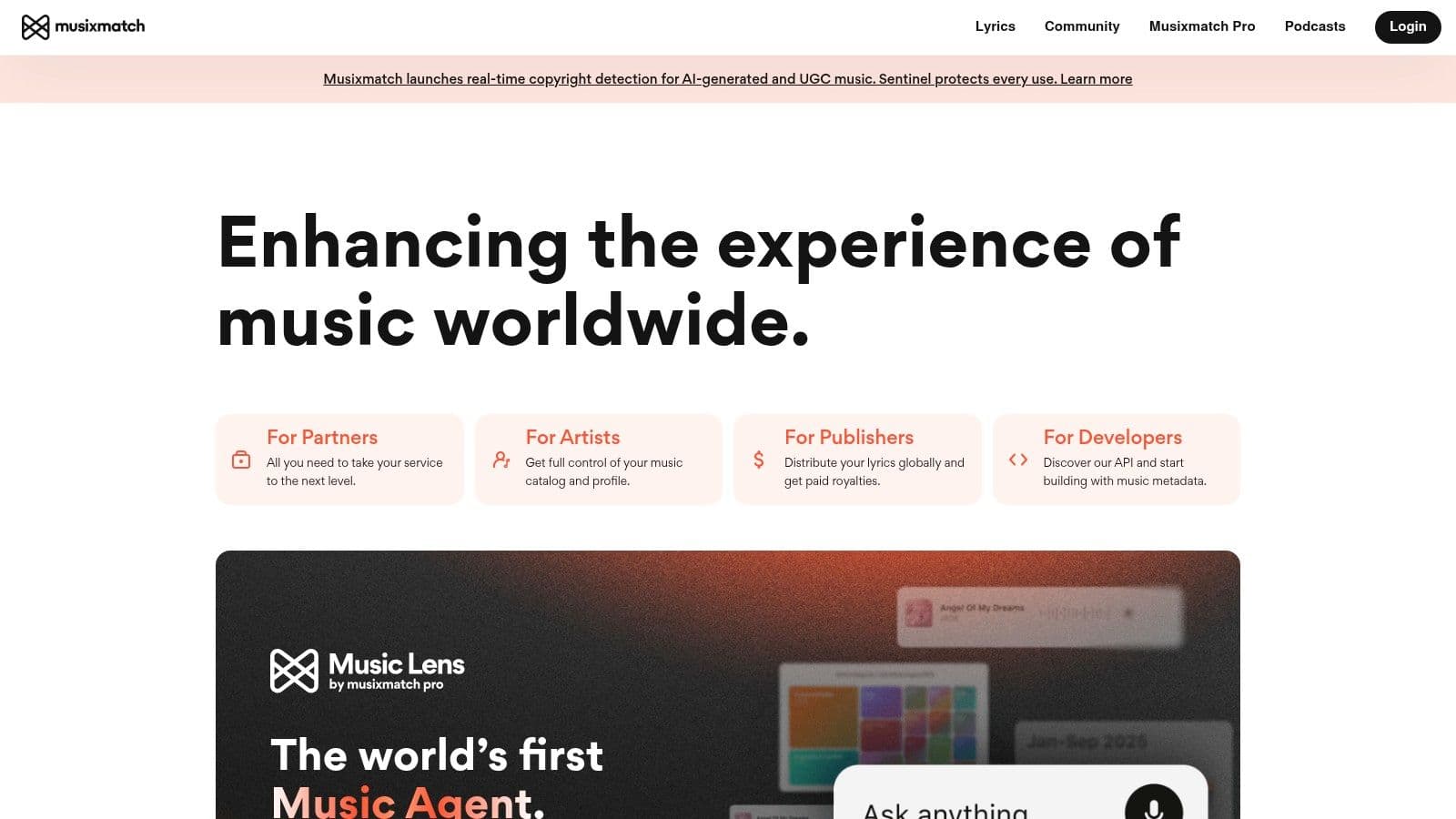
Musixmatch is the utility app I'd pick when I want the lyrics to travel with me across services. It overlays floating, time-synced lyrics on top of Spotify, Apple Music, YouTube, and more, which makes it ideal for people who already have a favorite streaming app but need better lyric handling. For rock, that matters because the words are often simple, repeated, and emotionally direct, so a clean synchronized display helps you learn parts quickly and spot timing issues before you start production.
The best bridge between listening and editing
Musixmatch works well as a pre-production tool. The word-by-word sync mode is useful for rehearsal, line timing, and lyric-video prep, especially when you need to verify where a phrase lands against the beat. The translation support is broad too, so it can help with covers, multilingual projects, or songs you're adapting for different audiences.
The catch is obvious. It's not a streaming platform, so you still need your music app, and that means one more layer in the workflow. Some users also run into permission or stability issues, which is why I don't treat it as the only part of a production stack.
Used correctly, though, it's extremely practical. I'd use Musixmatch to check timing and phrasing, then move into a dedicated production tool once the lyric map looks right. If you're building a video workflow from scratch, add lyrics to video is the kind of next step that turns simple lyric follow-along into a finished asset.
Rock Music with Lyrics, 7-Platform Comparison
| Tool | 🔄 Implementation Complexity | ⚡ Resource Requirements | ⭐📊 Expected Outcomes | 💡 Ideal Use Cases | ⭐ Key Advantages |
|---|---|---|---|---|---|
| MyKaraoke Video | Low 🔄, browser-first; Sync Editor for fine-tuning | Low device load; credit-based exports or subscription ⚡ | Polished 1080p karaoke/lyric MP4 with AI vocal removal & synced lyrics ⭐⭐⭐ 📊 | Karaoke channels, musicians, social creators, events 💡 | AI vocal removal, auto-transcribe/sync, server-side rendering, visual customization ⭐ |
| Spotify | Very low 🔄, ready-to-use app | Free tier available; Premium for best features ⚡ | Reliable time‑synced lyrics for mainstream rock; strong discovery ⭐⭐ 📊 | Music discovery, venue playback, casual sing‑along 💡 | Huge catalog, cross‑device support, editorial curation ⭐ |
| Apple Music (inc. Sing) | Very low 🔄, built-in; Sing requires newer Apple hardware | Subscription required; compatible Apple devices for Sing ⚡ | High-quality audio with adjustable vocal level on supported tracks ⭐⭐⭐ 📊 | Rehearsals, sing‑alongs, Apple-centric setups 💡 | Apple Music Sing, Spatial Audio/Dolby Atmos, tight Apple integration ⭐ |
| YouTube Music | Low 🔄, browse video/audio; creators may extract visuals | Free with ads; Premium for lyrics/background play ⚡ | Access to official lyric videos, live/rare versions; strong visual references ⭐⭐ 📊 | Visual-first creators, scouting lyric-video styles, finding rare cuts 💡 | Massive video catalog, creator uploads, cross-format content ⭐ |
| Amazon Music (Unlimited) | Low 🔄, standard streaming and TV integration | Unlimited subscription; works with Alexa/Fire TV ⚡ | On-screen synced lyrics and HD/Ultra HD audio for presentations ⭐⭐ 📊 | Living-room/venue displays, Alexa/TV ecosystems 💡 | TV/voice integration, hi-res audio options ⭐ |
| Deezer | Low 🔄, standard streaming with translations | Paid plan for FLAC (lossless); subscription ⚡ | Synced lyrics with built-in translations; good audio quality ⭐⭐ 📊 | International lyric translations, audiophile listening, mood discovery 💡 | Lyric translations, Flow personalized discovery, FLAC support ⭐ |
| Musixmatch | Moderate 🔄, companion overlay app; pairing required | Free/Premium; runs alongside your music app ⚡ | Word-by-word floating lyrics, wide translations, offline lyric tools ⭐⭐ 📊 | Rehearsals, timing lyric-video creation, cross-service lyric display 💡 | Cross-app synced lyrics, extensive translations, offline sync options ⭐ |
Start Creating Your Next Rock Lyric Video Today
The right tools make all the difference. Spotify helps you discover the track, Apple Music and Musixmatch help you rehearse it, YouTube Music helps you study visual styles, and MyKaraoke Video turns the whole thing into a finished piece you can publish. For rock music with lyrics, that workflow matters because the genre rewards clear timing, readable text, and a presentation that respects the song's energy.
The strongest approach is to match the tool to the job. Use streaming apps for discovery and practice, then switch to a dedicated creator platform when you're ready to build the final video. That's the difference between hearing a rock song and making it work on screen.
Start with MyKaraoke Video if you want the shortest path from audio file to polished lyric video. The browser-first setup, automatic syncing, and visual customization make it a strong choice for creators who want speed without sacrificing presentation.
MyKaraoke Video gives you a fast way to turn a rock track into a polished karaoke or lyric video without installing software. If you're ready to move from listening to publishing, visit MyKaraoke Video and try the workflow on your next song.
