Finding good karaoke software can be a complex task, whether you're a professional KJ, a content creator building a YouTube channel, or just someone looking to host an unforgettable party. The market is filled with options, each catering to a different need. Some are designed for live event management with robust songbook features, while others focus on high-quality video creation for social media. The key challenge is sifting through marketing claims to find the tool that perfectly matches your specific goals, technical skills, and budget. This guide is designed to cut through that noise.
We’ve curated a comprehensive list of the best karaoke and lyric video creation platforms available today. For each option, you'll find a concise description, key features, honest pros and cons, and clear pricing information. More importantly, we identify the ideal "best for" use case, helping you immediately see if a particular software aligns with your projects, whether that's professional event hosting, creating custom lyric videos, or casual home entertainment. To better understand the diverse landscape of options for good karaoke software, it's helpful to consider the broader category of performance-oriented different types of audio software.
This resource goes beyond simple descriptions by offering practical insights to guide your decision. We'll explore everything from user-friendly video editors like MyKaraoke Video to professional-grade KJ management suites such as PCDJ and Karaosoft. Each entry includes screenshots and direct links, so you can easily explore the tools that catch your eye. Our goal is to provide a clear, scannable, and practical roadmap to help you select the ideal software for your needs, saving you hours of research and potential frustration. Let's dive into the top contenders.
1. MyKaraoke Video
MyKaraoke Video establishes itself as a premier choice for good karaoke software by expertly blending powerful AI automation with a user-friendly, browser-based interface. It’s designed to eliminate the steep learning curves and technical bottlenecks common with traditional video editing, allowing creators to produce professional-grade 1080p MP4 karaoke and lyric videos in minutes, not hours. The entire workflow, from audio processing to final rendering, happens on its servers, freeing up your computer’s resources and requiring no downloads or installations.
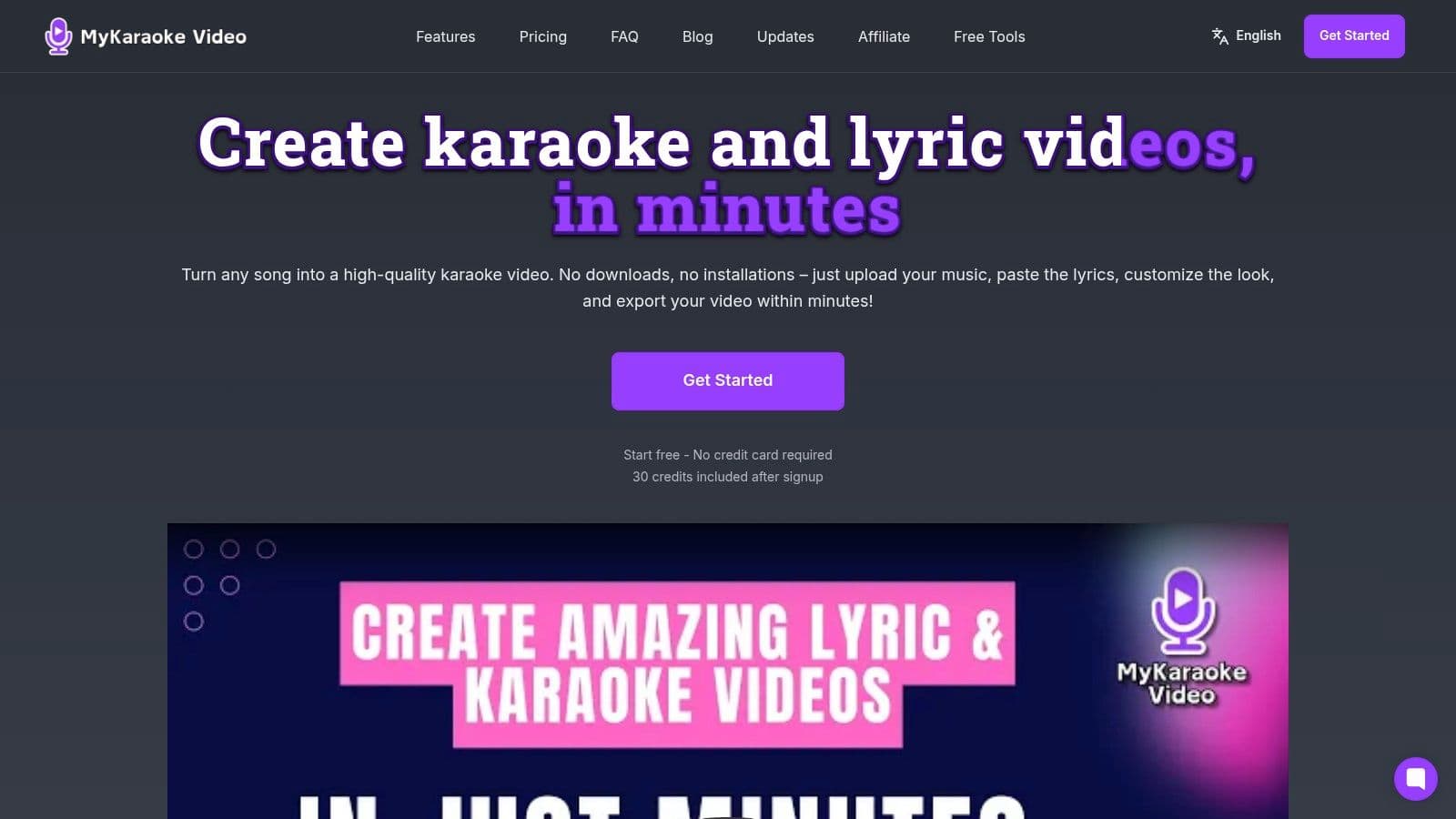
What sets MyKaraoke Video apart is its intelligent, streamlined process. The platform’s AI automatically handles vocal removal, transcribes lyrics, and synchronizes them to the audio track with impressive accuracy. This automated foundation drastically reduces manual effort, a benefit echoed by creators like Marcelo Penco (150K+ YouTube subscribers), who notes, "what used to take me hours is now a fraction of the time." For those needing granular control, a precision Sync Editor is available to fine-tune timing down to the millisecond.
Key Features and Use Cases
MyKaraoke Video is particularly effective for YouTube channel managers, musicians releasing lyric videos, and event professionals needing quick, high-quality content.
- 1-Click AI Workflows: Instantly generate a complete karaoke or lyric video from any song.
- Precision Sync Editor: Manually adjust word timings for perfect synchronization.
- Full Customization: Control fonts, colors, and backgrounds, or use integrated stock media.
- Duet Mode: Easily format lyrics for two singers with distinct speaker labels.
- Server-Side Rendering: Export videos without taxing your local machine; ideal for creators with less powerful computers.
After creating your karaoke videos, if you plan to upload them, you might consider using some of the best software for editing videos for YouTube to further refine your productions.
Pricing and Getting Started
The platform uses a flexible credit-based system. New users receive 30 free credits to test the features, which is enough to create a basic video. Beyond that, you can purchase pay-as-you-go credits or subscribe to a monthly plan for better value. For a deeper look into the creation process, the platform offers a guide on how to make a karaoke video that walks you through the steps.
- Pros:
- AI automation saves significant time on transcription and syncing.
- Completely browser-based with no software to install.
- Real-time previews and fast server-side rendering.
- Flexible pricing with a free trial, pay-as-you-go, and affordable subscriptions.
- Cons:
- Credit system can be confusing initially.
- The free plan includes a watermark.
- Requires a stable internet connection for use.
2. KaraFun
KaraFun is a cross-platform karaoke service that provides a massive, ready-to-use licensed catalog, making it an excellent choice for both casual home parties and professional KJ setups. Its key strength lies in its simplicity and accessibility; with apps available for Windows, Mac, iOS, Android, and even smart TVs, you can access your account and playlists almost anywhere. This makes it an incredibly versatile piece of good karaoke software for users who value convenience.

The platform offers a seamless user experience, with features like offline sync, which allows you to download tracks to your device for events without reliable internet. Its dual-screen display is perfect for sending lyrics to a second monitor while managing the queue from your primary device. For those looking to set up a great experience, learning how to do karaoke at home with a platform like KaraFun is a fantastic starting point.
Key Features and Use Cases
- Best For: Home users and professional KJs needing a large, licensed, "plug-and-play" song library.
- Standout Feature: Robust offline sync allows you to run events without an internet connection (Premium plan syncs 1,000 songs; Pro syncs the entire catalog).
- Pro Tier Benefits: The Pro plan includes a commercial license, singer rotation management, and interface customization, making it suitable for bars and events.
Pros:
- Extremely easy to set up and use across multiple devices.
- High-quality, legally licensed song catalog with frequent updates.
- Reliable offline mode for professionals.
Cons:
- Access is entirely subscription-based; you don't own the tracks.
- The Pro plan is significantly more expensive than the consumer-focused Premium plan.
Website: https://www.karafun.com
3. PCDJ (LYRX and DEX 4 Pro)
PCDJ offers professional-grade karaoke hosting software designed specifically for KJs and venue hosts running events on Windows or Mac. Its two flagship products, LYRX (karaoke-focused) and DEX 4 Pro (all-in-one DJ/VJ/Karaoke), provide the robust tools needed for managing live performances. The software integrates seamlessly with the Party Tyme Karaoke subscription, granting access to a massive, commercially licensed catalog of over 41,000 HD tracks. This makes it some of the most versatile and good karaoke software for serious hosts.
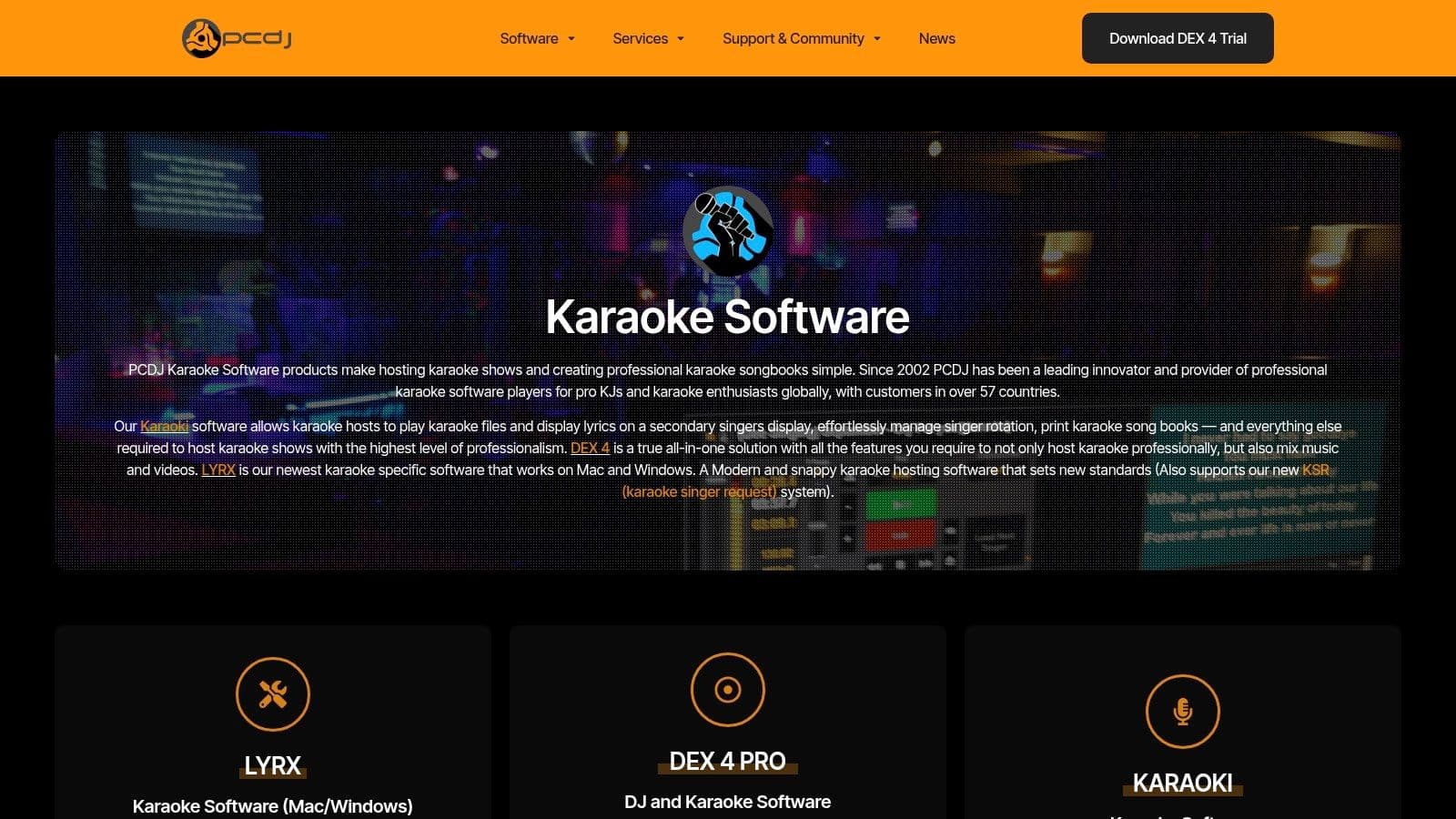
The platform excels at show management, featuring a managed singer rotation, song history, and an integrated singer request system (KSR). These tools streamline the hosting process, allowing the KJ to focus on the event rather than manual organization. Native support for MP3+G, zipped karaoke files, and various video formats ensures compatibility with existing song libraries. For hosts building a setup from scratch, understanding the best professional karaoke equipment to pair with PCDJ is key to a successful show.
Key Features and Use Cases
- Best For: Professional KJs, bars, and entertainment venues requiring robust singer management and a legally licensed music library.
- Standout Feature: The KSR (Karaoke Singer Request) system allows singers to browse the songbook and make requests directly from their phones, which appear in the KJ's software.
- Pro Tier Benefits: DEX 4 Pro combines karaoke hosting with full-featured video mixing and DJ capabilities, making it an all-in-one solution for multifaceted entertainers.
Pros:
- Purpose-built for KJs with fast, efficient tools for running a live show.
- Optional all-you-can-sing subscription provides an instant, legally-cleared library.
- Robust singer rotation and request features simplify hosting.
Cons:
- Has a steeper learning curve for first-time or casual hosts.
- The best value is realized when combining the one-time software purchase with a monthly content subscription.
Website: https://pcdj.com/karaoke-software/
4. Power Karaoke
Power Karaoke offers a comprehensive suite of Windows-based tools aimed at professional KJs, venue owners, and serious karaoke content creators. Unlike subscription services, Power Karaoke provides a toolkit of distinct software products, including the flagship Siglos Karaoke Professional for hosting shows and various AI-assisted creators for producing custom karaoke tracks from scratch. This focus on ownership and creation makes it a powerful option for those who want to build and manage their own karaoke libraries.
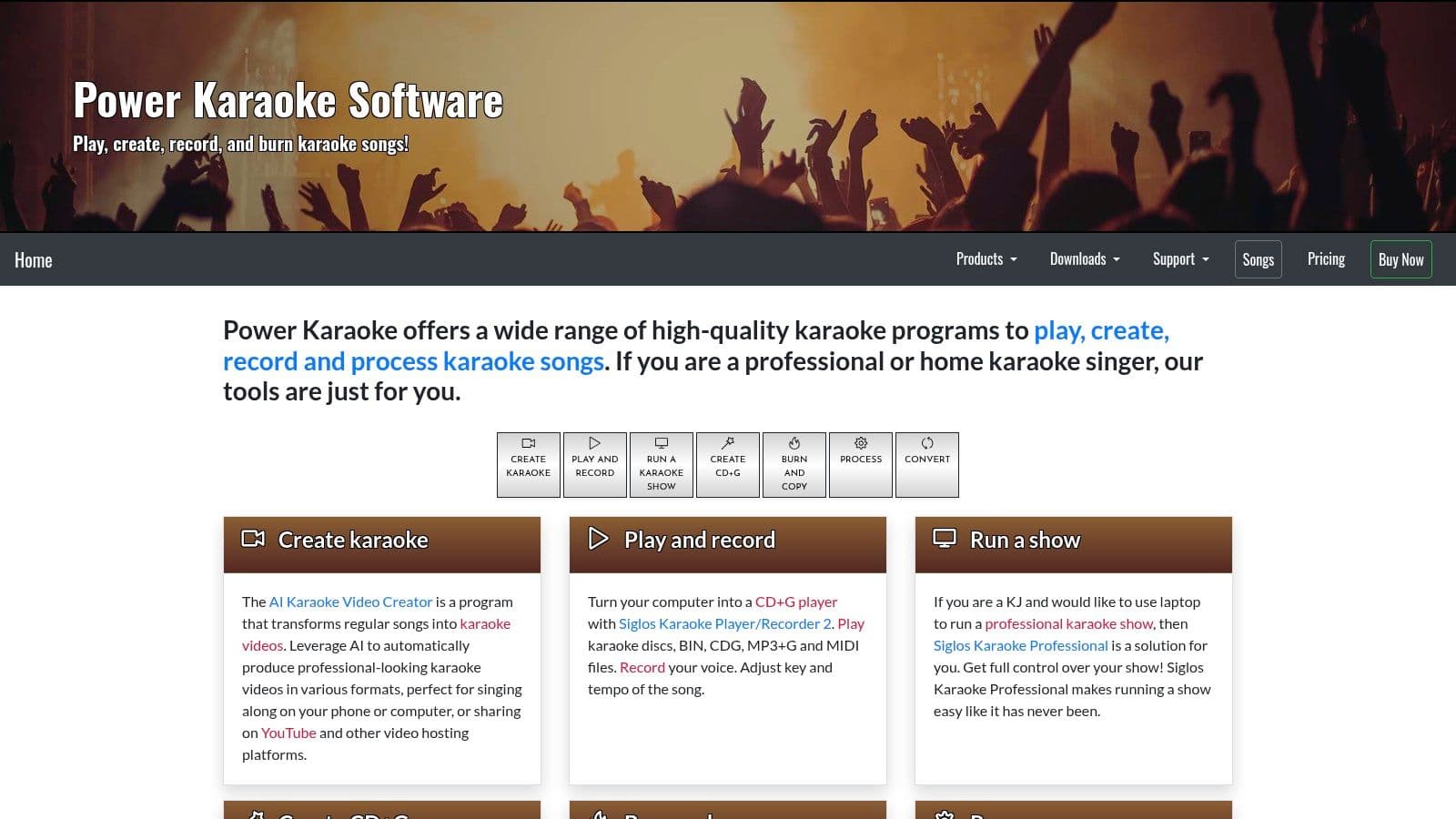
The ecosystem is designed for users who need granular control over their karaoke setup, from converting file types to burning CD+G discs. Siglos Pro, the show hosting software, features robust singer rotation, playlist management, and integration with the Party Tyme streaming catalog. The AI-powered tools are a standout, allowing users to remove vocals and generate synchronized lyric videos, making this collection of good karaoke software a production powerhouse.
Key Features and Use Cases
- Best For: Professional KJs, karaoke content creators, and venue owners who need a complete, Windows-based hosting and production solution.
- Standout Feature: The AI Karaoke Creator tools, which automate the difficult process of vocal removal and lyric synchronization to generate custom CD+G or video tracks.
- Pro Tier Benefits: The entire suite is professional-grade. Siglos Pro provides comprehensive show management, while the creator tools offer utilities for producing commercial-quality custom content.
Pros:
- Extremely complete toolkit for both hosting shows and creating custom karaoke tracks.
- Perpetual software licenses offer long-term value over subscriptions.
- Powerful AI features simplify the karaoke production workflow.
Cons:
- Exclusively for Windows, with no native Mac version available.
- The array of different products can be confusing for new or casual users.
Website: https://www.powerkaraoke.com
5. kJams
kJams is a long-standing, dedicated karaoke host application primarily for Mac users, offering powerful library management that feels similar to the classic iTunes experience. It’s an excellent choice for home KJs and enthusiasts who prefer a native Mac environment for organizing and playing their karaoke files. The software handles a wide variety of formats, including MP3+G and most video files, making it a versatile hub for your existing collection. For those seeking robust, offline-based management, kJams is truly good karaoke software.
The platform provides all the essential tools for hosting, such as a dual-screen display to send lyrics to a second monitor while you manage the playlist. It also includes key and tempo controls, allowing singers to adjust tracks to their vocal range. With a free "tryout" mode and tiered license options, users can test its capabilities before committing to a purchase, which is a one-time fee rather than a recurring subscription.
Key Features and Use Cases
- Best For: Mac users, home KJs, and hosts who own their karaoke track library and need a powerful management tool.
- Standout Feature: Deep iTunes-like library management with extensive metadata editing, smart playlists, and broad file format support.
- Pro Tier Benefits: The Pro license unlocks advanced features like a singer rotation history, next singer announcements, and integration with the kJams Cue mobile app for remote song requests.
Pros:
- Native Mac experience with a familiar, easy-to-navigate interface.
- One-time purchase license with flexible tiers and a free tryout mode.
- Supports a vast range of audio and video karaoke file formats.
Cons:
- Some advanced features, like the Producer and Burning plugins, are limited to older 32-bit Mac systems.
- Has a smaller ecosystem compared to larger, cross-platform subscription services.
Website: https://karaoke.kjams.com
6. Kanto Karaoke
Kanto Karaoke is a versatile karaoke player and hosting software for Windows and Mac, designed for users who want to manage their own library of songs. It stands out by offering robust format support and valuable live performance tools with a one-time purchase, making it an affordable alternative to subscription services. For those who own a collection of karaoke files (like CDG, MP3+G, MP4, or KAR), this is a piece of good karaoke software that provides a centralized hub to play, organize, and even record performances.
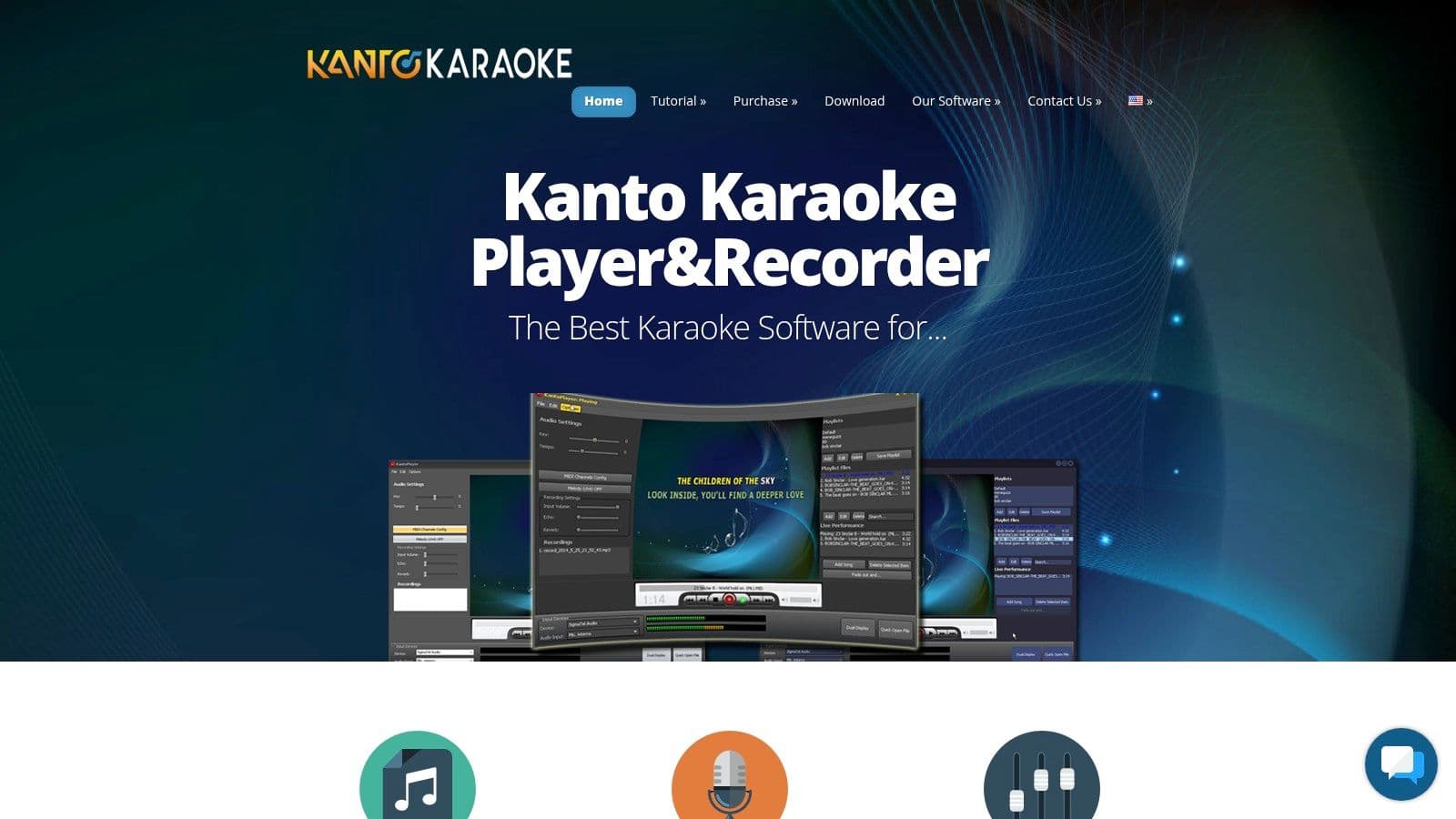
The software includes practical features like a dual-screen display, singer rotation management, and background music to play between performances. It also offers tools to adjust the key and tempo of tracks in real-time, which is essential for accommodating different vocal ranges. For creators, the complementary Kanto Editor and Kanto Syncro apps allow you to create your own karaoke videos from scratch by syncing lyrics to audio, adding a powerful layer of customization.
Key Features and Use Cases
- Best For: Home enthusiasts and semi-professional KJs who have their own karaoke file library and want a one-time purchase solution.
- Standout Feature: Broad format compatibility (MIDI, KAR, MP3, MP4, CDG/MP3+G) combined with free companion tools to create and sync your own lyric videos.
- Pro Tier Benefits: The Professional version adds key features for event hosts, such as a singer's history, advanced playlist management, and background music playlists.
Pros:
- Affordable one-time pricing model with multi-year updates included.
- Straightforward interface is easy to learn for home and semi-pro use.
- Supports a wide range of audio and video karaoke file formats.
Cons:
- Key hosting features like singer rotation are gated behind the more expensive Pro tier.
- The ecosystem of add-ons and integrations is smaller than professional DJ-grade hosts.
Website: https://www.kantokaraoke.com
7. Karaosoft (Karma Suite)
Karaosoft offers a suite of Windows-only applications designed for the serious KJ who prioritizes robust library management and live show reliability over a modern user interface. Centered around its flagship Karma hosting software, the suite provides dedicated tools for every aspect of running a professional karaoke show, from cleaning up file names in your library to generating printed songbooks. This focus on backend management makes it a powerful piece of good karaoke software for hosts with large, self-managed music collections.
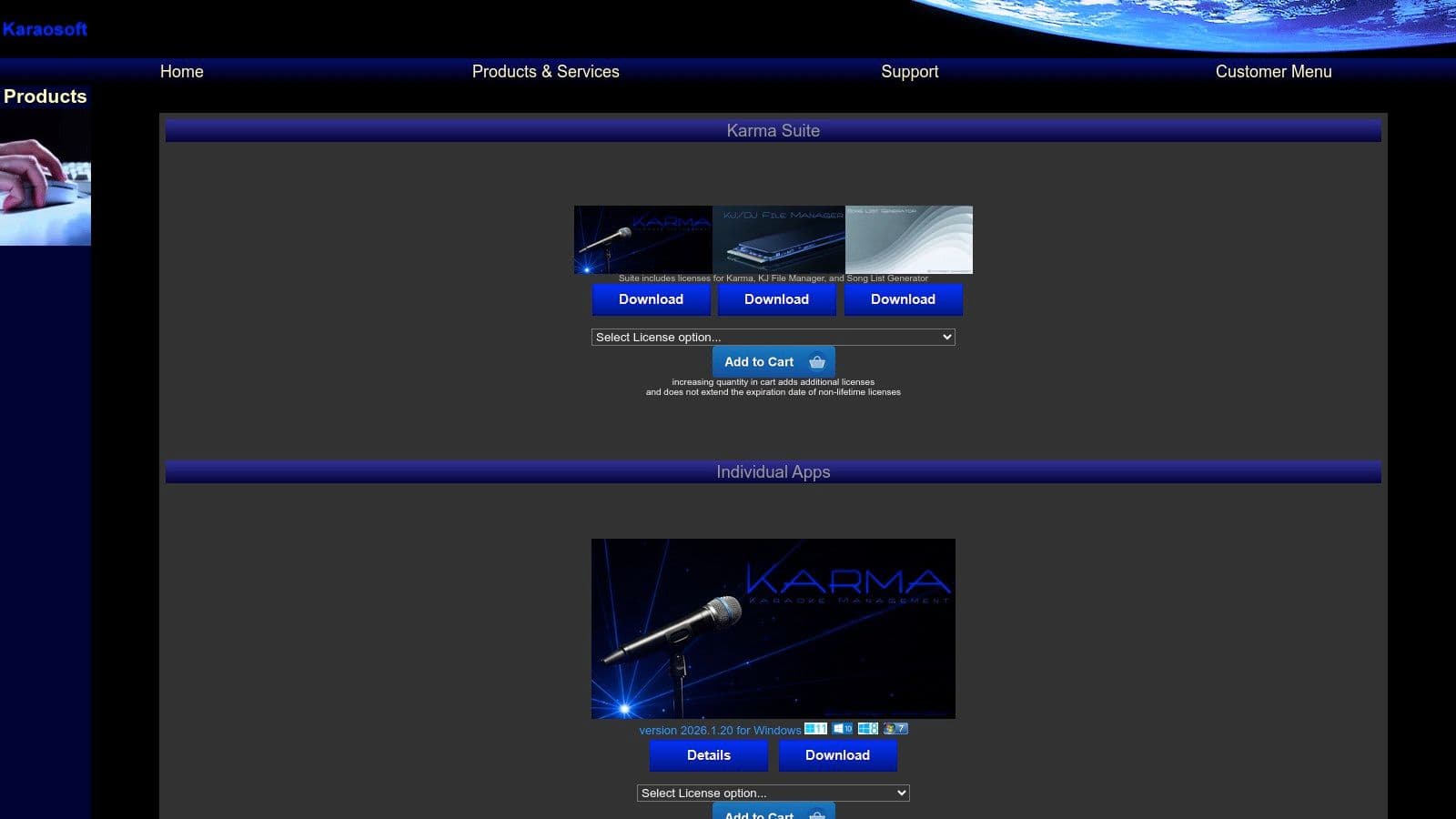
The platform's strength lies in its interconnected ecosystem. Karma handles the live show with stable playback and singer rotation, while tools like KJ File Manager and Song List Generator work behind the scenes to keep your operation organized. Unlike subscription services, Karaosoft's products are sold with lifetime licenses, appealing to KJs who prefer to own their software outright. While the interface may feel utilitarian compared to newer streaming-based apps, its stability is highly valued by its dedicated user base.
Key Features and Use Cases
- Best For: Professional KJs on Windows who manage their own extensive, local MP3+G or video file libraries.
- Standout Feature: The comprehensive software suite, including Karma, KJ File Manager, and Song List Generator, creates an all-in-one solution for hosting and administration.
- Pro Tier Benefits: The software is inherently professional-grade. Bundles offer significant savings over purchasing each tool individually, providing a complete management and performance toolkit.
Pros:
- Excellent for live show stability and backend library management.
- One-time purchase for a lifetime license, with no recurring subscriptions.
- Suite of tools provides a cohesive workflow from file prep to performance.
Cons:
- Strictly Windows-only, with no support for Mac or mobile platforms.
- The user interface is dated and less intuitive than modern competitors.
Website: https://www.karaosoft.com/Products.aspx
8. Karaoke Builder
Karaoke Builder is a specialized Windows software suite designed for creating, not just playing, professional-grade karaoke tracks. It shifts the focus from hosting a show to authoring the content itself, making it ideal for producers, musicians, or serious hobbyists who want to build their own CD+G or karaoke video files from scratch. This is good karaoke software for creators who demand precise control over lyric timing, visual presentation, and audio synchronization.
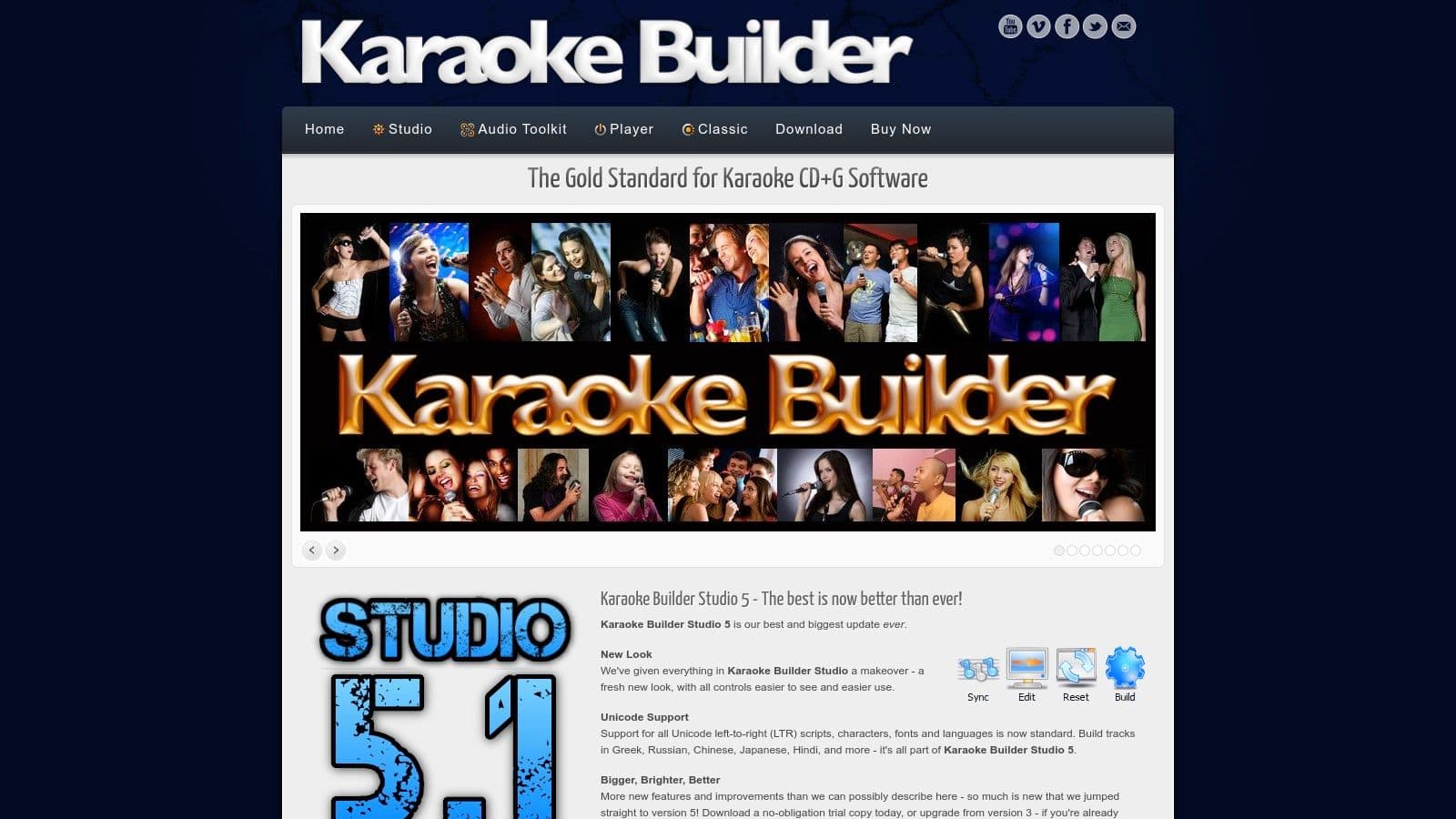
The platform is a collection of tools, including the main Karaoke Builder Studio for track creation and an Audio Toolkit for advanced adjustments like pitch and tempo modification. Unlike subscription services, it operates on a perpetual license model, meaning you buy the software once and own it. While its interface may feel dated compared to modern apps, its functionality is robust and proven within the karaoke production community for its accuracy and reliability.
Key Features and Use Cases
- Best For: Content creators, musicians, and producers who need to create custom, professional-quality CD+G or video karaoke tracks.
- Standout Feature: A comprehensive authoring environment that offers granular control over every aspect of a karaoke track, from lyric swipe timing to background visuals.
- Pro Tier Benefits: The full Studio bundle provides all the necessary tools for a complete production workflow, including audio processing and format conversion, at an affordable one-time price.
Pros:
- Powerful and precise tools for professional karaoke track creation.
- Affordable perpetual license model (buy it once, own it forever).
- Proven and reliable toolset respected in the CD+G authoring community.
Cons:
- Windows-only software with a dated user interface.
- Strictly a creation tool; it is not designed for hosting live karaoke shows.
Website: https://www.karaokebuilder.com
9. Singa
Singa presents itself as a modern, "Spotify of karaoke" solution, offering distinct tiers for both home consumers and professional business venues. It blends a massive, licensed song library with a sleek, app-driven user experience across web browsers, mobile devices, and smart TVs. This platform is a piece of good karaoke software for those who want a contemporary interface and for businesses looking for an all-in-one, easily deployable karaoke system.
The platform’s strength lies in its ecosystem. Home users can enjoy curated playlists and standard features like key changes. Meanwhile, the Business and Pro tiers transform Singa into a powerful venue management tool, with an iPad app for hosting and a mobile app that lets patrons browse the songbook and submit requests directly from their phones, streamlining the entire karaoke night experience.
Key Features and Use Cases
- Best For: Modern home users and commercial venues (bars, restaurants, entertainment centers) wanting a turnkey, app-based karaoke solution.
- Standout Feature: The integrated mobile song request system for business users, which allows patrons to queue up songs from their own devices, reducing the KJ's manual workload.
- Pro Tier Benefits: The Business plans provide a full commercial license, advanced venue management tools, background music integration, and on-screen promotional capabilities.
Pros:
- Slick, modern interface that is easy to use across multiple devices.
- Strong business-grade tools, including an excellent iPad hosting app and mobile request flow.
- Generous free tier for casual users (a few free songs per day).
Cons:
- The consumer subscription is strictly for private, non-commercial use.
- Some users report inconsistencies in performance across different web browsers and devices.
Website: https://singa.com
10. Smule
Smule is a mass-market mobile karaoke app that transforms singing into a social networking experience. It focuses on recording and sharing performances rather than live hosting, offering a vast library of licensed songs and a suite of vocal effects. Its key strength is the community and collaborative features, allowing users to sing duets with friends, strangers, or even major artists from anywhere in the world. This makes it good karaoke software for individuals who enjoy creating and sharing content on their mobile devices.
The platform is built around a user-friendly recording workflow. Singers can easily choose a track, record their vocal performance with on-screen lyrics, and then apply audio and video filters before publishing. The VIP subscription model unlocks the full songbook, removes ads, and provides access to all vocal effects. While primarily a mobile app, website-based VIP purchases can sometimes offer better cross-device access and pricing.
Key Features and Use Cases
- Best For: Casual singers and social media users who want to record, enhance, and share their vocal performances.
- Standout Feature: The "Duet" function allows asynchronous collaboration, letting users sing alongside existing recordings from others to create unique social musical pieces.
- Pro Tier Benefits: The VIP subscription is the top tier, offering an ad-free experience, unlimited solo songs, and access to the full suite of studio effects to polish recordings.
Pros:
- Enormous community and a massive variety of licensed and user-generated content.
- Extremely easy recording and sharing workflow designed for casual creators.
- Fun social features like duets, groups, and live jam sessions.
Cons:
- Heavily subscription-oriented and not designed for professional KJ hosting or live parties.
- Feature availability and pricing can differ between app store and website purchases.
Website: https://www.smule.com
11. UltraStar Play
UltraStar Play is a free, open-source singing game that brings competitive fun to the karaoke experience. It’s a powerful choice for DIY enthusiasts and party hosts who enjoy creating their own content, as it includes pitch detection and scoring similar to popular console singing games. Available for Windows, Mac, and Linux, its strength lies in its customizability and robust multiplayer features that don't require any subscription fees.
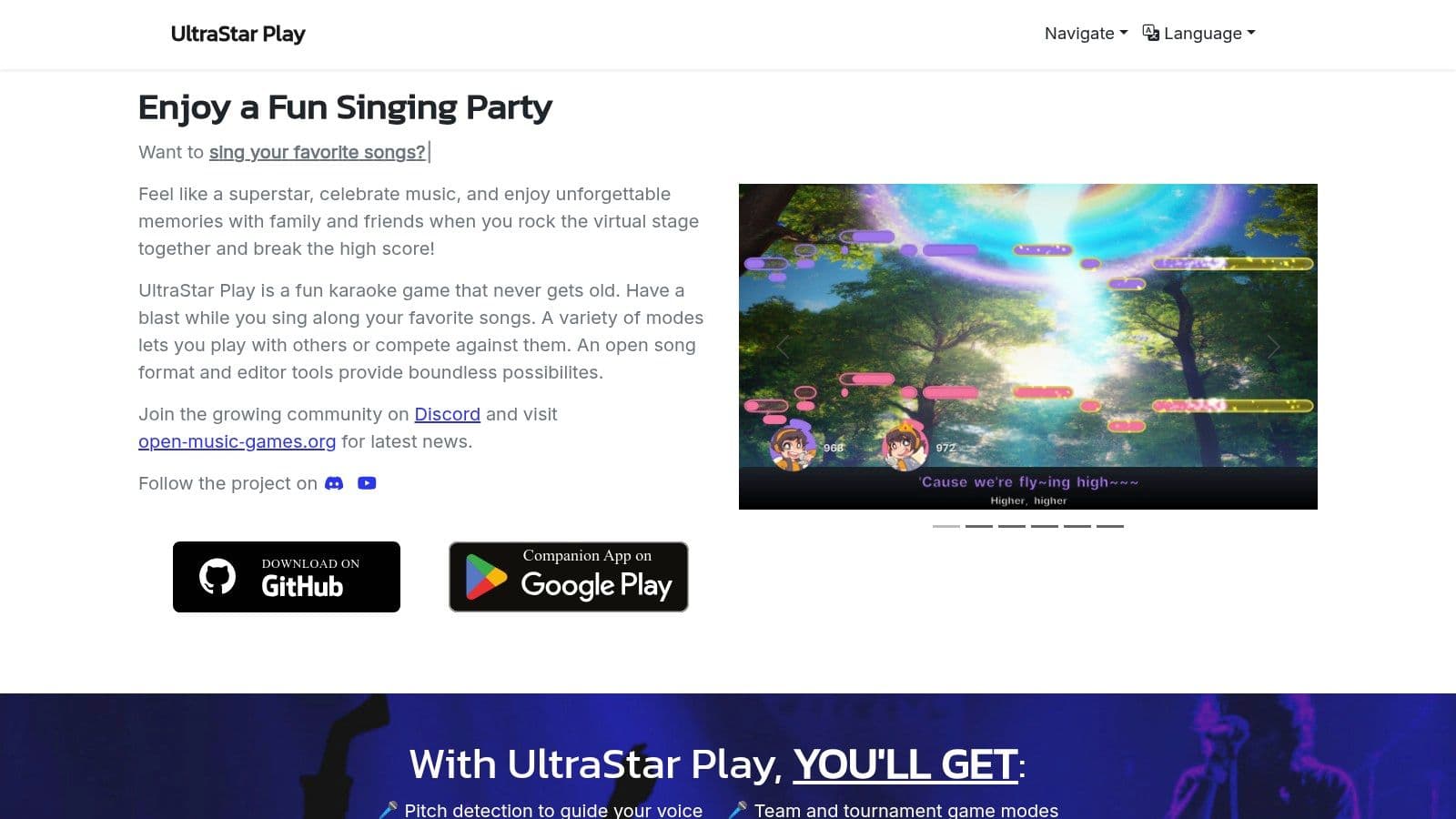
The platform supports the open UltraStar format and even has a built-in editor, allowing users to create their own song files with precise timing and pitch notation. A standout feature is its smartphone companion app, which lets guests use their phones as microphones and add songs to the queue, making it an interactive and modern party solution. For those comfortable with sourcing their own music files, this is a piece of good karaoke software that offers endless, cost-free entertainment.
Key Features and Use Cases
- Best For: Tech-savvy home users and DIY creators who want a free, game-like karaoke setup with scoring and party modes.
- Standout Feature: The companion app turns any smartphone into a mic and remote control, eliminating the need for expensive hardware for large groups.
- Community-Driven: As an open-source project, it benefits from active development and modding support via GitHub, allowing for continuous improvement and user-led innovation.
Pros:
- Completely free and open-source with no hidden costs.
- Excellent multiplayer features like tournament and team modes.
- Built-in song editor empowers users to create and share their own karaoke tracks.
Cons:
- Requires users to find, create, or download their own song files.
- The setup process can be more involved than commercial plug-and-play alternatives.
Website: https://ultrastar-play.com
12. Melody Mania (Steam)
Melody Mania is a modern, UltraStar-compatible karaoke party game available on Steam, offering a polished user interface and robust multiplayer features. It’s designed for users who want a one-time purchase game that supports existing song libraries while providing advanced tools for creating new tracks. Its integration with smartphones as microphones and controllers makes it a fantastic, accessible option for group gatherings and parties.
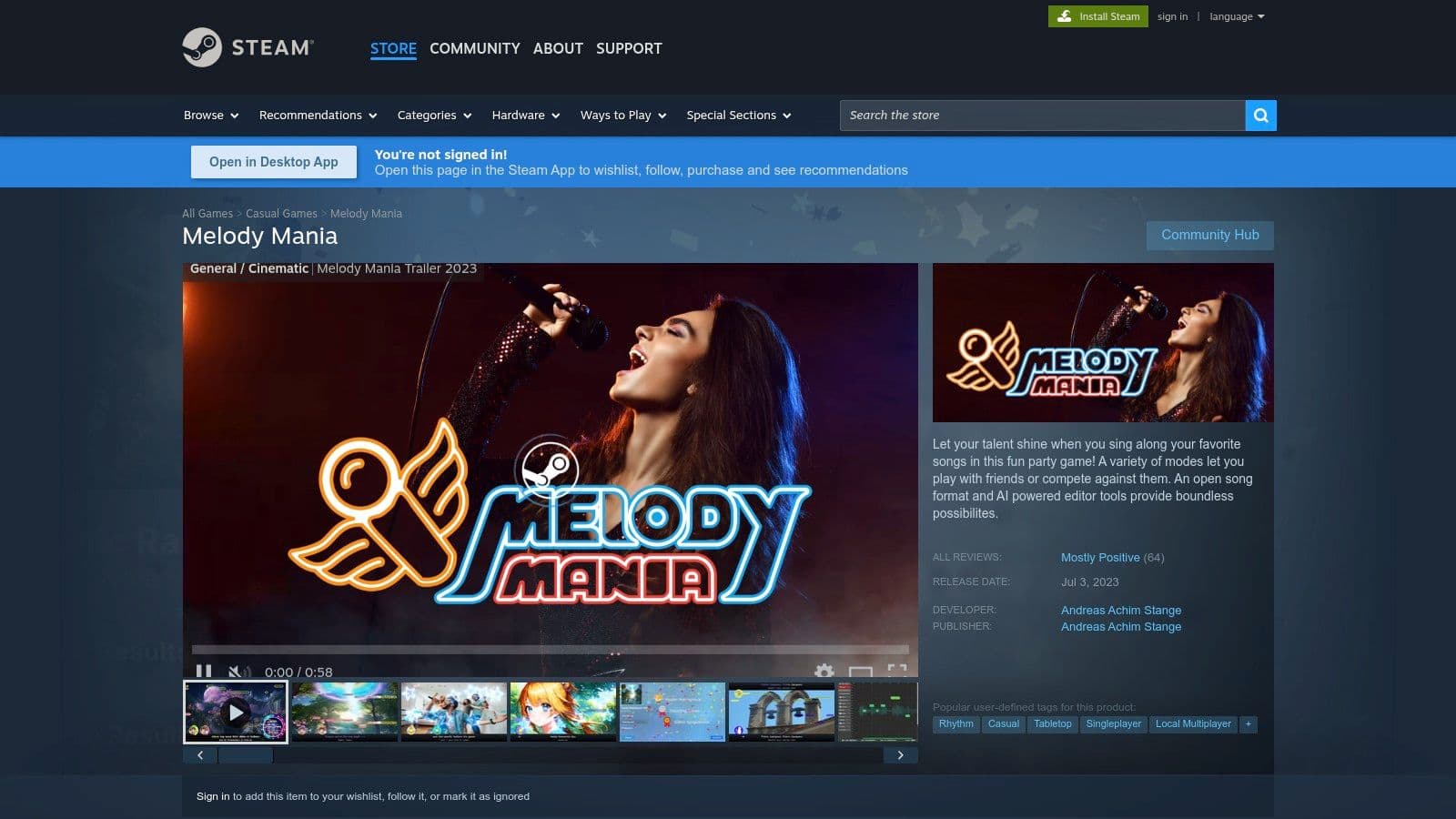
The platform stands out with its powerful, integrated song editor that even includes AI-assisted vocal isolation, empowering creators to easily build their own karaoke files. With support for team modes, tournaments, and the Steam Workshop for mods, Melody Mania positions itself as a highly versatile piece of good karaoke software. This combination of party game fun and serious creation tools offers excellent value.
Key Features and Use Cases
- Best For: Groups, creators, and home users who already have an UltraStar-compatible song library or want to create their own.
- Standout Feature: A built-in, AI-assisted editor for creating karaoke tracks from scratch, plus a companion smartphone app for easy group play.
- Pro Tier Benefits: Not applicable (one-time purchase), but Steam Workshop support allows for community-driven enhancements and features.
Pros:
- Great value as a one-time purchase with no recurring subscriptions.
- Modern user interface and a powerful, bundled editor for creating songs.
- Excellent multiplayer and party modes with smartphone integration.
Cons:
- Does not include a licensed song catalog; users must provide their own files.
- Its Early Access status means some features are still in development.
Website: https://store.steampowered.com/app/2394070/Melody_Mania/
Top 12 Karaoke Software Feature Comparison
| Product | Core features | UX / Quality (★) | Pricing & Value (💰) | Target audience (👥) | Unique selling points (✨) |
|---|---|---|---|---|---|
| MyKaraoke Video 🏆 | AI auto-sync, vocal removal, Sync Editor, 1080p MP4 | ★★★★★ — browser-based, real-time previews | 💰 Free 30 credits; $0.10/credit; $5/mo or $10/mo subs | 👥 Karaoke channel managers, creators, musicians, event pros | ✨ Server-side rendering, 1‑Click makers, duet mode, instant/queue exports |
| KaraFun | Licensed song catalog, offline sync, dual-screen | ★★★★ — simple cross‑platform setup | 💰 Subscription catalog; Pro (commercial) costs more | 👥 Home users, venues, casual hosts | ✨ Large licensed library + offline/phone remote |
| PCDJ (LYRX/DEX4) | MP3+G & video support, singer rotation, KSR, Party Tyme | ★★★★ — pro hosting tools, fast show workflows | 💰 Perpetual app + optional Party Tyme subscription | 👥 KJs, venue hosts, event operators | ✨ Robust rotation/request system & HD catalog access |
| Power Karaoke | Siglos Pro hosting, AI creators, conversion tools | ★★★★ — complete Windows toolkit for pros | 💰 Perpetual licenses (1yr updates included) | 👥 Pro hosts, producers, creators | ✨ All‑in‑one authoring/hosting + Party Tyme integration |
| kJams | iTunes-like library, dual-screen, pitch/tempo controls | ★★★★ — native Mac experience | 💰 Tiered licenses; free trial available | 👥 Mac users, home KJs | ✨ Mac-focused UI, metadata tools & mobile cue app |
| Kanto Karaoke | Multi-format playback, recording, Syncro editor | ★★★★ — straightforward host/player | 💰 Low one-time price; Pro tier unlocks features | 👥 Home & semi-pro hosts | ✨ Affordable perpetual pricing + built-in editors |
| Karaosoft (Karma) | Karma host, file manager, songbook generator | ★★★★ — reliable live-show operation | 💰 Lifetime licenses & suite bundles | 👥 Live-show operators, venues | ✨ Batch library tools & automatic songbook printing |
| Karaoke Builder | CD+G/video authoring, audio toolkit | ★★★ — production-focused, dated UI | 💰 Perpetual, affordable toolset | 👥 Creators needing precise authoring | ✨ Fine timing/visual control for pro CD+G/video builds |
| Singa | Large catalog, transposition, venue request flow | ★★★★ — modern app & venue tools | 💰 Consumer & Business tiers; free trials (3 songs/day) | 👥 Consumers, bars, venues | ✨ iPad hosting, curated singlists & guide vocals |
| Smule | Mobile duets, recording, vocal effects, social features | ★★★★ — mass-market social UX | 💰 VIP subscription unlocks full songbook & FX | 👥 Casual singers, social creators | ✨ Huge community, easy duet/record/share workflows |
| UltraStar Play | Open format editor, pitch detection, party modes | ★★★ — DIY, customizable, community-driven | 💰 Free / open-source | 👥 DIY hosts, parties, modders | ✨ Free, smartphone mic companion & active mod support |
| Melody Mania (Steam) | UltraStar import, AI editor, multiplayer modes | ★★★★ — modern UI, party/game focus | 💰 One-time Steam purchase (Early Access) | 👥 Party gamers, creators wanting editor tools | ✨ AI-assisted editor, Steam Workshop & companion app |
Final Thoughts
We've explored a wide landscape of the best karaoke software available today, from professional-grade KJ hosting suites to intuitive apps for social singing and specialized tools for creating stunning lyric videos. The journey from a simple concept to a polished, engaging karaoke track is powered by the right software, and choosing the correct tool is the most critical decision you'll make. The key takeaway is that there is no single "best" solution for everyone; instead, the ideal software is the one that aligns perfectly with your specific goals, technical skills, and creative vision.
Our deep dive into tools like KaraFun and Singa showed the power of subscription-based, stream-ready platforms perfect for home users and commercial venues. In contrast, legacy powerhouses like PCDJ and Power Karaoke demonstrated their enduring value for professional KJs who need robust, offline-first library management and reliable performance. For the dedicated creator focused on production, tools like Karaoke Builder and our featured software, MyKaraoke Video, offer unparalleled control over the final visual and audio product.
Your Path to Finding Good Karaoke Software
Selecting your ideal platform requires a clear understanding of your primary use case. Before you commit to a purchase or subscription, take a moment to honestly assess your needs.
- For the Professional KJ: Your primary concerns are reliability, library management, and performer rotation. Look at PCDJ's LYRX or DEX 4 Pro for a comprehensive solution that handles video, audio, and singer requests seamlessly. Karaosoft's Karma Suite is another top-tier choice for its advanced automation and singer management features.
- For the Aspiring YouTube Creator: Your focus is on producing high-quality, visually appealing lyric and karaoke videos. You need granular control over timing, styling, and background visuals. This is where a dedicated creation tool shines. MyKaraoke Video is engineered specifically for this purpose, streamlining the workflow from raw audio to a finished, monetizable video. Karaoke Builder is a worthy alternative if you prefer a more traditional, offline software model.
- For the Home Enthusiast or Party Host: Ease of use and access to a massive, updated song library are your top priorities. A streaming service is your best bet. KaraFun offers a slick interface and excellent library, while Singa provides a modern, user-friendly experience for both personal and commercial use. For a free, open-source alternative, UltraStar Play offers a fun, game-like experience.
- For the Social Singer and Performer: If you want to sing, record, and share performances with a community, a mobile-first app is the way to go. Smule remains the undisputed leader in this category, offering a global stage, duet capabilities, and advanced vocal effects right from your smartphone.
Final Implementation Considerations
Once you've narrowed down your choices, remember to consider the technical and logistical aspects. Check the system requirements to ensure your computer can run the software smoothly, especially for video-heavy applications. Investigate the music licensing model; are you paying for a subscription that grants you access, or are you expected to purchase and manage your own CDG or MP4 files?
Finally, don't underestimate the learning curve. While some apps are pick-up-and-play, more powerful software requires an investment of time to master. Watch tutorials, read documentation, and engage with user communities. The effort you put into learning your chosen tool will directly translate into the quality of your events or creative projects. The world of digital karaoke is more accessible and powerful than ever. Armed with this knowledge, you are now ready to select the good karaoke software that will amplify your voice and bring your creative vision to life.
Ready to move from just singing karaoke to creating it? If you're a content creator looking to produce professional-grade karaoke and lyric videos for platforms like YouTube, MyKaraoke Video is the specialized tool you need. Visit MyKaraoke Video to see how its streamlined workflow can help you craft stunning visual experiences with ease.