Creating a compelling lyric video used to mean hours spent wrestling with complex desktop software, meticulously syncing every word by hand. Today, a new wave of powerful online tools has made the process faster, more accessible, and often completely free. Whether you're a musician promoting a new single, a YouTube creator building a karaoke channel, or a marketer looking to produce engaging visuals, choosing the right free lyric video maker online is crucial. The wrong tool can leave you with frustrating limitations, oversized watermarks, and low-resolution final cuts that don't reflect your quality standards.
This guide cuts through the noise. We've rigorously tested and analyzed the top 12 platforms available right now, focusing on the practical details that matter most to creators. We go beyond simple feature lists to give you an honest assessment of what you can actually accomplish without spending any money.
Inside this comprehensive review, you will find:
- A clear breakdown of the limitations of each free tier, so you know exactly what you’re getting.
- Practical use-case scenarios to help you match a platform to your specific project, from quick social clips to full-length song videos.
- Direct links and screenshots for every tool, allowing you to jump right in and start creating immediately.
We'll explore everything from AI-powered auto-syncing to rich template libraries. While these platforms are excellent for video-specific tasks, remember that they are just one part of a larger creative workflow. For a broader perspective on boosting your productivity, exploring a list of the top social media content creation tools can provide a more complete toolkit for your content strategy. Our goal is to equip you with all the information needed to select the perfect lyric video maker for your vision and technical skill level.
1. MyKaraoke Video
MyKaraoke Video establishes itself as a premier free lyric video maker online, engineered for speed, precision, and professional-grade output. It operates entirely within your browser, eliminating the need for software installation while providing a powerful suite of tools that rival desktop editors. The platform’s core strength lies in its intelligent automation, which significantly accelerates the creation process, turning what used to be hours of tedious work into a task completed in minutes. This makes it an exceptional choice for creators who require both high quality and high volume, from YouTube channel managers to musicians preparing promotional content.
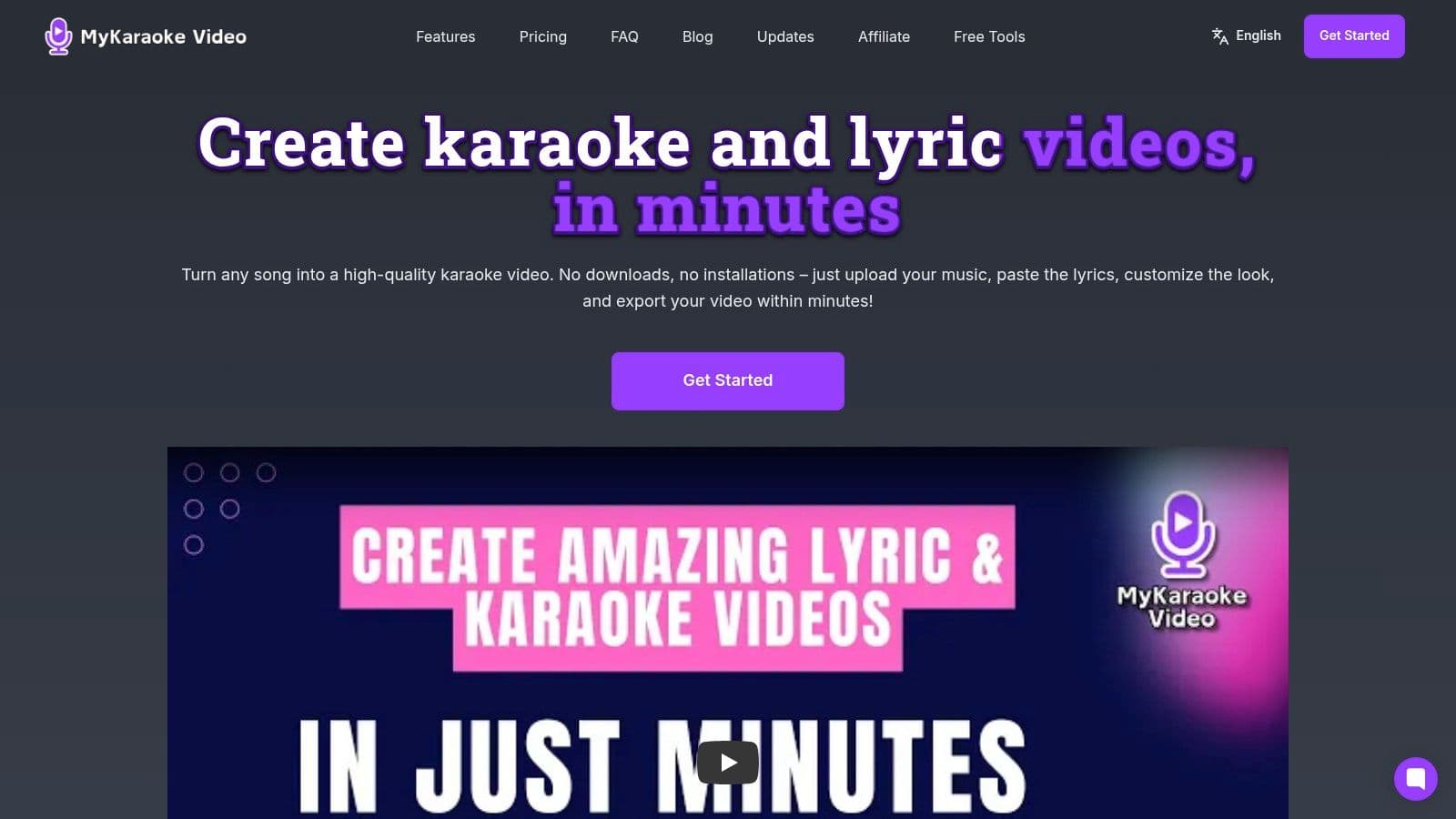
The platform’s standout features are its AI-driven "1-Click" tools. The 1-Click Karaoke Maker can automatically remove vocals from a track, while the Automatic Lyrics Sync aligns your text to the music with impressive beat-level accuracy. For creators who demand perfection, the powerful Sync Editor allows for granular, word-by-word timing adjustments. This hybrid approach of AI assistance plus manual control offers the best of both worlds, ensuring both efficiency and precision.
Key Features & Capabilities
- AI-Powered Synchronization: Automatically aligns lyrics to the audio track, drastically reducing manual editing time.
- Precision Sync Editor: Provides fine-grained manual control to adjust the timing of individual words or phrases for flawless synchronization.
- Deep Customization: Offers extensive control over aesthetics, including access to Google Fonts, customizable colors, text outlines, and dynamic text wipes.
- Versatile Backgrounds: Users can upload custom background images or, on the Premium tier, even use background videos for more dynamic visuals.
- High-Quality Exports: All videos are rendered in crisp 1080p MP4 format, suitable for professional platforms like YouTube.
Plans & Pricing
MyKaraoke Video operates on a freemium model that allows users to test core functionality without commitment. The free plan is robust enough for trial purposes, though it includes a watermark and has limits on AI and export credits.
- Free Plan: Includes a watermark on exports and provides limited monthly credits for AI processing and video exports.
- Standard ($5/mo): Removes the watermark and provides 60 AI/export credits per month, unlocking the 1-Click makers.
- Premium ($10/mo): Offers 300 credits, background video support, transparent background exports (ideal for layering), and priority support.
Practical Use Cases & Assessment
This tool is a game-changer for karaoke channels, as endorsed by creators like Marcelo Penco of the Karaoke Instrumental YouTube channel (150K+ subscribers). It is also perfectly suited for musicians creating official lyric videos, social media managers producing engaging clips, and event organizers preparing on-screen lyrics for live performances.
While the free tier’s limitations (watermark, credit caps) make it more of a trial, the paid plans are affordably priced and unlock a professional-grade workflow. The platform’s active development and responsive support team further solidify its position as a reliable and forward-thinking solution in the online video creation space.
Website: https://www.mykaraoke.video
2. Kapwing
Kapwing stands out as a powerful, browser-based video editor that offers a dedicated and streamlined workflow specifically for creating lyric videos. This makes it an excellent free lyric video maker online for creators who want a balance of simplicity and robust features without installing any software. The platform guides you through a simple process: upload your audio, add or paste your lyrics, and let its AI tools do the heavy lifting.
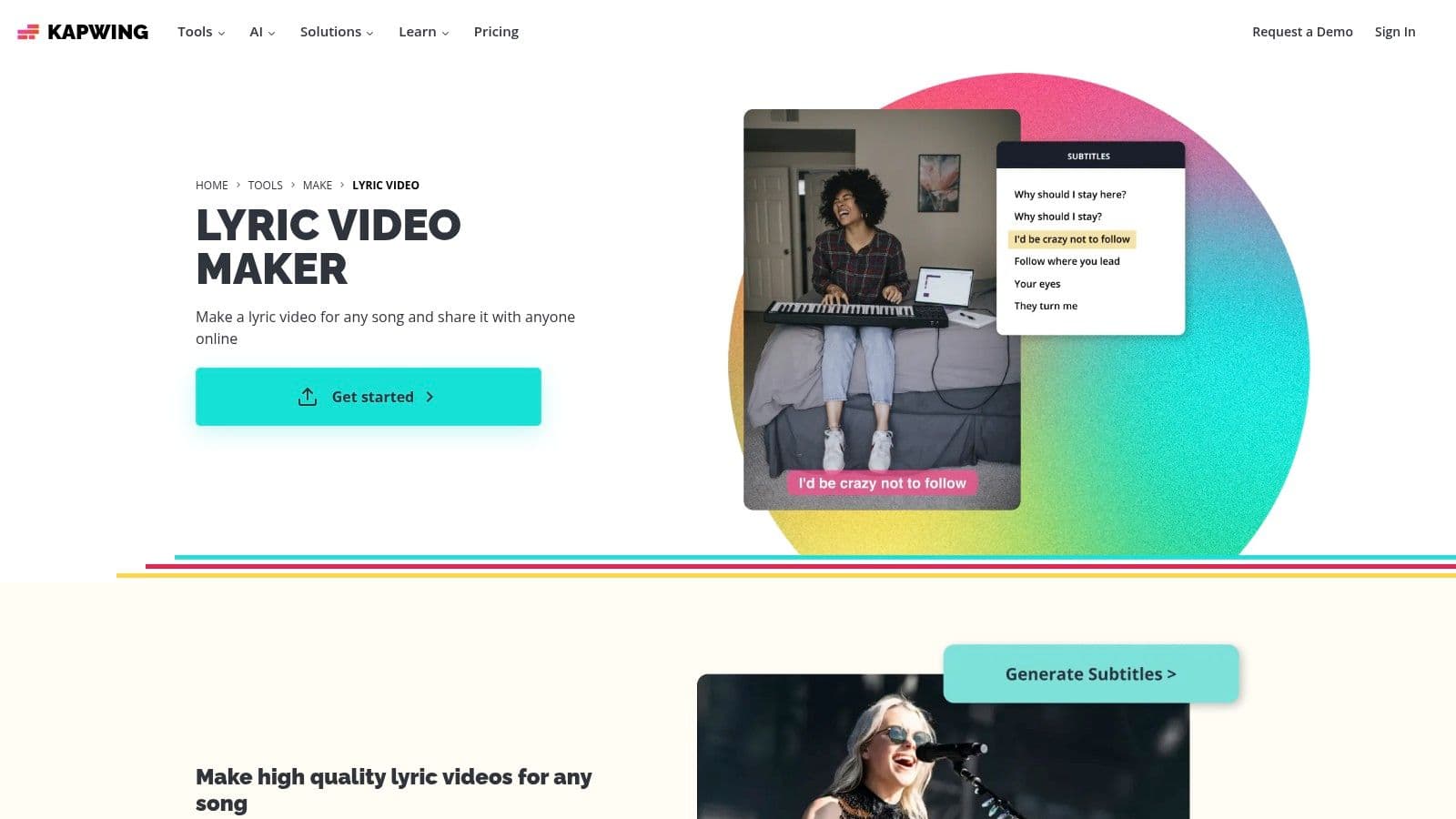
What makes Kapwing particularly effective is its AI-powered auto-subtitle generator. It can transcribe your song's lyrics and automatically time them to the audio, saving a significant amount of manual effort. From there, you can easily customize the text animations, fonts, and colors, and even add stock video or GIFs from its integrated library to create a visually dynamic background.
Key Features and Limitations
Kapwing's free tier is generous enough to test the entire creation process from start to finish. However, it's important to understand the limitations before you commit time to a project.
Pros:
- Intuitive Workflow: The dedicated lyric video tool simplifies the entire process.
- AI Auto-Subtitles: Automatically transcribes and syncs lyrics to your audio track.
- Cloud-Based: Accessible from any device with a browser, with no installation needed.
- Integrated Stock Assets: Easily search and add videos and GIFs from Pexels and GIPHY.
Cons:
- Watermarked Exports: Videos created on the free plan will have a small Kapwing watermark.
- Resolution Cap: Free exports are limited to a maximum of 720p resolution.
- Time Limits: Projects are limited to 4 minutes on the free plan.
Kapwing is ideal for artists and social media managers who need to quickly produce high-quality, engaging lyric clips for platforms like Instagram Reels, TikTok, or YouTube Shorts. For those looking to dive deeper into the art of lyric synchronization, you can learn more about creating engaging music video lyrics for additional techniques.
Website: https://www.kapwing.com/tools/make/lyric-video
3. Adobe Express
Adobe Express brings the power and polish of the Adobe ecosystem into a streamlined, accessible package, making it an excellent free lyric video maker online. It's designed for users who want a professional look without a steep learning curve, offering a vast library of templates, high-quality stock assets, and intuitive timeline-based editing tools directly in the browser. The platform makes it simple to get started with dedicated lyric video templates.
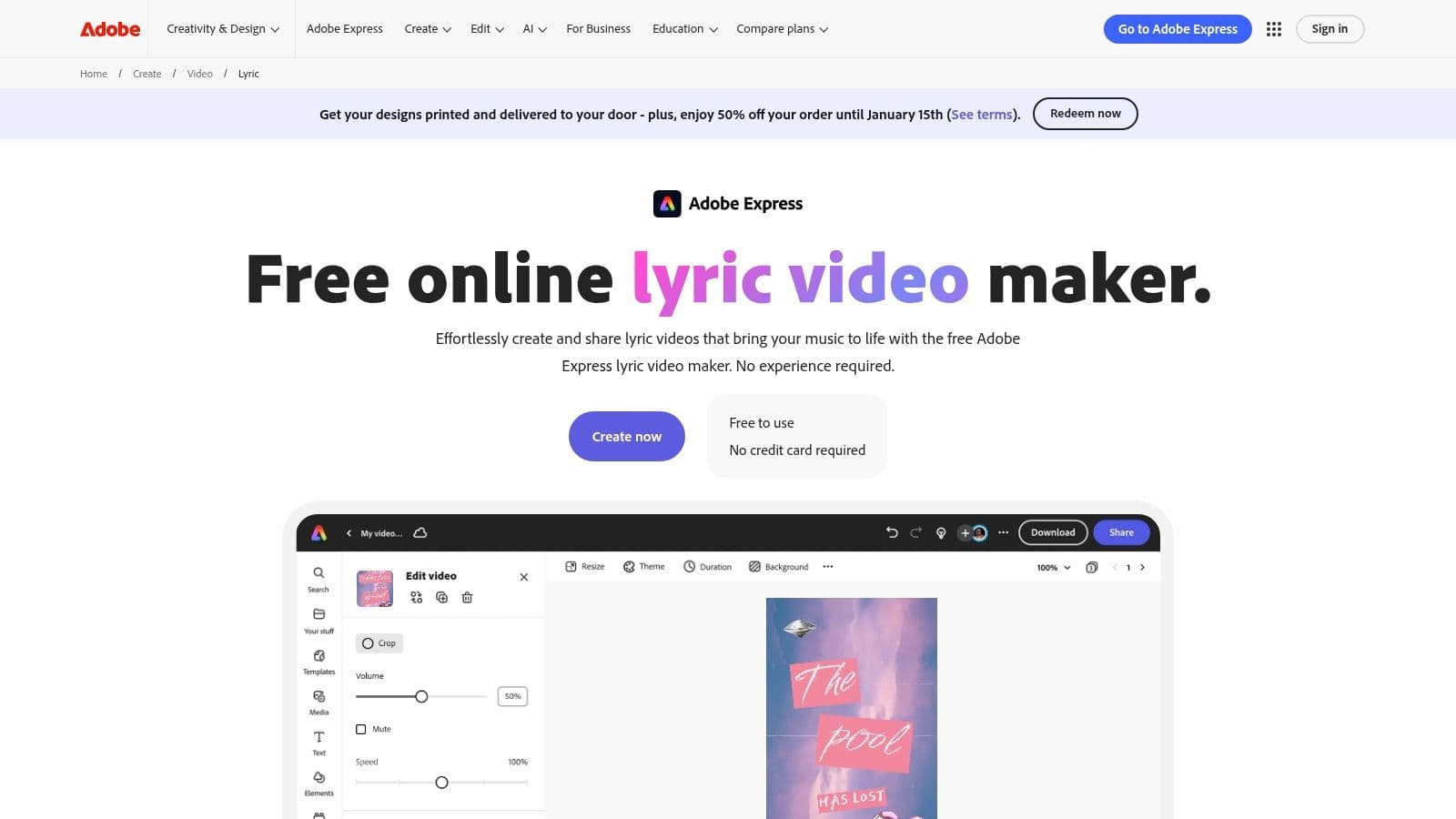
What sets Adobe Express apart is its seamless integration and template-driven workflow. You can quickly select a template, add your music, and type or paste in your lyrics. The editor provides easy-to-use controls for timing your text and applying eye-catching text animations. For creators already using other Adobe products, Express offers a familiar design language and the ability to maintain brand consistency, even on the free plan.
Key Features and Limitations
Adobe's free offering is surprisingly robust, allowing anyone to produce a full lyric video. However, its most powerful features and largest asset libraries are reserved for premium users.
Pros:
- Professional Templates: High-quality, professionally designed templates get you started quickly.
- Simple Interface: Very easy to use for beginners and non-editors.
- Good Free Plan: Offers generous access to core features and a solid library of assets.
- Adobe Integration: Works well within the larger Adobe Creative Cloud ecosystem.
Cons:
- Premium-Gated Assets: The best stock photos, videos, and design elements are marked with a crown and require a paid plan.
- Limited Advanced Tools: Lacks the advanced audio editing or AI-powered synchronization of more specialized tools.
Adobe Express is perfect for creators and marketers who prioritize a polished aesthetic and need a reliable, easy-to-use tool for social media content or promotional clips. To elevate your project, you can explore tips for using animated text in videos to make your lyrics truly pop.
Website: https://www.adobe.com/express/create/video/lyric
4. VEED
VEED positions itself as an all-in-one online video suite, and its lyric video creation tools are a core part of its offering. It's a fantastic free lyric video maker online for creators who need more than just lyric synchronization, providing features like music visualizers and audio cleanup within the same interface. The platform is designed for social media, making it simple to upload audio, generate subtitles for lyrics, and add engaging visual elements.
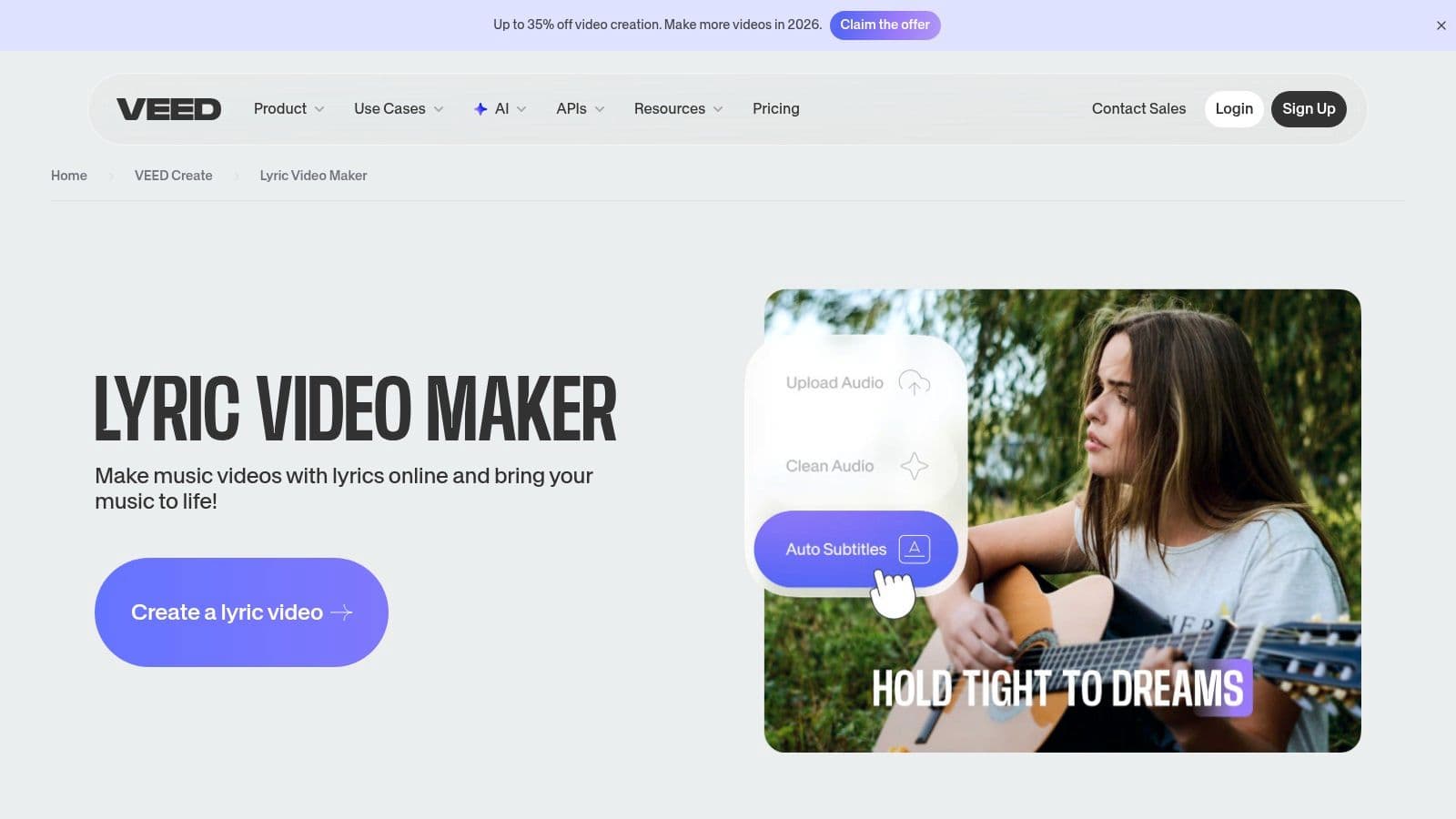
Similar to competitors, VEED leverages AI to automatically transcribe and time your lyrics, which is a major time-saver. Where it shines is in its broad toolset; you can add animated text effects, apply audio visualizers that react to your music, and even use its "Magic Edit" tools for audio enhancement. This makes it a powerful choice for musicians who want to produce a polished, professional-looking video without juggling multiple applications.
Key Features and Limitations
VEED’s free plan is robust enough to create a complete video, but it comes with some notable restrictions common to browser-based editors.
Pros:
- Broad Toolset: Includes animated lyrics, music visualizers, and audio cleanup tools in one place.
- Auto-Subtitle Generation: AI-powered transcription quickly times lyrics to the audio track.
- Designed for Social Media: Offers presets and features tailored for platforms like TikTok and Instagram.
- Cloud-Based Collaboration: Projects are saved online and can be easily shared.
Cons:
- Watermarked Videos: All exports on the free plan include a prominent VEED watermark.
- Limited Resolution: Free users can only export videos at 720p resolution.
- Confusing Credits System: Advanced AI features are often tied to a credit system, which can be complex.
VEED is best suited for artists and social media managers who want to create visually dynamic lyric videos with elements like waveforms and other effects, and who don't mind a watermark in exchange for access to a powerful free toolkit.
Website: https://www.veed.io/create/lyric-video-maker
5. Flixier
Flixier positions itself as a cloud-powered video editor focused on speed and collaboration, making it a strong contender as a free lyric video maker online. Its main advantage is its cloud rendering technology, which ensures that exports are incredibly fast regardless of your computer's hardware. This browser-based tool allows you to import audio directly from sources like SoundCloud, YouTube, or your cloud storage, streamlining the initial setup process.
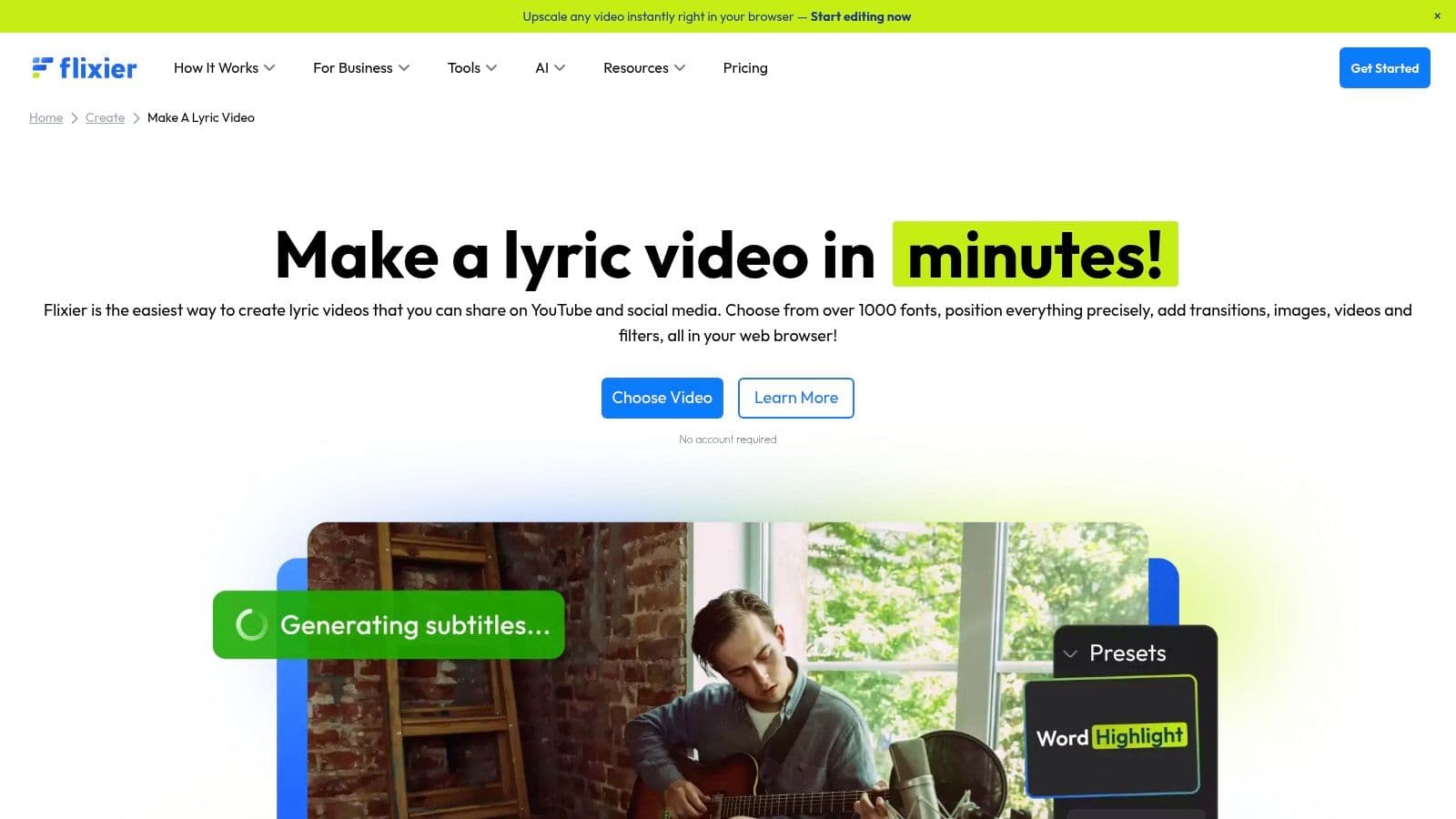
The platform offers a traditional timeline editor that feels responsive and familiar to anyone with video editing experience. You get access to over 1,000 fonts, animated text presets, and precise controls for text placement and timing. Combined with a built-in library of stock photos, videos, and motion graphics, Flixier provides all the necessary components to build a professional-looking lyric video from scratch without leaving your browser.
Key Features and Limitations
While Flixier’s speed is its main draw, the free plan has specific caps on usage that users should be aware of before starting a project.
Pros:
- Cloud Rendering: Extremely fast export times, as the processing is done on Flixier's servers.
- Responsive Editor: The interface is snappy and has a minimal learning curve for quick edits.
- Direct Imports: Pull audio and video directly from YouTube, SoundCloud, and cloud storage.
- Good for Social Media: An excellent choice for creating short, social-ready lyric clips quickly.
Cons:
- Export Time Limits: The free tier is limited to just 10 minutes of total export time per month.
- Gated Assets: Many templates and premium stock assets are locked behind a paid subscription.
- Limited Storage: Free users get only 2GB of cloud storage for their media.
Flixier is best suited for creators who need to produce short-form lyric videos quickly and efficiently, especially if working on a lower-spec computer.
Website: https://flixier.com/create/make-a-lyric-video
6. Animaker
Animaker brings a unique, animation-focused approach to the world of lyric video creation. Rather than being a traditional video editor, it functions as a template-driven, browser-based animation studio, making it the perfect free lyric video maker online for creators who want to produce highly stylized, kinetic typography videos without needing design experience. Its interface is built around characters, props, and dynamic text effects, allowing for a storytelling style not found in many other tools.
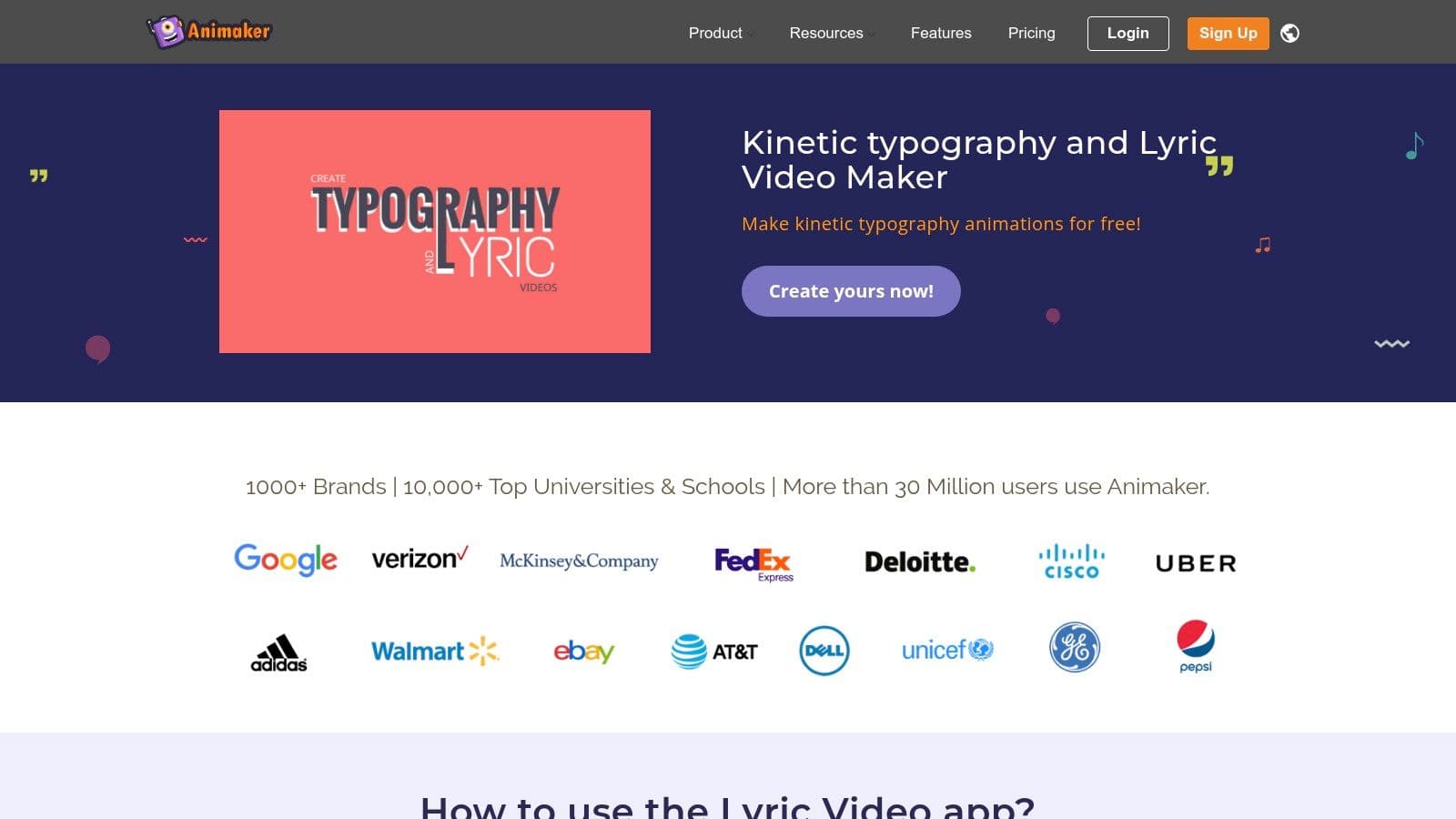
The platform excels at creating videos where the lyrics don't just appear on screen, they perform. With a massive library of templates, animated characters, and scene-building assets, you can construct a narrative around your song. This makes it ideal for artists who want to create a fun, cartoon-style music video or a slick corporate presentation with lyrical elements, moving beyond simple text overlays.
Key Features and Limitations
Animaker's free plan provides access to its core animation tools, but it comes with significant restrictions on exports and asset usage that users should be aware of.
Pros:
- Kinetic Typography: Excellent for creating dynamic, animated lyric video styles.
- Extensive Asset Library: Access to a huge collection of templates, characters, and props.
- User-Friendly: The template-driven workflow helps non-designers create polished content.
- Customization: Supports custom fonts and brand elements for a unique look.
Cons:
- Branding and Limits: Free exports include a prominent Animaker watermark and have strict quality and length limitations.
- Template-Centric: The interface can feel less flexible than a traditional timeline-based video editor.
- Steeper Learning Curve: Creating custom animations from scratch can be more complex than basic video editing.
Animaker is best suited for musicians, educators, and marketers aiming to create visually vibrant, animated lyric videos that stand out. It’s less about simple synchronization and more about building an animated story that complements the song.
Website: https://www.animaker.com/lyric-video-maker
7. Typito
Typito excels as a text-first online video editor with a strong emphasis on high-quality motion graphics and animated text, making it a powerful free lyric video maker online. Its platform is specifically designed for creators who want their lyrics to be the star of the show, offering extensive typography-focused templates that add a professional polish without a steep learning curve. The workflow is intuitive, allowing you to easily match stunning text animations to your audio track.
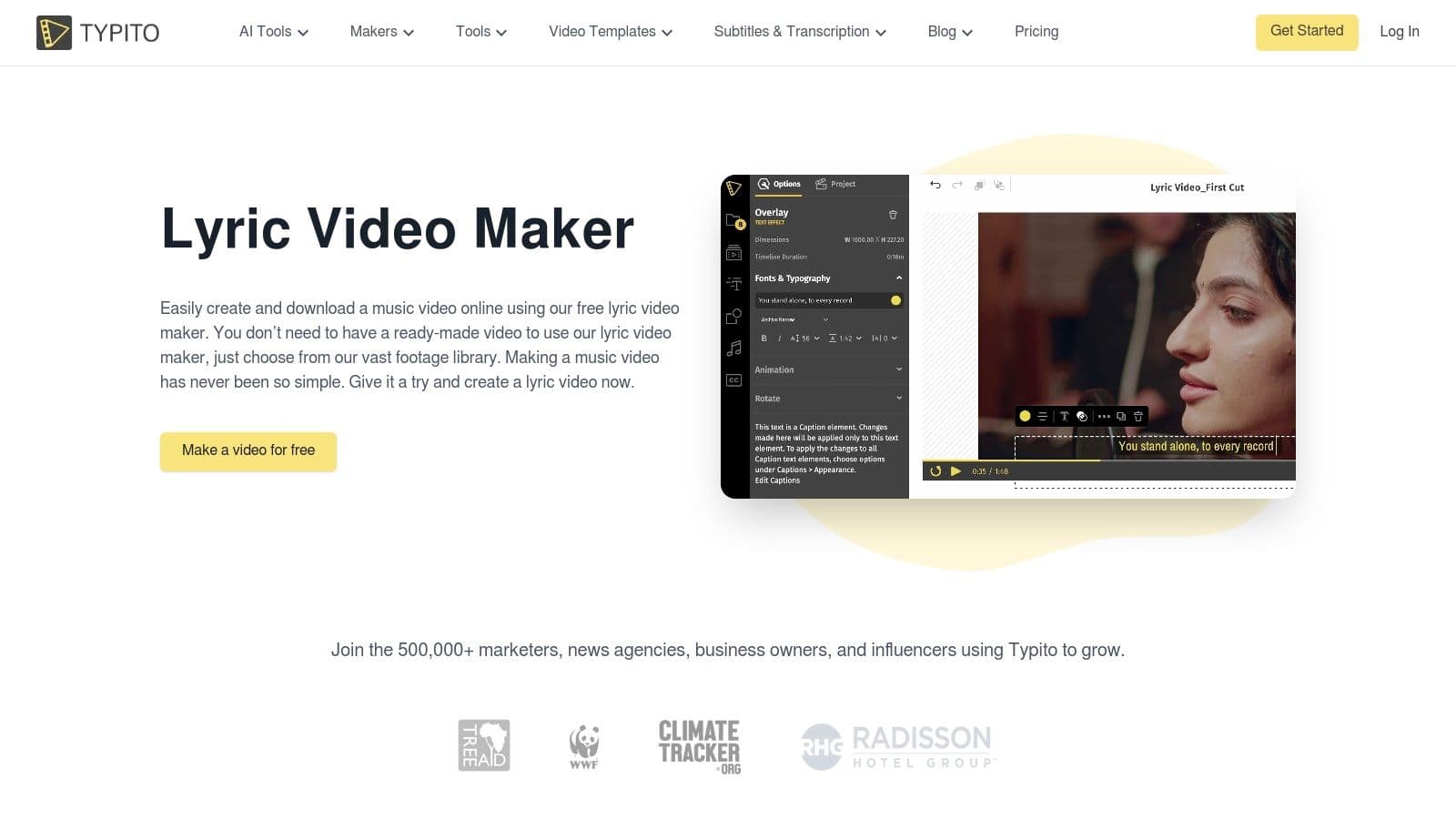
What sets Typito apart is its vast library of over 500 motion graphic and text templates. This makes it incredibly easy to create a visually distinct look for your video. It also supports over 20 aspect ratios, allowing you to instantly resize your project for different social media platforms. While it has some speech-to-text capabilities, its real strength lies in the manual customization of its beautiful, pre-made text styles.
Key Features and Limitations
Typito’s free plan is a great way to explore its design capabilities, but understanding its export restrictions is key before starting your project.
Pros:
- Excellent Animated Text: A huge library of professional text and motion templates.
- Gentle Learning Curve: The user-friendly interface is ideal for beginners.
- Multi-Format Support: Easily resize videos for YouTube, TikTok, Instagram, and more.
- Stock Media Access: Includes an integrated library of stock images and video clips.
Cons:
- Branded Exports: The Typito logo is added to all videos created on the free plan.
- Export Limits: The free tier has a cap on the total minutes of video you can export.
- Advanced Features Gated: More complex tools and premium templates require a paid subscription.
Typito is best suited for artists and marketers who prioritize dynamic, stylish typography and need to quickly produce branded lyric clips for various social media channels. Its template-driven approach ensures a high-quality result with minimal design effort.
Website: https://typito.com/maker/lyric-video-maker
8. Clipchamp (Microsoft)
Clipchamp, a browser-based video editor from Microsoft, offers an impressive suite of tools that make it a powerful free lyric video maker online, even without a dedicated lyric video template. Its strength lies in providing premium features, like watermark-free 1080p exports, completely for free, making it an excellent choice for creators who don’t mind a more manual setup process. You can upload your audio, add a background video, and then leverage its advanced captioning tools to build your lyric video.
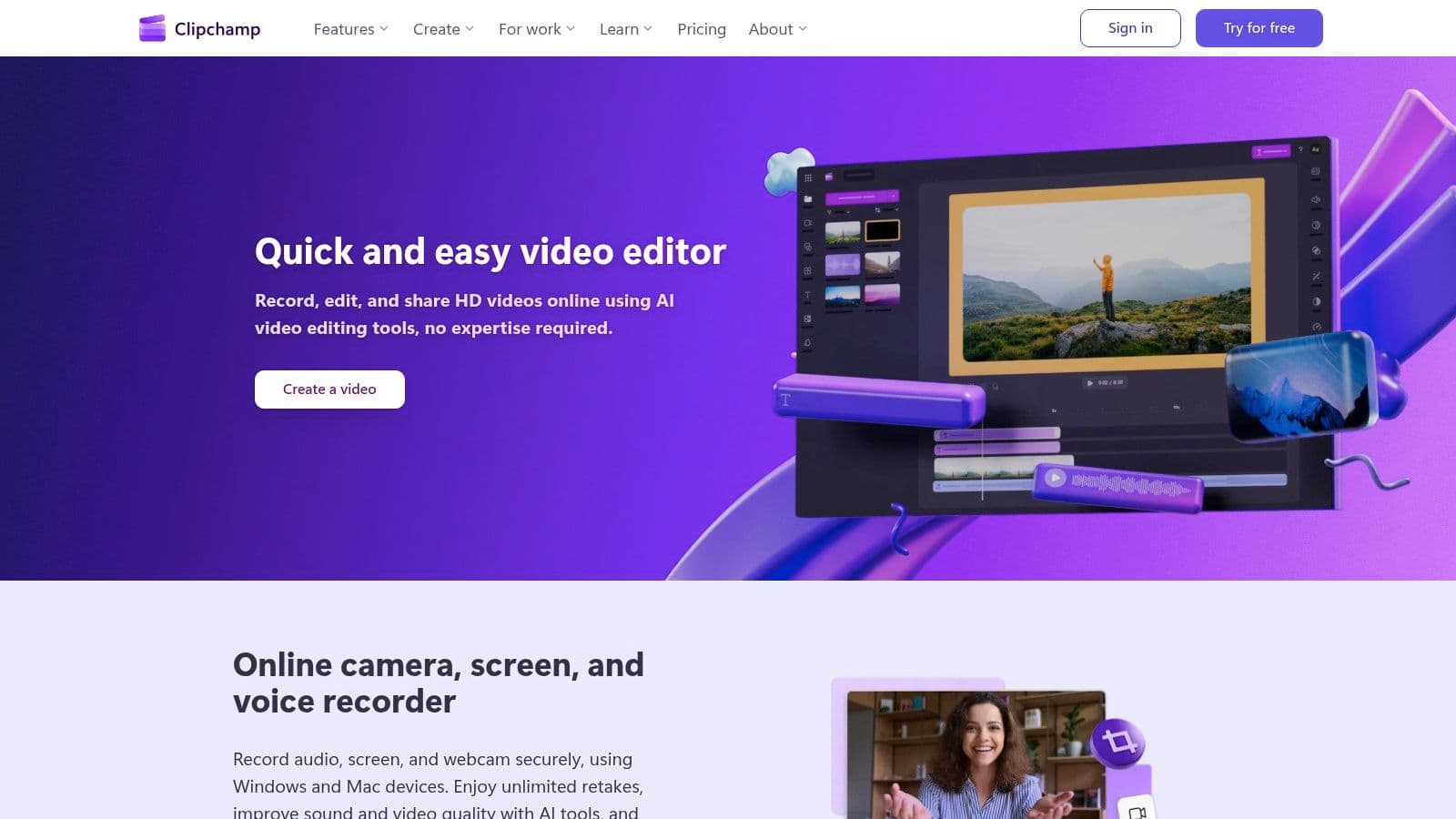
The platform’s standout feature is its AI-powered auto-captions tool, which accurately transcribes lyrics and syncs them to your music. While you will need to manually adjust the timing and styling for each line to create the classic lyric video effect, the initial transcription work is done for you. The clean interface and integration with Microsoft services like OneDrive make it a seamless experience for those already in the ecosystem.
Key Features and Limitations
Clipchamp's free tier is one of the most generous available, but its manual approach to lyric video creation requires a bit more hands-on effort.
Pros:
- Generous Free Plan: Exports videos in 1080p HD without a watermark, a rare find.
- AI Auto-Captions: Efficiently transcribes your audio to create a text foundation for your lyrics.
- Microsoft Integration: Works smoothly with Microsoft accounts and OneDrive storage.
- Stable and Reliable: As a Microsoft product, the platform is well-supported and polished.
Cons:
- Manual Lyric Setup: No dedicated lyric video workflow; you must use the captions editor to style text line by line.
- Premium Assets: Access to some advanced features, stock assets, and brand kits requires a Microsoft 365 subscription.
Clipchamp is perfect for creators who prioritize professional, high-resolution output and are comfortable with a more traditional video editing timeline to achieve their desired look.
Website: https://clipchamp.com/en/
9. Renderforest
Renderforest operates more like a massive creative toolkit than a dedicated lyric video tool, but its extensive template library makes it a powerful free lyric video maker online for those who prioritize speed and professional aesthetics. Instead of building from scratch, users can browse hundreds of animated typography and title packs, choosing a style that fits their song's mood and then simply customizing the text and timing.
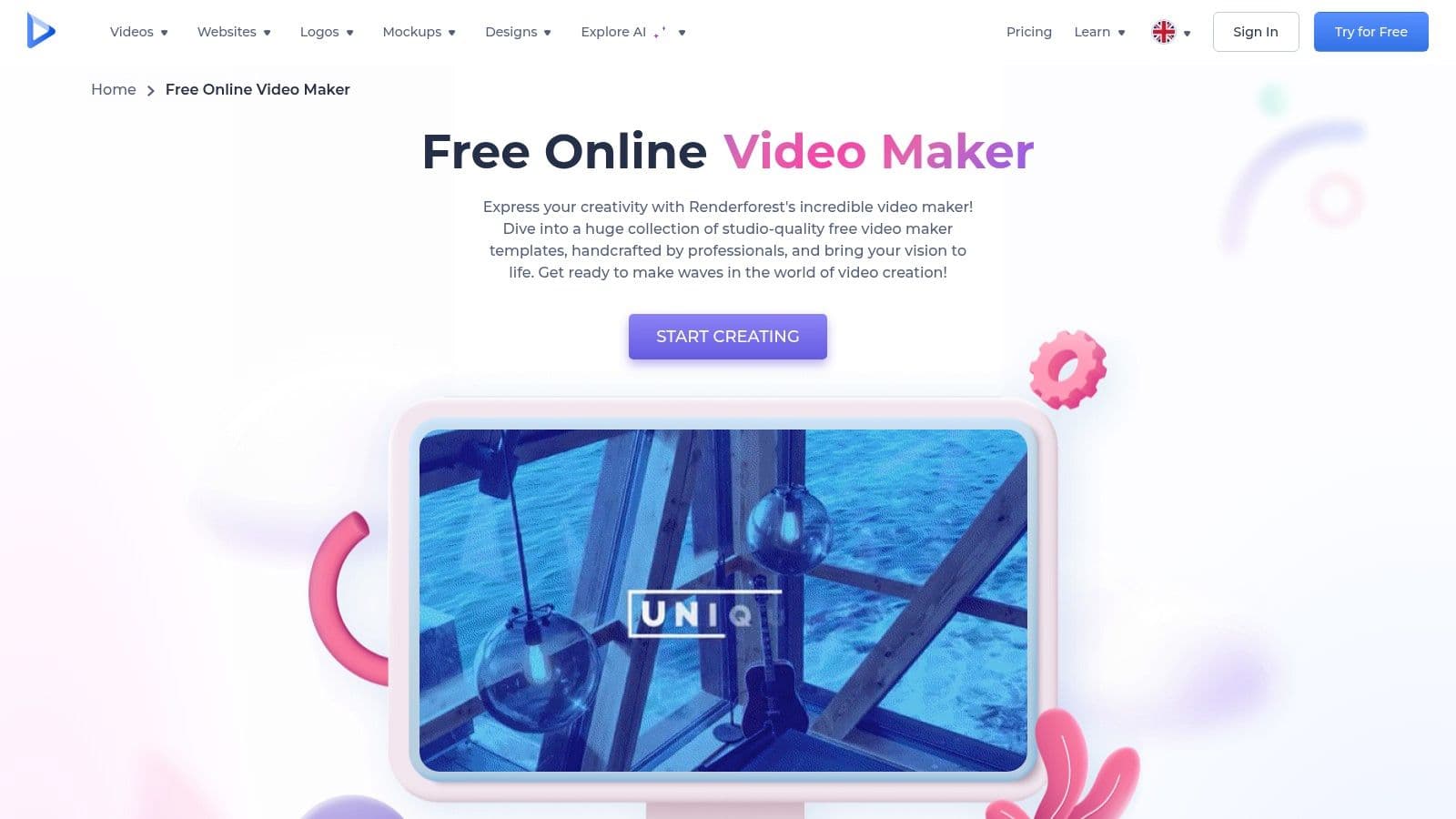
The platform excels at producing high-quality, motion-graphics-heavy visuals quickly. You can easily supplement your lyrics with assets from its integrated stock video and music library or even use its text-to-speech tools for other video projects. This template-driven approach is ideal for creating consistent, on-brand lyric snippets for social media or promotional materials without needing advanced animation skills.
Key Features and Limitations
Renderforest's free tier allows you to create and export videos, but the limitations are significant, particularly concerning video quality. It's best used to test templates before committing to a paid plan.
Pros:
- Huge Template Library: Access a vast marketplace of ready-made animated typography and title packs.
- Quick Production: The template-based workflow allows for incredibly fast creation of professional-looking videos.
- Integrated Assets: Includes a built-in stock video and music library to enhance your project.
- Direct Social Sharing: Easily share your finished video directly to social media platforms.
Cons:
- Heavy Watermark: Free exports have a prominent Renderforest watermark.
- Low Resolution: The free plan is limited to a very low 360p export resolution.
- Limited Customization: Templates can feel rigid if you want a fully unique and custom motion design.
Renderforest is best suited for marketers and artists who need to produce stylish, animated lyric videos quickly and consistently, even if the free version's quality is mainly suitable for preview purposes.
Website: https://www.renderforest.com/video-maker
10. Descript
Descript offers a unique, text-first approach to video creation, making it a surprisingly effective free lyric video maker online for creators who prioritize lyric accuracy and editing efficiency. Instead of manipulating clips on a traditional timeline, Descript automatically transcribes your audio, allowing you to edit the video by simply editing the text document. This transcript-based workflow is a game-changer for syncing lyrics perfectly.
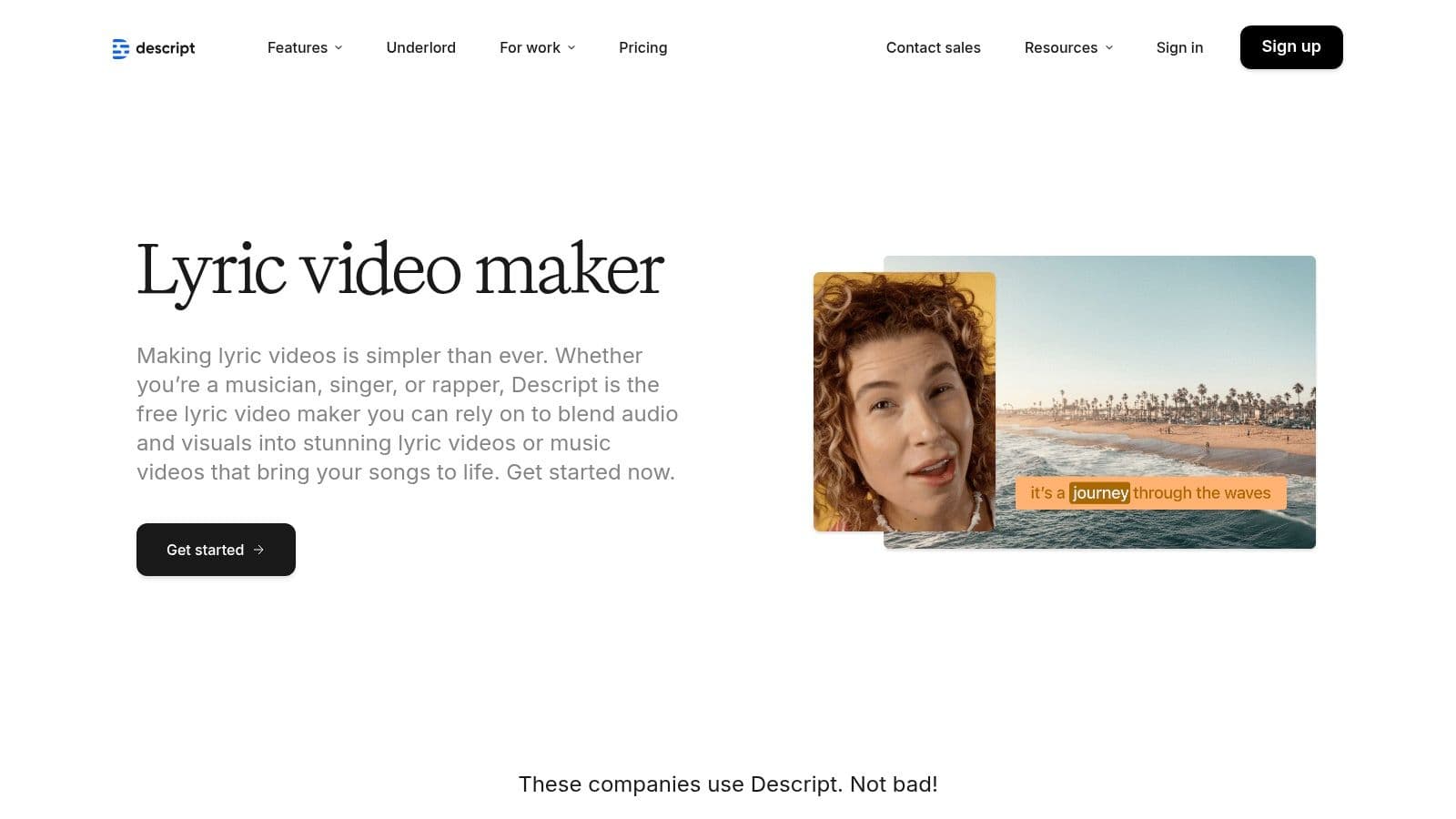
The platform shines by turning your song into a script you can edit, correct, and style. Once the transcription is generated, you can easily apply animated captions that are precisely timed to the spoken or sung words. You can then add background media, adjust text styles, and export your project. While available as a web and desktop app, this hybrid workflow is powerful for lyric-heavy content.
Key Features and Limitations
Descript’s free plan is a great starting point, but it's essential to understand its credit-based system and export limitations before beginning a project.
Pros:
- Text-Based Editing: Unparalleled workflow for editing video by correcting transcribed text.
- Automatic Transcription: Excellent accuracy for generating and timing lyrics from vocals.
- Collaboration Tools: Share projects with others for feedback and collaborative editing.
- AI Voice Features: Includes advanced tools like Overdub and text-to-speech.
Cons:
- Watermarked Exports: Free plan exports include a Descript watermark.
- Limited Creative Controls: Motion graphics and animation capabilities are simpler than dedicated video editors.
- Credit-Based System: Free users get limited transcription minutes and AI credits, requiring careful management.
Descript is ideal for podcasters, musicians, and educators who want to create lyric videos or captioned content with an emphasis on precise text synchronization. For those interested in how AI is transforming this space, you can explore more about the role of an AI lyric video generator and its benefits.
Website: https://www.descript.com/tools/lyric-video-maker
11. Canva
Canva has evolved from a simple graphic design tool into a surprisingly robust video editor, making it a fantastic free lyric video maker online for creators who value speed and an enormous asset library. Known for its user-friendly, drag-and-drop interface, Canva allows you to quickly assemble a lyric video using thousands of templates, animated text effects, and stock footage. Its intuitive approach makes it perfect for beginners or anyone needing a professional-looking result without a steep learning curve.
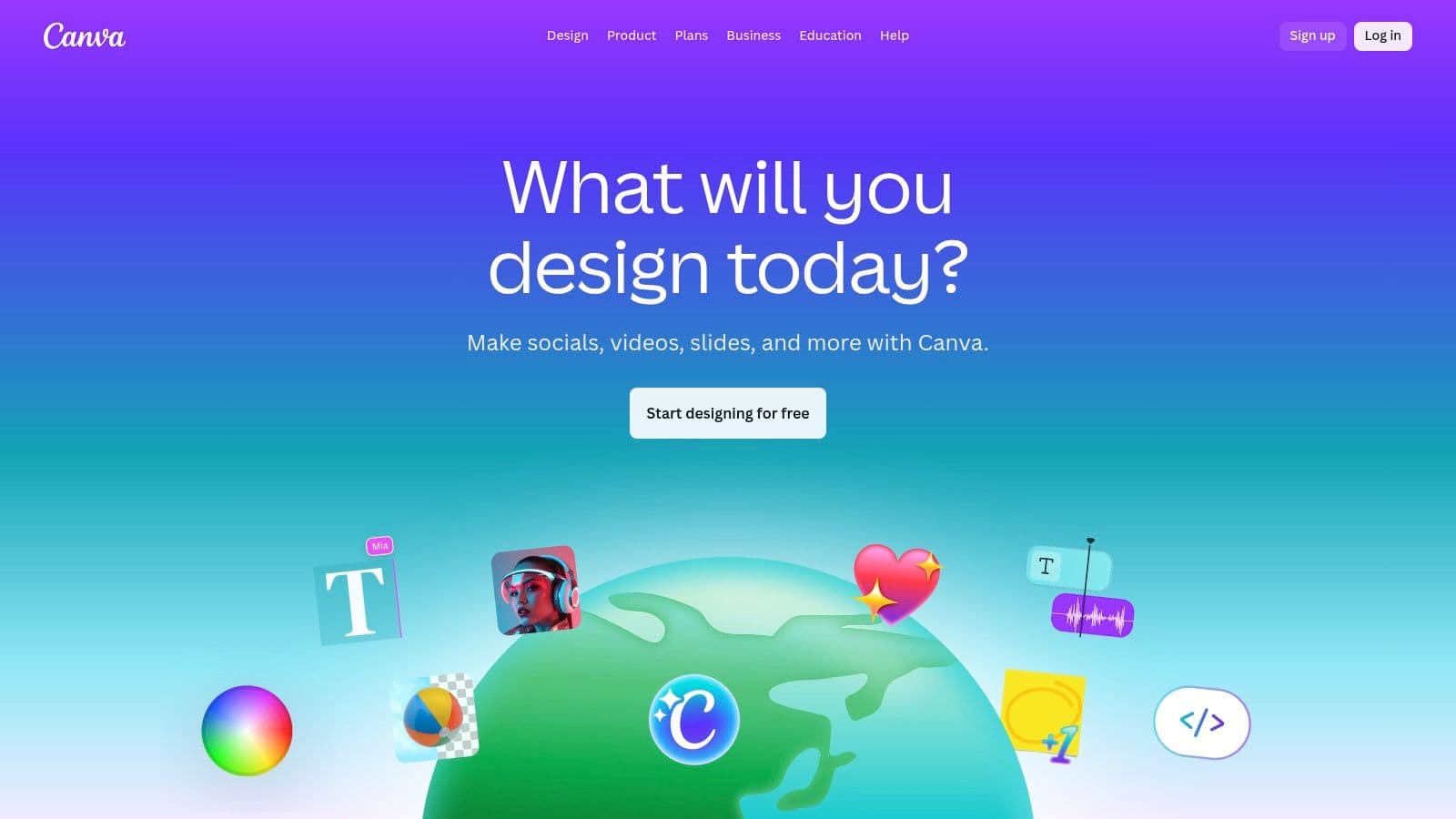
The platform shines with features like one-click auto-captions for transcribing lyrics and "Beat Sync," which helps time your visuals, text, and animations to the rhythm of your music. While the automatic version of Beat Sync is a Pro feature, manual adjustments are still very manageable. You can also leverage its vast library of elements, stock videos, and even an AI music generator to build a complete visual experience from scratch.
Key Features and Limitations
Canva's free plan is incredibly capable, providing all the essential tools to create and export a full lyric video. However, its most powerful automation features are reserved for paid subscribers.
Pros:
- Extremely Approachable: The drag-and-drop interface and massive template library make it easy for anyone to start.
- Massive Asset Library: Access to millions of free photos, videos, graphics, and audio tracks.
- Capable Free Plan: The free tier includes auto-captions, many animations, and high-quality exports.
- All-in-One Platform: Design your video, cover art, and promotional graphics all in one place.
Cons:
- Pro-Gated Features: Advanced tools like automatic Beat Sync and Brand Kits require a paid subscription.
- Less Precision: Not as precise as dedicated video editors for frame-by-frame lyric timing.
Canva is the ideal choice for content creators and social media managers who need to produce stylish lyric videos quickly for platforms like Instagram, TikTok, and YouTube, especially if they are already using the platform for other design needs.
Website: https://www.canva.com/
12. FlexClip
FlexClip simplifies the creation process with its template-driven approach, making it a highly accessible free lyric video maker online for beginners and those needing quick results. The platform offers a dedicated "YouTube Lyric Video Maker" page that presents users with a variety of professionally designed templates, allowing you to produce a visually appealing video with minimal effort by simply swapping out the text and audio.
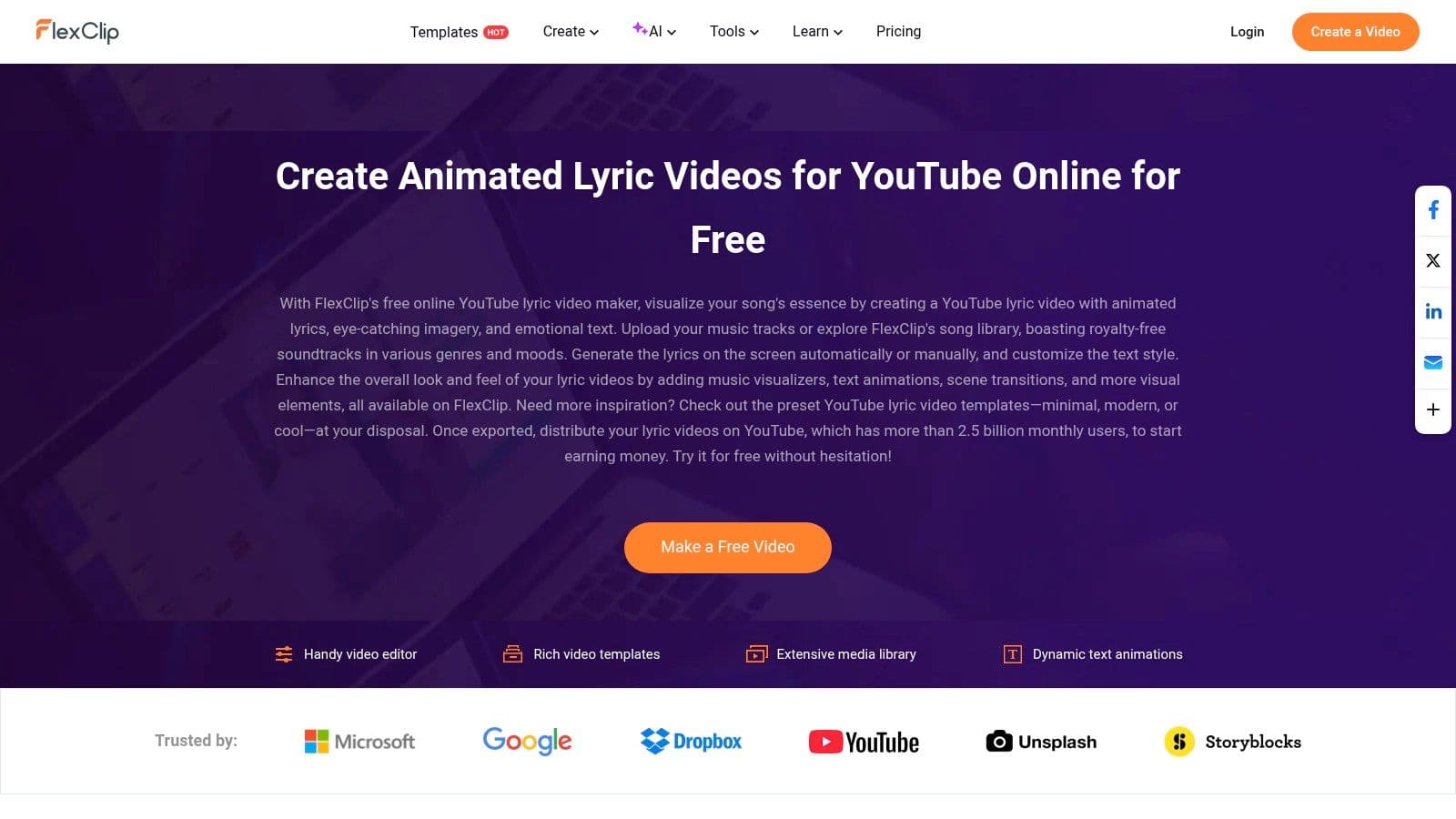
What sets FlexClip apart is its rich library of animated text styles, music visualizers, and stock media assets. You can choose a template that fits your song's mood, customize the animated typography, and even add dynamic visualizer overlays to make your audio track more engaging. The interface is clean and straightforward, focusing on ease of use over complex, granular controls.
Key Features and Limitations
FlexClip's free plan provides a great starting point, but it comes with some notable restrictions that encourage upgrading for more professional outputs.
Pros:
- Template-Driven: A large library of lyric video templates allows for rapid production.
- Easy to Use: The intuitive editor is perfect for users without video editing experience.
- Music Visualizers: Includes built-in visualizer effects to add dynamic motion.
- Multiple Aspect Ratios: Easily create videos for YouTube (16:9), TikTok (9:16), or Instagram (1:1).
Cons:
- Watermark on Free Plan: Free exports include a FlexClip intro/watermark.
- Lower Resolution: Free exports are limited to 480p SD quality.
- Project and Time Limits: The free tier restricts project length and the number of projects you can have.
FlexClip is best suited for musicians and content creators who want to quickly generate stylish lyric videos for social media promotion without a steep learning curve. It excels at producing short, visually impressive clips efficiently.
Website: https://www.flexclip.com/create/youtube-lyric-video.html
Top 12 Free Lyric Video Makers Comparison
| Product | Core features | UX & Quality | Price & Value | Target audience | Unique selling points |
|---|---|---|---|---|---|
| 🏆 MyKaraoke Video | AI 1‑Click karaoke, auto lyrics sync, Sync Editor, vocal removal, 1080p MP4 | ★★★★★ Instant preview, fast exports | 💰 Free (watermark); Standard $5/mo; Premium $10/mo — generous AI/export credits | 👥 Karaoke channel managers, musicians, creators, event pros | ✨ Browser-based + deep customization, transparent exports, priority support |
| Kapwing | Lyric workflow, auto-subtitles, stock assets, cloud editor | ★★★★ Easy to learn; collaborative | 💰 Free w/ watermark/720p; paid removes watermark & raises limits | 👥 Social creators, small teams | ✨ Auto translation, stock integrations, team tools |
| Adobe Express | Lyric templates, animated text, brand kits, stock library | ★★★★ Template-driven; approachable | 💰 Generous free; Premium unlocks stock & brand features | 👥 Marketers & non-designers | ✨ Adobe ecosystem, ready-made templates |
| VEED | Auto-subtitle, translation, animated lyrics, visualizers | ★★★★ Quick lyric timing; cloud editor | 💰 Free w/ watermark/720p; paid for HD & AI credits | 👥 Music video creators, social editors | ✨ Music visualizers, audio cleanup tools |
| Flixier | 1,000+ fonts, cloud rendering, cloud imports, templates | ★★★ Very responsive; fast exports | 💰 Free limited export minutes/storage; paid tiers for more | 👥 Quick social video creators | ✨ Cloud rendering + wide font library |
| Animaker | Kinetic text, templates, large asset library, mobile support | ★★★ Good for animated/kinetic styles | 💰 Free w/ limits & branding; paid unlocks assets | 👥 Animated lyric creators, non-designers | ✨ Kinetic typography & character assets |
| Typito | Text/motion templates, multiple aspect ratios, stock media | ★★★ Strong for typography-centric videos | 💰 Free w/ branding & capped minutes; paid for advanced | 👥 Caption/motion-focused creators | ✨ Extensive motion templates & resizing tools |
| Clipchamp (Microsoft) | AI subtitles/voice, silence removal, templates, 1080p export | ★★★★ Stable; strong free tier (1080p) | 💰 Free 1080p no watermark; some premium stock needs 365 | 👥 Microsoft users, educators, casual editors | ✨ Free 1080p + MS/OneDrive integration |
| Renderforest | Animated title packs, templates, stock assets, TTS | ★★★ Fast template-based production | 💰 Free low-res/watermark; paid for HD & premium templates | 👥 Brands needing quick templated visuals | ✨ Huge animation/template marketplace |
| Descript | Automatic transcription, text-based editing, overdub, captions | ★★★★ Excellent for lyric syncing via transcript | 💰 Free tier; paid for more AI/media minutes | 👥 Podcasters, audio-first creators, editors | ✨ Text-first editing & powerful overdub tools |
| Canva | Auto-captions, animated text, Beat Sync, huge template library | ★★★★ Extremely approachable; rich assets | 💰 Capable free; Pro adds Beat Sync & brand kits | 👥 Social creators, marketers | ✨ Massive templates, Beat Sync & AI music |
| FlexClip | Lyric templates, auto/manual placement, visualizers, ratios | ★★★ Easy & template-driven for quick builds | 💰 Free w/ limits & watermarks; paid for HD/no watermark | 👥 Beginners & quick lyric makers | ✨ Ready lyric templates & multiple aspect ratios |
Choosing the Right Tool for Your Creative Workflow
Navigating the landscape of the modern free lyric video maker online reveals a diverse ecosystem of powerful tools. We've explored a dozen of the best options available, from dedicated, AI-powered karaoke creators to comprehensive all-in-one design suites. The journey from a simple audio file to a visually compelling lyric video is now more accessible than ever, but the key to success lies in matching the right tool to your specific project and creative ambition.
Your final decision shouldn't be based on which tool has the longest feature list, but on which one best aligns with your workflow, skill level, and primary goal. The perfect choice is a deeply personal one, contingent on what you value most in a creative platform.
Recapping Your Best Options
Let's distill our findings into clear, actionable categories. This will help you pinpoint the best starting point for your next project.
- For Specialized Karaoke and Precision Timing: If your primary focus is creating high-quality, accurately synced karaoke tracks or professional-grade lyric videos, a purpose-built tool like MyKaraoke Video is unparalleled. Its AI-driven synchronization and manual fine-tuning editor are designed specifically for this task, drastically reducing the tedious work of manual timing.
- For All-in-One Social Media Content: If lyric videos are just one part of a broader content strategy, platforms like Canva and Adobe Express are your best bet. Their massive template libraries, integrated design assets, and user-friendly interfaces make it easy to maintain a consistent brand aesthetic across all your social media posts, stories, and videos.
- For General-Purpose Video Editing: For creators who need a flexible video editor that can handle lyric animations alongside other editing tasks, tools like Kapwing, VEED, and Clipchamp offer a solid middle ground. While their free tiers often come with more noticeable limitations (like watermarks or lower export resolutions), their versatility is a significant advantage for multifaceted projects.
- For Advanced Animation and Unique Styles: If you want to push the creative boundaries with character animations or complex text effects, exploring Animaker or Renderforest is a worthwhile endeavor. These platforms offer unique capabilities that can make your lyric video stand out, though they may have a steeper learning curve.
Key Factors to Guide Your Final Decision
Before you commit to a platform, ask yourself these critical questions. The answers will illuminate the best path forward and help you select the most effective free lyric video maker online for your needs.
- What is my primary goal? Am I creating a quick, engaging clip for Instagram Reels, a full-length song for a YouTube karaoke channel, or a professional video for an artist's official release? The scope of your project will dictate the features you need.
- How important is precise timing? For karaoke and professional music videos, perfect synchronization is non-negotiable. For a simple social media clip, a slight delay might be acceptable. This is often the biggest differentiator between specialized and general-purpose tools.
- What are the limitations of the free plan? Always check the fine print. Pay close attention to watermarks, export resolution (is 720p enough, or do you need 1080p?), video length limits, and storage caps. These constraints can significantly impact your final product.
- How intuitive is the user interface for me? The "best" tool is one you enjoy using. Take advantage of the free tiers of your top two or three choices. Spend 15-20 minutes on each, uploading a short audio clip and experimenting with the timeline and text tools. The one that feels most natural and efficient is likely your winner.
Remember that software is just one part of the equation. While choosing the right online lyric video maker is key, the overall quality of your production also benefits greatly from good audio and lighting. For insights on enhancing these aspects, you can explore equipment options for improving video audio and lighting to elevate your content even further.
Ultimately, the power to create is at your fingertips. The tools we've covered empower you to bring your musical and visual ideas to life without a hefty price tag. Don't be afraid to experiment, combine the strengths of different platforms, and develop a workflow that unleashes your creativity. The world is waiting to see, and sing along with, what you create next.
Ready to create perfectly synced, professional-quality karaoke videos with unparalleled speed and accuracy? MyKaraoke Video is the only tool on this list built from the ground up for this purpose, using AI to eliminate hours of manual work. Sign up for free and experience the most streamlined lyric video creation process available today at MyKaraoke Video.