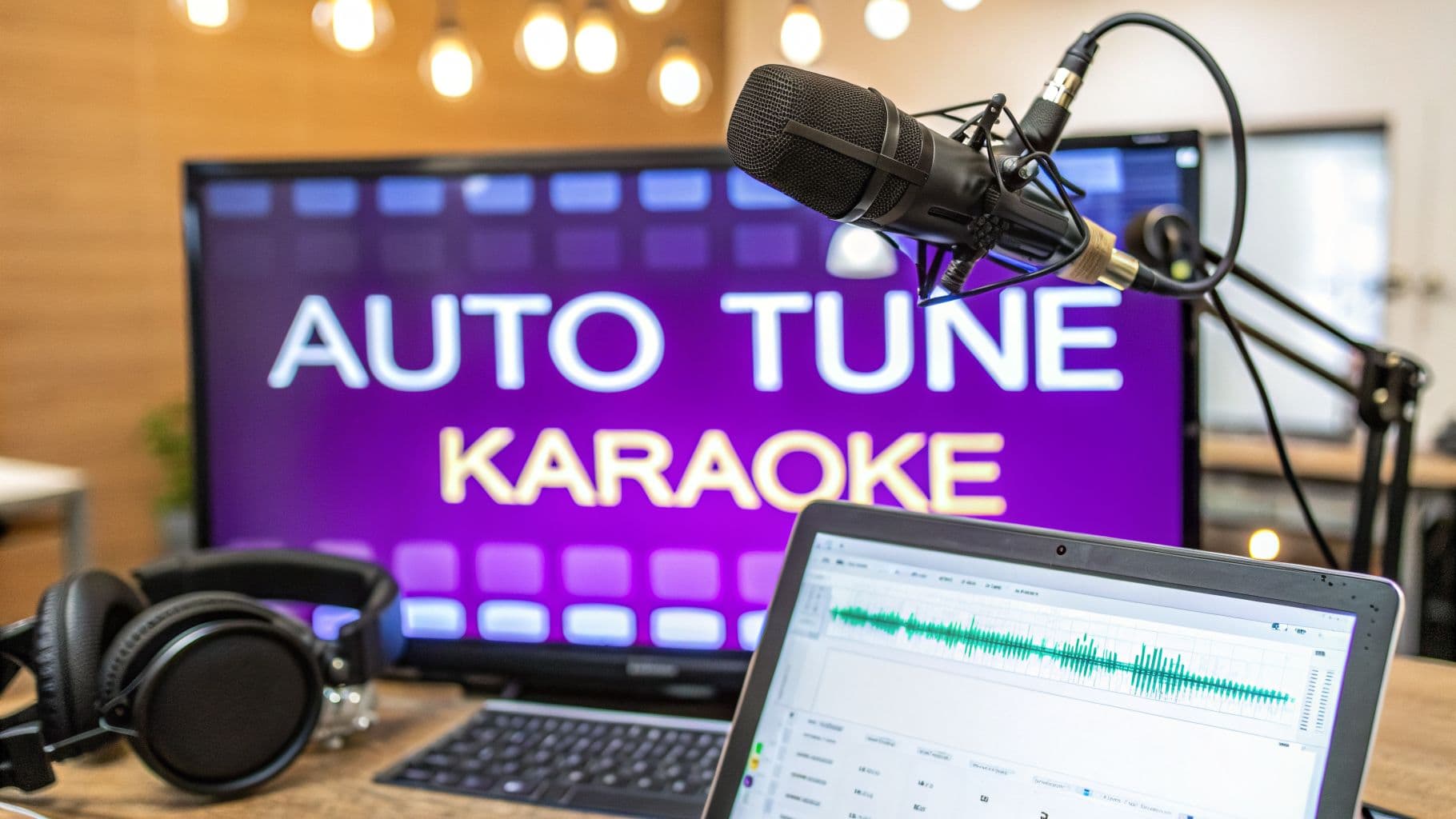
Ever thought about what separates a fun karaoke night from a video that goes viral? It often comes down to one thing: a clean, professional-sounding vocal track. Creating auto-tune karaoke videos is the secret sauce that can take your content from a simple hobby to genuinely impressive entertainment.
This isn't about faking talent; it's about giving your performance that final polish. With the right tools, you can produce studio-quality audio right from your desk, ensuring every note lands perfectly and keeps your audience hooked.
Why a Polished Karaoke Track Is a Game-Changer
When you watch your favorite creators nail a song in their videos, that flawless sound isn't always just raw talent. More often than not, it’s the result of smart pitch correction. This process, widely known as auto-tune, used to be an exclusive tool for big-shot recording studios. Not anymore.
Modern software makes it incredibly simple for anyone to clean up vocals, fix a few stray notes, and create a track that sounds amazing. The difference is night and day. A well-tuned vocal keeps people listening, makes your content feel more professional, and ultimately, gets you more shares.
This isn't just a niche hobby, either. The karaoke scene is huge and getting bigger. In the U.S. alone, the industry is expected to reach a staggering $2,320.6 million by 2025. This growth is all about people wanting high-quality, personalized entertainment at home, which is exactly what you're creating.
Going From Raw Recording to Share-Worthy Video
Turning a simple recording into a polished, shareable video involves more than just hitting "record." It’s about building a complete audio-visual experience from the ground up. One of the most critical skills you'll need is learning how to edit videos with music so your tuned vocals, the visuals, and the on-screen lyrics all come together seamlessly.
I'll walk you through the entire process, from start to finish. We'll cover everything you need to know:
- Picking the right pitch correction software for your workflow.
- Figuring out the correct key and scale for any track.
- Processing your vocals to get that perfect sound, whether you want it to be natural or more stylized.
- Putting it all together in a tool like MyKaraoke Video to sync your lyrics and export a killer video.
The final step is often the most tedious, but tools like MyKaraoke Video really streamline the process. The interface, which you can see above, uses AI to automatically sync your lyrics, saving you from hours of manual adjustments. This lets you get back to the fun stuff—like picking cool fonts and backgrounds—and get your video out into the world.
Choosing Your Pitch Correction Software
Picking the right tool for your auto-tuned karaoke project is the first—and most important—decision you'll make. The software you land on dictates your entire workflow, so it’s crucial to match it to your final goal. This really comes down to two paths: real-time processing for live performances or offline processing for creating polished videos.
What are you trying to accomplish? Are you a streamer who needs to sound great for a live audience, or a creator crafting the perfect karaoke video for YouTube? Your answer changes everything. This quick decision tree can help you figure out where to start.
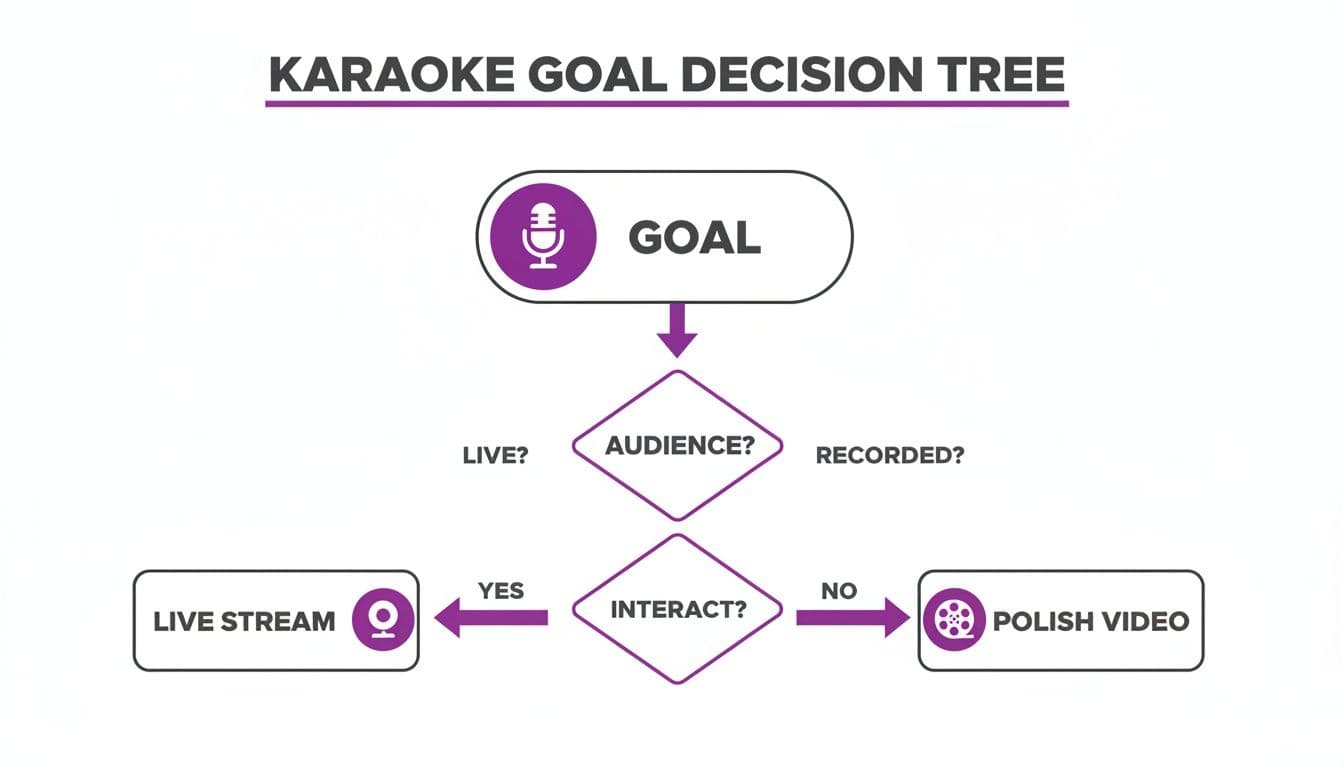
As you can see, your immediate goal—instant audience engagement or a perfected final cut—is what should guide your software choice from day one.
Real-Time Processing for Live Performance
When you're live, there's no "we'll fix it in post." You need software that corrects your pitch on the fly with practically zero delay, a factor known in the audio world as latency. Get this wrong, and you'll end up with a distracting echo that makes it nearly impossible to stay in sync with the music.
That’s why live performers and streamers run low-latency pitch correction plugins inside a Digital Audio Workstation (DAW), like Ableton Live or FL Studio. These tools are built for speed.
For live auto-tuned karaoke, your number one priority is software with the lowest possible latency. Even a few milliseconds of delay can completely derail a performance.
Go-to options for this are tools like Antares Auto-Tune Access or Waves Tune Real-Time. They typically have simpler controls—set the key, dial in the correction strength, and you're good to go. You sacrifice fine-tuned control, but for live use, speed and responsiveness trump surgical precision every time.
Offline Processing for Polished Videos
If your aim is a high-quality karaoke video for YouTube or social media, your priorities flip. Speed takes a backseat to absolute control. Offline processing lets you go back after recording and meticulously edit every single note to perfection. This is exactly how it's done in professional music production.
This is where software like Celemony Melodyne or the more powerful versions of Auto-Tune, like Auto-Tune Pro, really shine. These tools lay out your vocal performance visually, letting you see and adjust every nuance. You can:
- Fix Pitch: Manually drag individual notes that are a little flat or sharp right into place.
- Adjust Timing: Nudge notes forward or backward to lock them perfectly into the rhythm.
- Shape Vibrato: Dial back an overpowering vibrato or even add a subtle one where it's missing.
This level of detail is complete overkill for a live stream, but it's the secret to getting that flawless, studio-quality sound in your finished video. It ensures every word sounds polished and intentional. If you want to explore more tools, take a look at our guide on the best karaoke software currently on the market.
Comparing Real-Time vs. Offline Pitch Correction Tools
To make the choice even clearer, let's break down how these two approaches stack up against each other.
| Feature | Real-Time Processing | Offline Processing |
|---|---|---|
| Primary Use Case | Live streaming, on-stage performance, live broadcasting | Studio recording, video production, detailed vocal editing |
| Latency | Ultra-low; designed for immediate output with no delay | High; not suitable for live use as processing takes time |
| Level of Control | Limited; usually just key, scale, and correction speed | Total; granular, note-by-note control over pitch and timing |
| Workflow | "Set it and forget it" during performance | A separate, detailed editing step after recording |
| Example Software | Waves Tune Real-Time, Auto-Tune Access | Melodyne, Auto-Tune Pro |
Ultimately, your project's destination—the live stage or the edited video—will point you to the right type of tool.
Finding the Right Key and Scale for Your Song
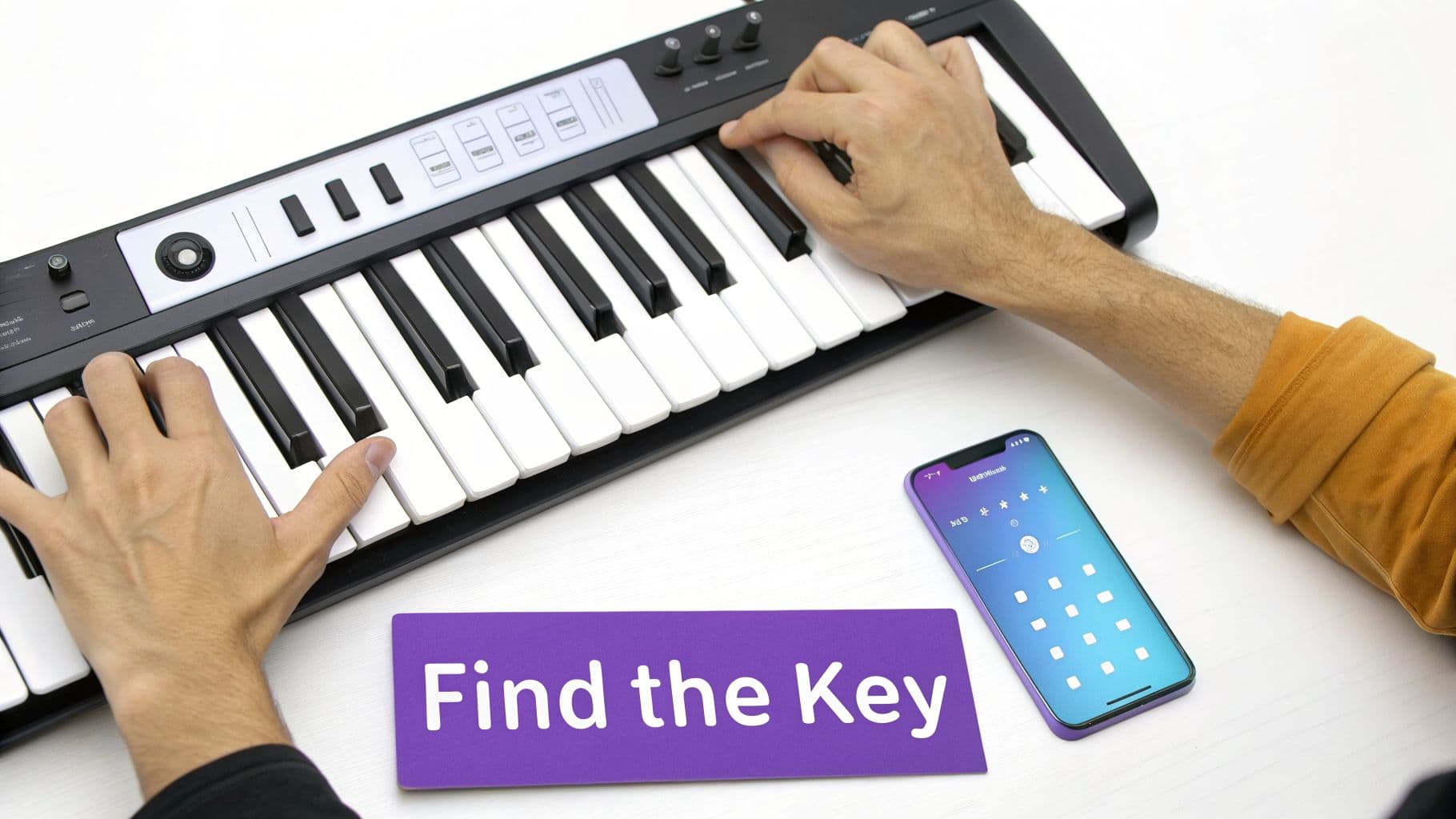
Trying to use pitch correction without telling the software which notes are "correct" is like driving with a GPS that has no destination. It just won't work. Your software needs to know the song's key and scale to do its job, and getting this wrong is the #1 reason auto-tuned vocals sound jarring, robotic, and just plain weird.
Think of it like this: the plugin is designed to gently nudge a singer's voice toward the nearest correct note. If you feed it the wrong musical framework, it will pull the vocals to notes that clash horribly with the instrumental. This single step is the absolute foundation for getting a smooth, professional auto-tune karaoke sound.
Simple Ways to Identify a Song’s Key
The good news is you don't need a degree in music theory to nail this. Technology has made finding a song's key incredibly simple for anyone.
- Online Key-Finder Tools: My go-to method for a quick answer. Websites like Tunebat or AudioKeychain let you upload an audio file or search their massive database. In seconds, you get the key and often the BPM (beats per minute), too.
- DJ Software Analysis: If you already use DJ software like Serato or rekordbox, you're all set. These programs automatically analyze your entire music library and display the key right next to the track title.
- Chord Charts: A quick search for "[Song Title] chords" usually brings up sites like Ultimate Guitar. For most pop songs, the very first chord in the progression is the key of the song.
These methods are fast, reliable, and will give you the right answer for the vast majority of tracks you'll work with.
Setting the key and scale is non-negotiable. It's the difference between subtle vocal enhancement and a performance that sounds like a malfunctioning robot. Every other adjustment you make depends on this foundation.
Analyzing Chords and Melodies Manually
For those who want to go a bit deeper and train their ear, you can learn to identify the key by listening for the "home" note—the one that sounds the most resolved and stable.
Listen to a song's chord progression. If you hear C Major, G Major, and A minor, the song is almost certainly in the key of C Major or its relative minor, A minor. The chord that feels like the song's final resolution point is your key.
It takes some practice, but this skill gives you a much better feel for the music you're editing. If you want to dive into the nuts and bolts of this, our article on how to change the key of a song offers a great deep-dive.
But what about songs with key changes? For more complex arrangements, you'll need to use automation in your DAW. This powerful feature lets you program the pitch-correction software to switch keys at the exact moment the change happens in the song, keeping your auto-tune karaoke vocals perfectly in sync from beginning to end.
The Art of Natural-Sounding Vocal Tuning
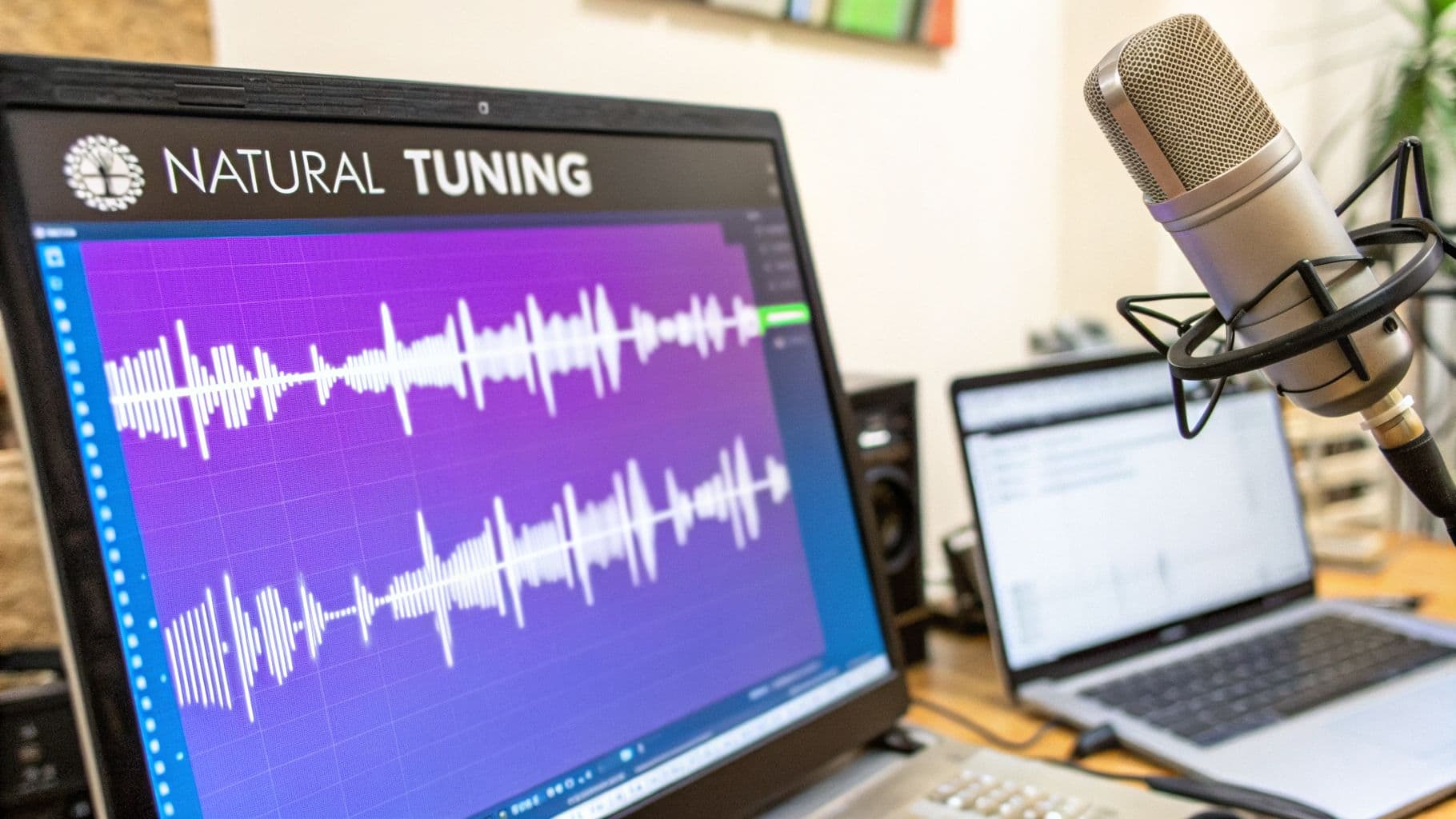
Alright, this is where the real magic happens. You’ve got your audio loaded up and the key dialed in, so now we can shift from the technical setup to the creative work. The whole point of great vocal tuning isn't to steamroll the singer's personality; it's to subtly enhance it and support the original performance.
Forget any notion of a one-click fix. True artistry here is all about getting your hands dirty with the nuanced controls inside your software. This is exactly how you create an auto-tuned karaoke track that sounds polished and professional, not like a soulless robot.
Mastering Retune Speed and Humanization
If there’s one dial you need to master, it’s Retune Speed. This single parameter dictates how quickly the software yanks a note toward its target pitch. It’s the secret sauce for everything from transparent correction to that hard, robotic effect.
- For a natural sound: You’ll want a slower retune speed. This gives the vocal room to breathe, preserving the singer’s unique slides and variations between notes. I usually find a speed between 20-50 (on a typical 0-100 scale) is a fantastic starting point. It’s corrective, but not obviously so.
- For the "T-Pain" effect: Go to the other extreme. Crank the retune speed all the way to its fastest setting (0 or 1). This makes every note snap instantly to the pitch grid, giving you that iconic, hard-tuned sound that’s perfect for modern pop, hip-hop, or just a stylized cover.
Most modern plugins also have a Humanize or Flex-Tune function to complement this. Honestly, this feature is your best friend for keeping things sounding real. It allows for more natural pitch drift on sustained notes, just like a real singer would do. It stops long notes from sounding unnaturally static.
Your ears are always the final judge. A vocal that looks perfectly tuned on a piano roll can sound completely lifeless. Trust what you hear and prioritize the emotional impact over technical perfection.
A Practical Example: Tuning a Ballad
Let's say you're working on a heartfelt ballad. The singer's delivery is packed with emotion, but a few notes in the chorus are just a touch flat. If you slam it with a fast retune speed, you’ll kill that delicate performance and make it sound sterile.
Instead, the pro move is to apply a slow retune speed to gently nudge those notes into place without stomping on the raw feeling. Even better, you can switch to a graphical editing mode and manually adjust only the problematic notes, leaving the rest of the passionate delivery completely untouched. This surgical approach is what separates good tuning from great tuning.
We're also seeing artificial intelligence change the game. Some new AI-powered apps can now analyze a singer's voice and give real-time feedback, which really speeds up the learning curve. Many of these platforms are becoming go-to hubs for karaoke creation and performance. If you're interested, you can discover more insights about the karaoke application market and its growth.
Processing Beyond Just Pitch
Great vocal production is more than just hitting the right notes. To make your auto-tune karaoke track truly shine, you need to add some basic audio sweetening.
- Compression: This is for evening out the vocal's volume, taming the loud parts and boosting the quiet ones. It’s crucial for making the vocal sit nicely in the mix without getting lost or jumping out too much.
- EQ (Equalization): Use an EQ to clean things up. A good habit is to cut out any muddy low-end frequencies (anything below 100 Hz) and maybe add a little high-end "air" or sparkle (around 10-12 kHz) to give it clarity.
- Reverb and Delay: These are your spatial effects. They create a sense of environment, making the vocal sound like it’s in a real room or a concert hall instead of a dry closet. Just be careful—a little goes a long way here.
When you combine tasteful pitch correction with these essential processing techniques, you elevate your track from a simple recording into a polished, genuinely engaging piece of karaoke content.
Syncing Lyrics Perfectly with MyKaraoke Video
Okay, so your audio is polished and sounds incredible. Now for the fun part: bringing the visuals to life. This used to be the biggest headache in making karaoke videos. I can’t tell you how many hours I’ve lost manually timing every single word, line by line. Thankfully, tools like MyKaraoke Video have made that painstaking process a thing of the past.
The whole workflow is refreshingly straightforward. First, you upload that perfected audio track you just spent all that time tuning. Then, you just paste your lyrics into the text box. That’s it.
This is where the magic happens. The AI sync editor takes over, automatically lining up your text with the vocals. It does all the heavy lifting for you, creating a baseline sync that’s usually spot-on.
Customizing Your Video’s Look and Feel
Once the AI has worked its magic, you get to play creative director. MyKaraoke Video gives you a ton of control over the visuals, so you can tweak everything to match the song’s mood or your channel’s branding.
You get to play with:
- Fonts and Colors: Pick from a big library of fonts and find colors that really stand out against your background.
- Backgrounds: You can upload your own image, a cool looping video, or just go with a solid color for a clean, simple vibe.
- Highlight Styles: Decide how the lyrics fill in as they’re sung. Do you want a classic color wipe or something a bit more dynamic?
The best part is that you see every change you make happen in real-time. There's no waiting around for things to render. This instant feedback loop is a game-changer for getting a professional look without tearing your hair out.
From Sync to Export in Minutes
After you've nailed the look, you can dive into the timeline and make tiny adjustments to the timing. The AI is impressively accurate, but sometimes you might want to nudge a word a fraction of a second earlier or hold a highlight a bit longer to perfectly match the singer’s performance. This is where you add that final layer of polish.
It’s no surprise this process is getting easier. The at-home entertainment market is absolutely booming. The global karaoke market is projected to hit $5.7 billion** in 2025 and **$5.9 billion in 2026, and a huge part of that is people wanting personalized karaoke experiences at home.
To make sure your lyrics are always perfectly timed and easy to read, you might also look into advanced AI video captioning software. If you want a deeper dive into that, we have a whole guide on how to add subtitles to a video.
Once you're happy with every detail, all that’s left is to hit export. With just one click, you’ll get a high-quality 1080p MP4 file, ready for YouTube, Instagram, or your next karaoke party.
Getting Your Auto-Tuned Karaoke Out There
So, you’ve poured your heart and soul into creating a killer auto-tuned karaoke video. That's a huge win, but the job isn't quite done. The real magic happens when people actually see and hear it. Whether you're planning to take this on stage or build an audience online, a little strategy goes a long way.
Taking It Live: Beating the Latency Lag
If you're a live performer, your biggest enemy is latency. There's nothing worse than a delay between when you sing a note and when the auto-tuned version hits the speakers. It can completely derail your performance.
The key is a rock-solid, direct connection. Run a wired connection from your audio interface straight into the main sound system. Whatever you do, avoid Bluetooth for your microphone or in-ear monitors—it’s a recipe for lag. A clean, wired setup is the only way to get that instant audio processing you need to stay on beat.
Winning on YouTube and Social Media
When you're posting your video online, getting discovered is the name of the game. Your title, description, and tags are what separate a hidden gem from a viral hit.
Think about what people are actually typing into the search bar. A generic title like "My New Karaoke Video" won't cut it. Instead, get specific and pack it with keywords. Something like "Tate McRae - Greedy (Auto-Tune Karaoke Version)" tells both YouTube and potential viewers exactly what they're getting.
Don’t just hit "upload" and walk away. Spending an extra five minutes on optimization can be the difference between 10 views and 10,000. You're essentially giving the algorithm a roadmap to find the right audience for your creation.
Hashtags are your best friend for casting a wider net. A good mix of broad and specific tags helps you show up in more places. Try a few of these in your video descriptions and posts:
- Go Broad: Start with the big ones like
#Karaokeand#CoverSongto catch the general crowd. - Find Your Niche: Get specific with tags like
#AutoTuneor#PitchCorrectionto attract people looking for that sound. - Join the Community: Use tags like
#KaraokeCoverand#Singingto connect with other creators and fans.
And here’s a pro tip: don't forget the power of short-form video. Snip the most impressive 15-30 seconds of your performance and post it on TikTok, Instagram Reels, and YouTube Shorts. These clips are fantastic trailers that can drive a ton of traffic back to your full-length masterpiece.
Got Questions? We've Got Answers
If you're just getting into making auto-tuned karaoke videos, you've probably got a few questions. Trust me, we’ve all been there. Getting these sorted out early will save you a world of trouble later on.
The Big One: Is It Legal to Use Popular Songs?
This is, without a doubt, the most common hang-up for creators, especially on platforms like YouTube. The short answer is: it’s complicated.
When you cover a copyrighted song, you're technically supposed to have permission. Without a license, YouTube's Content ID system can flag your video. This might mean you can't monetize it, or in some cases, it could get taken down entirely.
So, how do you play it safe? You have a few solid options:
- Go Royalty-Free: Hunt down instrumental tracks that are explicitly labeled as royalty-free.
- Get a License: Use services that specialize in securing licenses for cover songs.
- Use Public Domain Music: Stick with songs old enough to be in the public domain.
Pitch Correction vs. Auto-Tune: What’s the Real Difference?
You'll hear people use these terms interchangeably, but they aren't the same thing. It's a classic brand name vs. generic term situation, kind of like Kleenex and tissues.
Auto-Tune is the actual brand name for a famous pitch correction plugin from Antares Audio Technologies. It’s known for that iconic, hard-tuned robotic sound.
Pitch correction, on the other hand, is the general process of, well, correcting pitch! Countless software tools do this, and they all have their own flavor.
It's a rookie mistake to think every pitch correction tool will give you that "T-Pain" effect. That's a very specific sound created by cranking the settings on the original Auto-Tune. Many other plugins are designed to be subtle and sound completely natural.
Do I Really Need a Ton of Expensive Gear?
Not at all. This is a huge misconception. While a pro studio might have thousands of dollars in software, you can get incredible results with tools you might already have.
For example, GarageBand comes free with every Mac and includes a decent pitch correction tool. It's more than enough to learn the ropes. Start there, get a feel for it, and you can always upgrade to more powerful plugins once you know what you're looking for.
Once your audio is pitch-perfect, MyKaraoke Video is the easiest way to bring it to life. Our AI handles the tedious lyric syncing, and you get to focus on creating a visually stunning karaoke video. Give it a try and make your first auto-tuned karaoke video at https://www.mykaraoke.video.
