Juggling content creation, algorithm demands, community engagement, and monetization can quickly become overwhelming for any YouTube creator. The manual effort required to manage and grow a channel often leaves little time for the most important part: creating high-quality videos. This is where a strategic toolkit becomes essential. The right youtube channel management tools automate tedious tasks, provide deep analytical insights, and streamline your entire workflow, freeing you to focus on creativity and strategy.
This guide cuts through the noise to deliver a curated list of the most effective platforms for creators in 2025. We move beyond generic feature lists to provide in-depth, practical reviews of tools for every need, from all-in-one management suites and powerful SEO optimizers to dedicated social schedulers and analytics platforms. For a comprehensive overview of solutions that can help streamline your operations, discover the 12 best YouTube automation tools for growth in 2025.
Here, you will find a detailed breakdown of each tool, complete with screenshots, direct links, and an honest assessment of its pros, cons, and ideal use case. Whether you're a solo musician creating lyric videos, a marketing team managing a brand channel, or an influencer scaling your presence, this resource is designed to help you build the perfect tech stack. We will explore how to integrate these platforms into your workflow, enabling you to manage your channel more efficiently, make data-driven decisions, and unlock sustainable growth. Let's find the right tools to transform your channel management from a chore into a competitive advantage.
1. YouTube Studio (Official)
Website: https://studio.youtube.com/Pricing: Free
YouTube Studio is the non-negotiable starting point for any creator and the foundational hub for all YouTube channel management tools. As Google’s official dashboard, it offers direct, unparalleled integration with the platform's core functionalities. It is the only place to access certain features, like detailed revenue breakdowns and the YouTube Partner Program application.
This native tool is where you will handle essential day-to-day tasks: uploading and scheduling videos, moderating comments, managing community posts, and running live streams. Its analytics suite provides deep insights into audience demographics, traffic sources, and video performance, which are crucial for refining your video content marketing strategy. For teams, its role-based permissions (Manager, Editor, Viewer) are invaluable for secure collaboration without sharing primary account credentials.
While it is the most powerful free tool available, its primary limitation is that it operates solely within the YouTube ecosystem. For creators managing multiple social platforms, it lacks cross-platform scheduling. Advanced users may also find its SEO and A/B testing capabilities less robust than specialized third-party tools. To understand the foundational technology behind how these tools interact with the platform, delving deeper into the mechanics of simplifying the YouTube API can provide valuable context.
| Feature Highlights | Best Use Case | Limitations |
|---|---|---|
| Full Channel Analytics & Revenue Tracking | Core channel health monitoring & monetization | No competitive analysis features |
| Role-Based Team Permissions | Securely collaborating with editors or managers | Limited to YouTube; no cross-platform roles |
| Video Upload, Scheduling, & Editing | End-to-end video publishing workflow | No bulk A/B testing for thumbnails/titles |
2. TubeBuddy
Website: https://www.tubebuddy.com/Pricing: Free plan available; Paid plans start at $4.49/month
TubeBuddy is an indispensable browser extension and mobile app that integrates directly into the YouTube Studio interface, acting as a powerful optimization co-pilot. It excels at accelerating growth by providing robust tools for SEO, productivity, and data analysis right where you need them. Its primary value lies in simplifying complex tasks like keyword research and competitive analysis, making it one of the most popular YouTube channel management tools for creators focused on discoverability.
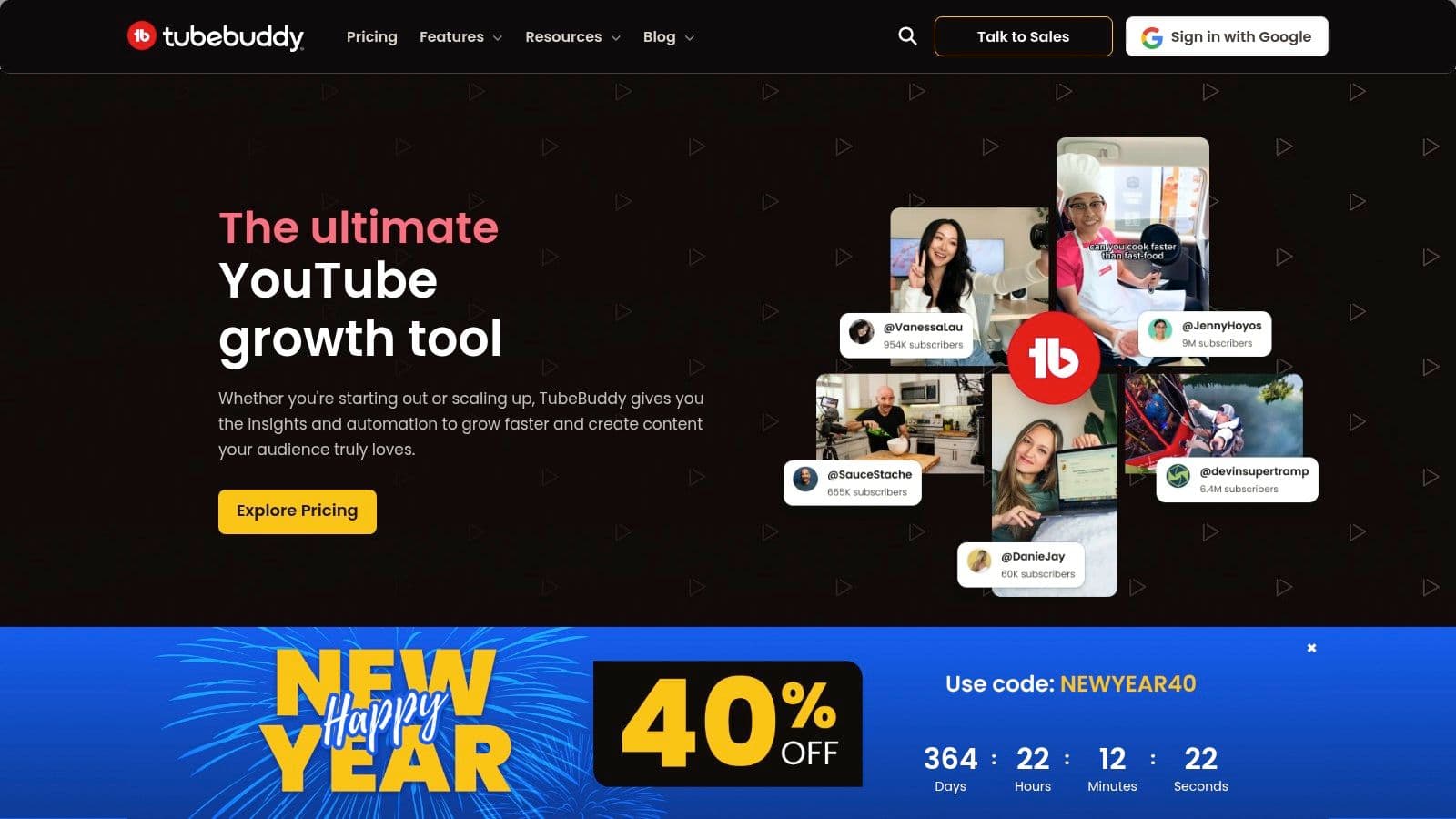
The platform is renowned for its A/B testing feature, which allows creators to systematically test different thumbnails, titles, and descriptions to maximize click-through rates. Furthermore, its bulk processing tools are a massive time-saver, enabling you to update cards, end screens, and descriptions across hundreds of videos simultaneously. For those looking to streamline their workflow, features like canned responses for comment moderation and video topic planning help maintain consistency and efficiency. Applying these optimization techniques is a key part of any successful growth plan, as detailed in these effective YouTube channel growth tips.
While its free version offers a taste of its capabilities, the most impactful features, like advanced A/B testing and bulk processing, are reserved for paid tiers. The licensing structure is geared toward individual creators, so larger businesses or agencies may need to opt for the higher-cost Legend or Enterprise plans to get the necessary access and support. Despite this, its focused, YouTube-centric toolkit makes it an essential asset for serious creators aiming for algorithmic success.
| Feature Highlights | Best Use Case | Limitations |
|---|---|---|
| Keyword Explorer & SEO Studio | Optimizing video titles, tags, and descriptions for search | Competitor tracking is less robust than some dedicated platforms |
| Thumbnail A/B Testing | Maximizing video click-through rate (CTR) | Core testing features require a paid subscription |
| Bulk Processing Tools | Updating metadata or cards on multiple videos at once | Can be slow to process for channels with thousands of videos |
3. vidIQ
Website: https://vidiq.com/Pricing: Free; Pro ($7.50/mo); Boost ($39/mo); Enterprise (Custom)
Where YouTube Studio tells you what happened, vidIQ helps you understand why and what to do next. This platform is a powerful YouTube channel management tool focused on growth through data-driven SEO and competitor intelligence. Its browser extension overlays key metrics directly onto the YouTube interface, providing real-time feedback on video performance, tag effectiveness, and competitor strategies as you browse.
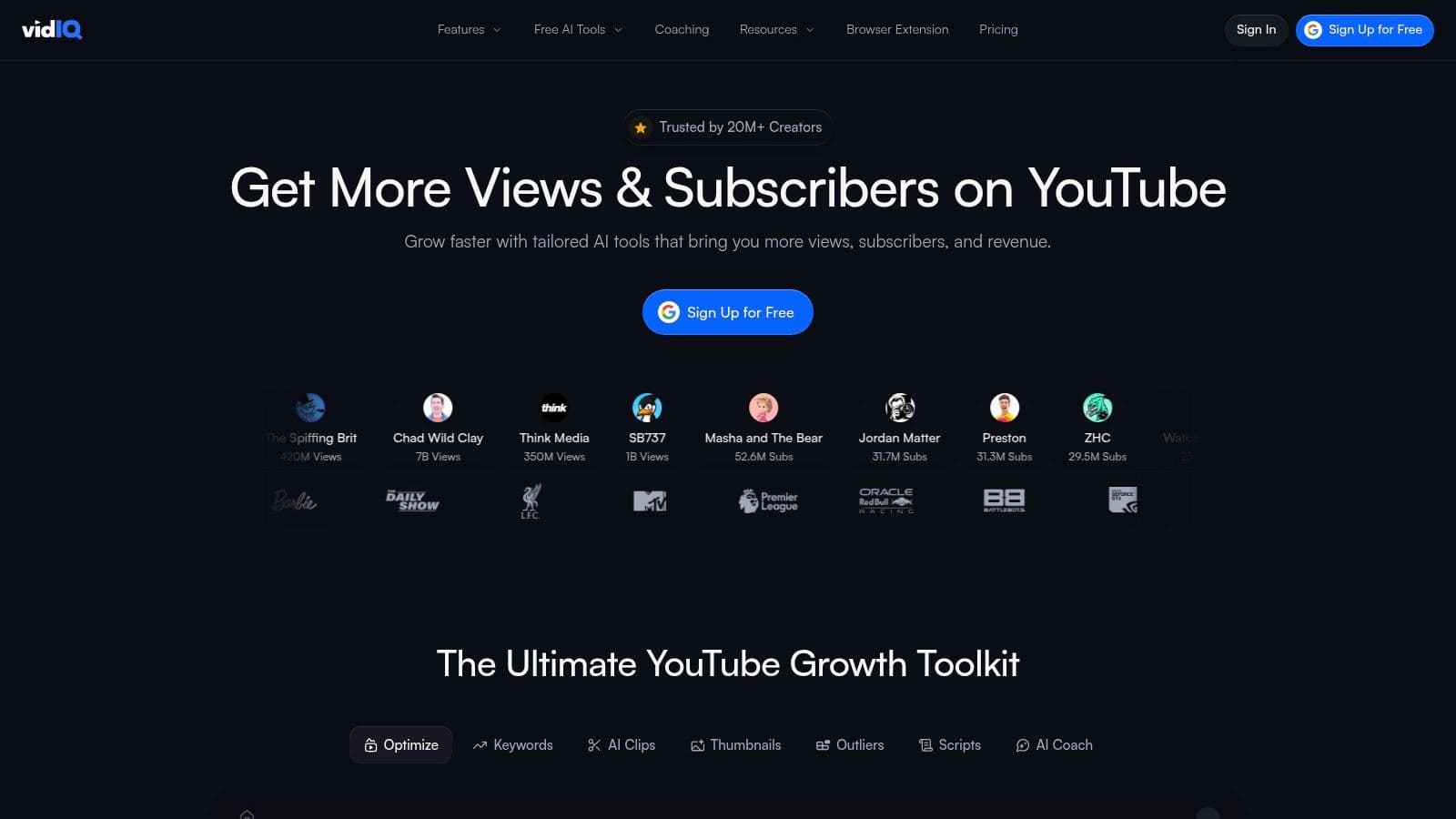
The platform truly shines in its content ideation features. The AI Coach and "Daily Ideas" tool analyze your channel and suggest video topics with high view potential, removing much of the guesswork from content planning. This focus on proactive growth makes it an indispensable tool for creators aiming to expand their audience. By combining analytics with actionable advice, it bridges the gap between raw data and a successful content strategy, making it easier to apply advanced YouTube SEO optimization tips directly to your workflow.
While the free version offers valuable insights, many of the most powerful features, like trend alerts and bulk SEO optimization, are reserved for paid tiers. The user experience can also feel slightly disjointed for newcomers, as it requires using both the web app and the browser extension to access its full suite of features.
| Feature Highlights | Best Use Case | Limitations |
|---|---|---|
| Keyword Research & "View Potential" Score | Optimizing video titles, descriptions, and tags for discoverability | Top-tier keyword data requires a paid subscription |
| Personalized Video Ideas & AI Coach | Overcoming creative blocks and planning content calendars | AI suggestions may sometimes lack nuanced context for niche channels |
| Competitor Analysis & Trend Alerts | Tracking rival channels and capitalizing on emerging trends | Some competitive tracking features are limited on lower-tier plans |
4. Hootsuite (YouTube Scheduler/Analytics)
Website: https://www.hootsuite.com/youtubePricing: Professional plan starts at $99/month (billed annually); 30-day free trial available.
Hootsuite is one of the original and most powerful social media management platforms, extending its robust scheduling and analytics capabilities to YouTube. Its primary strength lies in its ability to centralize your entire social media workflow, allowing you to manage YouTube alongside Instagram, Facebook, TikTok, and more from a single dashboard. This makes it an ideal tool for creators and brands whose YouTube strategy is tightly integrated with their broader social media presence.
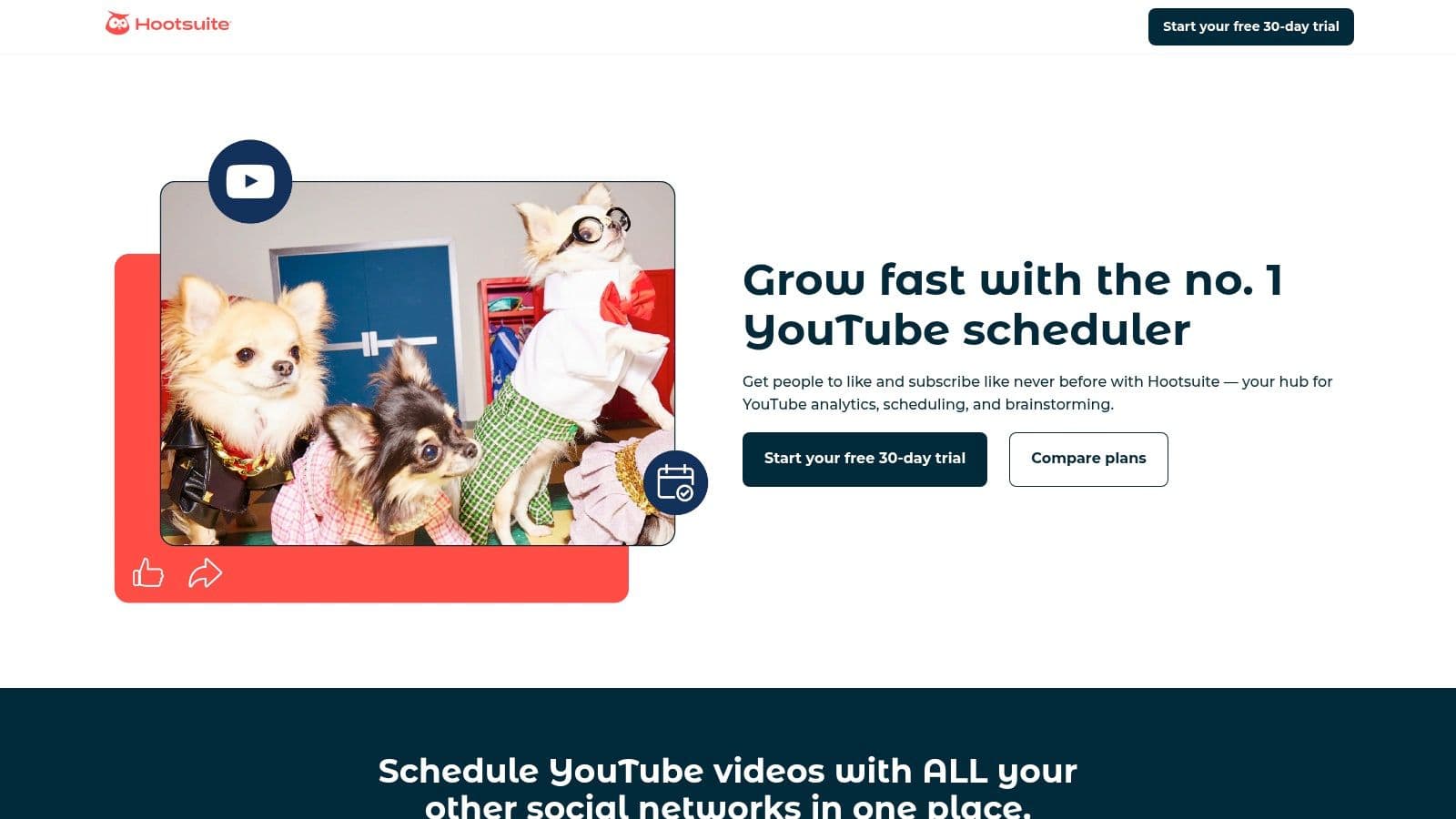
Unlike YouTube-only tools, Hootsuite provides a holistic view of your content performance across all channels. You can schedule videos to publish on YouTube at optimal times suggested by its algorithm and then immediately plan promotional posts on other networks. Its "Streams" feature is particularly effective for community management, letting you monitor comments and keyword mentions in a dedicated column, ensuring you never miss an engagement opportunity.
While it excels at cross-platform coordination, Hootsuite can be overkill and costly if your focus is solely on YouTube. Its in-depth YouTube analytics are strong but may not offer the granular, competitor-focused data that a dedicated YouTube tool provides. However, for teams needing consolidated reporting, streamlined moderation, and AI-powered copy assistance for titles and descriptions across multiple platforms, Hootsuite is a top-tier choice among youtube channel management tools.
| Feature Highlights | Best Use Case | Limitations |
|---|---|---|
| Cross-Platform Video Scheduling | Coordinating YouTube uploads with other social media promotions | Less granular YouTube-specific SEO features |
| Unified Comment Moderation Streams | Managing community engagement across all platforms in one place | Can be complex to set up initially |
| Consolidated Analytics & Reporting | Teams needing a single source for all social media performance data | Per-user pricing can become expensive for larger teams |
5. Sprout Social (YouTube Integration)
Website: https://sproutsocial.com/pricing/Pricing: Starts at $249 per user/month (Standard Plan)
Sprout Social is a premium, enterprise-grade social media management platform that offers robust support for YouTube alongside other networks. It is designed less for individual creators and more for large brands, marketing agencies, and teams that require sophisticated governance, multi-step approval workflows, and advanced reporting. Its strength lies in centralizing all social media activity, including YouTube comment moderation, into a single, unified "Smart Inbox."
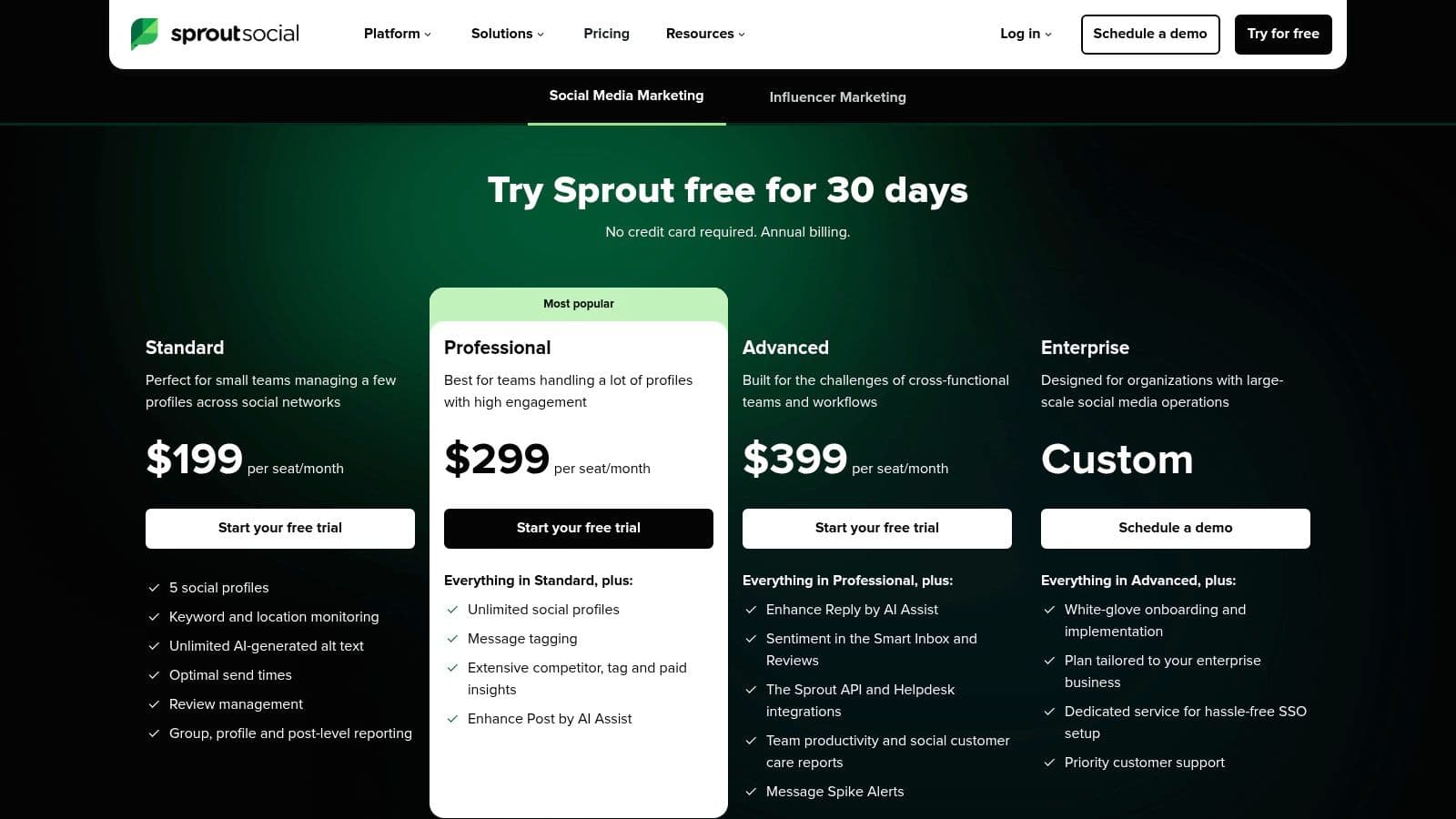
Unlike creator-centric YouTube channel management tools, Sprout Social positions YouTube as a critical component of a broader brand strategy. This means its analytics capabilities are exceptional for comparing YouTube performance against other channels like Instagram or TikTok, offering a holistic view of your digital presence. For teams managing multiple client channels, its profile and user permission settings provide the security and scalability necessary for complex operations.
The platform's high per-seat pricing makes it an investment primarily suited for organizations where social media is a core business function. While it can schedule and publish videos to YouTube, its main value is in its comprehensive reporting, team collaboration features, and its ability to manage community engagement at a massive scale, all from one dashboard.
| Feature Highlights | Best Use Case | Limitations |
|---|---|---|
| Unified Smart Inbox for Comments | Managing high-volume community engagement | High price point for solo creators or small teams |
| Advanced Cross-Channel Analytics | Brands comparing YouTube performance to other networks | Lacks YouTube-specific SEO or keyword tools |
| Enterprise-Grade Team Permissions & Workflows | Agencies or large teams requiring secure collaboration | Core focus is on multi-platform, not deep YouTube optimization |
6. SocialPilot
Website: https://www.socialpilot.co/Pricing: Starts at $25.50/month (billed annually)
SocialPilot positions itself as one of the most cost-effective YouTube channel management tools for small businesses and agencies managing multiple social profiles. It excels at providing a broad set of features, including YouTube scheduling, at a price point that is significantly more accessible than many of its direct competitors. This makes it an ideal solution for creators who need to distribute their video content across several platforms without a large budget.
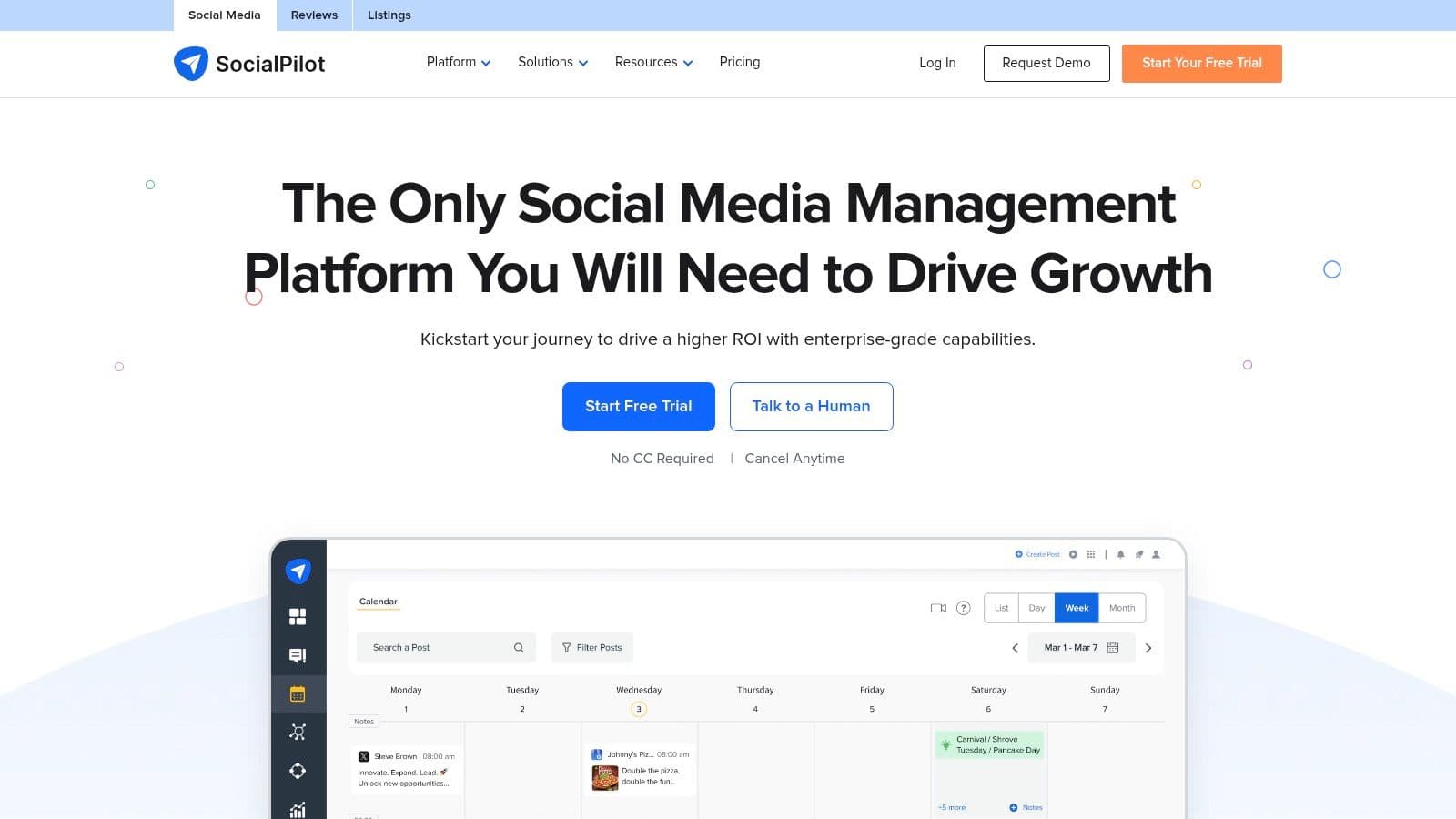
The platform supports direct scheduling of YouTube videos (including Shorts), allowing you to plan your content calendar far in advance. Its strength lies in its multi-account management capabilities; agencies can connect dozens of client accounts and use team collaboration features like approval workflows to streamline content sign-off. While its user interface is more functional than flashy, it provides a reliable and efficient way to manage a high volume of social content, including your core YouTube uploads.
For teams, the ability to generate white-label reports is a significant advantage, enabling agencies to provide professional-looking analytics to clients under their own branding. However, its primary focus is on cross-platform scheduling and reporting rather than deep, YouTube-specific optimization. Creators looking for advanced keyword research or A/B thumbnail testing will need to supplement SocialPilot with other specialized tools. It serves best as a central command for content distribution.
| Feature Highlights | Best Use Case | Limitations |
|---|---|---|
| Multi-Platform Scheduling | Managing YouTube alongside other social media accounts | No advanced YouTube-specific SEO features |
| Team Collaboration & Approval Workflows | Agencies and marketing teams needing client sign-off | UI is more utilitarian compared to premium suites |
| White-Label Analytics & Reporting | Providing branded performance reports to clients | Advanced analytics are gated to higher-tier plans |
7. Agorapulse
Website: https://www.agorapulse.com/Pricing: Starts at $49/user/month (billed annually) with a 30-day free trial.
Agorapulse is a comprehensive social media management platform designed for teams and agencies that require robust collaboration and reporting features. While not a dedicated YouTube tool, its powerful integration makes it one of the best cross-platform youtube channel management tools for organizations managing a YouTube presence alongside other social networks. It excels at streamlining team workflows, from scheduling content to managing audience engagement in a single, unified inbox.

The platform’s strength lies in its unified social inbox, which pulls in comments from your YouTube videos, allowing your team to reply, assign, or label them without ever leaving the dashboard. This is a game-changer for channels with high comment volume, preventing valuable feedback from getting lost. For agencies, features like shared calendars, content approval queues, and white-label reporting provide a professional framework for managing client channels efficiently and transparently.
While Agorapulse offers powerful scheduling and inbox management, its YouTube analytics are not as deep as specialized tools like VidIQ or TubeBuddy. It provides essential performance metrics suitable for high-level client reports but lacks granular data on competitor tracking or advanced keyword research. The per-user pricing model can also become costly for larger teams, making it crucial to evaluate your specific needs against the plan tiers.
| Feature Highlights | Best Use Case | Limitations |
|---|---|---|
| Unified Social Inbox & Comment Moderation | Managing high-volume community engagement | No deep SEO or keyword research tools |
| Shared Calendars & Client Approval Workflows | Agencies and teams managing client channels | Per-user pricing can be expensive for large teams |
| Cross-Platform Scheduling & Publishing | Coordinating YouTube content with other social media | Analytics are less detailed than dedicated YouTube tools |
8. Loomly (YouTube Integration)
Website: https://www.loomly.com/Pricing: Starts at $32/month (Base plan for 2 users); 15-day free trial available.
Loomly is primarily a brand success and content collaboration platform that excels in providing a structured, team-oriented workflow for social media management. While not a dedicated YouTube-only tool, its YouTube integration is robust, making it one of the best youtube channel management tools for teams that need to coordinate content across multiple platforms, including YouTube Shorts and long-form videos. It shines brightest where approval processes and content calendars are central to the creative workflow.
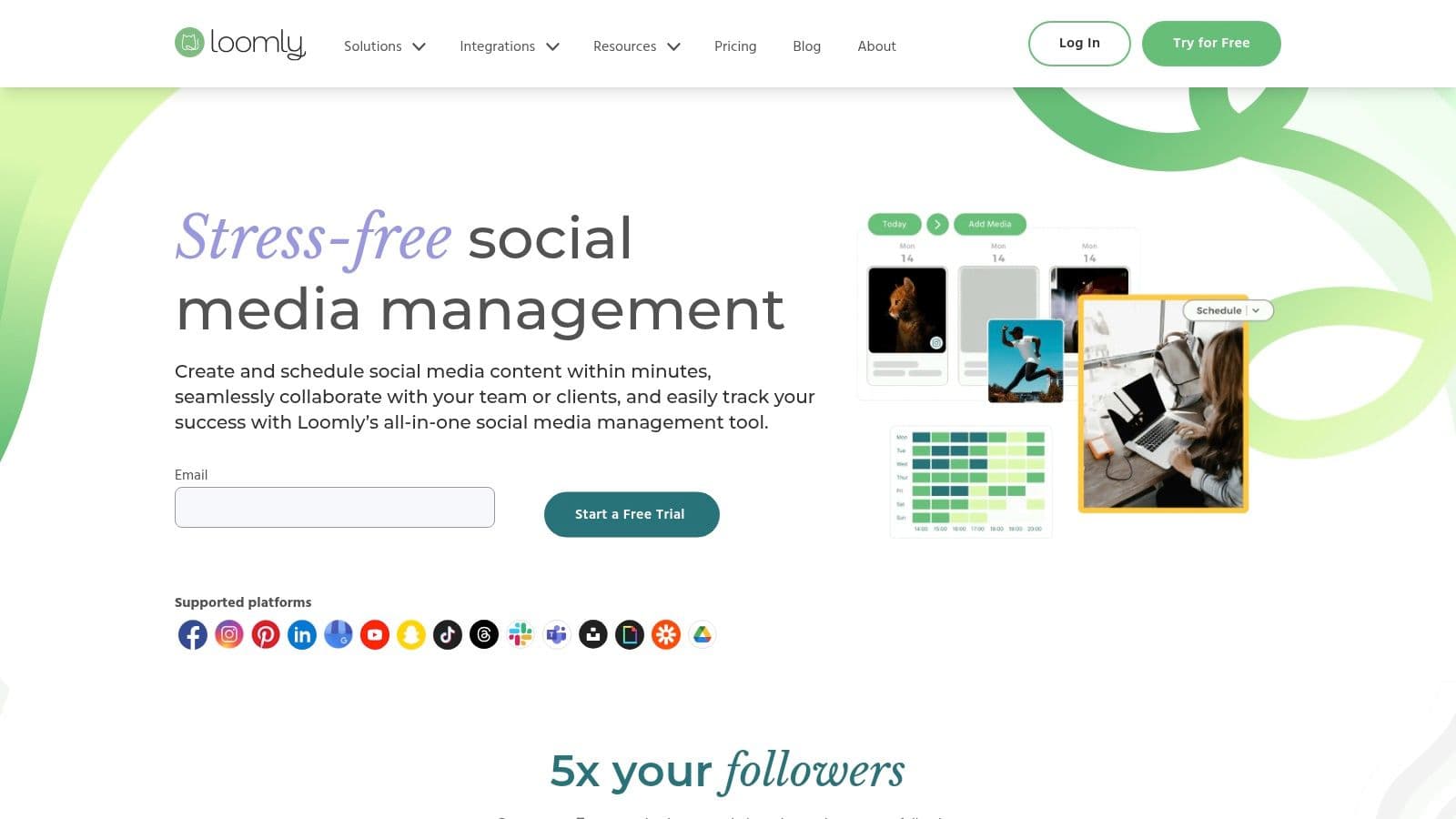
The platform streamlines the publishing process with specific fields for YouTube titles, descriptions, tags, video categories, and even video chapters, ensuring all optimization details are handled before scheduling. Its core strength lies in its approval system; collaborators, clients, or managers can receive notifications via email, Slack, or Microsoft Teams to review and approve content before it goes live. This makes it ideal for marketing agencies or businesses managing brand channels where compliance and brand consistency are paramount.
While its in-app editor, Loomly Studio, is useful for quick trims or adding text overlays, it is not a replacement for a full video editing suite. Furthermore, its analytics are more focused on post-performance summaries rather than the deep-dive channel analytics found in specialized YouTube tools. However, for a team seeking a unified calendar and a simple, effective approval chain for all their social content, including YouTube, Loomly provides an exceptionally clean and user-friendly solution.
| Feature Highlights | Best Use Case | Limitations |
|---|---|---|
| Collaborative Content Calendar | Managing a multi-platform content schedule | Analytics are less detailed than dedicated tools |
| Multi-Step Approval Workflows | Agencies or teams requiring client/manager sign-off | In-app media upload limits apply |
| YouTube-Specific Publishing Fields | Pre-scheduling optimized videos and Shorts | Basic in-app video editing capabilities |
9. Later (YouTube Shorts Scheduler)
Website: https://later.com/Pricing: Free plan available; Paid plans start at $25/month
Later carves out a specific niche among YouTube channel management tools by focusing almost exclusively on short-form video. While other platforms treat Shorts as an add-on, Later makes them a centerpiece, offering a visually-driven calendar and direct auto-publishing from desktop or iOS. This makes it an ideal solution for creators and brands whose content strategy is heavily weighted towards Shorts and repurposing TikToks or Reels. Its strength lies in multi-platform social management, allowing you to plan your Shorts alongside your Instagram, TikTok, and Facebook content in one unified view.

The platform is designed for visual planning, which helps maintain a consistent brand aesthetic across channels. Its integrated Link-in-bio tool and AI content assistant further streamline the process of driving traffic and generating post ideas. For a karaoke channel, this means you can schedule a 30-second teaser of a new track on Shorts, an Instagram Reel, and a TikTok simultaneously, all from a single, intuitive interface.
However, its specialization is also its main limitation. Later does not support the scheduling or management of long-form YouTube videos, making it an incomplete solution for creators with a mixed-format strategy. The YouTube-specific analytics are also less comprehensive compared to tools like VidIQ or even the native YouTube Studio. It’s best viewed as a powerful, specialized scheduler for your short-form content rather than an all-in-one channel management hub.
| Feature Highlights | Best Use Case | Limitations |
|---|---|---|
| Auto-Publish for YouTube Shorts | Scheduling a high volume of short-form video content | No support for long-form YouTube videos |
| Visual Content Calendar | Planning a cohesive cross-platform visual strategy | Basic YouTube analytics; not in-depth |
| Link-in-bio & AI Content Assistant | Driving traffic and overcoming creative blocks | Primarily a social media tool, not a YouTube one |
10. Buffer (YouTube Shorts Scheduler)
Website: https://buffer.com/youtubePricing: Free plan available; Paid plans start at $6/month per channel
Buffer has established itself as a leading social media scheduler, and its expansion into YouTube focuses squarely on the platform's fastest-growing format: Shorts. While not a comprehensive long-form video manager, it excels at integrating Shorts into a broader multi-platform content strategy. This makes it one of the best YouTube channel management tools for teams already using Buffer for platforms like Instagram, TikTok, and Facebook, allowing them to coordinate their short-form video campaigns from a single, unified dashboard.
The platform’s strength lies in its simplicity and collaborative features. You can schedule and queue YouTube Shorts for multiple channels, use the AI assistant for generating descriptions and ideas, and leverage the cross-platform composer to push content out efficiently. For social media managers who treat Shorts as part of a larger content ecosystem, Buffer removes the friction of logging into multiple apps. Its interface is clean and intuitive, making it exceptionally easy for small teams to adopt without a steep learning curve.
However, its specialization is also its main limitation. Buffer does not support scheduling or analyzing long-form YouTube videos, so it cannot replace a dedicated tool like YouTube Studio or TubeBuddy for overall channel management. The analytics provided are specific to Shorts (views, likes, comments) and are less in-depth than what you would find in a YouTube-centric platform. It is best viewed as a powerful, specialized addition for streamlining your short-form video workflow, not a complete channel management solution.
| Feature Highlights | Best Use Case | Limitations |
|---|---|---|
| Multi-Channel Shorts Scheduling | Coordinating short-form video campaigns across multiple social networks | Shorts-only; no long-form video support |
| AI Assistant for Copy & Ideation | Quickly generating engaging descriptions for Shorts | AI suggestions may require significant editing |
| Unified Content Calendar | Planning and visualizing a cross-platform content strategy | YouTube analytics are basic compared to dedicated tools |
11. Metricool
Website: https://metricool.com/Pricing: Free plan available; Paid plans start at $22/month
Metricool is an all-in-one social media management tool that offers strong YouTube integration, making it a powerful choice for creators and agencies managing multiple social profiles. It excels at unifying planning, scheduling, and analytics across platforms, allowing you to manage your YouTube presence alongside Instagram, TikTok, and others from a single dashboard. This cross-platform view is its key differentiator from YouTube-only tools.
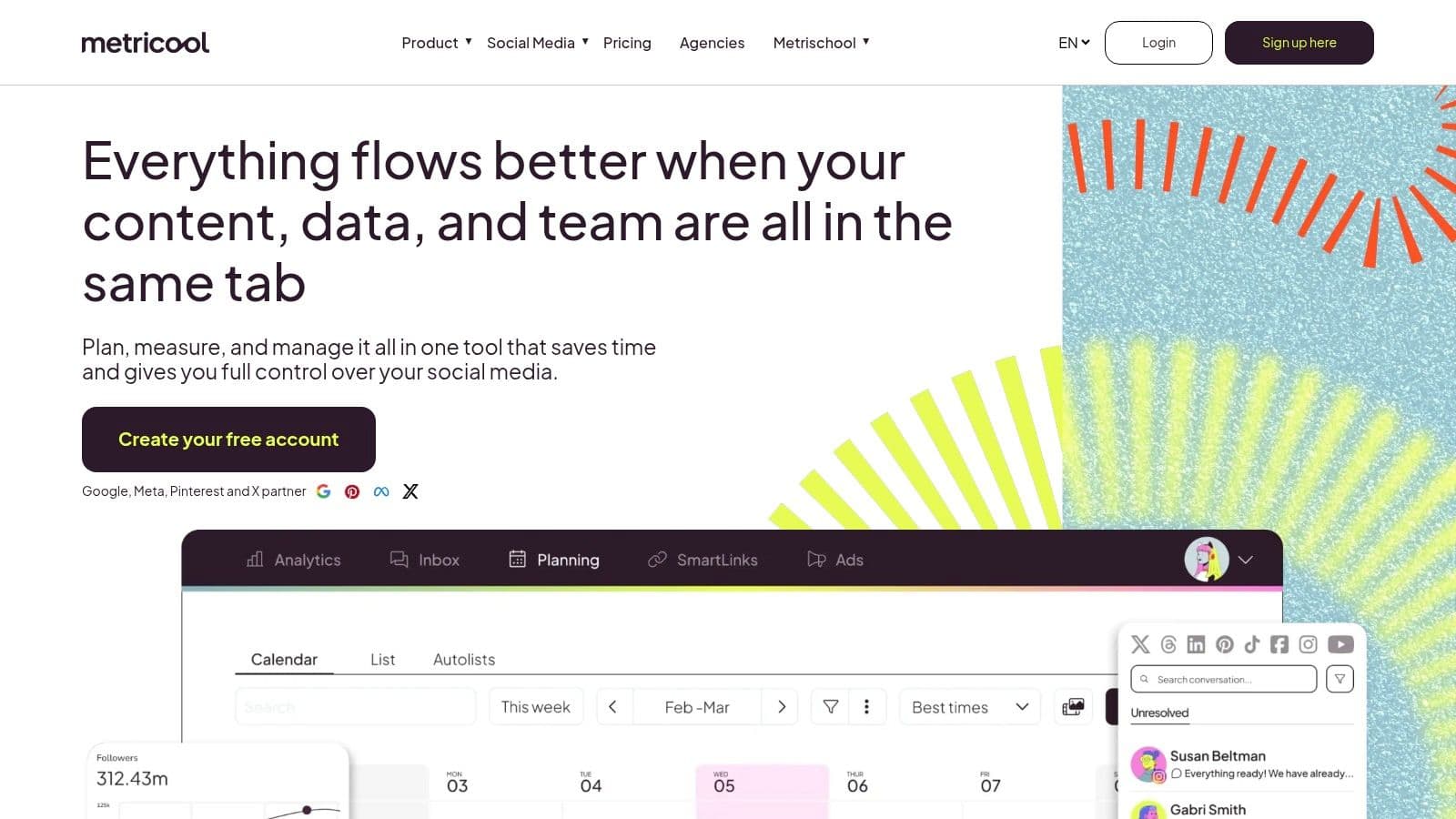
The platform’s strength lies in its reporting and competitive analysis features. You can generate professional, downloadable PDF or PPT reports perfect for client presentations or internal reviews. It also allows you to track competitor channels, providing valuable insights into their performance and content strategy. For agencies, the flexible per-brand pricing model and team approval workflows make it a scalable and cost-effective solution for managing multiple client accounts securely.
While its free plan is a great entry point for a single brand, more advanced features like the Looker Studio connector and API access are reserved for higher-tier plans. The interface, which uses terms like "brands" and "sets," can have a slight learning curve for new users. However, for those needing robust, multi-platform YouTube channel management tools with a focus on reporting and analytics, Metricool offers a compelling and well-rounded package.
| Feature Highlights | Best Use Case | Limitations |
|---|---|---|
| Cross-Platform Scheduling & Analytics | Managing a YouTube channel as part of a broader social media strategy | Some advanced analytics locked behind higher tiers |
| Competitor Tracking & Reporting | Agencies and marketers needing client-ready reports and competitive insights | User interface terminology can be confusing initially |
| Team Roles & Approval Workflows | Collaborative teams and agencies managing multiple YouTube channels | Advanced integrations require premium plans or add-ons |
12. Social Blade (Analytics and Benchmarks)
Website: https://socialblade.com/Pricing: Free; Premium from $3.99/month
Social Blade is a public-facing analytics platform that excels at competitive analysis and market research. While not a direct channel management tool for publishing or engagement, it provides an invaluable external perspective on any public YouTube channel. Its primary function is to offer quick, digestible snapshots of subscriber growth, view velocity, and estimated earnings, making it a go-to resource for benchmarking your performance against others in your niche.
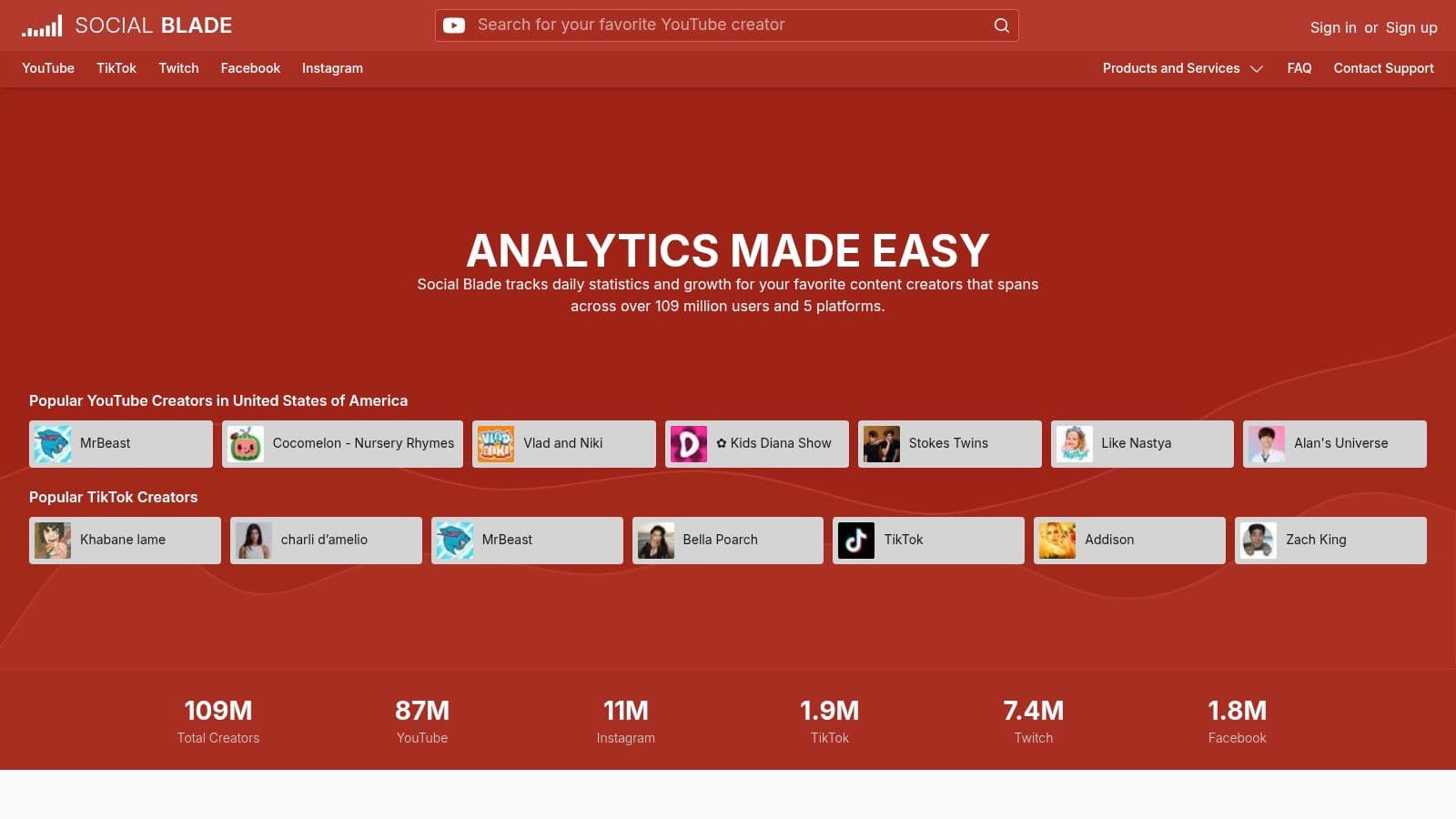
Creators use Social Blade to validate video ideas by checking the performance of similar content on competitor channels, monitor trends, and track the growth trajectories of aspirational creators. The future projections feature, while speculative, can provide a motivational data point for your own goals. Its simple interface allows you to quickly compare multiple channels side-by-side, offering a broader market view that YouTube Studio’s internal analytics cannot provide.
The key limitation is its nature as an external data aggregator. The widely cited earnings estimates are notoriously broad and should be treated as rough ballpark figures, not precise financial data. The platform offers no tools for content creation, scheduling, or community interaction. It is purely a research and analytics tool, but it is one of the best in its class for gaining a quick, high-level understanding of the competitive landscape, making it an essential complementary piece in a suite of YouTube channel management tools.
| Feature Highlights | Best Use Case | Limitations |
|---|---|---|
| Public Channel Statistics & Projections | Competitor analysis and niche research | Revenue estimates are very approximate |
| Comparative Channel Growth Graphs | Benchmarking your channel's growth against rivals | Analytics are less granular than YouTube Studio |
| Top Lists & Real-Time Subscriber Counts | Identifying trending channels and industry leaders | No direct channel management or publishing features |
YouTube Channel Management — 12-Tool Comparison
| Tool | Core features | UX / Quality | Pricing / Value | Target audience | Unique selling point |
|---|---|---|---|---|---|
| YouTube Studio (Official) | Upload/schedule, analytics, live, roles | ★★★★★ | 💰 Free | 👥 All creators & channel managers | 🏆 Native YouTube integration & end-to-end control |
| TubeBuddy | SEO, thumbnail A/B, bulk edits, automation | ★★★★ | 💰 Freemium → paid tiers | 👥 Creators → agencies | ✨ Thumbnail A/B + bulk channel ops |
| vidIQ | Keyword research, AI ideas, competitor tracking | ★★★★ | 💰 Freemium; Boost/Enterprise | 👥 Growth-focused creators & teams | ✨ AI ideation + "view potential" scoring |
| Hootsuite (YouTube) | Cross-network scheduling, moderation, analytics | ★★★★ | 💰 Paid (per-user) | 👥 Social teams & agencies | ✨ Consolidated cross-platform planning |
| Sprout Social (YouTube) | Publishing, inbox, advanced reporting, approvals | ★★★★ | 💰 Premium / per-seat | 👥 Enterprise & agencies | 🏆 Enterprise-grade governance & support |
| SocialPilot | Bulk scheduling, content library, white-label reports | ★★★★ | 💰 Cost-effective plans | 👥 SMBs & agencies | ✨ Affordable scaling & white-label |
| Agorapulse | Unlimited scheduling, inbox automation, reporting | ★★★★ | 💰 Per-user pricing | 👥 Agencies & client teams | ✨ Strong collaboration & client workflows |
| Loomly (YouTube) | Content calendar, Loomly Studio, approvals | ★★★★ | 💰 Flexible monthly/annual | 👥 Teams & client-facing creators | ✨ Simple approvals + practical YouTube fields |
| Later (YouTube Shorts) | Auto-publish Shorts, visual planner, link tools | ★★★★ | 💰 Competitive; trial available | 👥 Short-form creators | ✨ Visual Shorts-first planning |
| Buffer (YouTube Shorts) | Shorts scheduling, AI copy, cross-platform composer | ★★★ | 💰 Free tier + paid | 👥 Small teams & creators | ✨ Easy Shorts workflow & collaboration |
| Metricool | Cross-platform planning, competitor tracking, reports | ★★★★ | 💰 Per-brand pricing; free plan | 👥 Agencies & SMBs | ✨ Flexible client reporting & connectors |
| Social Blade | Channel lookups, trends, projections, benchmarks | ★★★ | 💰 Free; inexpensive premium | 👥 Competitor researchers & creators | 🏆 Fast public benchmarks & projections |
Choosing Your Perfect YouTube Management Stack
Navigating the expansive landscape of youtube channel management tools can feel overwhelming, but the journey to a streamlined workflow is far from impossible. As we've explored, the secret isn't finding a single, mythical "best" tool that does everything. Instead, the goal is to build a strategic stack of tools tailored to your unique needs, goals, and budget. The right combination can transform your channel from a time-consuming hobby into a well-oiled, growth-oriented machine.
At the core of every creator's toolkit is the indispensable YouTube Studio. It’s your foundational layer, providing essential analytics, upload capabilities, and monetization controls directly from the source. The real power, however, is unlocked when you strategically layer specialized tools on top of it to fill gaps and amplify your efforts. Think of YouTube Studio as your command center and these other tools as your elite specialist teams, each deployed to tackle a specific mission.
Building Your Ideal Tool Stack: Creator Personas
To help you identify the right starting point, consider which of these common creator personas most closely matches your current situation. This framework will help you move from analysis to action, selecting tools that solve your most pressing problems first.
- The Solo Creator on a Budget: Your primary focus is creating great content without breaking the bank. Your biggest challenges are keyword research and optimizing videos for discoverability.
- Recommended Stack: Start with YouTube Studio for all core functions. Add the free or Pro version of TubeBuddy or vidIQ directly into your browser. This gives you powerful, on-the-fly SEO insights, tag suggestions, and competitor analysis without ever leaving the YouTube interface.
- The Data-Driven Growth Hacker: You live and breathe analytics. You want to understand every metric, track competitor performance, and make decisions based on hard data to maximize channel growth.
- Recommended Stack: Use YouTube Studio for your baseline data. Integrate Metricool to pull YouTube data into a comprehensive dashboard alongside your other social platforms. Layer on Social Blade to benchmark your growth against competitors and identify trends within your niche. This combination provides a 360-degree view of your performance and competitive landscape.
- The Multi-Platform Brand or Agency: You manage a brand's presence across multiple social networks, and YouTube is a key piece of that puzzle. Your priorities are efficient scheduling, team collaboration, and unified reporting.
- Recommended Stack: Rely on a robust social media management platform like Hootsuite, Sprout Social, or Agorapulse as your central hub. These tools allow you to schedule YouTube content alongside posts for Instagram, Facebook, and Twitter, manage comments from a unified inbox, and generate comprehensive reports for stakeholders. Supplement this with vidIQ to ensure your video-specific SEO strategy remains sharp.
Your Actionable Next Steps
Feeling empowered? Good. Now it's time to put this knowledge into practice. Don't try to adopt five new tools at once. The key to successful implementation is a methodical approach.
- Audit Your Workflow: Grab a pen and paper or open a new document. For one week, track your YouTube-related tasks. Identify your single biggest time-waster. Is it coming up with video ideas? Researching keywords? Replying to comments?
- Select One Tool to Trial: Based on that audit, choose one tool from this list that directly addresses your biggest bottleneck. If SEO is your time-sink, start a free trial of TubeBuddy. If scheduling is the problem, test out Later or Buffer for your Shorts.
- Commit and Integrate: Give the tool a fair shot. Spend a few weeks integrating it into your routine. Watch tutorials, explore its features, and see if it genuinely saves you time and improves your results.
By starting small and focusing on solving one problem at a time, you can build a powerful and efficient stack of youtube channel management tools that works for you. This strategic approach ensures you’re investing your time and money where it will have the greatest impact, freeing you up to focus on what truly matters: creating amazing content for your audience.
And when it comes to creating compelling video content, especially for musicians and karaoke channels, having the right production tools is just as critical as your management stack. MyKaraoke Video simplifies the creation of stunning, professional-quality karaoke and lyric videos, allowing you to produce engaging content at scale. Visit MyKaraoke Video to see how you can streamline your video production and feed your newly optimized channel with content your audience will love.