Creating a karaoke song from scratch is a surprisingly straightforward process. It all comes down to a few key ingredients: a good instrumental track without vocals, the right lyrics, and a tool to sync everything up. Once you have those, you can layer in custom backgrounds and styled text, then package it all into a single video file ready to share.
This guide will walk you through exactly how to do it.
Why Bother Making Your Own Karaoke Songs?
With millions of karaoke tracks already floating around the internet, you might wonder why you'd ever need to make your own. The short answer? Total creative control.
When you create your own karaoke videos, you're not stuck with the same top 40 hits everyone else is singing. You can finally make tracks for that obscure indie band you love, a song from a video game soundtrack, or even your own original music. It's about breaking free from the pre-made library and building something that's uniquely yours.
For anyone creating content online, this is a game-changer. Custom karaoke videos let you:
- Hook Your Audience: Stand out on YouTube or TikTok with something more engaging than a generic lyric video.
- Personalize Any Event: Imagine crafting the perfect karaoke playlist for a friend's wedding or a birthday party, filled with songs that actually mean something to them.
- Connect with a Niche: You can build a loyal community by making tracks for a specific fandom or musical subculture.
What used to be a complicated technical task is now easier than ever, thanks to modern software that handles the heavy lifting of audio separation and lyric syncing. It’s a fun blend of technical skill and creative passion. This isn't just a niche hobby, either—the global karaoke market hit $5.4 billion in 2023** and is expected to climb to **$6.8 billion by 2032. You can find more details in this report on karaoke industry growth and trends.
The Big Picture: Making your own karaoke songs isn't just about the tech; it's about expression. You get to control every last detail, from the song you choose to the final look and feel of the video.
Graduating from Basic Karaoke Apps
Sure, there are plenty of apps that give you an instant karaoke fix, but they almost always come with frustrating limitations. You're usually dealing with a locked-down song library, very few customization options, and often, some pretty terrible-sounding instrumental tracks.
By making your own, you sidestep all of that.
You’re the one who makes sure the audio is clean, the lyrics pop up at the perfect moment, and the background video actually fits the vibe of the song. Let's get started, and I'll show you how to produce a video that looks and sounds professional enough for any screen.
Finding Your Instrumental Track and Lyrics
Every great karaoke video starts with two core ingredients: a solid instrumental track and perfectly accurate lyrics. Think of these as the foundation of your entire project. Get them right, and the rest of the process becomes so much smoother. The first big hurdle is getting your hands on a clean, vocal-free version of your song.
Sometimes, you get lucky. Artists occasionally release official instrumentals, especially for hit singles, which is always the best-case scenario. But for older songs or deeper cuts, you'll likely have to create the instrumental yourself.
This is where the magic really begins.
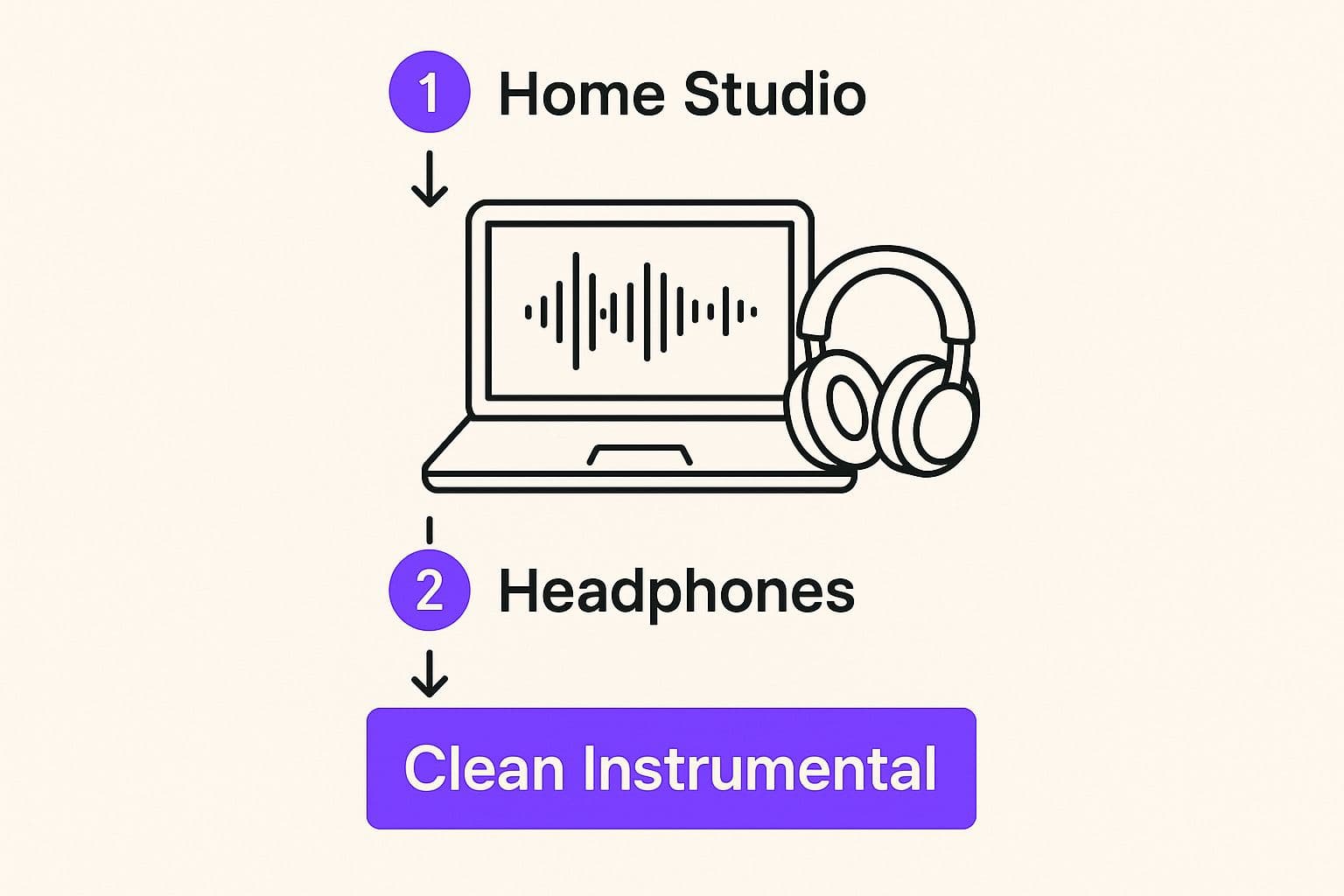
As you can see, the quality of your audio source is non-negotiable. A clean instrumental is the true bedrock of a professional-sounding karaoke track.
Sourcing Your Music File
So, what do you do when an official instrumental is nowhere to be found? Modern AI-powered vocal removers have become surprisingly good at isolating and stripping the vocals from a standard song file. These tools are designed to analyze the audio, pinpoint the vocal frequencies, and digitally pull them out, leaving the background music behind.
While this technology is a game-changer, the results can vary. You might sometimes hear faint audio artifacts or a bit of a "ghost" of the vocal. To get the cleanest possible result, always start with the highest quality audio file you can find. A lossless format like WAV or FLAC will give the AI much more data to work with compared to a compressed MP3.
For a closer look at the available tools, we've put together a guide on using a free vocal remover online.
Pro Tip: Before you go any further, listen to your newly created instrumental track on a good pair of headphones. This is the best way to catch any subtle imperfections that could be distracting in the final video.
Now, let's look at the different ways you can get that perfect instrumental track.
Comparing Methods for Sourcing Instrumental Tracks
| Method | Pros | Cons | Best For |
|---|---|---|---|
| Official Instrumental | Highest possible audio quality; no artifacts. | Can be hard or impossible to find for many songs. | Popular, modern songs where an official version is available for purchase or download. |
| AI Vocal Remover | Fast, convenient, and works with any song. | Quality can vary; potential for minor audio artifacts. | When an official instrumental isn't available and you need a quick, effective solution. |
| Re-creation/Cover | Complete creative control over the arrangement. | Time-consuming, requires musical skill and equipment. | Producers and musicians who want to put their own unique spin on a song. |
Ultimately, using an AI vocal remover is often the most practical choice for creating a wide variety of karaoke tracks without needing a recording studio.
Preparing Your Lyrics
With your instrumental track ready to go, it's time to tackle the lyrics. A quick search online will give you dozens of options, but don't just grab the first result you see. Lyric websites are notorious for having errors—from simple typos to completely wrong lines or missing verses.
There’s no substitute for doing it yourself.
- Listen and Read: Play the original version of the song (with vocals) and follow along with the lyrics you found.
- Correct Mistakes: Pay close attention and fix any incorrect words or punctuation. This is your chance to be a perfectionist.
- Format for Import: Save your corrected lyrics as a plain text file (.txt). Make sure each line of the song is on its own separate line in the file. Avoid any bolding, italics, or other fancy formatting, as it can cause issues when you import it into the karaoke software.
If you're creating a completely original song, you might even get some help from an AI Lyrics Maker to spark ideas or refine your words. Taking the time to meticulously prep your audio and text now will save you a ton of headaches when it's time to sync everything up.
Nailing the Lyric Sync: The Heart of a Great Karaoke Track
Alright, you've got a clean instrumental and a perfect set of lyrics. Now comes the most critical part of the process: synchronization. This is where you transform a simple audio track into a truly interactive karaoke experience. Think of it this way—perfect timing isn't just a technical detail; it's the very soul of a professional-sounding karaoke video.
We've all been there: singing along to a karaoke track where the lyrics are just a little bit off. It's frustrating. You end up missing your cues or falling behind the music. The goal here is to make the on-screen text a flawless guide, highlighting each word the very instant it's meant to be sung. This means setting precise timestamps for every line, word, or even syllable to perfectly match the original vocal performance.
Getting into the Syncing Groove
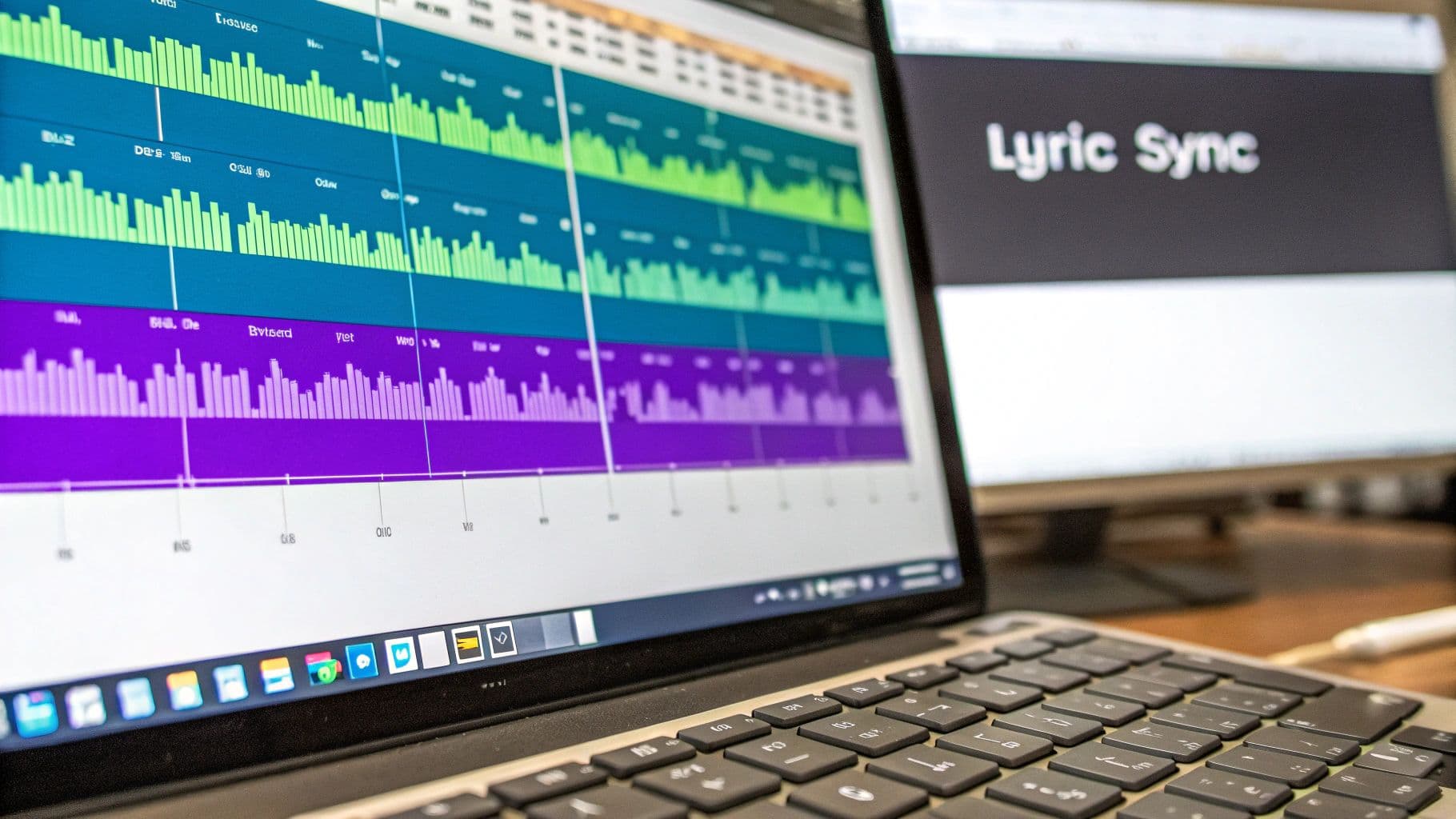
The core of the process is simple in concept. You'll listen to the original song (the one with vocals) and mark the start and end times for each bit of lyric. This is where MyKaraoke Video’s sync editor really shines. It lays your lyrics right alongside the song's audio waveform, giving you a visual map of the sound itself.
This waveform is your secret weapon. Those peaks and valleys you see aren't random; they correspond directly to the sounds in the track. A sharp spike usually signals a drum hit or, more importantly for us, the start of a sung word. By lining up your lyric timestamps with these visual cues, you can hit a level of precision that’s almost impossible to achieve by ear alone.
For example, when you see a clear peak in the waveform as the singer begins a line, that’s exactly where you'll drop your "start" marker. Then, follow the waveform until the sound of that line fades out or stops, and place your "end" marker there.
Pro Tips for Perfect Timing
Getting fast and accurate at syncing takes a little practice, but a few key techniques can make a huge difference. It's not about getting it perfect on the first try; it’s about a process of refinement.
- Keyboard Shortcuts Are Your Best Friend: Seriously, trying to do everything with a mouse will slow you down to a crawl. MyKaraoke Video has built-in keyboard shortcuts for playing, pausing, and setting timestamps. Learning these can easily cut your sync time in half.
- Focus on the Vowels: Consonants like "s" or "t" often show up as quick little spikes at the very start of a sound. The real meat of the word—the part you want the highlight to cover—is typically the vowel. Try to time the highlight to activate right as that core vowel sound kicks in.
- Work in Bite-Sized Chunks: Don't try to sync a whole song in one go. You'll get tired, and your timing will suffer. Tackle a verse, then a chorus, and then step away for a few minutes. Fresh ears are much better at catching subtle timing mistakes.
Syncing lyrics is part art, part science. The waveform gives you the scientific data, but your ear provides the artistic touch. Trust your instincts and listen for the natural rhythm and flow of the vocals.
Adjusting Your Technique for Different Genres
Not all songs are built the same, and your syncing approach needs to be flexible. A slow, emotional ballad calls for a completely different touch than a rapid-fire rap verse.
- Power Ballads: For tracks with long, held notes (think Adele or Whitney Houston), you'll want the lyric highlight to stay active for the entire duration of the note. This usually means syncing line-by-line or phrase-by-phrase to create a smooth, flowing feel.
- Rap and Hip-Hop: The punchy, rhythmic delivery of rap demands a much more detailed approach. Word-by-word, and sometimes even syllable-by-syllable, timing is essential to keep up with the artist's flow and make the lyrics legible for the singer.
- Standard Pop/Rock: Most mainstream pop and rock songs are a happy medium. A solid line-by-line sync often works perfectly, but keep an ear out for faster sections where switching to word-by-word timing will make things clearer.
The final, non-negotiable step is to review your work. Play back each section and try to sing along yourself. If anything feels even slightly off, don't be afraid to zoom right in on the waveform and make those tiny micro-adjustments. A truly polished karaoke track is often built on these small, precise edits. For a more detailed breakdown, check out our guide on how to sync audio with video.
Bringing Your Karaoke Video to Life with Visuals
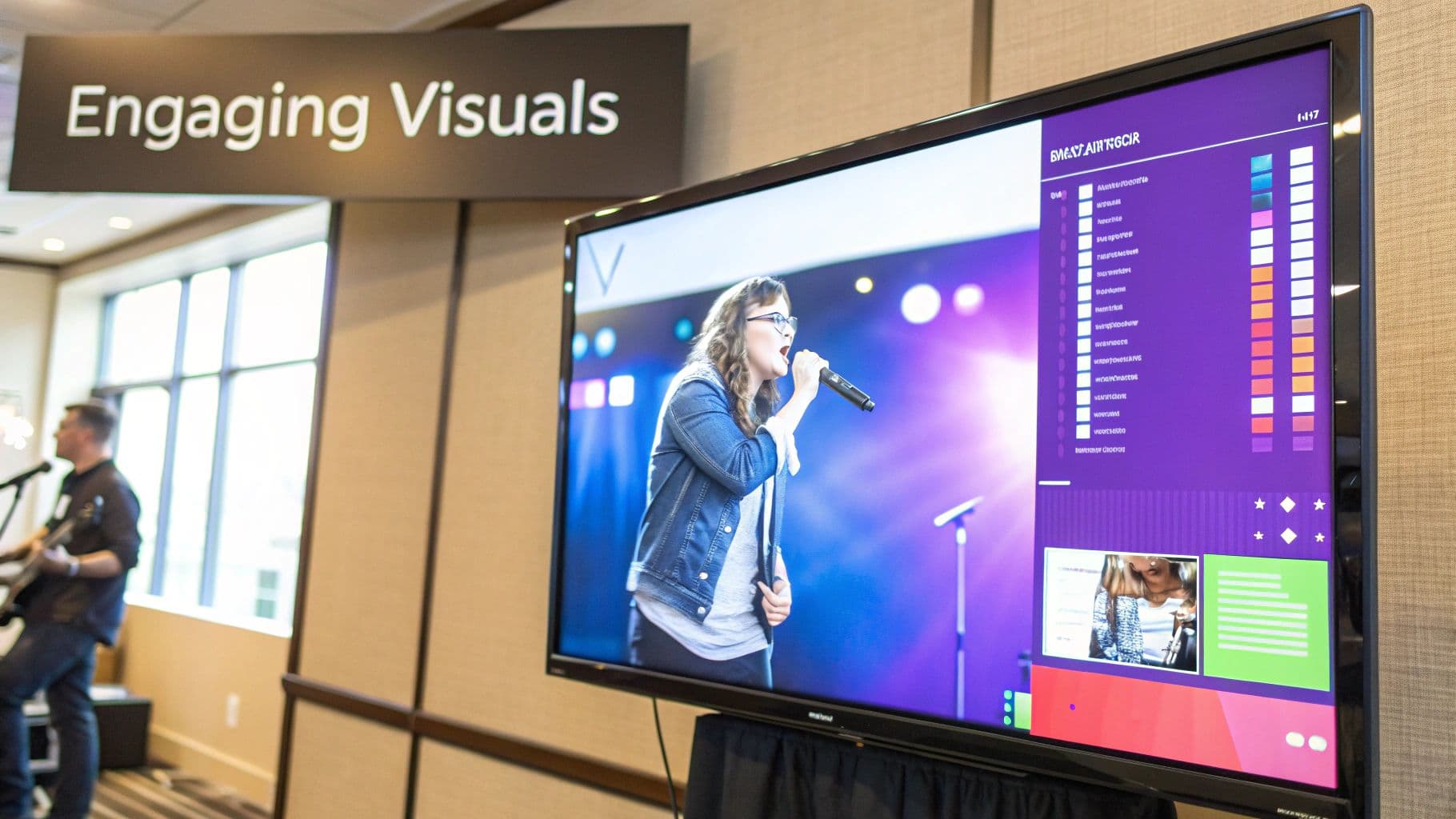
Alright, your lyrics are synced up and ready to go. Now comes the fun part—stepping into the director's chair. The look and feel of your karaoke video are what separate a good track from a great one. We’re not just slapping text on a screen here; we're creating an entire mood that pulls the singer into the song.
Think of the background as your canvas. Its job is to enhance the song's vibe without ever stealing the spotlight from the lyrics. A slow, romantic ballad feels right at home with a simple, elegant gradient or a slow-motion video of a rainy city street. On the other hand, an upbeat pop anthem practically begs for vibrant, abstract motion graphics or a high-energy looping video. The goal is always visual harmony—the background should support the song, not fight it.
Picking the Perfect Background
MyKaraoke Video gives you a ton of creative freedom, so you can really nail the visuals for any genre.
- Solid Colors & Gradients: Don't underestimate the power of simplicity. A clean color or a subtle gradient keeps the focus squarely on the lyrics, ensuring maximum readability. It's a classic for a reason.
- Video Clips: Want to add a professional sheen? A moving background is the way to go. Imagine a tropical beach scene for a summer hit or a roaring fireplace for a cozy holiday classic.
- Static Images: A single, powerful, high-resolution photo can set the entire mood. If you're telling a story with multiple pictures, learning how to create a video from pictures can help you string them together for a more dynamic effect.
This demand for high-quality, customizable visuals is a huge part of why the karaoke industry keeps booming. The global market for karaoke machines and systems alone is projected to hit $1.35 billion in 2025. It's a big business, and the tools available today give creators like you more power than ever before. You can read more about these karaoke market trends and projections to see where things are headed.
Making Your Text Stand Out
Readability is non-negotiable. People need to be able to follow along easily, whether they’re looking at a TV across the room or a big projector screen. When it comes to fonts, stick with clean, bold, sans-serif styles. They're built for legibility. Steer clear of anything too decorative or thin that might get lost against a busy background.
Color contrast is just as crucial. You need a text-and-background combination that pops.
My Pro Tip: You can almost never go wrong with bold white text that has a subtle black outline or drop shadow. This classic trick makes the lyrics perfectly legible against virtually any background, from bright and busy to dark and moody.
Finally, let's talk about the lyric highlight. This is the effect that guides the singer. A simple color change is standard, but a smooth wipe or a modern fade can add a touch of class. The best way to decide is to play around with the options in MyKaraoke Video's real-time preview and see what feels right for the song's tempo and style.
Before you finalize everything, don't forget to add a small logo or watermark to brand your work. Also, make sure your aspect ratio is set to a standard 16:9—this will ensure your video looks great on just about any modern screen. For a more in-depth guide, check out our post on https://www.mykaraoke.video/blog/how-to-make-visuals-for-music.
Putting the Finishing Touches on Your Karaoke Masterpiece
Alright, you’ve put in the real work. The lyrics are timed to perfection, and your visuals are dialed in. Now for the final step: turning all those elements into a single, polished video file that's ready to shine. This is where it all comes together.
Think of exporting as the final packaging process. It takes your audio track, the background visuals, and those perfectly synced lyrics and merges them into one cohesive file. The big goal here is to strike that perfect balance between fantastic quality and a file size that isn't a monster to upload or store. For pretty much any situation you can think of, MP4 is the way to go. It’s universally compatible and does a great job of keeping file sizes reasonable without sacrificing quality.
Dialing in Your Export Settings
When you're ready to export, you’ll see a few technical settings pop up. Don't let them intimidate you; getting these right is the key to producing a karaoke video that looks and sounds professional.
Here's what I recommend sticking with:
- Resolution: Go with 1080p (1920x1080). It’s the gold standard for high-definition video right now. Your video will look sharp and crystal clear on TVs, projectors, and monitors.
- Bitrate: This one's all about data—the more data per second, the higher the quality (and the bigger the file). For a 1080p video, aim for a sweet spot between 8,000 to 12,000 kbps. This will give you crisp visuals without bloating the file size.
- Frame Rate: A smooth 30 frames per second (fps) is perfect. It’s what most video content uses, and it ensures the motion looks natural, not choppy.
Once you’ve locked in these settings, let MyKaraoke Video do its thing. The software will render everything, making sure your audio, visuals, and lyrics are merged flawlessly with no sync issues.
Quick tip from experience: Always do one final quality check after you export. Watch the entire video on the biggest screen you have, like a TV. You’d be surprised what you might miss on a small computer monitor.
Sharing Your Creation
With the final file in hand, you're ready to share your masterpiece. But where you share it can make a big difference. The karaoke scene is huge, but it's not the same everywhere. For example, the Asia-Pacific region absolutely dominates the global market, accounting for over 40% of it.
Meanwhile, in North America and Europe—with markets projected to hit over $2.36 billion** and **$1.77 billion—the trend is shifting toward at-home and mobile karaoke experiences. Knowing these global karaoke market dynamics can help you find the right audience for your work.
A quick but important word on copyright: if you're uploading to a public platform like YouTube, be aware of the music you're using. If it's copyrighted, you could face content claims or even a takedown. For a private party with friends? You’re golden. But for anything public, make sure you know the platform's rules to keep yourself out of trouble.
Frequently Asked Questions About Making Karaoke Songs
When you first start making your own karaoke tracks, you're bound to run into a few questions. From picking the right tools to understanding the legal side of things, there’s a bit of a learning curve. Let’s tackle some of the most common hurdles you might face.
What's the Best Software for Making Karaoke Songs?
This really depends on how you like to work. For a straightforward, all-in-one experience, something like Karafun Studio is a great starting point. It bundles vocal removal, lyric syncing, and video creation into one package, which is perfect if you don't want to juggle multiple programs. It just makes the whole process feel less fragmented.
On the other hand, if you crave more control, you can build your own workflow. A popular approach is to use a powerful audio editor like Audacity to handle the vocal removal, then bring that instrumental track into a video editor like DaVinci Resolve to add and time the lyrics.
No matter which path you choose, the most important feature you need is precise, timestamp-based lyric editing. Getting that timing right is what separates a fun karaoke track from a frustrating one.
Is It Legal to Share a Karaoke Song I Made?
This is a huge question, and the answer isn't a simple yes or no. If you’re just making a track for a party at your house with friends, you're generally in the clear. That's considered personal use. The real issues pop up when you decide to share it publicly.
Putting your creation on a platform like YouTube or using it in a commercial setting is where things get tricky. To do this by the book, you’d need to secure licenses from both the music publisher (who owns the song's composition) and the record label (who owns the specific recording). Frankly, this can be incredibly difficult and expensive for an individual.
While tons of creators operate in a legal gray area on YouTube, this doesn't make them immune to copyright claims. Your video could get demonetized or taken down in an instant.
If you want to share your work without any legal headaches, stick to creating karaoke versions of royalty-free music or songs you've written yourself. You'll sidestep all the copyright drama completely.
How Can I Get Better Audio Quality from a Vocal Remover?
The quality of your final instrumental is almost entirely dependent on the quality of your starting file. It’s the classic "garbage in, garbage out" scenario.
To give your vocal remover the best chance at success, here are a few tips:
- Start with a high-quality audio file. Don't use a low-bitrate MP3 you downloaded years ago. A lossless format like WAV or FLAC provides the AI with much more sonic information to work with, resulting in a cleaner separation.
- Play with different AI models. Many vocal removers offer a few different algorithms or settings. One might excel at separating vocals from a dense rock track, while another is better suited for a sparse acoustic song. Experiment to see what sounds best.
- A little post-processing goes a long way. After you remove the vocals, the track might sound a bit thin or hollow. You can often bring back some life by using an audio editor. Try applying a gentle EQ boost to the mid-range frequencies or adding a touch of reverb to restore some of the depth. Just be subtle!
What Are the Biggest Mistakes People Make When Syncing Lyrics?
By far, the most common mistake is just imprecise timing. When you rush the syncing process, the words on the screen don't quite match the singer's phrasing, which makes the song incredibly hard to follow. Nailing the timing is the most critical detail of the entire process.
Another frequent slip-up is creating awkward line breaks. You should always split your lyric lines at natural points in the melody or sentence structure. This helps the singer anticipate the flow of the song.
Finally, don't overlook the visuals. Poor design choices can make even a perfectly synced video unusable. Think low-contrast text (like light yellow on a white background) or a background video that's so busy it distracts from the words. The lyrics should always be effortless to read.
Ready to stop wrestling with clunky software and start creating amazing karaoke videos? MyKaraoke Video provides a seamless, all-in-one solution with an AI-powered sync editor, endless customization options, and professional 1080p exports—all in your browser. Start creating your first video in minutes at MyKaraoke Video.