Diving into video editing can feel overwhelming, especially when faced with complex software and subscription costs. The good news is that you don't need a Hollywood budget to create professional-looking videos. A wealth of powerful, free tools are available, but navigating the options to find the right fit for your specific needs can be a challenge in itself. This guide cuts through the noise, providing a clear, comprehensive breakdown of the best free video editing software for beginners.
Our goal is to help you move from idea to finished product with minimal friction. Whether you're a content creator aiming for viral social media clips, a small business producing marketing videos, or a musician crafting the perfect lyric video, the right software is crucial. We've analyzed each platform not just on its features, but on its usability, learning curve, and ideal use cases. You'll find a curated selection of tools that balance powerful capabilities with beginner-friendly interfaces, ensuring you can start creating quality content right away.
This resource is designed for practical application. Each entry includes:
- A concise overview of what makes the software stand out.
- Honest pros and cons from a beginner's perspective.
- Direct links and screenshots to get you started immediately.
- Specific scenarios where each tool excels, from quick social posts to more detailed projects.
We've done the research so you can spend less time searching and more time creating. Let's find the perfect free video editor to bring your vision to life.
1. DaVinci Resolve (Blackmagic Design)
DaVinci Resolve from Blackmagic Design is an industry-powerhouse editing suite that, astonishingly, offers a feature-rich free version. While often associated with Hollywood-level color grading, its core non-linear editing tools are intuitive enough for beginners willing to invest time in learning. It integrates editing, color correction, visual effects (Fusion), and professional audio post-production (Fairlight) into a single, unified workflow, making it a standout choice for creators who want to grow without hitting a software-imposed ceiling.
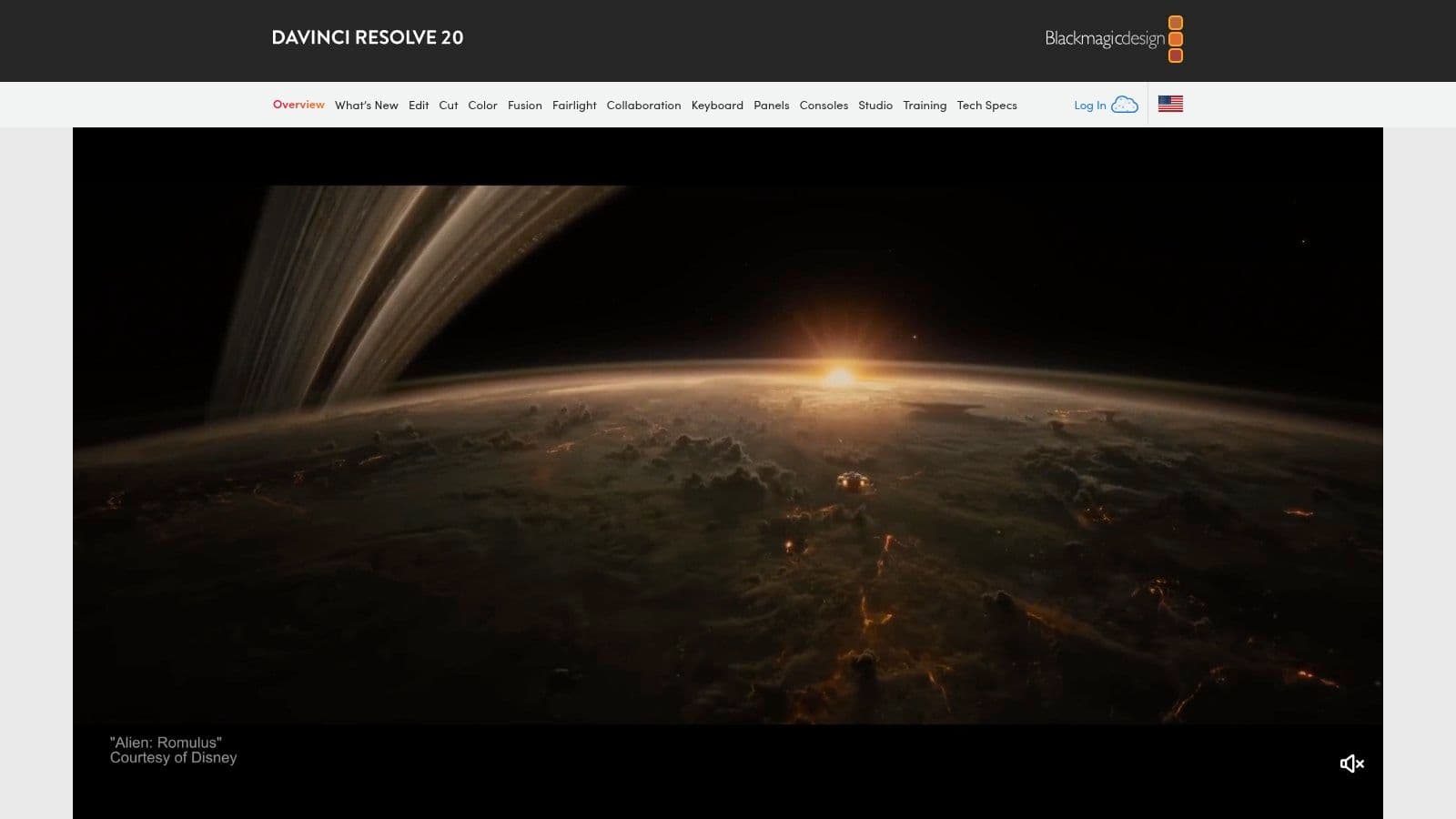
Unlike many free editors that feel like stripped-down versions, Resolve’s free edition provides an almost complete professional toolset. For those creating music or lyric videos, the Fairlight audio page offers unparalleled control over sound mixing and mastering. This makes it one of the best free video editing software for beginners who prioritize high-quality audio and cinematic visuals. The software is a free download with no subscriptions or ads; an optional one-time purchase unlocks the advanced "Studio" version. For detailed tutorials on getting started, you can find resources to learn more about editing MP4 files that apply directly to workflows in Resolve.
Why It's a Top Pick
- All-in-One Workflow: Seamlessly switch between editing, color, effects, and audio without leaving the application. This unified environment is highly efficient once learned.
- Professional-Grade Tools: Access advanced color grading wheels, a multitrack timeline, and the Fairlight audio console, all tools used by industry professionals.
- No Watermarks or Subscriptions: The free version is genuinely free. It doesn't impose watermarks on your exports or require a monthly payment.
Limitations to Consider
- Steep Learning Curve: The sheer number of features can be overwhelming for absolute beginners compared to simpler editors.
- Hardware Demands: As a professional-grade application, it requires a reasonably powerful computer with a dedicated graphics card for smooth performance.
Website: https://www.blackmagicdesign.com/products/davinciresolve
2. Apple iMovie
For users within the Apple ecosystem, iMovie is the quintessential starting point for video editing. Pre-installed on macOS, iOS, and iPadOS, it offers a clean, drag-and-drop interface that makes assembling clips, adding titles, and incorporating music incredibly straightforward. It's designed for speed and simplicity, with features like Magic Movie and Storyboards that can automatically generate a polished video for you. This makes it ideal for quickly creating lyric videos or social media content without a steep learning curve.
iMovie provides essential tools like green-screen effects, picture-in-picture, and split-screen layouts, all accessible through an intuitive UI. Its seamless integration allows you to start a project on your iPhone and finish it on your Mac, a powerful workflow for on-the-go creators. As one of the best free video editing software for beginners, it completely removes the barrier to entry for Apple device owners. It supports 4K exports, ensuring your final product looks crisp and professional without costing a dime or displaying any watermarks.
Why It's a Top Pick
- Extremely User-Friendly: iMovie is renowned for its intuitive design, making it possible for absolute beginners to create a high-quality video in minutes.
- Seamless Apple Ecosystem Integration: Start editing on your iPhone during your commute and effortlessly pick up where you left off on your MacBook at home.
- Completely Free with No Upsells: iMovie is included with Apple hardware and contains no hidden fees, premium versions, or watermarks on your finished videos.
Limitations to Consider
- Platform Exclusive: The software is only available on Apple devices, completely excluding Windows and Android users.
- Limited Advanced Controls: It lacks the advanced color grading, audio mixing, and complex visual effects tools found in more professional software.
Website: https://www.apple.com/imovie
3. Clipchamp (Microsoft)
Clipchamp, now part of the Microsoft family, is a browser-based video editor designed for speed and simplicity. It’s an ideal starting point for beginners who need to create polished videos for social media, presentations, or personal projects without getting bogged down by complex software. Its template-driven workflow and intuitive drag-and-drop interface allow users to assemble clips, add text, and apply effects within minutes, directly in their web browser or through the Windows app.
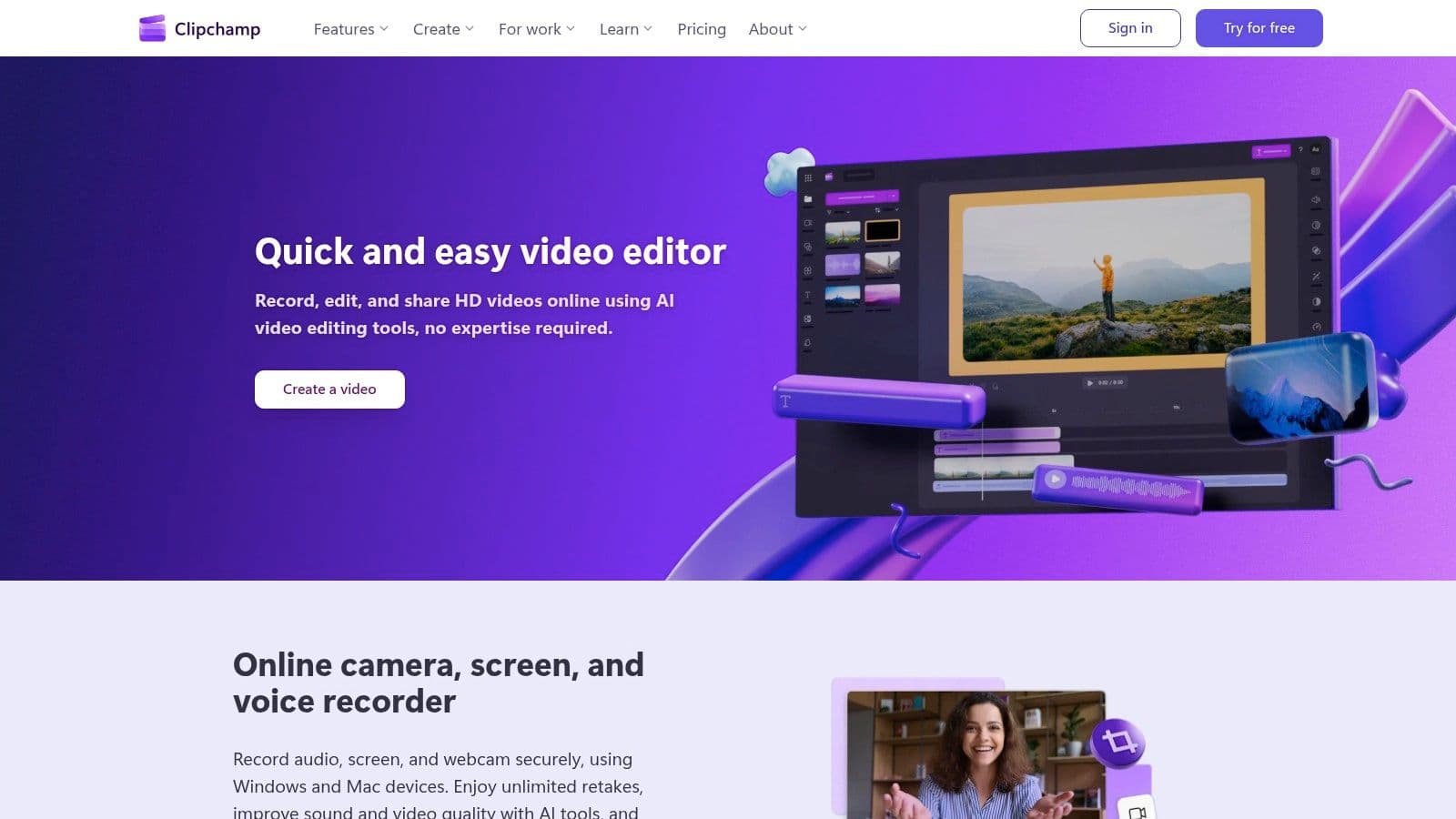
What makes Clipchamp one of the best free video editing software for beginners is its generous free tier, which offers watermark-free exports at a crisp 1080p resolution. This is a significant advantage over many online editors that restrict output quality or brand your content. Its simple tools are perfect for common tasks like trimming clips and adding background audio, a process you can refine by exploring guides on adding music to a video online. While premium features like 4K exports and a larger stock library require a Microsoft 365 subscription, the free version is more than capable for most new creators.
Why It's a Top Pick
- Extremely Accessible: Being browser-based, there's no need to install heavy software, making it accessible on most modern computers with an internet connection.
- Generous Free Exports: The ability to export unlimited 1080p (HD) videos without a watermark is a standout feature for a free tool.
- User-Friendly Interface: With a focus on templates and a simple timeline, absolute beginners can start creating professional-looking videos almost immediately.
Limitations to Consider
- Internet Dependent: As a web-based tool, performance relies heavily on your internet connection speed, especially when uploading large files.
- Paywalled Advanced Features: Key features like the brand kit, premium stock content, and 4K exports are locked behind a Microsoft 365 subscription.
Website: https://clipchamp.com
4. CapCut
CapCut, from TikTok parent company ByteDance, has rapidly become the go-to editor for short-form social media content. Its strength lies in a user-friendly interface packed with trend-driven templates, effects, and powerful AI features. It is available as a desktop application, a web-based editor, and on iOS and Android, allowing for seamless editing across devices. This makes it an ideal choice for creators focused on producing engaging content for platforms like TikTok, Instagram Reels, and YouTube Shorts.
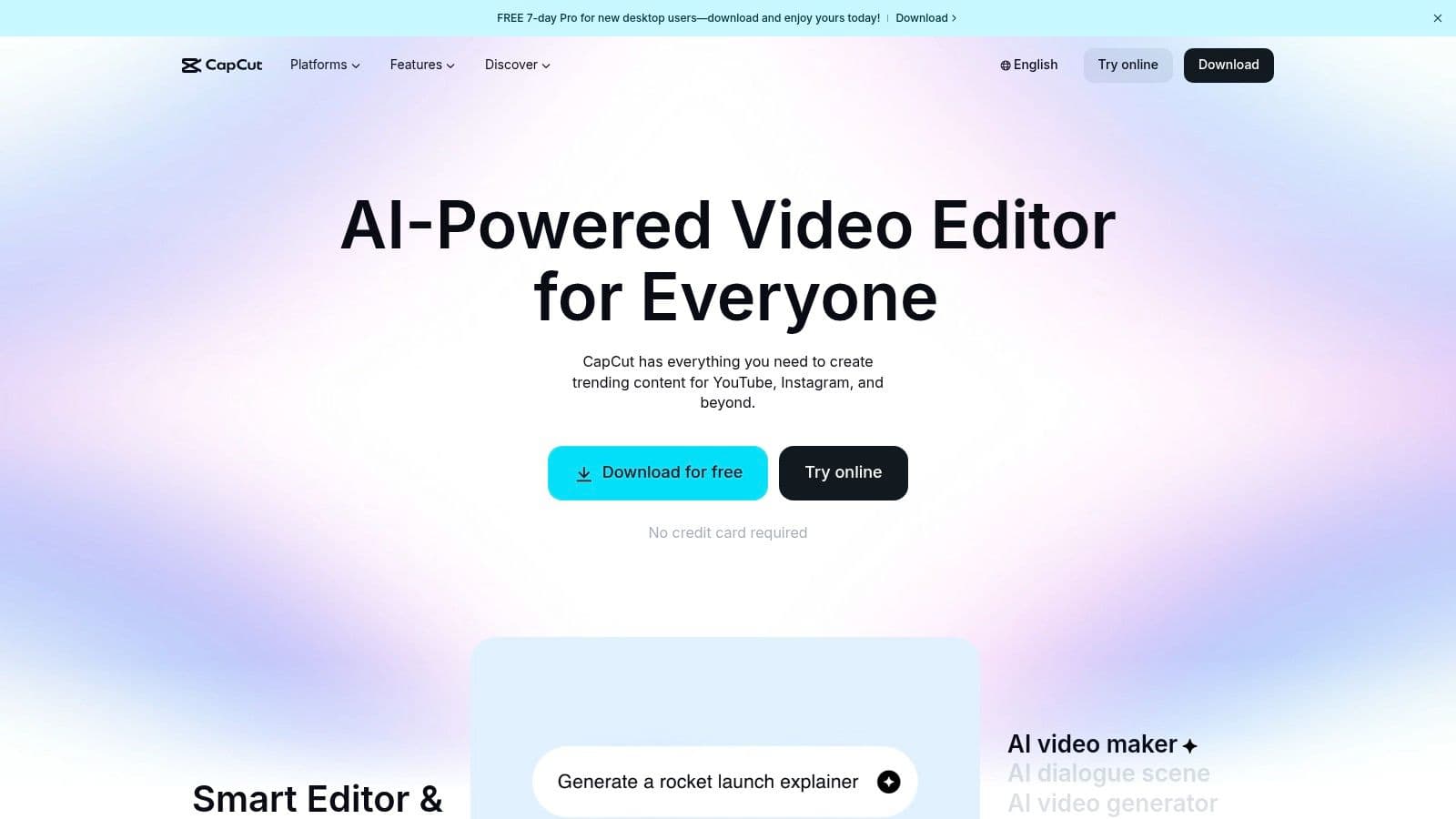
The platform excels at simplifying complex tasks, particularly with its automatic subtitle generator, which is a massive time-saver for lyric videos or accessible content. For beginners, the template-based workflow is a significant advantage; you can simply drop your clips into a pre-made, trending format to create a polished video in minutes. As one of the best free video editing software for beginners aiming for viral social content, CapCut removes many technical barriers. The free version is incredibly robust, though some premium effects and cloud storage features require an optional Pro subscription.
Why It's a Top Pick
- AI-Powered Features: The auto-captioning tool is remarkably accurate and easy to edit, alongside other AI tools like background removal and voice effects.
- Rich Template Library: Access a massive, constantly updated library of templates that mirror current social media trends, simplifying the creation process.
- Cross-Platform Syncing: Start a project on your phone and finish it on your desktop with cloud-based project syncing, offering incredible flexibility.
Limitations to Consider
- Pro-Gated Features: Many of the most popular effects, transitions, and stock assets are locked behind the Pro subscription paywall.
- Optimized for Vertical Video: While it can edit horizontal video, the interface and many templates are heavily optimized for 9:16 vertical content, making it less ideal for traditional widescreen projects.
Website: https://www.capcut.com
5. Movavi Video Editor
Movavi Video Editor is a desktop program for Windows and macOS made for beginners and everyday creators who want something simpler than professional software. It relies on drag-and-drop, hover previews, and a layout that keeps common tools within easy reach, so first-timers aren't left hunting through menus. The editing basics are all covered, from cutting and cropping to color presets and speed adjustments, which makes it a practical pick for bloggers and YouTubers putting out regular content.
What stands out in Movavi for creators is the set of one-click AI tools that handle the jobs creators repeat most, from auto subtitles to auto-tracked cropping with the subject kept centered. Around that sit the everyday essentials, with hundreds of drag-and-drop effects, copyright-free music, and Movavi Ideas serving up new editing tutorials each week for anyone looking to pick up fresh techniques. That range makes it one of the best free video editing software for beginners who want results without a long ramp-up.
Why It's a Top Pick
- Beginner-Friendly Layout: Tools stay close to the timeline and the drag-and-drop workflow lets you assemble a clip, add titles, and export very quickly.
- Time-Saving AI Tools: One-click auto subtitles, vertical cropping, noise removal, and silence trimming automate the repetitive tasks that usually eat up editing time.
- Built-In Effects and Music: Hundreds of transitions, titles, filters, and stickers come included, along with copyright-free music to score a video.
Limitations to Consider
- Limited Advanced Controls: The simplicity that makes it approachable also means it prioritizes ease of use over complex pro-level compositing tools, keeping the focus on fast, high-quality results.
- Freemium Model: Unlocking the complete feature set means moving to a paid plan rather than staying on the free version.
Website:
6. Canva Video Editor
Canva has evolved from a simple graphic design tool into a comprehensive creative suite, and its video editor is a testament to that growth. It offers a template-driven, drag-and-drop experience that makes video creation accessible to everyone, regardless of technical skill. It's an excellent choice for creating quick, visually appealing content like social media promos, lyric video cards, and presentations, leveraging its vast ecosystem of stock assets and design elements.
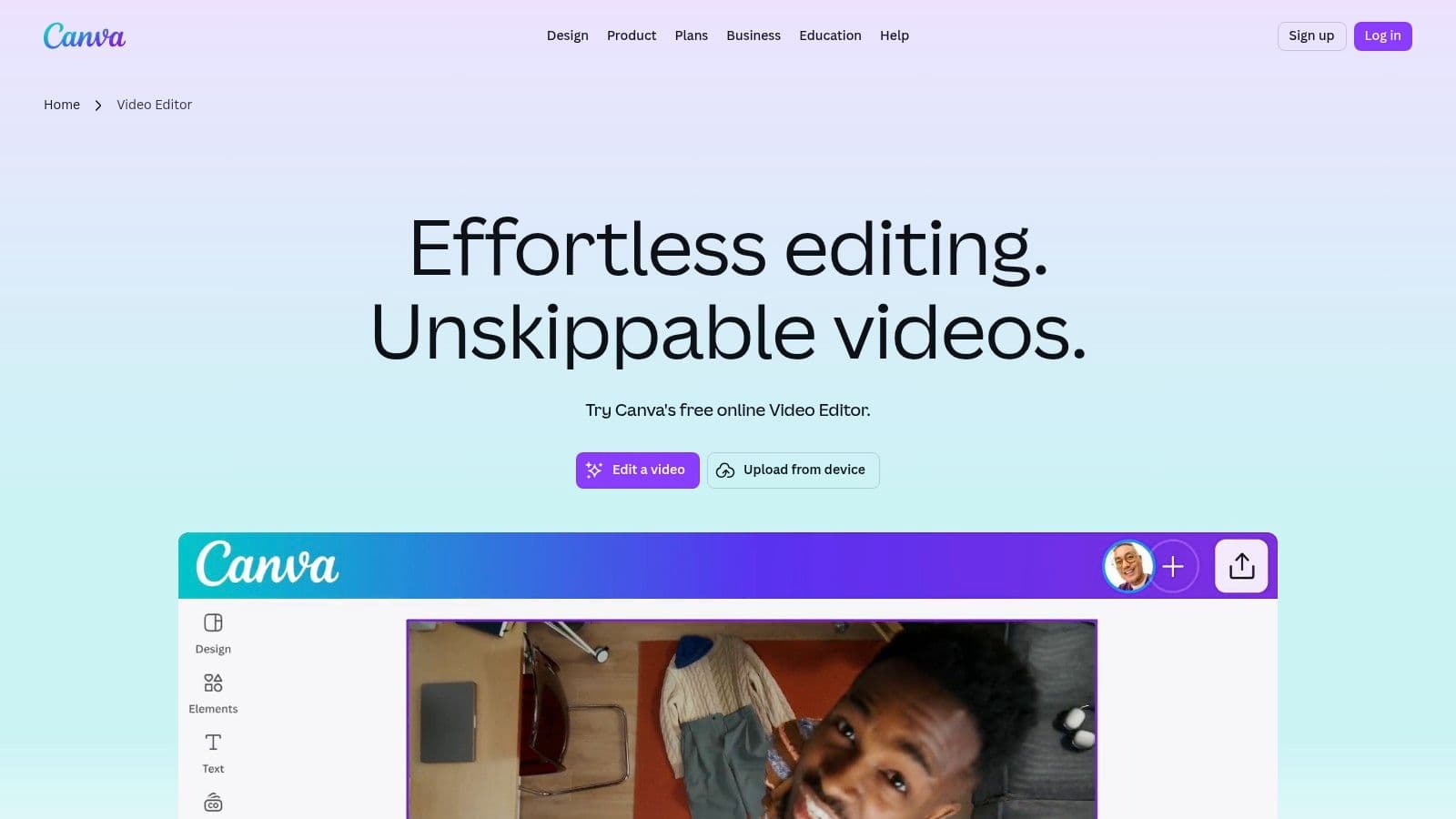
Unlike traditional timeline-based editors, Canva’s approach feels more like building a slideshow, which can be less intimidating for newcomers. It’s one of the best free video editing software for beginners focused on speed and brand consistency. The platform is fully browser-based, requiring no installation. While the free version is robust, many advanced assets and newer AI "Magic" features require a Pro subscription. For users creating lyric videos, ensuring perfect timing is key; you can find guides to learn how to sync audio with video that will help you master this fundamental skill.
Why It's a Top Pick
- Extremely Beginner-Friendly: The intuitive, template-based interface makes it possible to create a polished video in minutes with a very gentle learning curve.
- Massive Asset Library: Gain access to a huge collection of templates, stock videos, photos, and audio tracks directly within the editor (many are free).
- Seamless Collaboration: Built for teamwork, Canva allows multiple users to comment on and edit a video project in real-time, perfect for marketing teams.
Limitations to Consider
- Limited Timeline Control: It lacks the precise, multi-track timeline control found in dedicated video editing software, making complex edits difficult.
- Freemium Model: Many of the best assets, templates, and AI-powered tools are locked behind a Canva Pro subscription.
- UX Instability: Recent overhauls to the video editor have been reported by some users to cause occasional bugs or interface inconsistencies.
Website: https://www.canva.com/videos
7. Shotcut
Shotcut is a powerful, open-source, and cross-platform non-linear video editor that offers a fantastic balance of features and accessibility for new users. As a mature project, it provides a stable and reliable editing experience without the complexity of professional suites. It supports hundreds of audio and video formats thanks to its integration with FFmpeg, allowing users to edit footage natively without a time-consuming import or conversion process. This makes it an excellent traditional desktop editor for creators who need flexibility.
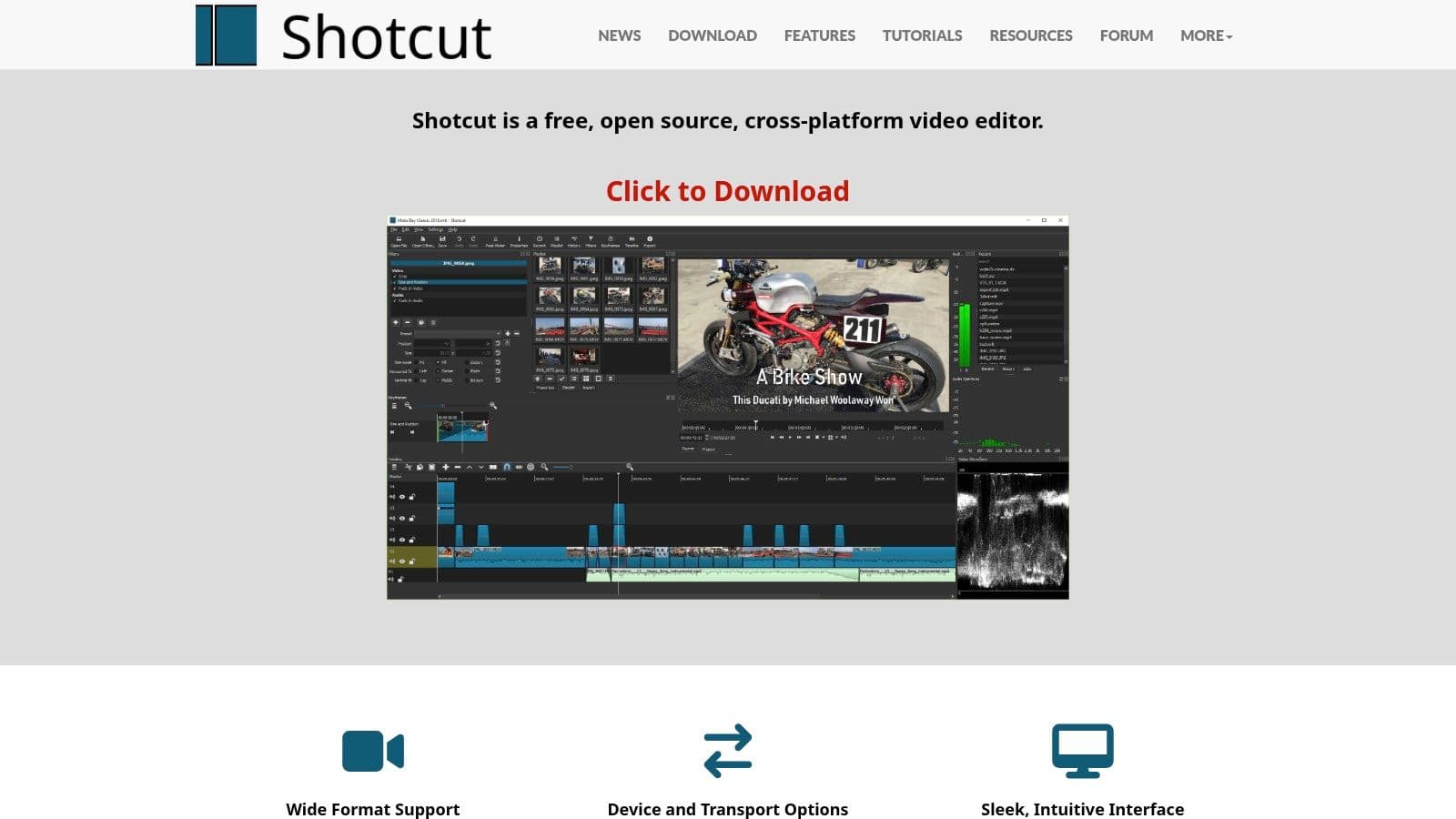
Unlike many free tools that are gateways to paid versions, Shotcut is completely free, open-source, and receives frequent updates from its active development community. For those just starting out, its straightforward timeline and filter-based effects system are easy to grasp. This makes it one of the best free video editing software for beginners who want a no-strings-attached desktop application that can handle 4K resolution and a wide range of media files. The software is a free download with no subscriptions, watermarks, or bundled malware from the official site.
Why It's a Top Pick
- Truly Free & Open-Source: Shotcut is 100% free with no ads, bundled software, or paid upgrade prompts. Its source code is open for anyone to view and contribute.
- Wide Format Support: Natively edit almost any video or audio file without needing to convert it first, saving significant time and preserving quality.
- Cross-Platform Availability: Works identically on Windows, macOS, and Linux, making it a versatile choice regardless of your operating system.
Limitations to Consider
- Utilitarian Interface: The user interface is functional but can feel less polished and intuitive compared to more modern, commercially-developed editors.
- Fewer Automated Features: Lacks the one-click templates, social media presets, and AI-driven effects found in some competing software.
Website: https://www.shotcut.org
8. OpenShot
OpenShot is a powerful yet surprisingly easy-to-use open-source video editor, designed from the ground up to be accessible for those just starting their editing journey. Its interface is clean and uncluttered, focusing on a traditional timeline, a preview window, and a project files pane. This straightforward design removes the intimidation factor common in more complex software, making it an excellent choice for first-time projects, school assignments, or simple social media clips. It runs well even on modest computer hardware, including Chromebooks via its Linux support.
As a completely free, cross-platform tool, OpenShot provides core functionalities like trimming, slicing, transitions, and a title engine without any cost or watermarks. For beginners who need to create straightforward content without a steep learning curve, it stands out as one of the best free video editing software for beginners available. Its focus on simplicity ensures users can quickly assemble clips, add basic titles, and export a finished video. A key tip for new users is to download the software only from the official website to avoid misleading third-party ads.
Why It's a Top Pick
- Extremely Beginner-Friendly: The simple, intuitive user interface is less overwhelming than professional suites, making it perfect for learning the basics of video editing.
- Truly Cross-Platform: It works natively on Windows, macOS, and Linux, providing a consistent experience across different operating systems.
- Completely Free and Open-Source: There are no hidden fees, subscriptions, or watermarks. The software is maintained by a community of volunteers.
Limitations to Consider
- Potential Stability Issues: As an open-source project, some users report occasional instability or slower performance compared to commercially developed software.
- Limited Advanced Features: It lacks the professional-grade color correction, audio mixing, and visual effects tools found in more advanced editors.
Website: https://www.openshot.org
9. Kdenlive
Kdenlive is a powerful, open-source video editor from the KDE community that strikes a balance between advanced features and accessibility. It's built on a robust multitrack timeline and supports a vast range of audio and video formats, making it a versatile choice for creators on Windows, macOS, and Linux. For those who want more control than a basic editor offers without the complexity of a full professional suite, Kdenlive presents a compelling, completely free option.
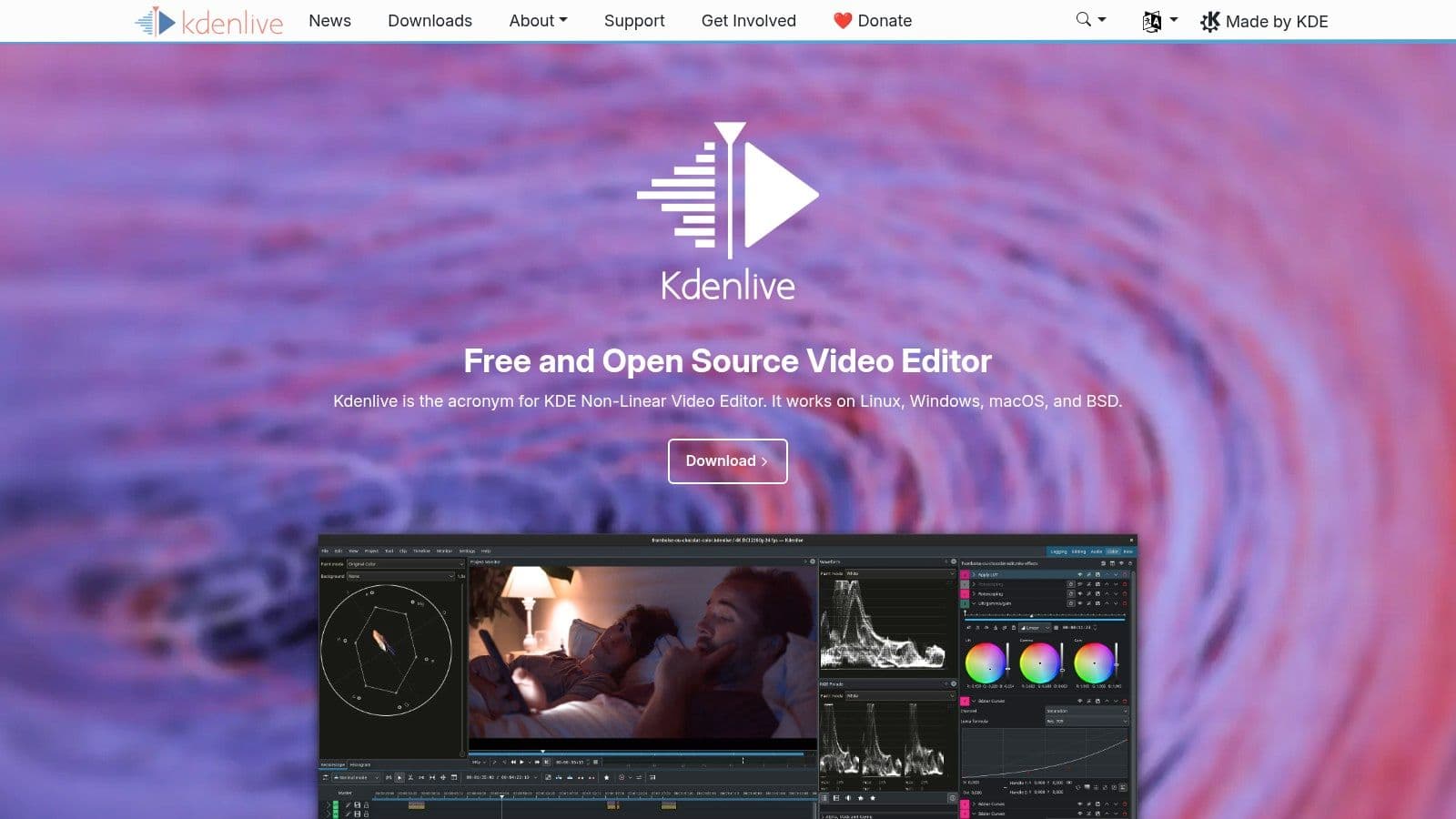
The software provides a customizable interface, allowing users to arrange panels to suit their workflow. It includes a wide array of effects, transitions, and keyframeable properties, giving beginners a sandbox to experiment with more sophisticated editing techniques. As one of the best free video editing software for beginners with a technical curiosity, Kdenlive stands out for its strong community support, frequent updates, and commitment to being a free tool for everyone, with no hidden costs or watermarks.
Why It's a Top Pick
- Powerful Multitrack Timeline: Offers precise control over video and audio tracks, similar to what you'd find in professional, paid software.
- Cross-Platform & Open-Source: It is genuinely free and available on all major operating systems, backed by an active community that continually improves it.
- Extensive Format Support: Built-in support for nearly any audio and video format you can throw at it, thanks to the powerful FFmpeg libraries.
Limitations to Consider
- Interface Can Feel Dense: The number of windows, buttons, and menus can be intimidating for users who have never used a non-linear editor before.
- Occasional Stability Issues: As with many open-source projects, some users may experience occasional bugs or crashes, though updates are frequent.
Website: https://kdenlive.org
10. VSDC Free Video Editor
VSDC Free Video Editor is a surprisingly capable non-linear editor designed exclusively for the Windows operating system. It provides a robust suite of features often found in paid software, including advanced video effects, masking, and motion tracking, making it an excellent choice for creators who want to experiment with more complex techniques without a financial commitment. The interface might not be as modern as some rivals, but its functionality is deep and versatile.
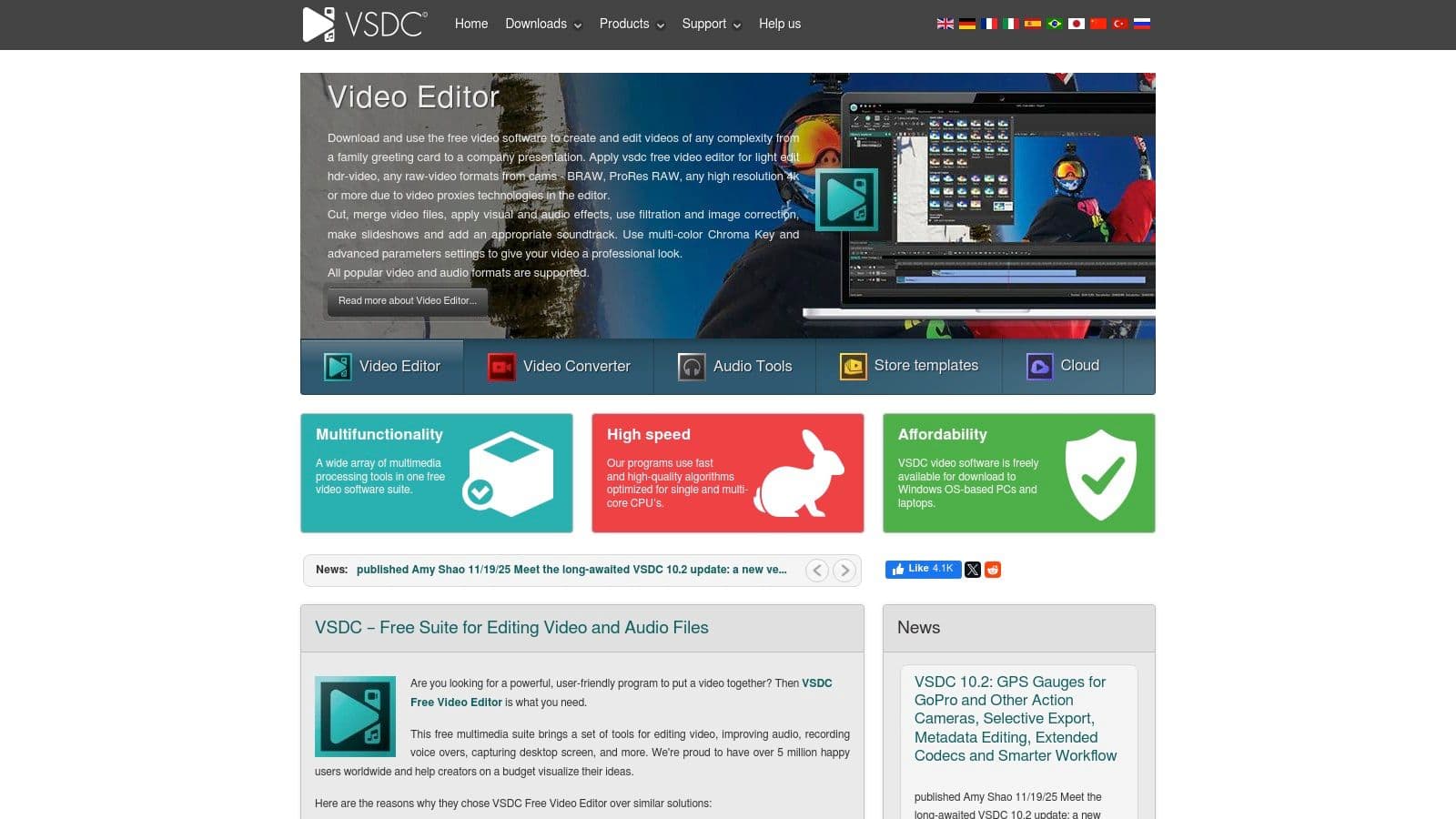
Unlike many free tools that restrict output quality, VSDC allows users to export videos in up to 4K resolution and offers convenient presets for popular social media platforms. It also includes a built-in screen capture tool and voice recorder, which are great assets for creating tutorials or gaming videos. This combination of powerful features and generous export options makes VSDC one of the best free video editing software for beginners on Windows who need more than just basic cutting and trimming tools. A "Pro" version with advanced features is available for a low annual subscription fee.
Why It's a Top Pick
- Advanced Feature Set: Offers sophisticated tools like motion tracking, video masking, and a full-featured text editor that are rare in free software.
- No Watermarks on Export: Your final videos are completely clean, with no branding or watermarks imposed by the software.
- Built-in Screen Recorder: Includes a screen capture utility, allowing you to create tutorial content or record gameplay directly within the same ecosystem.
Limitations to Consider
- Windows-Only: The software is not available for macOS or Linux, limiting its accessibility to a single platform.
- Pro Version Upsell: Some of the most powerful features, such as hardware acceleration and advanced color correction, are locked behind the paid Pro license.
Website: https://www.videosoftdev.com
11. VideoProc Vlogger
VideoProc Vlogger by Digiarty is a desktop editor designed to be an accessible yet powerful entry point into video creation. It deliberately strips away the overwhelming complexity of professional suites to focus on the core tools a beginner needs, offering them completely free without watermarks, subscriptions, or feature limitations. This makes it an excellent choice for creators who want to produce high-quality content, including 4K videos, without a steep learning curve or hidden costs.
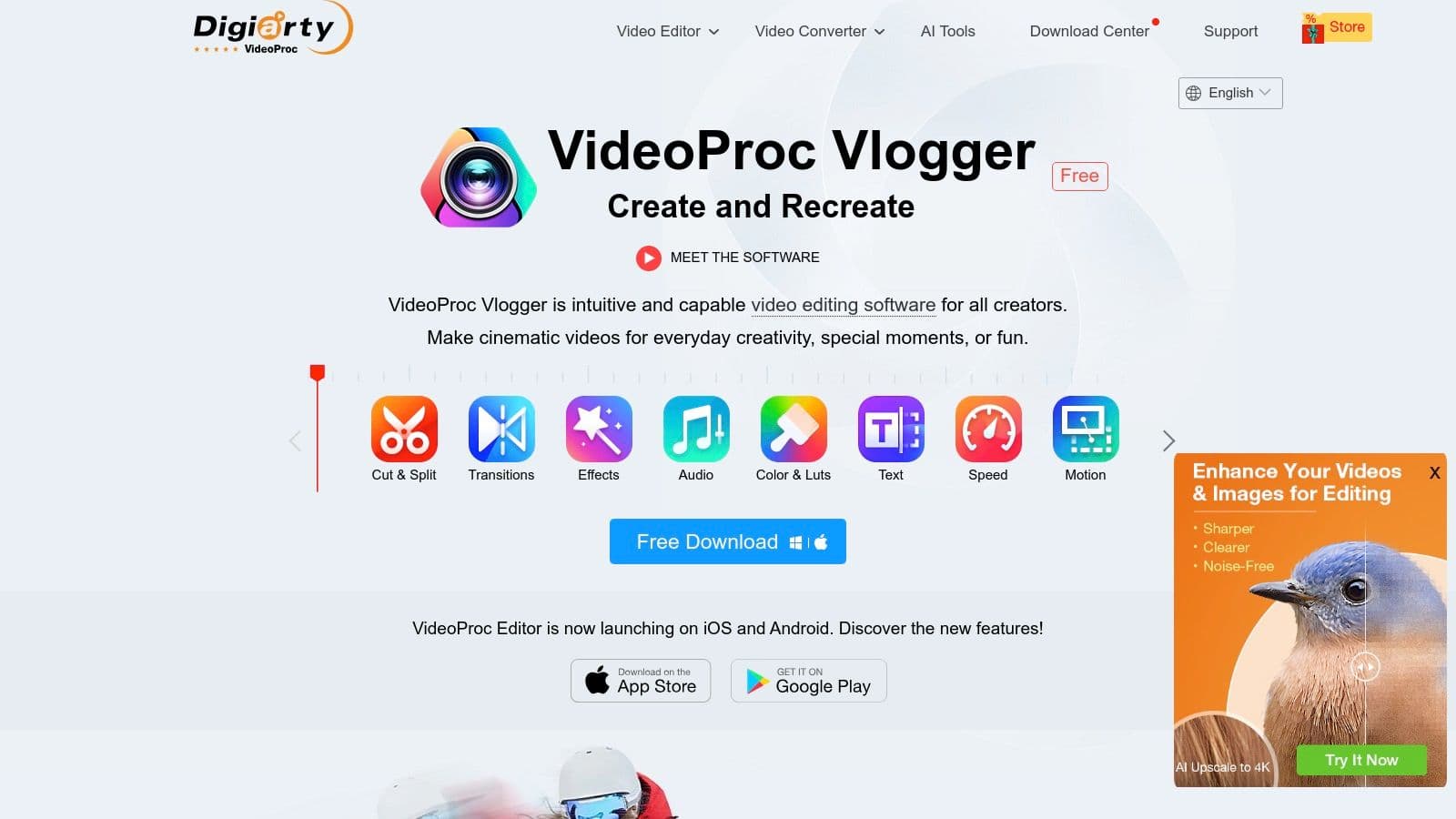
The software stands out with its emphasis on motion and speed effects, which are often simplified or absent in other free editors. Features like dynamic speed ramping and camera motion simulation are presented through an intuitive visual interface, allowing new users to create professional-looking effects with minimal effort. This focus on guided, creative tools makes it one of the best free video editing software for beginners aiming to add cinematic flair to their projects. The built-in learning center is a significant asset, providing clear tutorials to help users master its functions quickly.
Why It's a Top Pick
- Truly Free, No Strings Attached: VideoProc Vlogger is 100% free with no watermarks, export time limits, or locked premium features, which is a rarity in the market.
- Motion and Speed Control: Offers advanced, visually-driven tools for speed ramping and camera motion effects that are easy for beginners to understand and apply.
- Excellent Onboarding: The user interface is clean, and the integrated tutorials provide a smooth onboarding experience for those entirely new to video editing.
Limitations to Consider
- Limited Advanced Features: Lacks the deep compositing, visual effects, and collaborative tools found in more professional-grade software like DaVinci Resolve.
- Smaller Community and Ecosystem: As a newer player, it has a smaller user base and fewer third-party plugins or community-created templates available.
Website: https://www.videoproc.com/video-editing-software/
12. VN – AI Video Editor (VlogNow)
VN Video Editor, also known as VlogNow, is a powerful mobile-first editing app designed for creators who primarily work on their phones. It strikes an impressive balance between user-friendliness and advanced features, offering a multi-track timeline, keyframe animation, and robust speed controls directly on your mobile device. Its intuitive interface makes it ideal for producing high-quality social media content, vlogs, and lyric videos on the go without a steep learning curve.
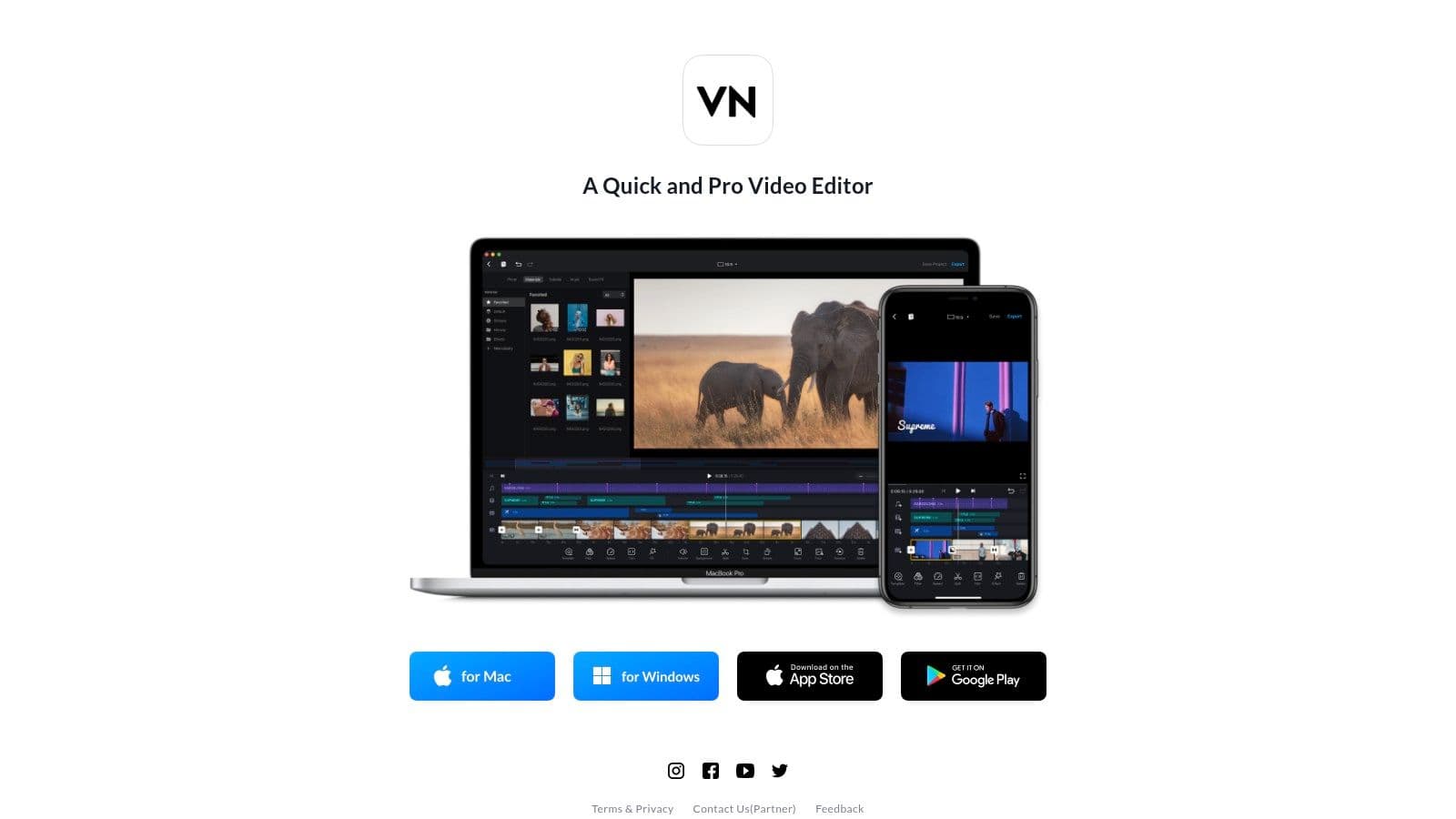
Unlike many mobile editors that oversimplify the process, VN provides tools that give creators significant control. The ability to manage multiple video and audio layers is a game-changer for mobile editing, allowing for more complex projects. This makes it one of the best free video editing software for beginners who want professional-level capabilities in a portable format. The app is free to use and exports videos without a watermark, with a desktop companion available for those who need to switch between devices.
Why It's a Top Pick
- Powerful Mobile Timeline: Offers a multi-track editor on mobile, a feature typically reserved for desktop software, allowing for complex layering of video, text, and audio.
- Advanced Control Features: Includes keyframe animation and versatile speed curve tools, giving you precise control over motion and timing effects.
- No Watermark on Exports: The free version allows you to export your finished projects cleanly without any intrusive branding from the app.
Limitations to Consider
- Mobile-Centric Design: While a desktop version exists, the software is optimized for mobile, and the desktop experience is less comprehensive.
- Device Performance Dependency: Export speeds and overall performance can vary significantly depending on the processing power of your smartphone or tablet.
Website: https://vlognow.me
13. Capterra – Free Video Editing Software Roundups
Instead of a single application, Capterra offers a powerful resource for finding the right software: curated comparison guides. Their roundup pages specifically for free video editing software act as a discovery hub, allowing you to filter options by operating system, features, and user ratings. This is an excellent starting point for beginners who feel overwhelmed by individual recommendations and want a bird's-eye view of the market before committing to a download.
Capterra aggregates user reviews, which provides invaluable insight into how easy or difficult other beginners found a particular tool. This makes it one of the best free video editing software for beginners resources because it helps you gauge real-world usability and support quality beyond marketing claims. For additional perspectives and comprehensive comparisons on beginner-friendly tools, you can also consult other guides on finding the best video editing software for beginners. Ultimately, Capterra saves you time by collating essential decision-making information in one place.
Why It's a Top Pick
- Side-by-Side Comparisons: Easily compare key features, deployment options, and support levels across multiple free tools at a glance.
- Authentic User Reviews: Gain insights from a community of actual users, which helps reveal a product's true learning curve and performance.
- Time-Saving Research: Narrows down the vast field of free editors to a manageable list based on your specific needs and operating system.
Limitations to Consider
-
Potential for Outdated Information: Always check the publish or update date on the roundup, as the software landscape changes quickly.
-
"Freemium" Ambiguity: Some listed "free" tools may have significant limitations, such as watermarks or export restrictions, that require verification on the vendor's site.
Website: https://www.capterra.com/resources/free-video-editing-software/
Top 13 Free Video Editors for Beginners — Comparison
| Tool | Core features | Quality & Output | Price & Value | 👥 Target audience / ✨ Unique strengths |
|---|---|---|---|---|
| DaVinci Resolve (Blackmagic) | Multitrack timeline, advanced color, Fairlight audio, Fusion VFX | ★★★★★ — pro-grade 4K/HDR, steep learning | 💰 Free (Studio one‑time upgrade) | 👥 Pro editors & serious creators · ✨🏆 Industry-level toolset |
| Apple iMovie | Storyboards, Magic Movie auto-edits, titles, 4K export | ★★★★☆ — very polished, easy outputs | 💰 Free on macOS/iOS/iPadOS | 👥 Beginners in Apple ecosystem · ✨ Seamless cross‑device handoff |
| Clipchamp (Microsoft) | Browser editor, templates, captions, 1080p free export | ★★★★☆ — fast social exports, stable UX | 💰 Free 1080p; premium via Microsoft 365 | 👥 Casual creators & Windows users · ✨ 1080p no‑watermark browser exports |
| CapCut | AI subtitle generator, trend templates, cross‑platform apps | ★★★★☆ — great for short-form verticals | 💰 Free (Pro assets/features paid) | 👥 TikTok/Reels creators · ✨ Rich template + AI effects |
| Canva Video Editor | Template-driven editing, stock assets, AI “Magic”, collaboration | ★★★★☆ — quick branded videos, team-friendly | 💰 Free tier; Pro for advanced assets | 👥 Marketers/teams · ✨ Huge template & brand kit |
| Shotcut | Native editing (no import), filters, keyframes, 4K support | ★★★★☆ — capable desktop editor, utilitarian UI | 💰 Free, open‑source | 👥 Desktop users wanting free power · ✨ No-import workflow, cross‑platform |
| OpenShot | Simple timeline, title engine, transitions, keyframes | ★★★☆☆ — basic outputs, very approachable | 💰 Free, open‑source | 👥 First-time editors/Chromebook users · ✨ Extremely simple to start |
| Kdenlive | Multitrack timeline, FFmpeg/MLT codecs, keyframes/effects | ★★★★☆ — powerful free option, active updates | 💰 Free, open‑source | 👥 Users seeking pro features without cost · ✨ Strong community support |
| VSDC Free Video Editor | Effects, motion tracking, screen capture, social presets | ★★★★☆ — feature-rich Windows tool | 💰 Free; Pro license unlocks advanced tools | 👥 Windows creators on a budget · ✨ No‑watermark free exports |
| VideoProc Vlogger | Speed ramping, motion effects, color tools, tutorials | ★★★★☆ — friendly onboarding, reliable exports | 💰 Free, no watermark | 👥 Beginner creators wanting tutorials · ✨ Built‑in learning center |
| VN – AI Video Editor (VlogNow) | Mobile multi-track timeline, keyframes, cloud handoff | ★★★★☆ — excellent mobile workflow | 💰 Free (desktop companion limited) | 👥 Mobile-first social creators · ✨ Mobile multi‑track + cloud sync |
| Capterra – Roundups | Side-by-side comparisons, buyer guides, user reviews | ★★★★☆ — helpful for research & discovery | 💰 Free resource | 👥 Buyers/researchers · ✨ Quick discovery, vetted links & reviews |
Final Thoughts
Embarking on your video creation journey can feel overwhelming, but as we've explored, the barrier to entry has never been lower. The landscape of the best free video editing software for beginners is rich and varied, offering powerful tools that once cost thousands of dollars. You no longer need a Hollywood budget to produce polished, engaging, and professional-looking content. The key takeaway is that the "perfect" software doesn't exist; the right tool is the one that aligns with your specific goals, your current skill level, and the type of content you want to create.
From the professional-grade color correction and audio post-production powerhouse of DaVinci Resolve to the incredible ease of use and seamless ecosystem integration of Apple's iMovie, there is a solution for every aspiring creator. Tools like Clipchamp and CapCut have revolutionized in-browser and mobile editing, making it faster than ever to create social-media-ready content packed with trending effects and templates.
How to Choose Your First Video Editor
Making the final decision comes down to self-assessment. Don't just download the most powerful option; choose the one that you will actually open and learn. Consider these final factors before you commit:
- Your Primary Goal: Are you creating cinematic short films, quick TikTok videos, or detailed tutorials? If your focus is narrative, DaVinci Resolve or Shotcut might be ideal. For rapid social content, CapCut or Canva are strong contenders.
- Your Hardware: Be realistic about your computer's capabilities. A powerful program like DaVinci Resolve requires significant system resources, while browser-based editors like Clipchamp or Canva can run on almost any modern machine.
- Your Learning Style: Do you prefer a tool that you can master in an afternoon, or are you willing to invest time watching tutorials to unlock advanced features? iMovie and Clipchamp offer immediate usability, whereas Kdenlive and VSDC reward a steeper learning curve with greater flexibility.
- Workflow Integration: Think about the entire content creation process. Beyond the editing itself, creators often need complementary tools to enhance their videos and improve accessibility; for instance, you can find the top video to text converter tools to automatically generate subtitles or transcripts, saving you hours of manual work and making your content reachable to a wider audience.
Your Journey Starts Now
The most important step is simply to start. Download one or two of the applications from this list that seem like the best fit. Spend a few hours importing footage, making simple cuts, and playing with a few effects. You will learn more from one hour of hands-on practice than you will from ten hours of reading reviews.
Don't be afraid to experiment and even "outgrow" your first editor. Many creators start with a simple tool like CapCut and eventually graduate to a more robust platform like DaVinci Resolve as their skills and ambitions expand. The journey of a video creator is one of continuous learning and evolution. The tools we’ve covered provide the perfect, cost-free foundation for you to build your skills, find your voice, and start sharing your stories with the world.
Ready to create stunning karaoke or lyric videos with unparalleled ease? While the editors on this list are fantastic general-purpose tools, MyKaraoke Video is a specialized, beginner-friendly platform designed specifically for that purpose. Start crafting your perfect sing-along video in minutes with our intuitive tools at MyKaraoke Video.