Creating a captivating lyric video used to mean hours of tedious timeline editing and painstakingly syncing each word to the music. Fortunately, a new wave of online tools now makes it possible to produce professional-quality videos in minutes, directly in your browser. But with so many options, which is the best free lyric video maker for your specific project? Whether you're a musician promoting your latest track, a YouTube creator building a karaoke channel, or just making a fun video for social media, the right tool can make all the difference.
This guide cuts through the noise to help you find the perfect fit. We provide a detailed, comparative analysis of the 12 best options available today, complete with screenshots and direct links. For each platform, we dive deep into its real-world performance, highlighting specific features, hidden limitations of the free plans, and ideal use cases. We'll explore everything from AI-powered sync engines to simple template-driven editors. For those prioritizing automation and ease of use, a comprehensive guide to the best text to video AI generator free tools can provide further options and in-depth comparisons for transforming your lyrics into captivating visuals.
Our goal is simple: to give you the clarity needed to choose with confidence and start creating your next lyric video immediately.
1. MyKaraoke Video: Best Overall for AI-Powered Speed and Precision
MyKaraoke Video distinguishes itself as a premier, specialized tool engineered specifically for creating high-quality lyric and karaoke videos with remarkable efficiency. Unlike general-purpose video editors, this browser-based platform leverages a powerful AI engine to automate the most arduous aspects of lyric video production. Its standout feature is the one-click AI synchronization, which accurately transcribes and times lyrics to an audio track, dramatically cutting down on manual editing hours. This makes it an exceptional choice for creators who need to produce professional-grade content quickly.
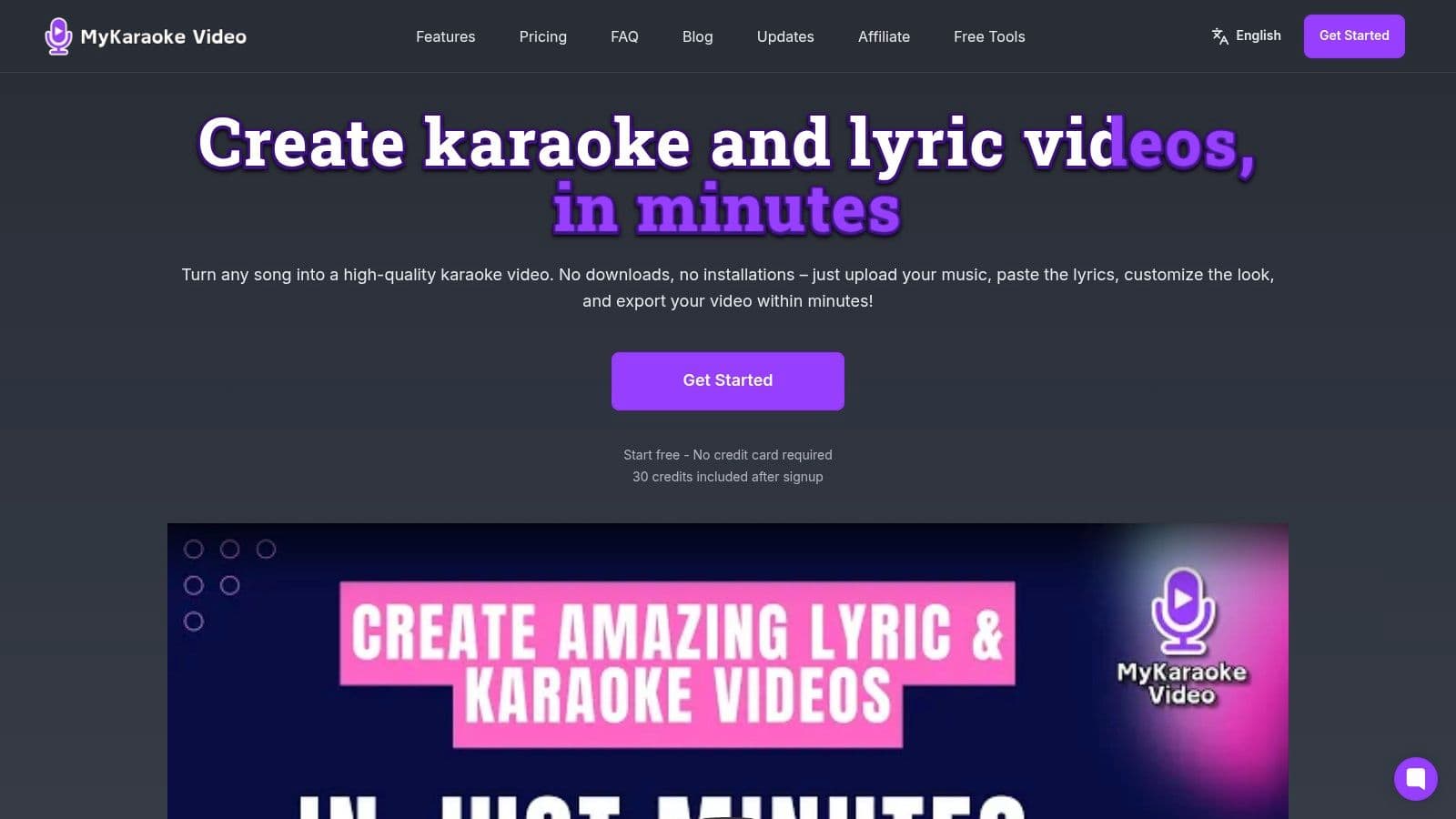
The platform’s entire workflow is cloud-based, meaning all rendering and exporting processes happen on their servers. This frees up your computer’s resources, allowing you to work on other tasks without performance slowdowns. For those who need absolute control, its comprehensive sync editor provides granular, word-by-word timing adjustments, ensuring perfect alignment.
Key Strengths and Use Cases
- AI-Powered Automation: The automatic transcription and lyric timing is a game-changer for musicians and YouTube channel creators needing to produce content at scale. It can turn a multi-hour project into a task that takes just minutes.
- Deep Customization: A full suite of tools allows for extensive control over fonts (including the entire Google Fonts library), colors, and backgrounds. You can use images, videos, or assets from its integrated stock media library to create a unique visual identity.
- Specialized Karaoke Features: With a built-in vocal remover and a Duet Mode, it’s tailor-made for karaoke channels looking to offer professional and engaging experiences for their audience.
Our Take: MyKaraoke Video is the best free lyric video maker for users who prioritize speed and accuracy. The AI-driven workflow is impressively robust, and the server-side rendering is a significant advantage for creators without high-end computers.
Limitations and Pricing
The platform operates on a credit-based system. The free tier provides initial credits to test the service, but videos are exported with a watermark. For heavy users or commercial projects, moving to a paid plan is necessary. Subscriptions are affordable, starting around $5/month for 120 credits, with pay-as-you-go options also available. Since it’s an online-only tool, a stable internet connection is required. For an in-depth guide, their blog offers more details on how to get the most from this lyric video maker online.
- Website: https://www.mykaraoke.video
- Ideal For: Musicians, karaoke channel creators, and social media managers who need a fast, reliable, and highly automated workflow.
2. Adobe Express
Adobe Express leverages the power of the Adobe ecosystem to offer one of the most polished browser-based video editing experiences available. It's an excellent choice for creators who want to produce a high-quality, professional-looking video quickly without a steep learning curve. The platform's dedicated lyric video templates provide a fantastic starting point, allowing you to simply replace the placeholder text and background media.
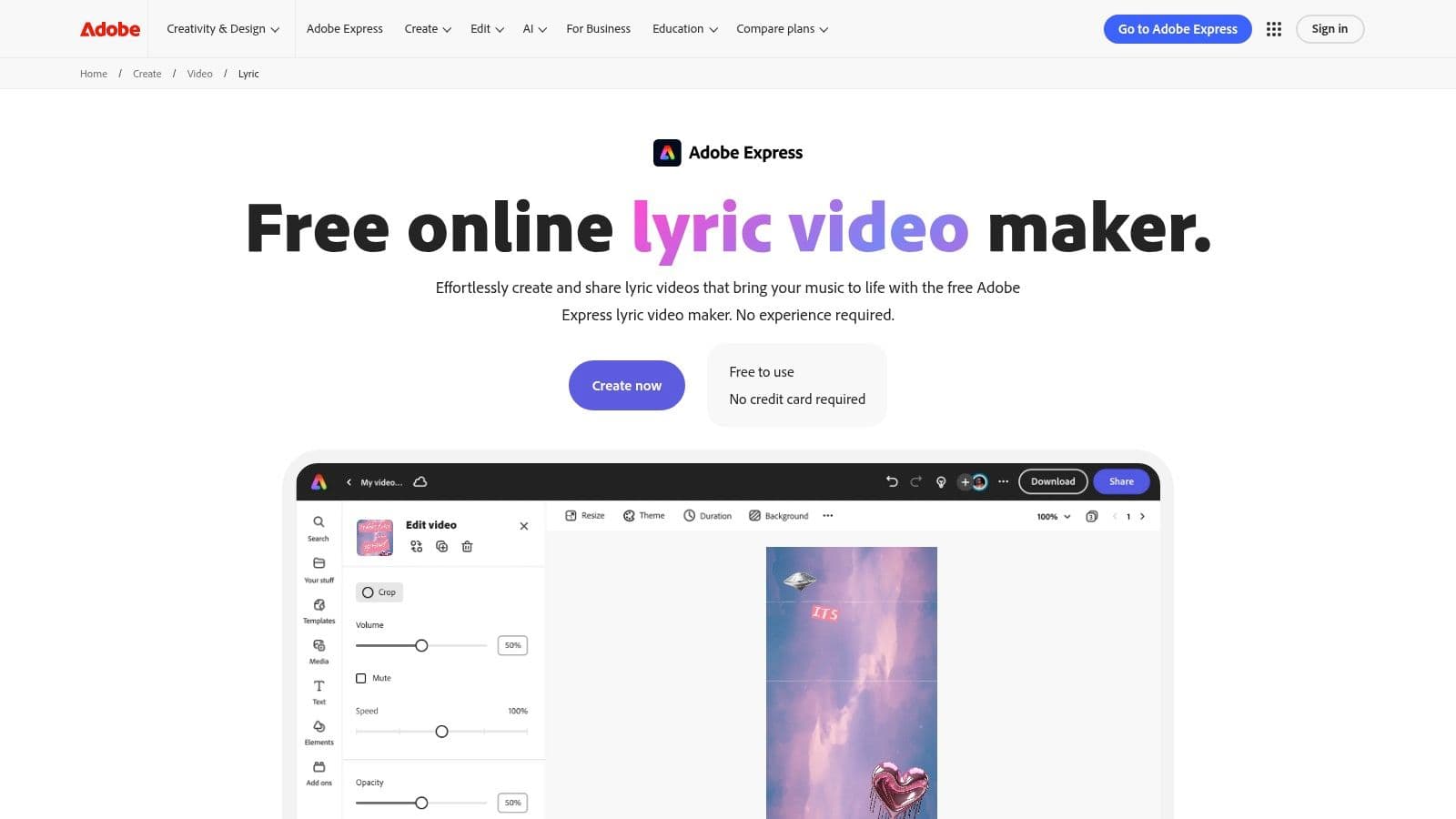
The real strength of Adobe Express lies in its integration with Adobe's vast asset libraries. The free plan grants access to thousands of Adobe Fonts, stock photos, and video clips, making it a comprehensive toolkit for visual storytelling. Its user-friendly timeline editor simplifies the process of syncing text animations with your audio track, a crucial step that can be complex in other software. To learn more about the specifics of lyric timing, you can explore detailed guides on how to add lyrics to songs.
Key Features & Limitations
| Feature | Free Plan Details | Paid Plan Upgrade |
|---|---|---|
| Templates & Fonts | Access to thousands of free templates and Adobe Fonts. | Access to all 25,000+ premium Adobe Fonts and premium templates. |
| Stock Assets | Limited collection of free Adobe Stock photos, videos, and music. | Full access to over 200 million royalty-free Adobe Stock assets. |
| Export Quality & Watermark | Exports up to 1080p with a small, often unobtrusive Adobe Express watermark. | Watermark-free exports in up to 4K resolution. |
| Brand Kits | Not available on the free plan. | Create and apply brand kits with your logos, colors, and fonts. |
Best for: Social media creators and musicians needing a fast, template-driven workflow with access to high-quality stock assets.
Website: https://www.adobe.com/express/create/video/lyric
3. Kapwing
Kapwing positions itself as a fast, collaborative, and entirely browser-based editor, making it a strong contender for the best free lyric video maker for users who prioritize speed and ease of use. Its standout feature is the powerful suite of tools built around subtitling and text. The platform can auto-generate lyrics from your audio file, which drastically cuts down on manual transcription time and provides an excellent starting point for customization.
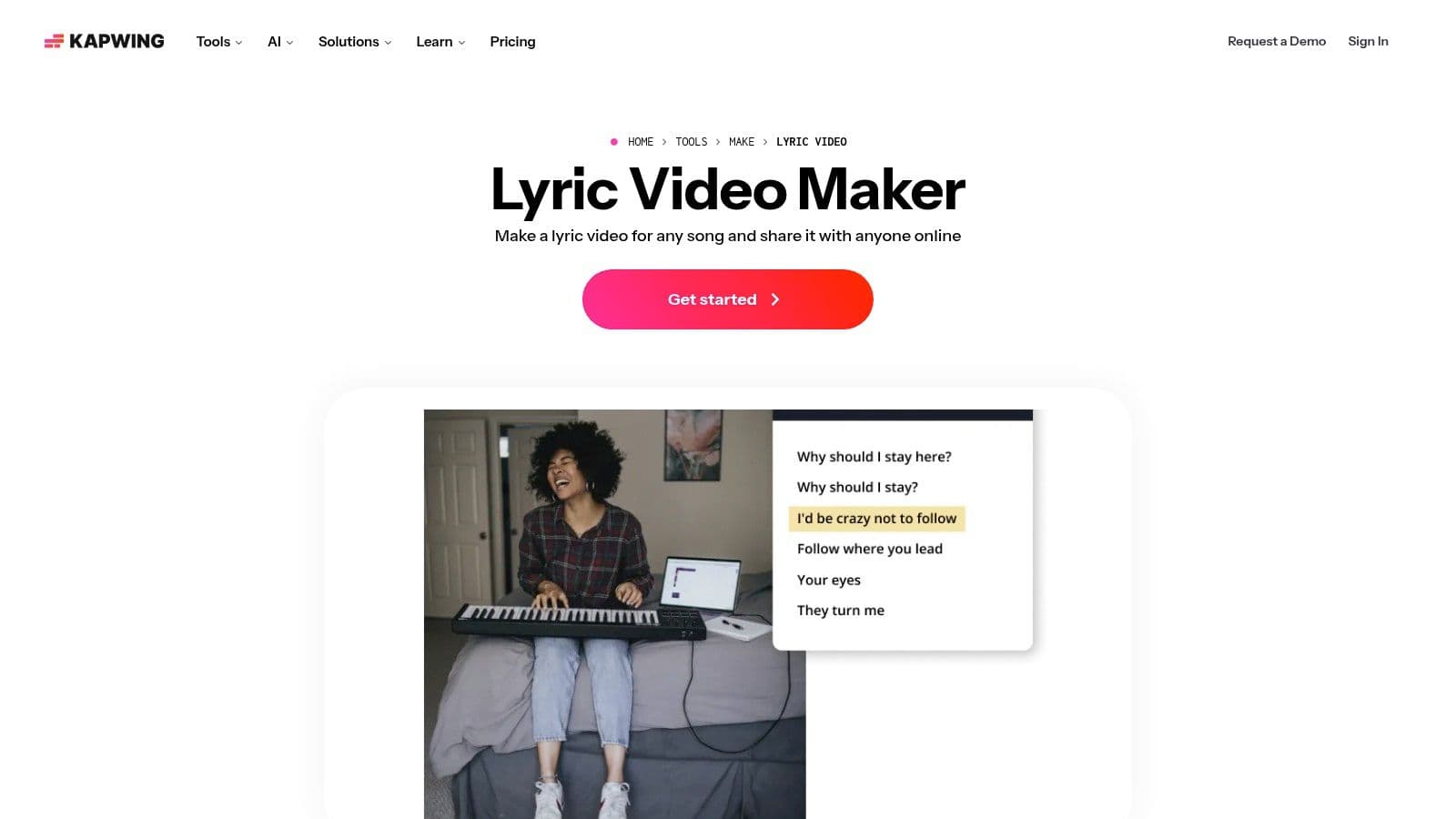
The user interface is intuitive, focusing on a streamlined workflow that allows creators to quickly apply text animations and styles from a vast library. You can easily adjust timing on a familiar timeline editor, and its built-in stock media library provides GIFs, videos, and images to enhance your project without leaving the tab. For those working on subtitle-heavy projects, a comprehensive guide on how to add subtitles to a video can be incredibly useful for mastering the finer points. Kapwing's collaborative features also allow multiple users to work on a project simultaneously, a unique benefit for teams.
Key Features & Limitations
| Feature | Free Plan Details | Paid Plan Upgrade |
|---|---|---|
| Auto-Subtitles | Auto-transcribe up to 10 minutes of video per month. | Increased monthly transcription limits (up to 300 mins/month). |
| Export Quality & Watermark | Watermark-free exports up to 720p for projects under 7 minutes. | Export up to 4K resolution with no watermarks or time limits. |
| Stock Assets & Storage | Limited access to built-in stock content. 250MB cloud storage. | Full access to premium stock assets and increased cloud storage. |
| Collaboration & Brand Kits | Basic collaboration features. No Brand Kit. | Advanced collaboration tools and ability to create/save Brand Kits. |
Best for: Creators looking for a fast, AI-powered subtitling workflow and real-time collaboration without downloading any software.
Website: https://www.kapwing.com/tools/make/lyric-video
4. VEED.IO
VEED.IO offers one of the fastest browser-based lyric video workflows, centered around a powerful automatic subtitle generator. This makes it an exceptional tool for creators who prioritize speed and efficiency, particularly for content destined for platforms like YouTube Shorts and TikTok. Instead of manual text entry, you can upload your audio, and VEED.IO's AI will transcribe and time the lyrics for you, which you can then easily edit and style.
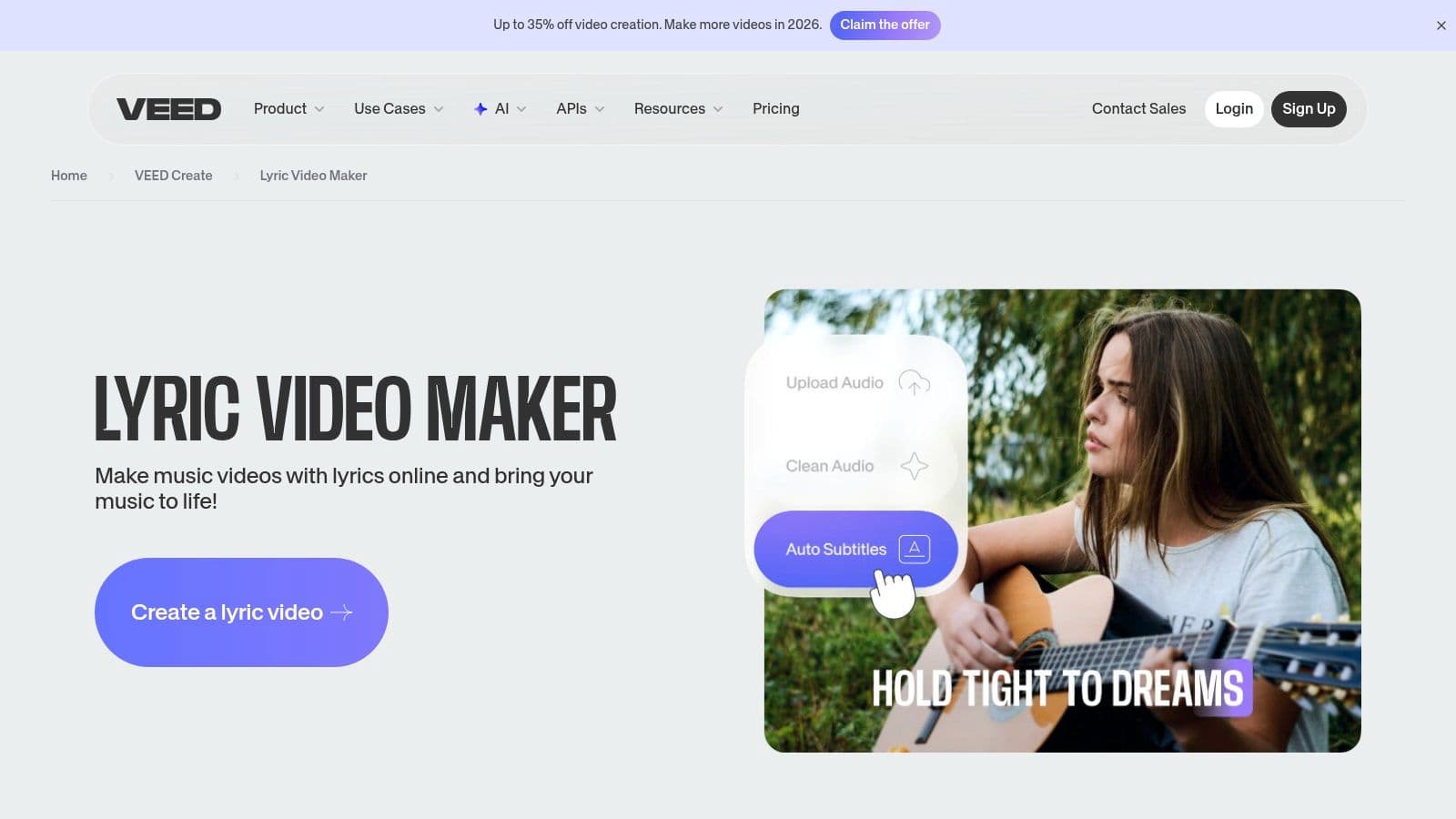
The platform stands out by pairing its auto-captioning with a variety of animated text styles and music visualizers. This combination allows for the quick creation of dynamic, engaging videos with minimal effort. While the transcription is impressively accurate for clear vocals, some manual adjustments may be needed for songs with complex instrumentation or unclear pronunciation. The clean user interface makes this editing process straightforward, positioning VEED.IO as a go-to free lyric video maker for rapid content creation.
Key Features & Limitations
| Feature | Free Plan Details | Paid Plan Upgrade |
|---|---|---|
| Auto-Subtitles | Automatically generate timed subtitles for your audio. | Advanced features like subtitle translation and exporting SRT/VTT files. |
| Styling & Animation | Access to a good selection of animated text styles and visualizers. | Access to premium templates and the ability to create brand kits. |
| Export Quality & Watermark | Exports up to 720p with a VEED.IO watermark. | Watermark-free exports in up to 4K resolution. |
| Audio Tools | Basic audio editing and the option to add royalty-free music. | Access to the "Clean Audio" feature to remove background noise. |
Best for: Creators on TikTok and YouTube who need to produce stylish, caption-heavy lyric videos quickly using an automated workflow.
Website: https://www.veed.io/create/lyric-video-maker
5. FlexClip
FlexClip is built for speed and efficiency, making it a strong contender for the best free lyric video maker for users who need to produce content quickly. Its standout feature is an AI-powered lyric generator that can automatically transcribe and sync lyrics to your uploaded audio, dramatically reducing production time. The platform also offers a wide range of music visualizers and dynamic text effects, allowing for engaging visuals with minimal effort.
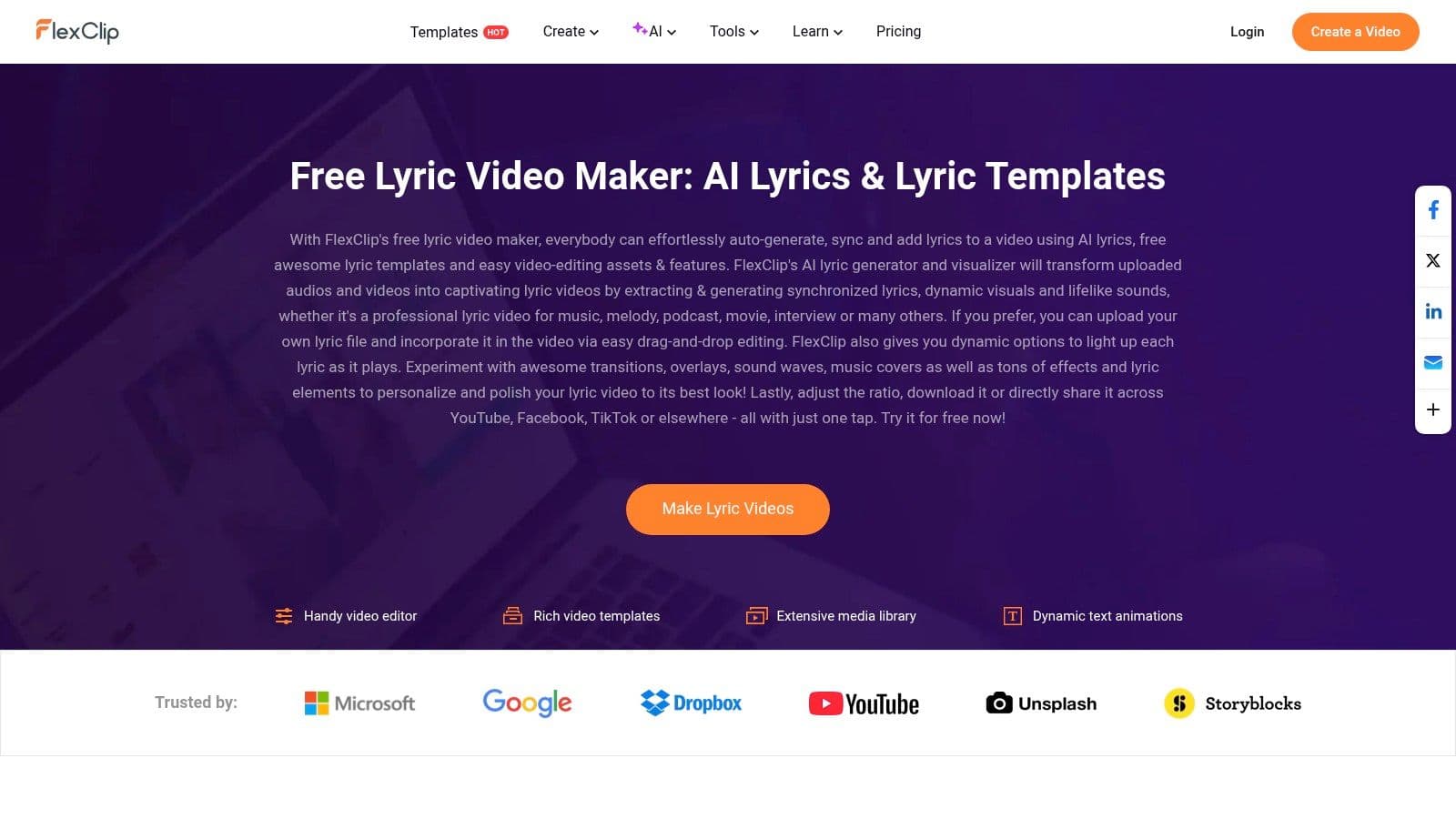
The template-driven workflow is another major advantage. You can select a pre-designed lyric video template, let the AI handle the text synchronization, and then customize the background, fonts, and colors. This streamlined process, combined with its one-tap sharing options for social media platforms like YouTube and TikTok, makes it an incredibly practical tool for content creators managing multiple channels.
Key Features & Limitations
| Feature | Free Plan Details | Paid Plan Upgrade |
|---|---|---|
| AI Lyric Sync | Available, but may have limits on usage or song length. | Unlimited AI lyric generation and synchronization. |
| Templates & Assets | Access to a limited library of free templates, video clips, and music. | Full access to an extensive library of premium templates and stock media. |
| Export Quality & Watermark | Exports are typically limited to 720p and include a FlexClip intro/outro. | Watermark-free exports in full 1080p HD. |
| Music Visualizers | Basic music visualizer options are available for free. | Access to a wider variety of premium and more complex visualizers. |
Best for: Creators who want the fastest possible workflow from audio upload to a finished, shareable lyric video, especially those leveraging AI for efficiency.
Website: https://www.flexclip.com/create/lyric-video.html
6. Animaker
Animaker excels with its strong focus on kinetic typography and animated text, making it a powerful tool for creators who want lyrics to be the star of the show. It's designed for speed and ease, offering a template-driven approach that allows users to produce dynamic, high-energy lyric videos with minimal effort. The platform is particularly well-suited for lyric-centric motion designs and quick, visually engaging social media clips.
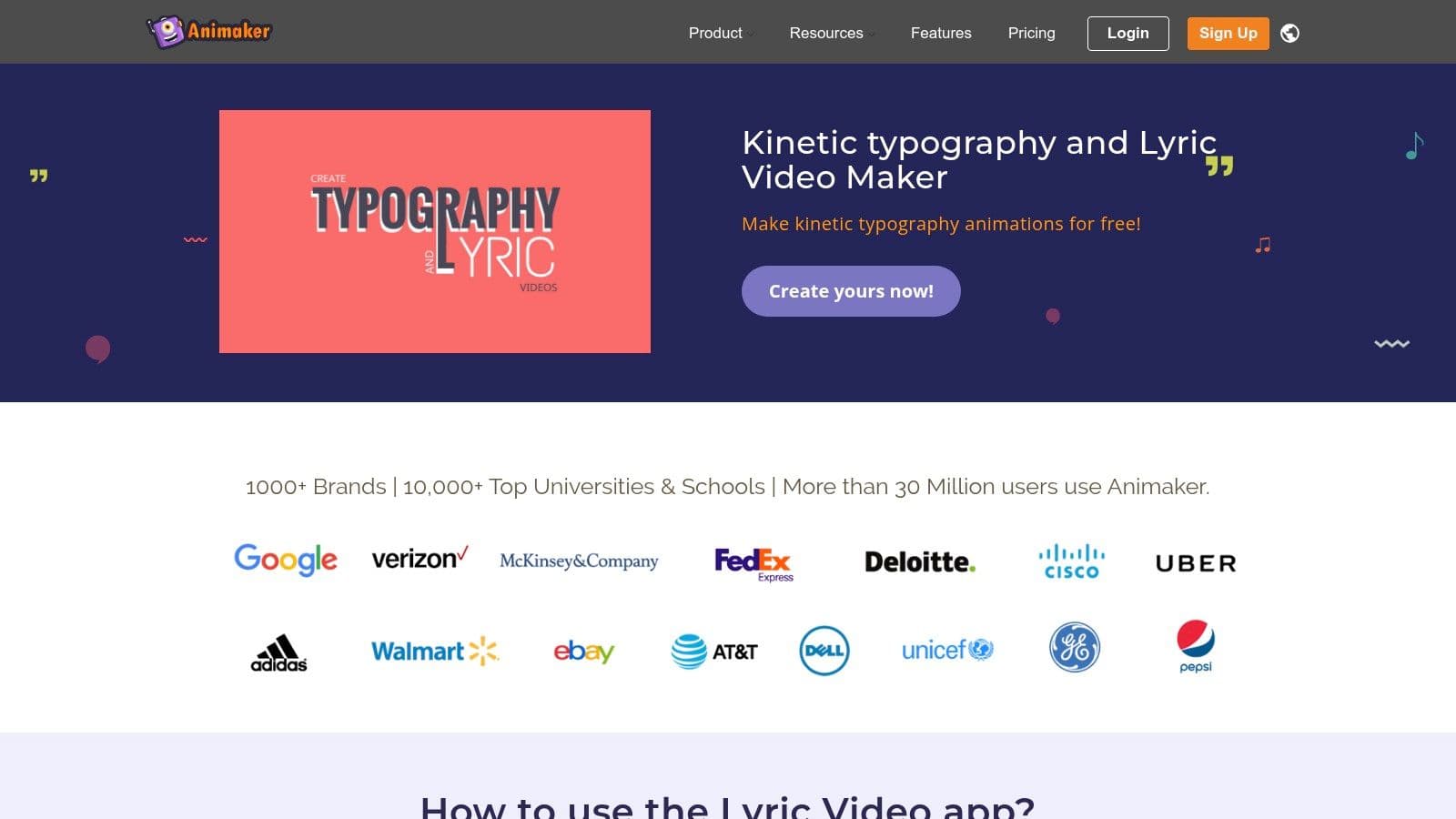
The platform's strength lies in its extensive library of pre-built text animations and effects tailored specifically for lyric video styles. This makes it an ideal free lyric video maker for users without a background in motion graphics. You can select an animation, type your lyrics, and sync them to the audio on a simplified timeline. While browser performance can sometimes lag on complex scenes, the direct export options to platforms like YouTube streamline the entire creation-to-publication workflow.
Key Features & Limitations
| Feature | Free Plan Details | Paid Plan Upgrade |
|---|---|---|
| Templates & Animations | Access to a limited selection of free templates and kinetic text effects. | Full access to all premium templates and advanced animation features. |
| Asset Library | Limited access to free stock characters, properties, and music tracks. | Significantly larger premium asset library with more variety. |
| Export Quality & Watermark | Exports in HD 720p with a prominent Animaker watermark. Limited number of exports. | Watermark-free exports in Full HD 1080p and 2K. Higher export limits. |
| Custom Fonts | Not available on the free plan. | Ability to upload your own custom fonts to match brand identity. |
Best for: Beginners and content creators who need to quickly produce animated, text-heavy videos without a steep learning curve.
Website: https://www.animaker.com/lyric-video-maker
7. Typito
Typito is a straightforward online video editor designed for speed and ease of use, making it an excellent free lyric video maker for creators who prioritize quick turnarounds. Its primary strength is the vast library of over 500 motion graphic and text templates, which allow for dynamic and visually engaging lyric presentations with minimal effort. The drag-and-drop interface simplifies the entire process, from uploading your track to styling and timing the on-screen text.
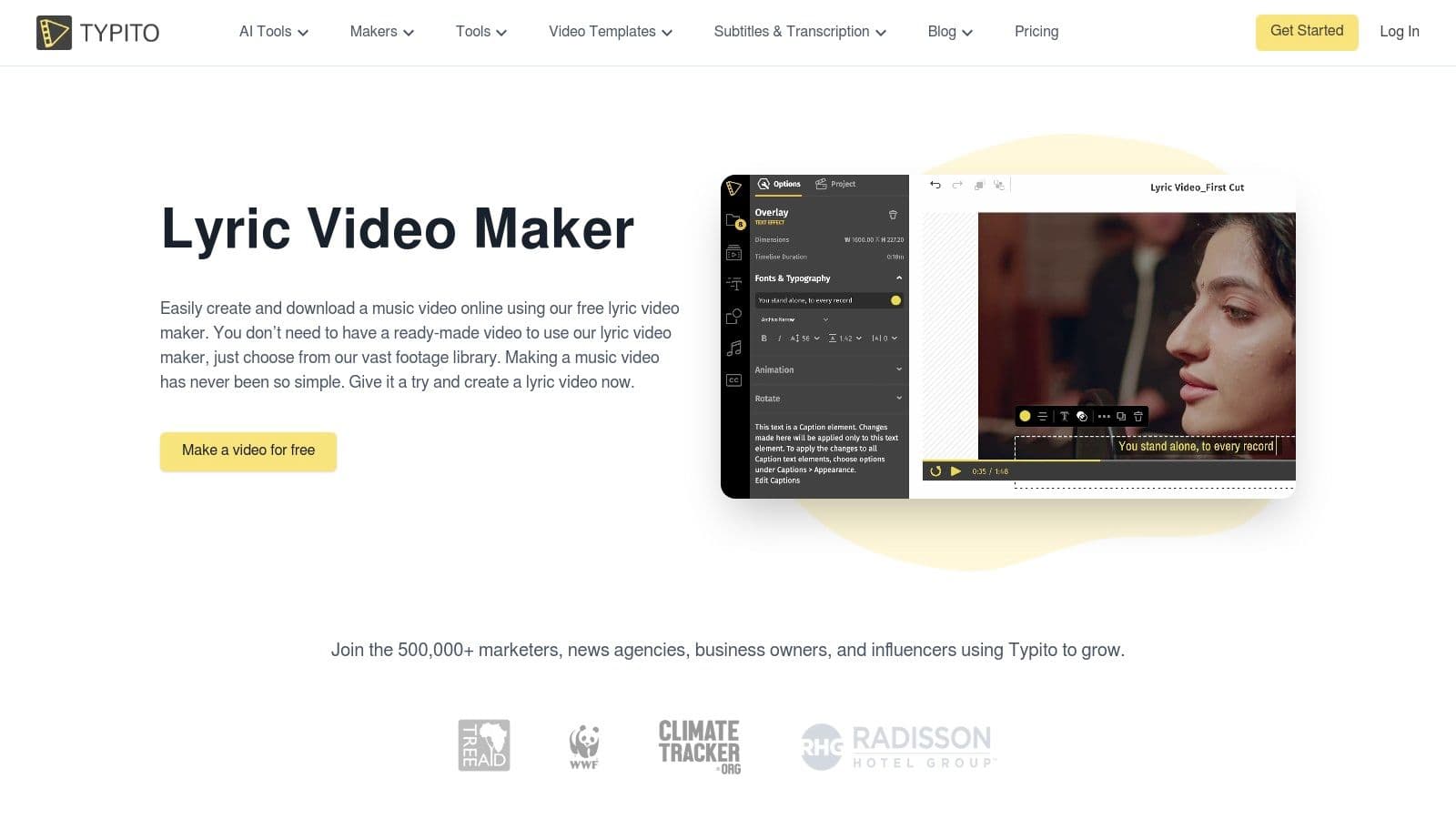
The platform is built with social media in mind, offering preset aspect ratios for platforms like Instagram, TikTok, and YouTube. This ensures your final video is perfectly formatted for your target audience without any extra steps. While it may not have the granular timeline controls of a professional editor, its template-driven approach is perfect for producing stylish, on-brand lyric videos without a significant time investment or technical knowledge.
Key Features & Limitations
| Feature | Free Plan Details | Paid Plan Upgrade |
|---|---|---|
| Text Templates | Access to all 500+ animated text templates and motion graphics. | No difference in access to text templates. |
| Stock Assets | Limited access to a library of free stock images and videos. | Premium access to a larger library of stock media assets. |
| Export Quality & Watermark | Exports in 720p with a prominent Typito watermark. | Watermark-free exports in 1080p and higher resolutions. |
| Project Limits | Limited number of video projects and storage space per month. | Increased project limits, more storage, and longer video duration. |
Best for: Beginners and social media managers who need to create visually appealing lyric videos quickly using pre-made templates and branding tools.
Website: https://typito.com/maker/lyric-video-maker
8. Flixier
Flixier is a powerful, cloud-based video editor that prioritizes speed and collaboration, making it a strong contender for the best free lyric video maker, especially for users needing a quick turnaround. Its core strength lies in its cloud-accelerated rendering, which processes videos in minutes regardless of your computer's specs. The platform offers a guided lyric video creation process that feels intuitive, even for those new to timeline-based editing.
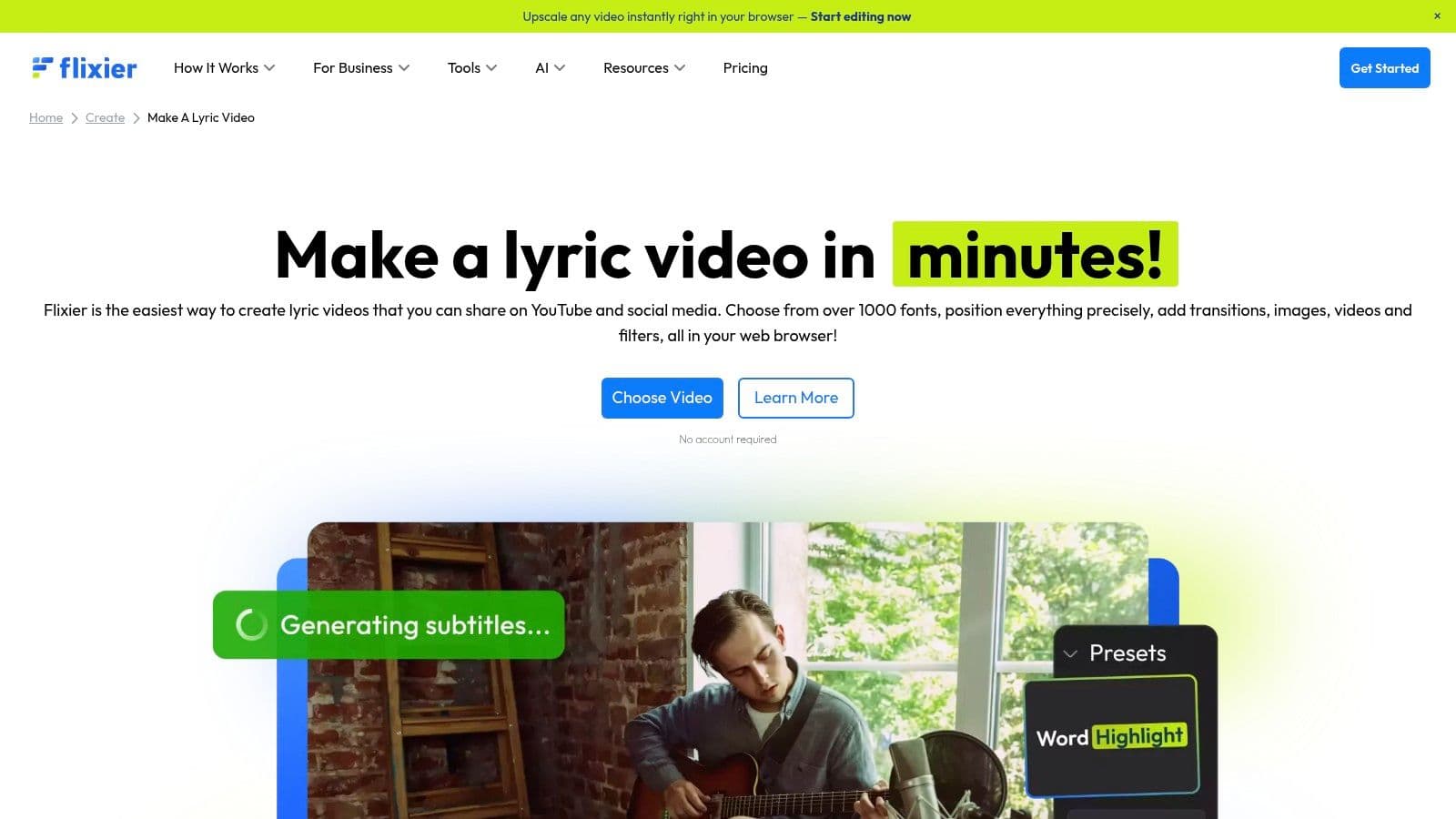
The platform stands out by allowing direct imports from YouTube, SoundCloud, and various cloud drives, streamlining the asset collection process significantly. With a library of over 1000 fonts and a variety of animated text effects, you have ample creative freedom. The timeline provides granular control over text placement and timing, striking a good balance between the simplicity of a template-based editor and the control of more advanced software.
Key Features & Limitations
| Feature | Free Plan Details | Paid Plan Upgrade |
|---|---|---|
| Rendering Speed | Fast, cloud-based rendering included. | Even faster rendering with dedicated processing power. |
| Source Imports | Import directly from YouTube, SoundCloud, and cloud drives. | More storage and larger file size limits for imports. |
| Export Quality & Watermark | Exports up to 720p with a Flixier watermark. Limited to 10 minutes of export time per month. | Watermark-free exports up to 4K and significantly more monthly export time. |
| Text & Fonts | Access to over 1000 fonts and various animated text effects. | Access to premium motion graphics, transitions, and effects. |
Best for: Creators who need to produce lyric videos quickly on any computer and value the convenience of importing media directly from online sources.
Website: https://flixier.com/create/make-a-lyric-video
9. Descript
Descript approaches video creation from a unique, audio-first perspective, making it a surprisingly powerful tool for lyric videos where timing is everything. Instead of manually placing text on a timeline, Descript automatically transcribes your uploaded audio. This creates an editable text document where the words are perfectly synced to the audio track, allowing you to edit the video by simply editing the text. This workflow is exceptionally precise for getting lyrics to appear exactly when they are sung.
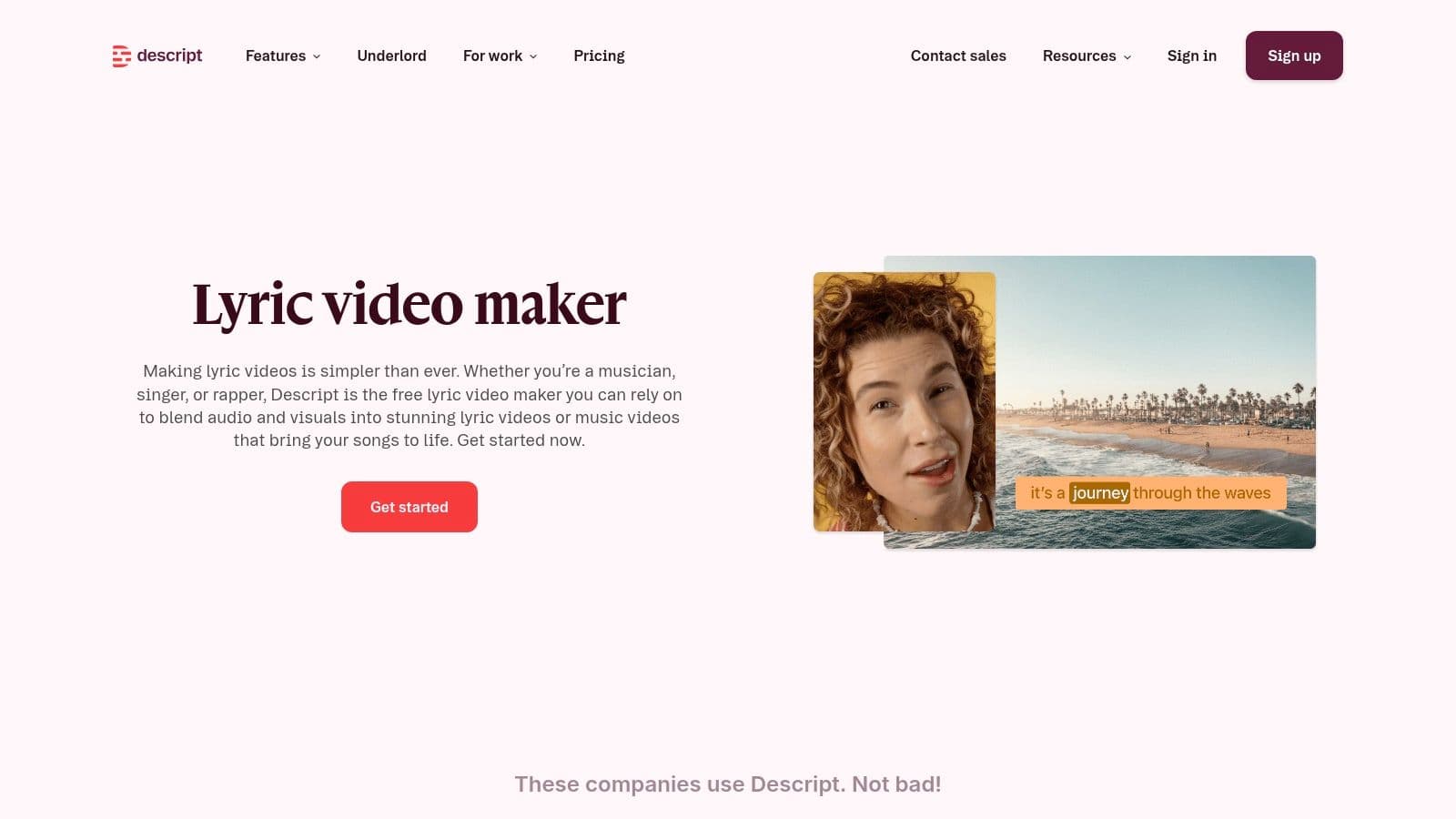
The platform’s real magic is its word-level timeline. You can adjust the timing of a single word or phrase with incredible accuracy just by dragging its boundary in the transcript. Once the transcription is perfected, you can add a video or image background and style the captions. While it lacks the flashy, one-click templates of other editors, its strength as a free lyric video maker lies in its unparalleled synchronization accuracy, making it ideal for dialogue-heavy or rap-focused music projects.
Key Features & Limitations
| Feature | Free Plan Details | Paid Plan Upgrade |
|---|---|---|
| Transcription & Sync | 1 hour of transcription per month. Automatic word-level audio-text synchronization. | 10-30 hours of transcription per month, plus more advanced AI features. |
| Export Quality & Watermark | Unlimited watermark-free video exports at up to 720p resolution. | Watermark-free exports up to 4K resolution. |
| Editing Workflow | Full access to the text-based video editor and basic caption styling. | Access to premium stock assets, advanced audio effects, and AI tools. |
| Project Limits | Limited to editing one project at a time. | Unlimited projects and cloud storage. |
Best for: Musicians and podcasters who prioritize perfect text-to-audio synchronization over elaborate visual templates.
Website: https://www.descript.com/tools/lyric-video-maker
10. Clideo
Clideo positions itself as a suite of simple, browser-based video tools, and its subtitle editor serves as a surprisingly effective free lyric video maker for quick projects. It's not a template-driven platform but rather a functional tool focused on one core task: adding text to video. This makes it ideal for users who already have their background video and just need a straightforward way to overlay and time their lyrics.
The platform’s standout feature is its flexibility in adding lyrics. You can add them manually, use an AI-powered auto-generator, or upload a pre-made SRT subtitle file. This SRT import/export capability is particularly useful for creators who prefer to time their lyrics in a dedicated subtitle app and then apply them visually in Clideo. While the styling options are basic, they are sufficient for creating clean, legible lyric videos for social media.
Key Features & Limitations
| Feature | Free Plan Details | Paid Plan Upgrade |
|---|---|---|
| Lyric Input Methods | Add text manually, upload an SRT file, or use AI auto-subtitles. | All input methods are available. |
| Styling & Customization | Basic controls for font style, size, color, and background. | Access to custom fonts and more advanced styling options. |
| Export Quality & Watermark | Exports up to 1080p with a prominent Clideo watermark. | Watermark-free exports and higher priority processing. |
| File Size & Storage | Limited file size uploads (up to 500 MB) and limited project storage. | Increased file size limits (up to 100 GB) and unlimited cloud storage. |
Best for: Creators who need a fast, no-frills tool for adding lyrics to existing video clips, especially those who work with SRT files.
Website: https://clideo.com/how-to-make-music-video-with-lyrics
11. Renderforest
Renderforest is a massive online template marketplace that extends beyond simple video editing, offering a huge library of animated scenes, intros, and music visualizers. While not a dedicated lyric video maker, its strength lies in its modular, template-driven approach. You can quickly assemble a visually dynamic video by stringing together various pre-animated text scenes and visual effects, making it ideal for artists who want more than just words on a static background.
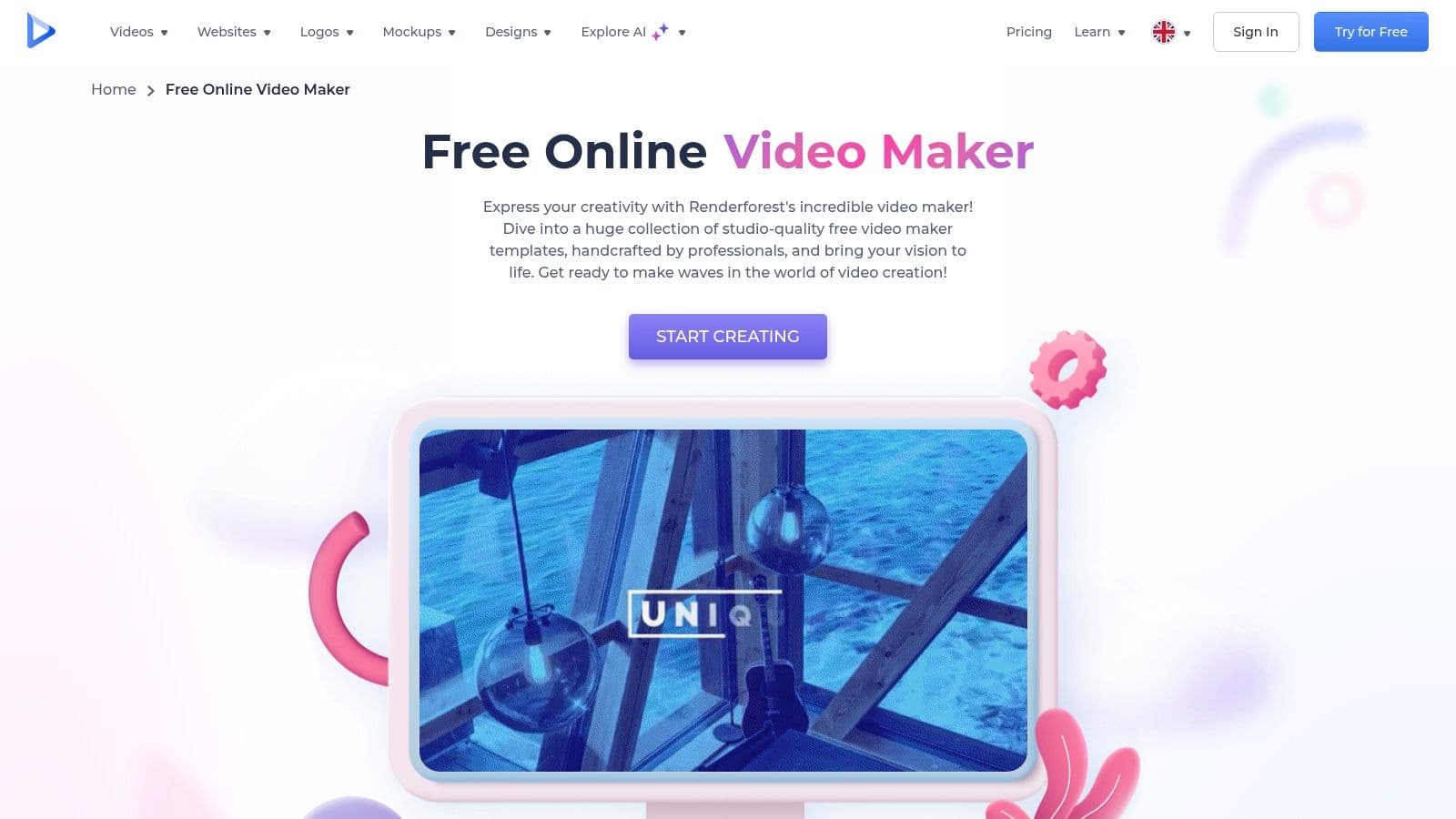
The platform shines for creating promotional clips or lyric videos with a strong emphasis on branding and motion graphics. Instead of a traditional timeline, you build your video scene by scene, customizing the text and colors within each template. This makes it incredibly fast for short projects, although precise, word-for-word lyric syncing requires more manual effort compared to specialized tools. It's a trade-off between granular timing control and rapid, high-quality animated production.
Key Features & Limitations
| Feature | Free Plan Details | Paid Plan Upgrade |
|---|---|---|
| Templates & Animations | Access to a large library of free templates and animated scenes. | Full access to premium, higher-quality templates and visualizer packs. |
| Stock Assets | Access to a limited selection of stock video clips and audio tracks. | Access to over 5 million premium stock assets, including 4K video. |
| Export Quality & Watermark | Exports in up to 720p with a prominent Renderforest watermark. | Watermark-free exports in up to 4K resolution and access to more audio tracks. |
| Video Duration | Projects are limited to a maximum of 3 minutes in length. | Longer video durations, with limits increasing based on the subscription tier. |
Best for: Musicians and marketers needing to produce branded music visualizers or short, highly animated lyric videos quickly using a template-based system.
Website: https://www.renderforest.com/video-maker
12. HeyGen – Karaoke Video Maker
HeyGen applies powerful AI technology to the specific niche of karaoke and lyric video creation, offering a highly automated workflow. Instead of manual timeline editing, its core strength is the AI-assisted engine that automatically detects and syncs lyrics to an uploaded audio track. This feature alone makes it an invaluable tool for creators who want to produce content quickly without the tedious task of timing each line perfectly.
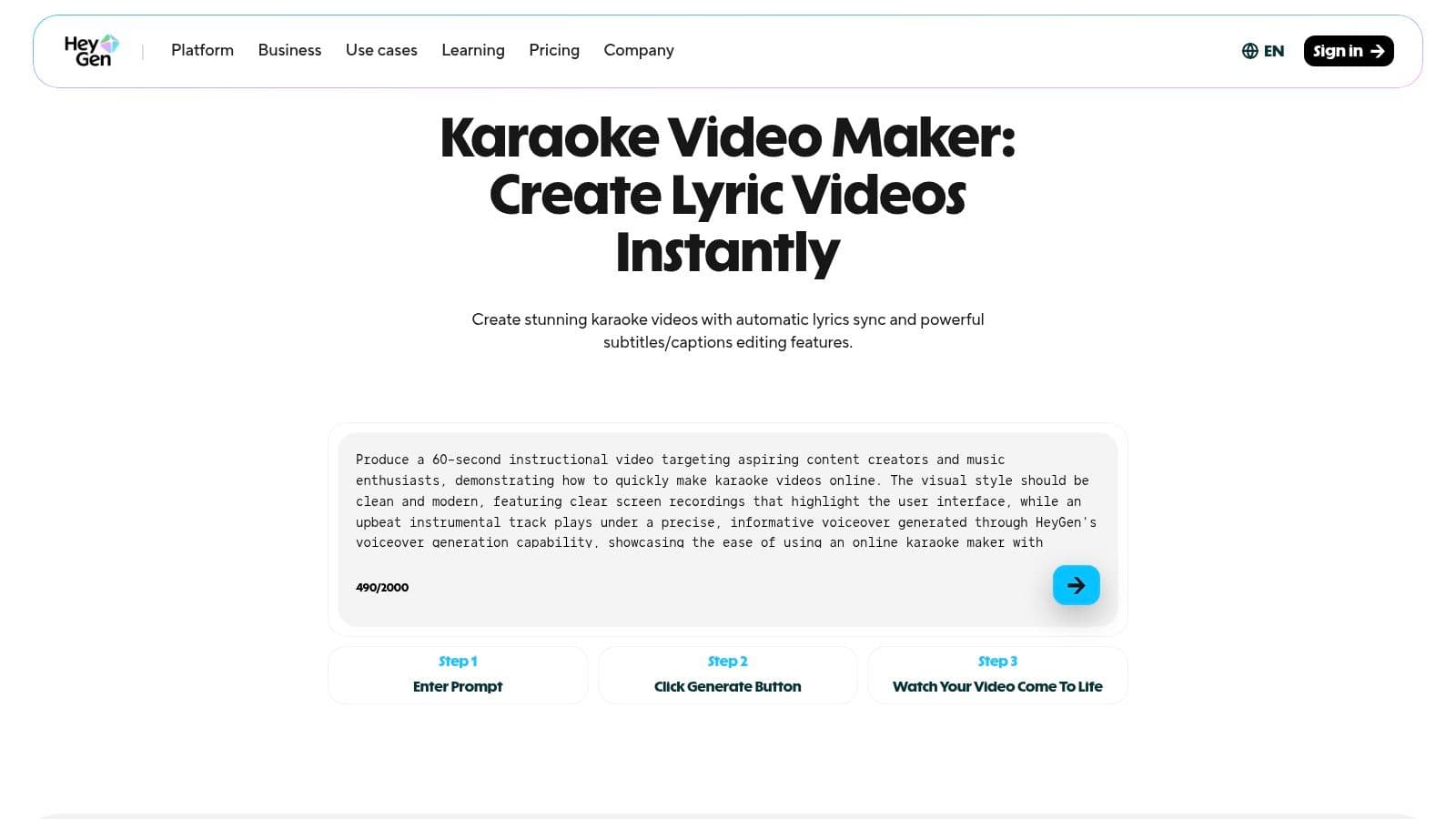
The platform is purpose-built for this task, providing animated subtitle styles that mimic traditional karaoke visuals, alongside customizable fonts and backgrounds. While HeyGen is a broader AI video platform, its karaoke tool is a focused and effective solution. The browser-based editor simplifies the process, allowing for quick adjustments before exporting a high-quality 1080p video, making it a strong contender for the title of best free lyric video maker for automated projects.
Key Features & Limitations
| Feature | Free Plan Details | Paid Plan Upgrade |
|---|---|---|
| AI Lyric Syncing | Automatic lyric-to-audio synchronization for quick project turnaround. | More credits for longer or a higher volume of videos. |
| Templates & Styles | Access to animated karaoke-style subtitles, fonts, and backgrounds. | Potentially more advanced or exclusive animation styles and assets. |
| Export Quality & Watermark | Exports in up to 1080p MP4 format, likely with a HeyGen watermark. | Watermark-free exports and potentially higher resolution options. |
| Video Length | Limited video length or number of exports per month on the free tier. | Increased limits on video duration, number of exports, and credits. |
Best for: Karaoke channel creators and musicians looking for the fastest possible way to sync lyrics to audio with minimal manual effort.
Website: https://www.heygen.com/video/karaoke-video-maker
Top 12 Free Lyric Video Makers — Feature Comparison
| Tool | Core features ✨ | UX / Quality ★ | Pricing & Value 💰 | Target audience & USP 👥 ✨ |
|---|---|---|---|---|
| 🏆 MyKaraoke Video | AI auto-lyrics sync, vocal removal, powerful sync editor, server-side rendering, 1080p MP4 | ★★★★★ (real-time preview, precise sync) | 💰 Free trial credits; pay-as-you-go (~$0.10/credit); $5/mo (120) / $10/mo (600) | 👥 Karaoke channels, musicians, creators — ✨ AI-driven speed + full customization |
| Adobe Express | Templates, Adobe Fonts, stock assets, brand kits | ★★★★☆ (polished templates, easy UI) | 💰 Free tier; premium Adobe plans for stock & brand kits | 👥 Beginners & social creators — ✨ templates + Adobe ecosystem |
| Kapwing | Auto-subtitles, text animations, stock media, collaboration | ★★★★ (fast caption workflow, collaborative) | 💰 Free (watermark/limits); Pro plans for full exports | 👥 Social creators & teams — ✨ collaborative editing & auto-captions |
| VEED.IO | Auto-subtitle engine, animated captions, visualizers, noise cleanup | ★★★★ (clean UI, good auto-captioning) | 💰 Free limited; Pro unlocks SRT/translation & higher quality | 👥 YouTube/TikTok creators — ✨ music visualizers & multi-language support |
| FlexClip | AI lyric generator & sync, visualizers, templates, quick scene building | ★★★☆ (very fast workflow) | 💰 Free plan (watermark/quality caps); paid tiers for full assets | 👥 Fast-turnaround creators — ✨ one-tap templates & exports |
| Animaker | Kinetic typography, animated text presets, template-driven projects | ★★★☆ (strong text effects) | 💰 Free tier (watermark/limits); paid for higher res/assets | 👥 Motion/lyric designers — ✨ extensive kinetic-typography presets |
| Typito | Drag-and-drop text timing, 500+ text templates, stock integration | ★★★☆ (easy for first-time users) | 💰 Free (watermark/limits); paid for full exports | 👥 Social-first creators — ✨ abundant text templates |
| Flixier | Cloud-accelerated editing, guided lyric workflow, 1000+ fonts, imports | ★★★★ (very fast rendering) | 💰 Free limited; paid for watermark-free fast exports | 👥 Creators needing speed & imports — ✨ cloud-accelerated renders |
| Descript | Auto-transcription, word-level timing, audio-first editor, Correct mode | ★★★★★ (excellent timing precision) | 💰 Free limited transcription; paid for higher minutes/features | 👥 Audio-focused creators & producers — ✨ word-level sync accuracy |
| Clideo | Manual text overlays, SRT upload, auto-subtitle, export formats | ★★★☆ (approachable, simple) | 💰 Free (watermark); pay to remove limits | 👥 Basic caption users & SRT workflows — ✨ SRT round-tripping |
| Renderforest | Large template marketplace, text animations, music visualizers | ★★★☆ (quick template-driven builds) | 💰 Free (watermark/quality caps); paid templates/exports | 👥 Branded content creators — ✨ vast template library |
| HeyGen – Karaoke Video Maker | Automatic lyrics sync, animated subtitle styles, 1080p export | ★★★★ (karaoke-focused, AI timing) | 💰 Free trial/paid tiers (limits on advanced features) | 👥 Karaoke-first users & channels — ✨ dedicated karaoke workflow |
Press Play on Your Creativity
Navigating the landscape of video creation tools reveals a powerful truth: producing high-quality lyric videos no longer requires a blockbuster budget or a degree in motion graphics. The barrier to entry has crumbled, replaced by a wealth of accessible, powerful, and often free platforms. As we've explored, the challenge isn't finding a tool; it's finding the right tool for your specific creative vision and workflow.
The journey to find the best free lyric video maker is a personal one, guided by your project's unique demands. Your final choice will hinge on a clear understanding of your own priorities. Are you a musician needing perfect, frame-by-frame synchronization between lyrics and vocals? Or are you a social media manager who values a vast library of templates and stock assets for quick, engaging content?
Your Path to the Perfect Lyric Video
To make the best decision, reflect on the key takeaways from our analysis:
- For Specialized Karaoke and Lyric Sync: If your primary goal is creating precisely timed karaoke tracks or traditional lyric videos, specialized tools are unmatched. Their automated synchronization features save hours of manual effort, a benefit that cannot be overstated for creators producing content at scale.
- For All-in-One Creative Suites: If your lyric video is part of a broader content strategy that includes social media posts, promotional graphics, and other video formats, a comprehensive suite like Adobe Express or Kapwing offers immense value. Their integrated design tools and asset libraries provide a unified creative ecosystem.
- For Cloud-Based Collaboration: For teams working remotely or creators who need to access projects from multiple devices, cloud-native platforms like VEED.IO and Flixier are essential. They eliminate the need for powerful local hardware and streamline the review and feedback process.
- For Simplicity and Speed: When you need to get a video out quickly without a steep learning curve, tools like FlexClip and Clideo shine. Their intuitive, template-driven interfaces prioritize speed and efficiency, making them ideal for straightforward projects.
Making Your Final Selection
Before you commit, consider the limitations of each free tier. Watermarks, export resolution caps, and storage limits are common trade-offs. We recommend testing two or three platforms that align with your goals. Upload the same audio track and try creating the first 30 seconds of your video on each. This hands-on comparison will quickly reveal which interface feels most intuitive and which workflow best suits your creative style.
Ultimately, the best free lyric video maker is the one that removes friction from your creative process, allowing you to focus on what truly matters: connecting with your audience through the power of music and words. The tools are here, the technology is accessible, and your next great video is waiting to be made.
Ready to create perfectly synchronized karaoke and lyric videos in minutes, not hours? MyKaraoke Video is purpose-built to automate the most time-consuming parts of the process. Try our specialized AI-powered tool today and experience the fastest way to bring your music to life at MyKaraoke Video.
