Running a successful YouTube channel demands more than just great content; it requires efficiency. Between creating, optimizing, scheduling, and analyzing, manual workflows can quickly lead to burnout and slow growth. This is where the strategic use of youtube automation tools becomes a game-changer. These platforms aren't about replacing creativity with robots; they're about amplifying your creative output by handling the repetitive, time-consuming tasks that bog you down.
By automating processes like generating lyric videos, optimizing video metadata for search, scheduling a month's worth of uploads in one session, or moderating comments, you can reclaim valuable hours. This allows you to focus on what truly matters: developing high-quality content, engaging with your community, and growing your brand. To fully grasp the potential, it's essential to understand the fundamental concept of content automation and how it can significantly multiply your channel's output.
This comprehensive guide breaks down the essential youtube automation tools across every stage of the content lifecycle. We will explore 12 of the best platforms, from video creation tools like MyKaraoke Video to analytics powerhouses like vidIQ and scheduling solutions like Buffer. Each option is categorized by its function and includes direct links and screenshots to help you build the perfect tech stack for your specific needs, whether you run a karaoke channel, promote your music, or market a small business. We’ll show you how to build a powerful, scalable system to grow your channel smarter, not harder.
1. MyKaraoke Video
MyKaraoke Video earns its top spot as a premier YouTube automation tool specifically for creators in the music niche. It masterfully automates the complex and time-consuming process of creating professional-grade karaoke and lyric videos, transforming what used to take hours of manual editing into a task completed in minutes. This browser-based platform requires no software installation, handling all heavy lifting like video rendering on its servers, which keeps your personal device free for other tasks.
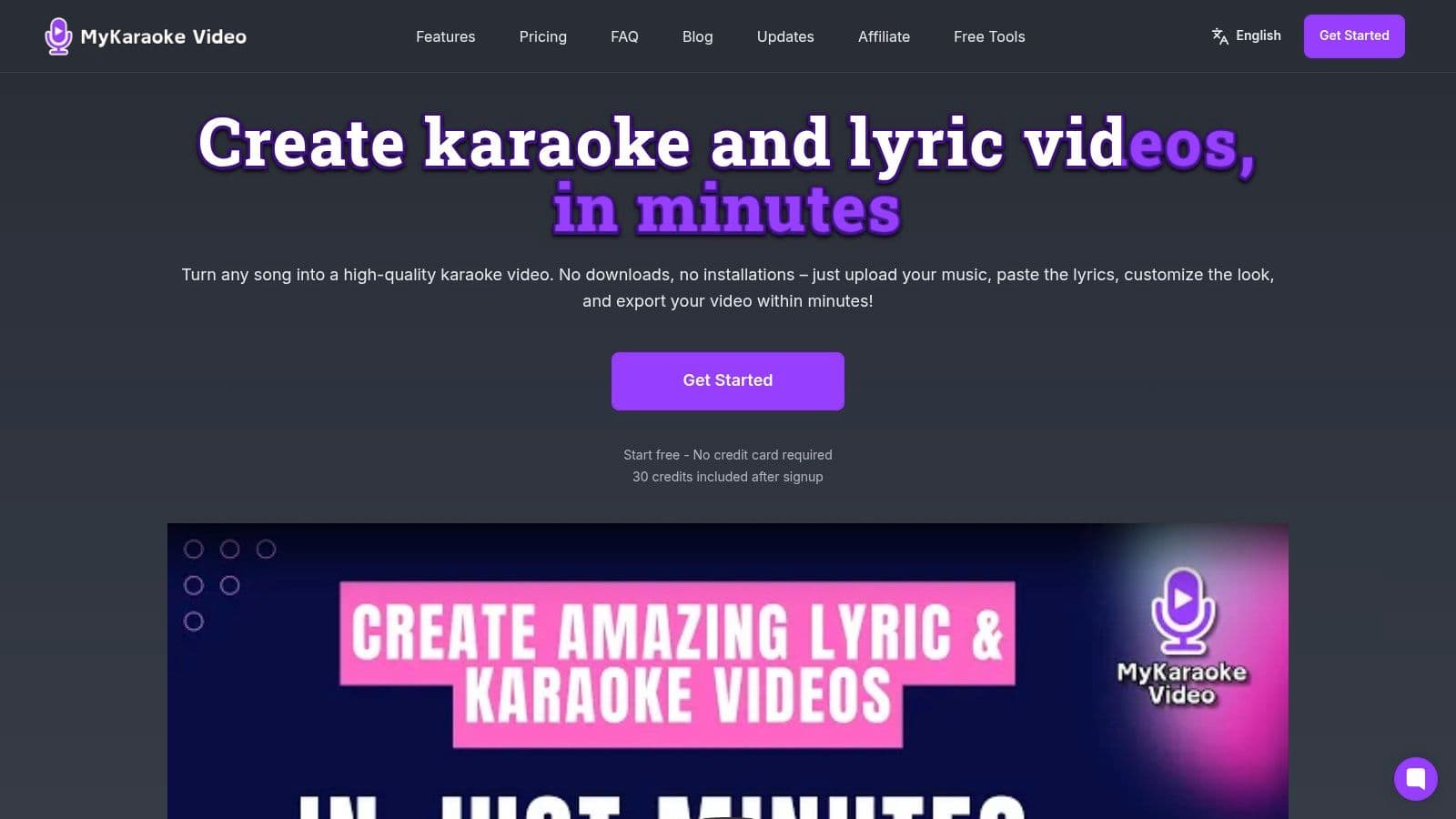
The platform’s core strength lies in its powerful, AI-driven workflow. You can upload an audio track, and the AI will automatically transcribe the lyrics, remove vocals if needed, and synchronize the text to the music with remarkable accuracy. This "1-Click" functionality provides a fantastic starting point, which can then be fine-tuned using a granular sync editor for frame-perfect timing. This fusion of automation and manual control makes it an indispensable asset for karaoke channel managers, musicians, and marketing teams aiming to scale their video production efficiently.
Key Features and Workflow Automation
MyKaraoke Video is built around a streamlined, three-step process: upload audio, add lyrics (or let AI do it), and customize the visual output. The real-time preview is a standout feature, allowing you to see every change instantly, from font adjustments and color schemes to background animations and audio visualizers.
- AI-Powered Automation: Automatic vocal removal, lyric transcription, and timing synchronization drastically cut down production time.
- Deep Customization: Access a massive library of Google Fonts, royalty-free background videos, and granular controls for text outlines, shadows, and animations.
- Server-Side Rendering: Exports 1080p MP4 videos without taxing your computer’s resources. Subscribers can queue multiple exports, further automating their content pipeline.
- Duet Mode: Easily format videos for two singers with distinct colors and on-screen placement, a popular format for karaoke channels.
Pricing and Accessibility
The platform offers a uniquely flexible pricing structure that accommodates various user levels. A free tier is available to test the service, supported by a pay-as-you-go credit system ($0.10/credit) for infrequent users. For dedicated creators, the monthly plans are highly competitive:
- Standard: $5/month for 120 credits.
- Premium: $10/month for 600 credits, plus priority rendering.
A typical 3-minute video uses about 6 credits, making the platform extremely cost-effective. For those needing a detailed guide, the company provides excellent resources that explain how to make a karaoke video for YouTube step-by-step.
Pros and Cons
| Pros | Cons |
|---|---|
| Ultra-fast, AI-driven workflow that automates the most tedious parts of video creation. | The credit-based system may become costly for users who frequently use premium features like instant rendering. |
| Completely browser-based with server-side rendering, freeing up your local device. | The free plan is limited, including a watermark and a small number of credits, pushing serious creators toward paid tiers. |
| Extensive customization options with real-time previews for creating a unique, branded look. | Advanced convenience features like priority exports and larger concurrent queues are reserved for paying subscribers. |
| Flexible and affordable pricing, including a free tier, pay-as-you-go, and low-cost monthly plans that suit different user needs. | While the AI is excellent, perfect synchronization on complex songs may still require minor manual adjustments in the sync editor. |
Website: https://www.mykaraoke.video
2. vidIQ
vidIQ is an all-in-one YouTube growth suite that functions as a co-pilot for your channel's optimization and strategy. While not a "hands-off" automation tool in the traditional sense, it automates the data analysis and creative brainstorming processes that consume hours of a creator's time. Its powerful browser extension and web app provide real-time SEO scores, keyword suggestions, and competitor insights directly within the YouTube interface, making it one of the most integrated youtube automation tools for daily operations.
What sets vidIQ apart is its AI Coach and focus on idea generation. The AI Coach provides conversational guidance, helping you brainstorm video topics, script outlines, and titles based on current trends and your channel's performance. For creators struggling with content planning, this feature is invaluable. The platform's "Daily Ideas" tool also serves up personalized video concepts, complete with predictive viewership scores, taking the guesswork out of what to create next.
Key Features & Use Cases
- AI-Driven SEO: Automates keyword research by suggesting high-volume, low-competition tags and titles as you type.
- Competitor Analysis: Track competitor performance to identify content gaps and successful strategies you can adapt. A musician could use this to see which cover songs are trending for similar artists.
- Content Ideation: The AI Coach and Daily Ideas features are perfect for small businesses or solo creators needing a constant stream of relevant video topics.
- Performance Analytics: Get detailed analytics beyond what YouTube Studio offers to understand what truly drives your channel's growth.
Our Take: The user interface can feel overwhelming initially due to the sheer volume of data presented. New users should start with the free plan to familiarize themselves with the core SEO tools before upgrading. The credit system for AI features on paid plans can also be confusing, so monitor your usage.
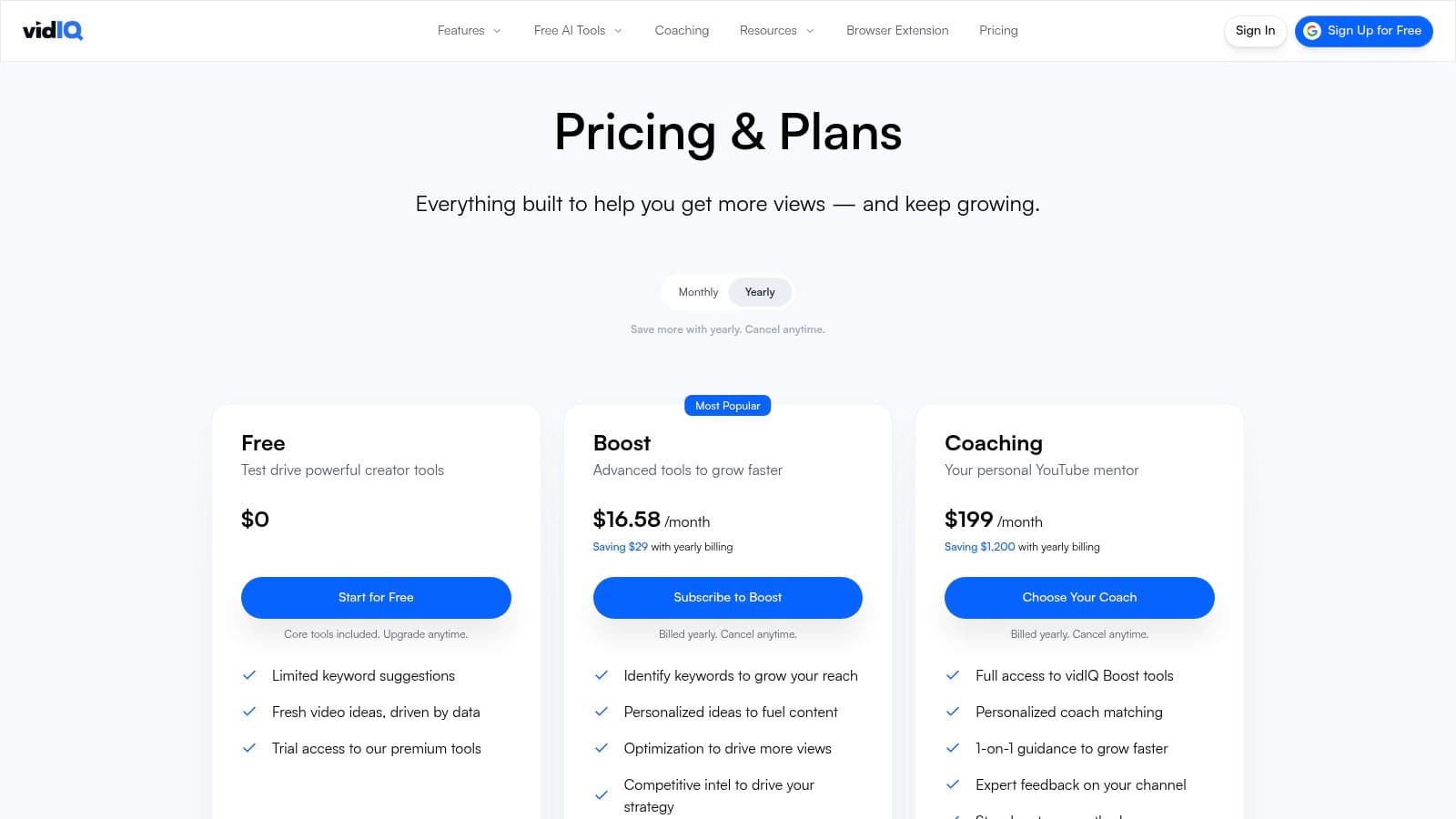
Pricing: vidIQ offers a free Basic plan with limited features. Paid plans include Pro (starting at $7.50/month), Boost (starting at $39/month), and custom-priced Max plans for larger teams and agencies.
Best For: Solo creators, marketing teams, and brands who want a data-driven approach to channel growth and content strategy.
3. TubeBuddy
TubeBuddy is a powerhouse browser extension and mobile app designed to be a creator's best friend, integrating directly into the YouTube interface. It streamlines tedious management tasks through automation, saving creators significant time. Unlike tools focused solely on data, TubeBuddy excels at bulk processing and testing, making it one of the most practical youtube automation tools for optimizing and maintaining a large library of videos efficiently.
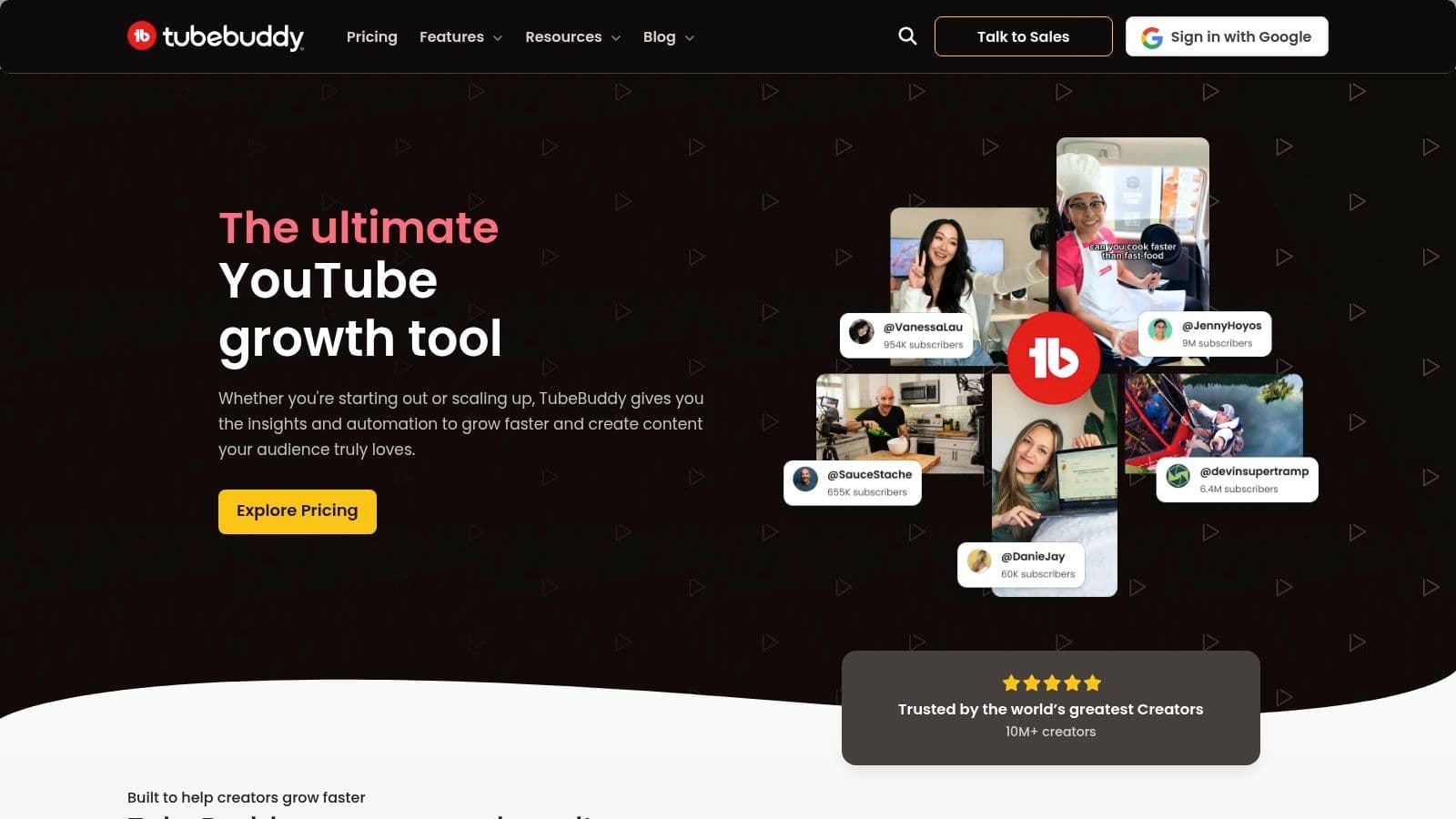
What truly makes TubeBuddy stand out is its emphasis on workflow efficiency and actionable testing. Its A/B testing feature for thumbnails and titles is invaluable for data-driven channel growth, allowing you to empirically determine what resonates with your audience. For creators managing dozens or hundreds of videos, features like bulk metadata updates (e.g., adding a promotional link to all video descriptions at once) are a game-changer, turning hours of manual work into a few clicks.
Key Features & Use Cases
- Bulk Processing Tools: Automate updates to your video cards, end screens, and descriptions across your entire channel simultaneously.
- A/B Testing: Systematically test different thumbnails, titles, and descriptions to maximize click-through rates and viewership. A musician could test a performance shot against an animated graphic thumbnail to see which performs better.
- SEO Studio & Keyword Explorer: Get real-time feedback and suggestions to optimize your video's metadata for higher search rankings.
- Canned Responses: Speed up comment moderation by creating and using pre-written replies for frequently asked questions.
Our Take: The sheer number of features can make the interface feel crowded for new users, so take time to explore one toolset at a time. Be mindful during checkout, as billing often defaults to annual plans. The platform's educational resources are a great bonus for those looking to implement effective YouTube channel growth tips.
Pricing: TubeBuddy offers a free version with basic tools. Paid plans include Pro (starting at $4.49/month), Star ($14.99/month), and Legend ($29.99/month), with discounts for annual billing.
Best For: Creators of all sizes who want to save time on repetitive tasks and use data-backed A/B testing to optimize their content.
4. Morningfame
Morningfame is a YouTube analytics and keyword research tool designed specifically for creators who find traditional platforms overwhelming. It automates the analytical process by translating complex channel data into simple, actionable steps. Instead of presenting raw numbers, Morningfame guides you through a four-step optimization workflow, making it an excellent starting point for those new to using youtube automation tools for growth strategy.
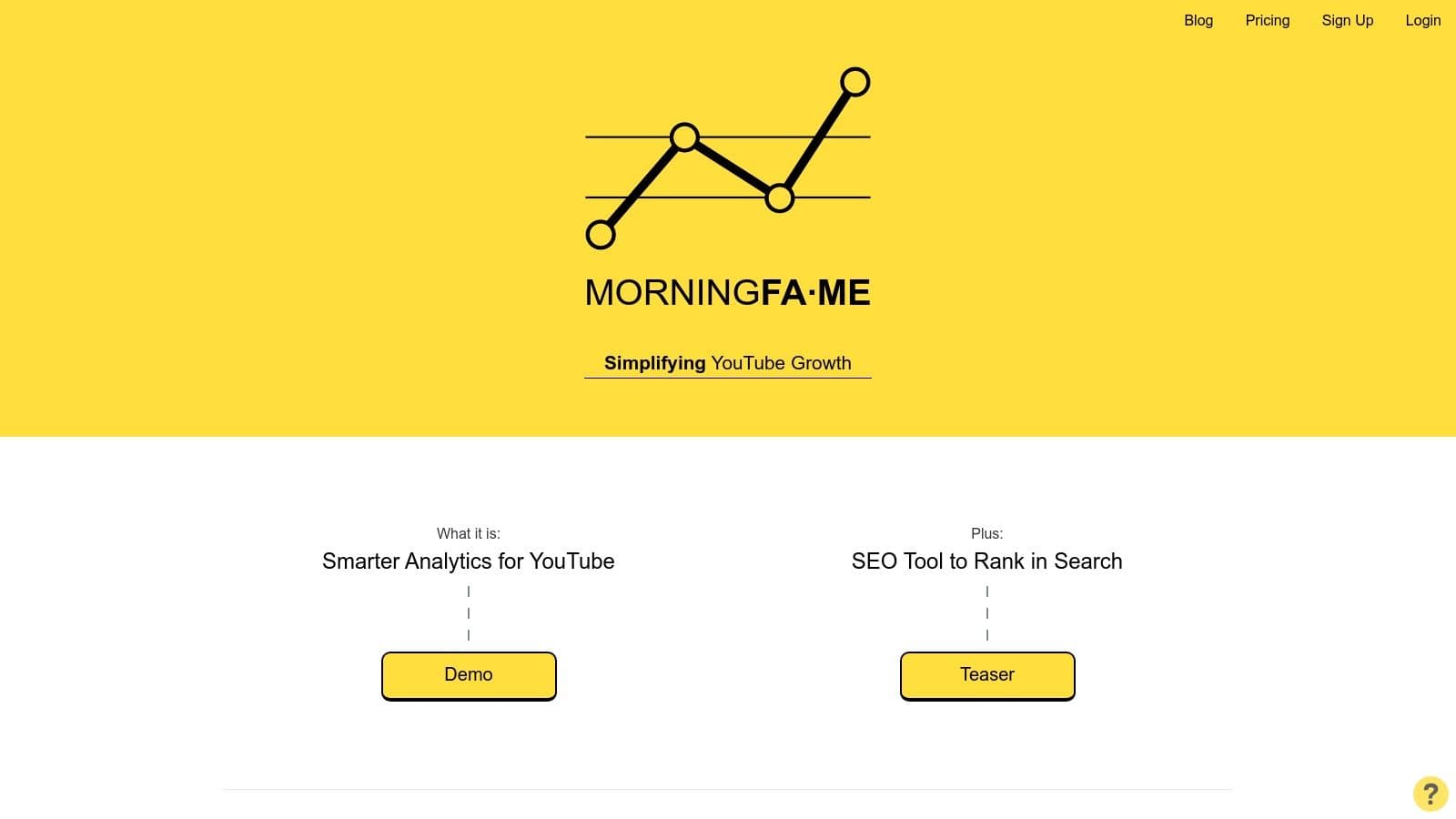
What makes Morningfame unique is its prescriptive approach and focus on "ranking probability." The keyword research tool doesn't just show you search volume; it analyzes your channel's authority and tells you which keywords you have a realistic chance of ranking for. This guided process removes the guesswork from SEO, helping newer channels target achievable topics to build momentum, automating a significant part of the strategic planning phase.
Key Features & Use Cases
- Guided Keyword Research: Provides a step-by-step process to find relevant keywords, rating your channel's "ranking potential" for each one.
- Simplified Analytics: Tracks your channel's growth "velocity" and compares your videos against your own average performance, not just competitors.
- Metadata Optimization Workflow: Walks you through crafting a title, description, and tags for your next video based on your chosen keyword. A musician could use this to find an un-saturated "how to play" tutorial topic.
- Performance Reporting: Delivers clear reports on what is and isn't working, helping you make informed decisions for future content.
Our Take: The invite-only system can be a hurdle, but invite codes are widely available from other creators. While it lacks the advanced features of competitors, like A/B testing, its simplicity is its greatest strength. It’s the perfect tool for creators who need clear direction without analytical overload.
Pricing: Access is invite-only, often with a one-month free trial. The Basic plan starts at $4.90/month, with the Plus plan at $12.90/month offering more extensive keyword research capabilities.
Best For: New YouTubers, solo creators, and anyone looking for a simple, guided approach to channel analytics and SEO.
5. Hootsuite
Hootsuite is a comprehensive social media management platform that extends its powerful scheduling and analytics capabilities to YouTube. While known for managing multiple social networks, it excels as a youtube automation tool for teams and brands needing a centralized content calendar. It automates the publishing process, allowing users to schedule videos in advance and receive AI-powered recommendations for the optimal time to post for maximum engagement.
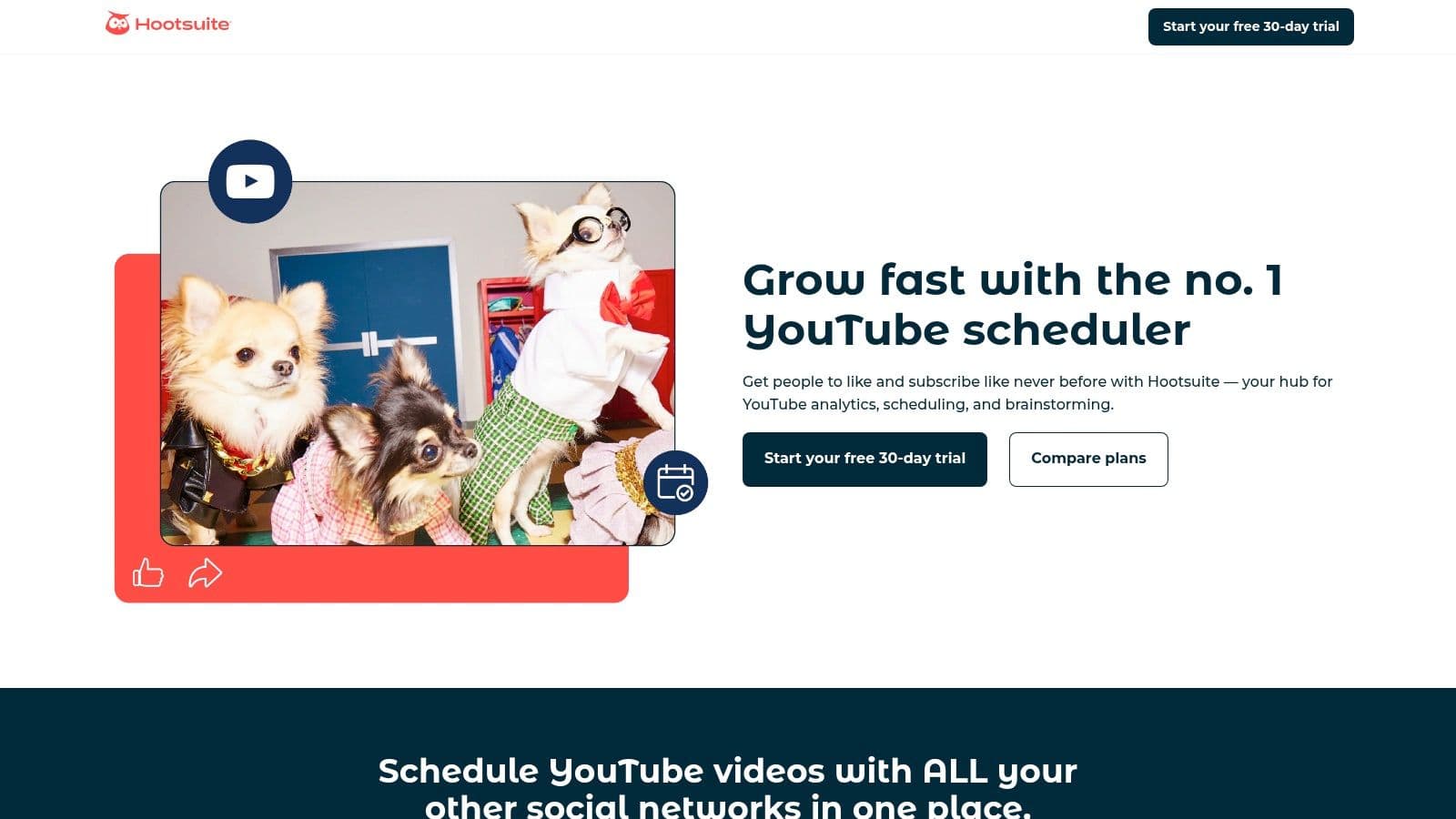
What sets Hootsuite apart is its robust, team-oriented workflow. For marketing agencies or businesses managing multiple channels, features like approval queues and collaborative content planning are invaluable. The platform integrates comment moderation directly into its dashboard, allowing you to reply, delete, or hide comments without ever leaving Hootsuite. Its AI tool, OwlyWriter, further automates content creation by helping generate titles, descriptions, and post ideas, streamlining the entire content lifecycle from ideation to analysis.
Key Features & Use Cases
- Advanced Video Scheduling: Automates publishing by scheduling videos for specific dates and times, with "best time to post" suggestions.
- Centralized Comment Moderation: Manage and reply to comments from a unified inbox, perfect for community managers handling high-volume channels.
- AI-Powered Content Creation: Use OwlyWriter AI to quickly generate video titles and descriptions, saving creative time. A small business could use this to craft compelling copy for a series of product demo videos.
- Cross-Platform Analytics: Track YouTube performance alongside other social channels like Instagram and Facebook to get a holistic view of your video marketing efforts.
Our Take: Hootsuite can be overkill and costly if your only focus is YouTube. It truly shines for users who need to manage a broad social media presence. The interface is enterprise-grade, which can feel less intuitive for a solo creator accustomed to simpler tools. Be sure to carefully compare plans, as key features are tiered.
Pricing: Hootsuite offers a Professional plan (starting at $99/month), a Team plan ($249/month), and custom-priced Enterprise solutions. A 30-day free trial is available.
Best For: Marketing teams, social media agencies, and large brands that require cross-platform scheduling, team collaboration, and unified analytics.
6. Later
Later is a social media scheduling powerhouse that excels in visual planning, making it a go-to for creators prioritizing short-form video. While it supports multiple platforms, its strength as one of the best youtube automation tools lies in its streamlined workflow for YouTube Shorts. It automates the publishing process with a drag-and-drop content calendar, allowing creators to plan and schedule their Shorts in bulk, ensuring a consistent content pipeline with minimal daily effort.
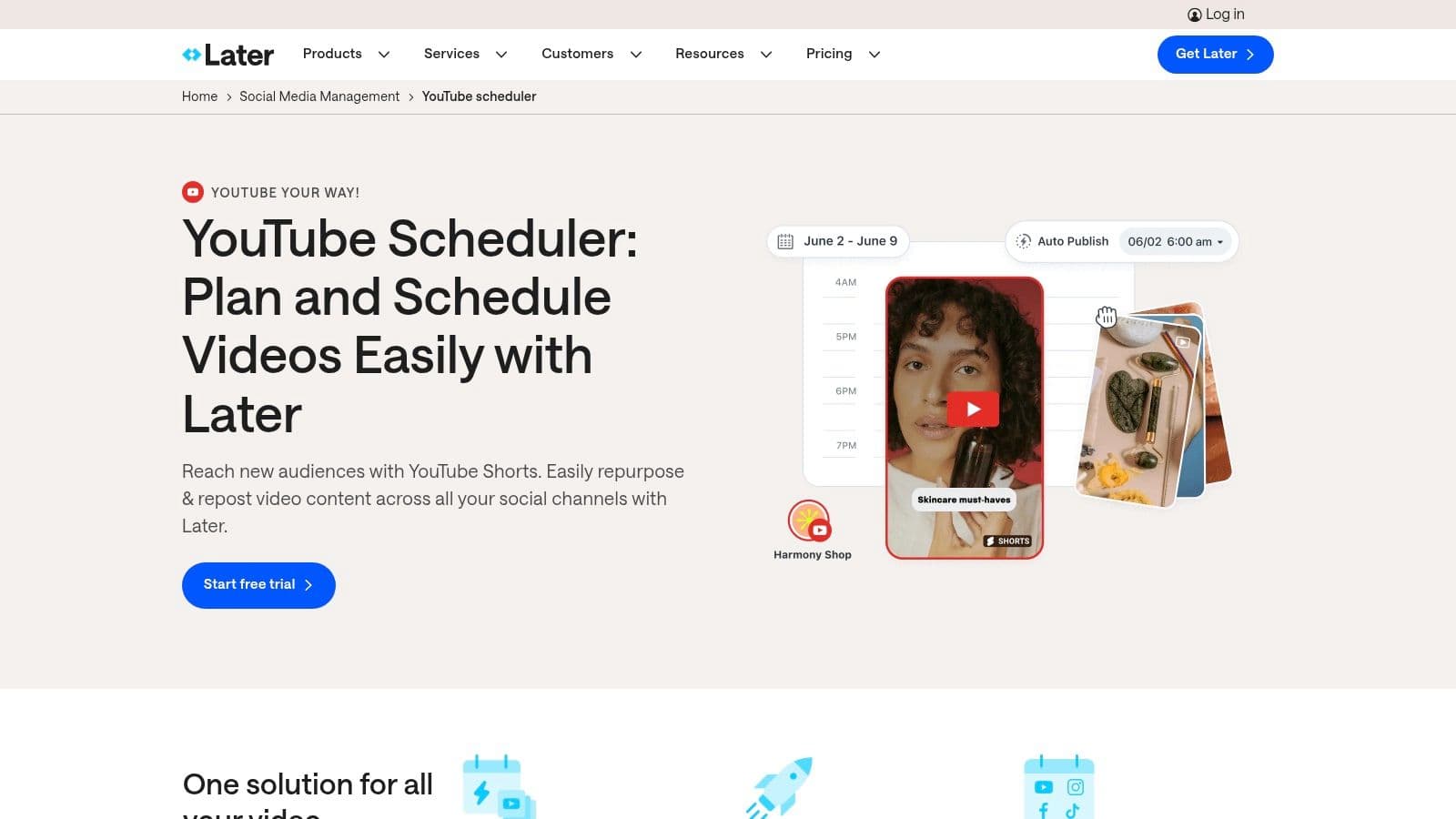
What sets Later apart is its multi-platform, Shorts-first approach. The platform is designed for creators who repurpose content across TikTok, Instagram Reels, and YouTube Shorts. You can upload a video once and schedule it to post across all relevant channels, tailoring captions and settings for each. This centralized media library and cross-posting capability saves an immense amount of time for creators managing a multi-faceted social presence, automating the distribution of a single piece of content.
Key Features & Use Cases
- Visual Content Calendar: Plan and bulk schedule YouTube Shorts with an intuitive drag-and-drop interface.
- Cross-Platform Scheduling: Ideal for a musician who wants to post a music video teaser as a Short, a Reel, and a TikTok from one dashboard.
- Centralized Media Library: Store and organize all your video assets in one place for quick access and repurposing.
- Best Time to Post: The platform analyzes your audience engagement and automatically suggests the optimal times to publish your Shorts for maximum reach.
Our Take: Later is a fantastic choice if your strategy is heavily reliant on YouTube Shorts and cross-platform promotion. However, its capabilities for long-form YouTube videos are very limited, making it less suitable for channels focused on traditional content. The user interface is clean and among the easiest to learn for scheduling.
Pricing: Later offers a free plan with limited uploads. Paid plans include Starter (starting at $25/month), Growth (starting at $45/month), and Advanced (starting at $80/month), with higher tiers offering more users and features.
Best For: Social media managers, influencers, and brands that use YouTube Shorts as a core part of their multi-platform content strategy.
7. Buffer
Buffer is a streamlined social media management platform that simplifies content planning and scheduling, particularly for YouTube Shorts. While it doesn't automate the entire video production pipeline, it excels at automating the publishing workflow, making it a valuable tool for creators focusing on short-form content. Its clean interface allows you to plan, schedule, and analyze your Shorts alongside content for other social platforms, solidifying its place among user-friendly youtube automation tools.
What makes Buffer stand out is its simplicity and focus on core scheduling features. Unlike more complex platforms, Buffer prioritizes an easy-to-use content calendar and queue system. Its AI Assistant can help brainstorm Shorts ideas, rewrite post descriptions, and repurpose content, automating the creative-writing part of the process. This makes it an ideal choice for solo creators or small businesses who need an efficient way to maintain a consistent posting schedule without a steep learning curve.
Key Features & Use Cases
- YouTube Shorts Scheduling: Automate your Shorts publishing by setting specific times or adding them to a predefined queue.
- AI Assistant: Generate ideas and draft descriptions for your Shorts, saving time on content planning and copywriting. A small business could use this to create a month's worth of Shorts ideas in one session.
- Centralized Content Calendar: Plan and visualize your YouTube Shorts strategy alongside your other social media content for a cohesive multi-platform campaign.
- Basic Shorts Analytics: Track essential metrics like views, likes, and comments directly within the Buffer dashboard to quickly gauge performance.
Our Take: Buffer’s biggest limitation is its exclusive focus on YouTube Shorts; you cannot schedule long-form videos. It also lacks features for comment moderation and the ability to set a custom thumbnail for Shorts directly from the platform. However, its straightforward approach is a significant advantage for those who find other tools too complex.
Pricing: Buffer offers a generous Free plan for up to 3 channels. Paid plans include Essentials (starting at $6/month per channel), Team (starting at $12/month per channel), and Agency (starting at $120/month for 10 channels).
Best For: Solo creators, social media managers, and small brands who primarily use YouTube Shorts and need a simple, affordable, and multi-platform scheduling tool.
8. Zapier
Zapier is the connective tissue of the internet, a powerful no-code platform that links YouTube to over 8,000 other applications. While it doesn't create video content, it automates the ecosystem around your channel, handling tasks like cross-platform promotion, data logging, and team communication. For businesses and creators integrating YouTube into a larger marketing funnel, Zapier is one of the most essential youtube automation tools for creating custom, code-free workflows that save countless administrative hours.
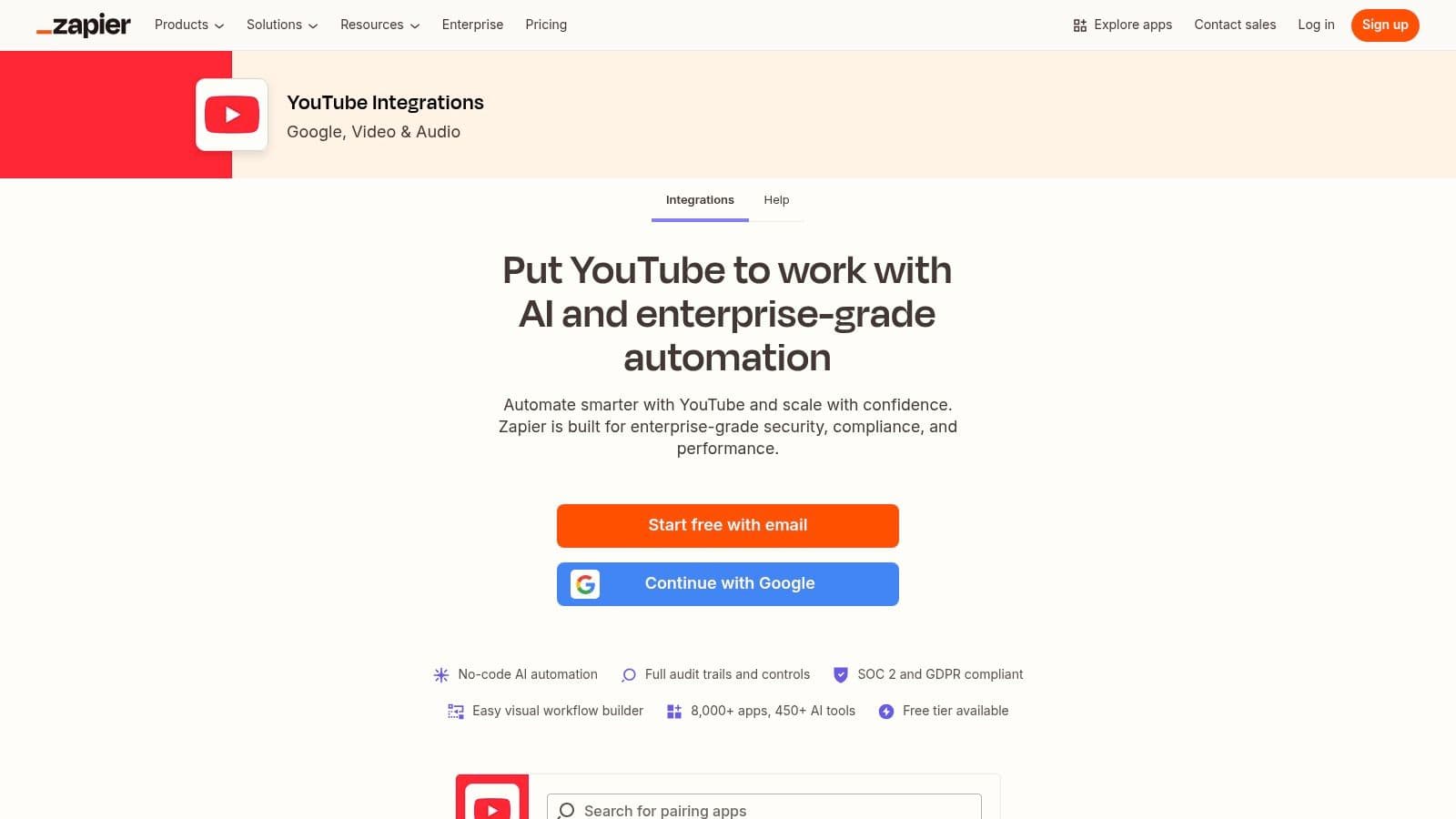
What makes Zapier unique is its "if this, then that" logic, which allows you to set up triggers and actions between otherwise disconnected services. For instance, when you upload a new video to YouTube (the trigger), Zapier can automatically create a post on your Slack channel, add a new row to a Google Sheet to track content, and draft a social media update for Twitter (the actions). This level of integration turns your YouTube channel into a fully automated hub for your business operations.
Key Features & Use Cases
- Workflow Automation: Use the visual builder to connect YouTube triggers (like a new video or comment) to actions in other apps.
- Cross-Platform Promotion: Automatically share new YouTube videos to social media platforms like Facebook, Twitter, or LinkedIn to maximize reach instantly.
- Data Management: Log every new video's details in a spreadsheet or database like Airtable for performance tracking and content planning. A business could use this to build a content repository for its marketing team.
- Team Collaboration: Instantly notify your team in Slack or Microsoft Teams when a new video goes live, ensuring everyone is aligned.
Our Take: The sheer number of integrations is Zapier's greatest strength, but it can also be its weakness. High-frequency automations can quickly consume your allotted "tasks," potentially requiring a costly plan upgrade. Be mindful of YouTube's API limits, which can sometimes constrain very rapid or complex workflows.
Pricing: Zapier offers a free plan with 100 tasks per month. Paid plans start with the Starter tier at $19.99/month (billed annually) and scale up to Team and Company plans for higher task limits and advanced features.
Best For: Businesses, marketing agencies, and creators who need to integrate their YouTube channel with other business software like CRMs, project management tools, and communication platforms.
9. IFTTT
IFTTT, which stands for "If This Then That," is one of the most accessible and straightforward youtube automation tools available, perfect for creators who need simple, set-and-forget workflows. It operates on the principle of "applets," which are conditional statements that connect your YouTube channel to hundreds of other apps and services. When a specific trigger occurs on YouTube (like a new video upload), IFTTT automatically performs a designated action (like posting to Twitter or adding a row to a Google Sheet).
What makes IFTTT stand out is its simplicity and massive library of pre-built applets, which removes any need for coding. For a musician, an applet could automatically share a new music video to a Facebook Page, send a notification to a Discord server, and add the video link to a spreadsheet for tracking, all from the single action of uploading to YouTube. This kind of hands-off content distribution is a core component of effective marketing automation for small business owners and solo creators.
Key Features & Use Cases
- Simple Triggers & Actions: Automatically share new public video uploads to social media platforms like Twitter, Pinterest, or Tumblr.
- Content Archiving: Create an applet to automatically log every new video you upload into a Google Sheet or Airtable base for easy record-keeping.
- Team & Community Notifications: A creator can set up an applet to send a push notification to their phone or a message to a Slack channel whenever a new video goes live.
- Advanced Workflows: Paid plans unlock multi-step actions and conditional logic, allowing for more complex automations, like only sharing videos with a specific keyword in the title.
Our Take: IFTTT is the ideal entry point into automation for new YouTubers. Its free plan is generous enough for basic social sharing, but power users managing multiple channels or requiring complex, multi-step sequences may find it less robust than tools like Zapier and will need to upgrade to a paid plan.
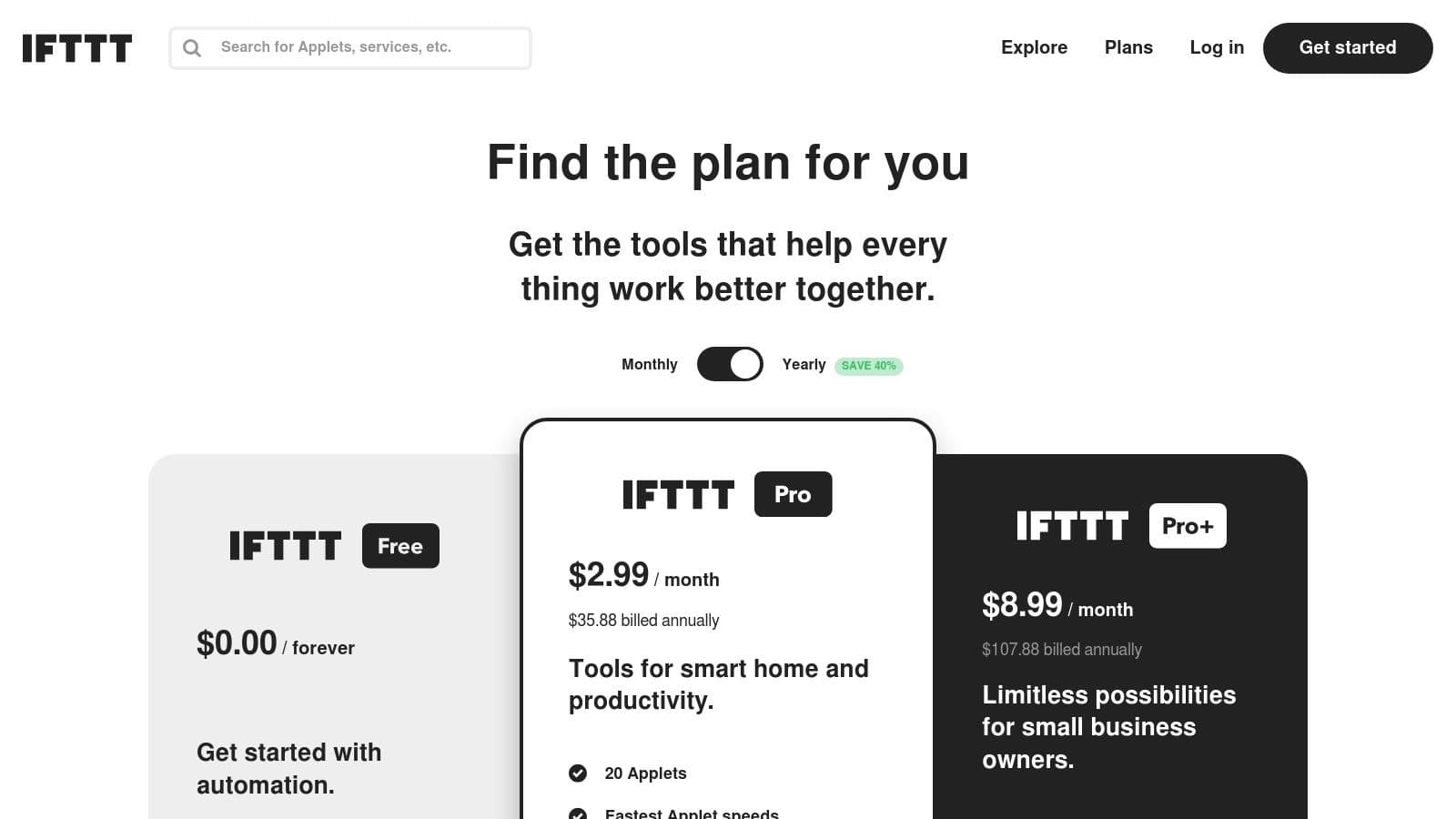
Pricing: IFTTT offers a Free plan with limited applets. Paid plans include Pro (starting at $2.50/month) for more applets and faster execution, and Pro+ (starting at $5/month) which adds multi-step actions and developer tools.
Best For: Solo creators, small businesses, and anyone needing simple, reliable cross-platform automations without a steep learning curve.
10. SyncWords
SyncWords automates one of the most crucial yet time-consuming aspects of video publishing: creating accurate captions and subtitles. It’s a specialized platform that transcribes, translates, and formats captions, then directly integrates with YouTube to upload them. For creators aiming to improve accessibility, boost SEO with searchable transcripts, and increase viewer retention, SyncWords is a powerful tool that streamlines an otherwise manual and tedious workflow, making it one of the most effective youtube automation tools for audience engagement.
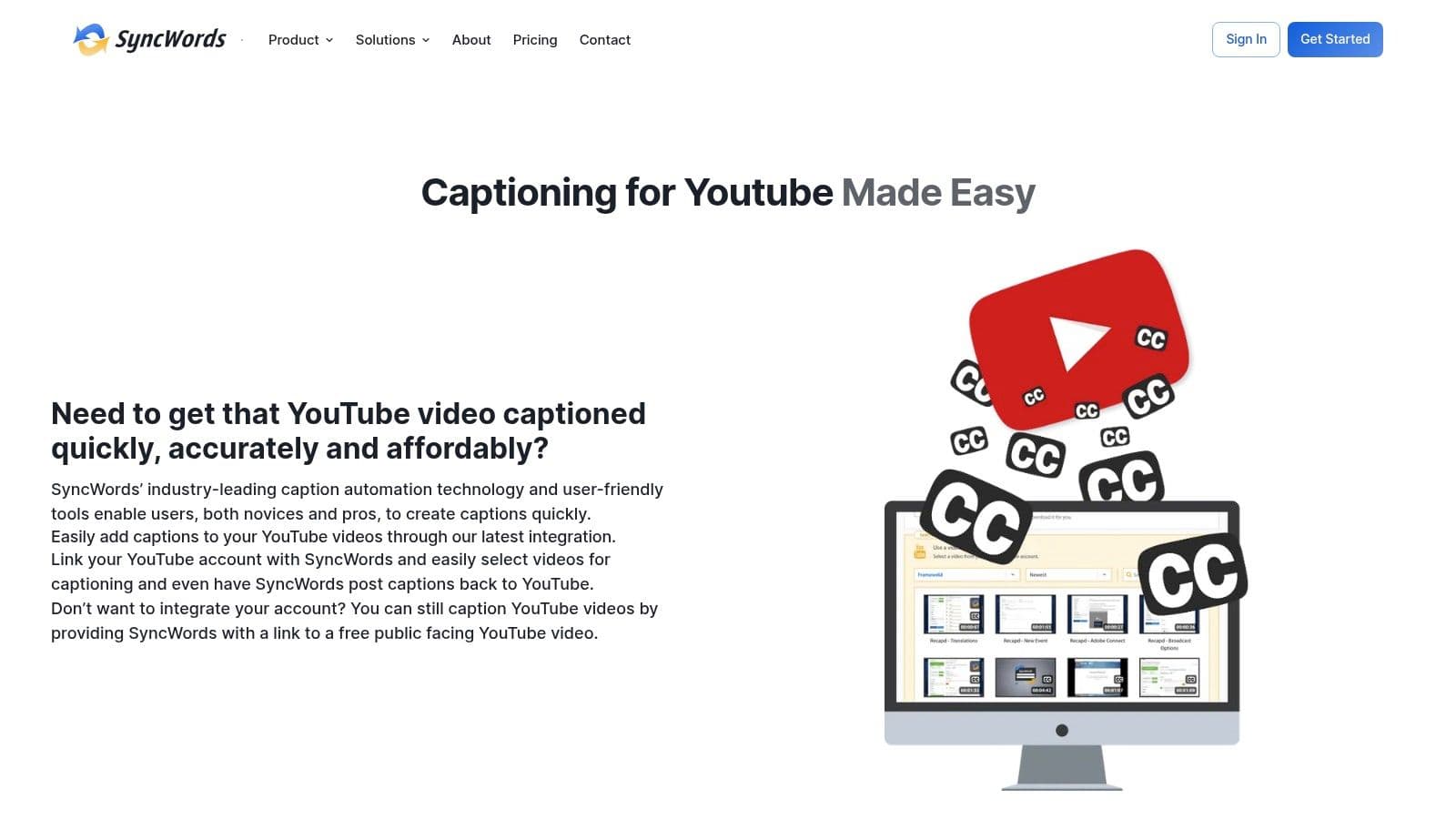
What distinguishes SyncWords is its blend of AI speed and human precision. While its automated transcription is fast, the platform includes an online editor for easy review and correction, ensuring captions meet quality standards. Its ability to handle multilingual translations and export directly back to a YouTube channel saves significant time compared to downloading, translating, and re-uploading caption files manually. This makes global content distribution far more manageable for creators of all sizes.
Key Features & Use Cases
- Automated Transcription & Translation: Automatically generate captions for your videos and translate them into multiple languages to reach a global audience.
- Direct YouTube Integration: Connect your YouTube channel to automatically pull videos for captioning and push the finished SRT files back without manual downloads.
- Online Caption Editor: Review and refine AI-generated captions with a simple, user-friendly interface to ensure 100% accuracy. A cooking channel could use this to correct specific ingredient names.
- Multiple Format Support: Export captions in various formats (SRT, VTT, etc.) for use on other platforms beyond YouTube.
Our Take: While the automation is excellent, always budget a few minutes to review the auto-generated captions, as AI can misinterpret niche jargon or proper nouns. The pay-as-you-go pricing model is great for sporadic uploads, but costs can add up for channels publishing long videos daily, so plan your budget accordingly.
Pricing: SyncWords offers a free trial with credits to test the service. After that, pricing is primarily pay-as-you-go based on the length of the video content being transcribed and translated, with custom enterprise plans available.
Best For: Educational channels, businesses, and creators who prioritize accessibility and want to expand their international audience without manual captioning.
11. TubeRanker
TubeRanker is a task-focused SEO and metadata toolkit designed to streamline the YouTube optimization process. Unlike comprehensive suites, it provides a set of highly specific, fast-acting utilities for creators who need to quickly generate or analyze metadata. It automates the often tedious process of finding the right keywords, tags, and titles, making it an excellent supplementary tool in a creator's arsenal of youtube automation tools.
What makes TubeRanker effective is its direct, no-frills approach. You can instantly extract all the tags from a competitor's video, generate a list of relevant keywords from a single seed term, or get title and description suggestions without navigating a complex dashboard. This focus on "grab-and-go" functionality allows creators to perform critical optimization tasks in seconds, rather than minutes.
Key Features & Use Cases
- Tag Extractor/Generator: Instantly pull tags from any high-performing video to inform your own strategy or generate new tag ideas.
- Keyword Research Tool: Quickly find related keywords to a core topic, helping you discover new content angles and target long-tail search terms.
- Rank Tracker: Monitor your video's search ranking for specific keywords in different countries, automating the tracking of your SEO performance.
- Title & Description Generators: Ideal for creators experiencing writer's block. Input a topic and get AI-powered suggestions for compelling metadata to boost click-through rates.
Our Take: TubeRanker excels at speed and simplicity. It's not a replacement for a full analytics platform like vidIQ, but it's perfect for quick, targeted optimization tasks. The interface is clean and straightforward, but its analytics are intentionally light. Use it alongside your main analytics tool for the best results.
Pricing: TubeRanker offers a free plan with daily usage limits. Paid plans include Basic ($19/month), Advanced ($49/month), and Professional ($99/month), which offer higher usage limits and more features.
Best For: Creators and marketers who need fast, targeted SEO tools for metadata generation and competitive research without the complexity of a full-suite platform.
Visit TubeRanker's Website
12. Social Blade
Social Blade offers a public-facing analytics dashboard that automates the process of competitor benchmarking and trend analysis. While it doesn't manage your channel directly, it serves as a critical data intelligence tool by tracking growth statistics, estimated earnings, and historical performance for any public YouTube channel. This allows creators to automate market research, saving hours of manual data collection when trying to understand a niche or evaluate potential collaboration partners.
What makes Social Blade a unique part of a creator's toolkit is its simplicity and focus on comparative analytics. You can quickly pull up side-by-side comparisons of channels to see who is gaining subscribers or views more rapidly. For creators in competitive niches like gaming or tech reviews, this insight is invaluable for spotting emerging trends and understanding what content formats are currently resonating with audiences. It's one of the few youtube automation tools focused purely on external competitive intelligence rather than internal channel management.
Key Features & Use Cases
- Competitor Benchmarking: Quickly view and compare key growth metrics like daily subscriber and view counts for any channel in your niche.
- Historical Data Analysis: Access historical data charts to identify a channel's long-term growth trajectory and pinpoint viral videos that caused significant spikes.
- Trend Spotting: Use the platform's leaderboards and ranking systems to discover up-and-coming channels or trending topics within a specific category. A musician could use this to find emerging artists to collaborate with.
- Channel Projections: Get future subscriber and view projections based on current growth rates to set realistic channel goals.
Our Take: Social Blade is an excellent tool for high-level competitive analysis, but its data is aggregated from public APIs and can sometimes have delays or inaccuracies. The free version is powerful for quick lookups, but the real value for serious creators comes from the premium plans which offer more detailed reports and comparison slots. It should be used for strategic direction, not day-to-day channel optimization.
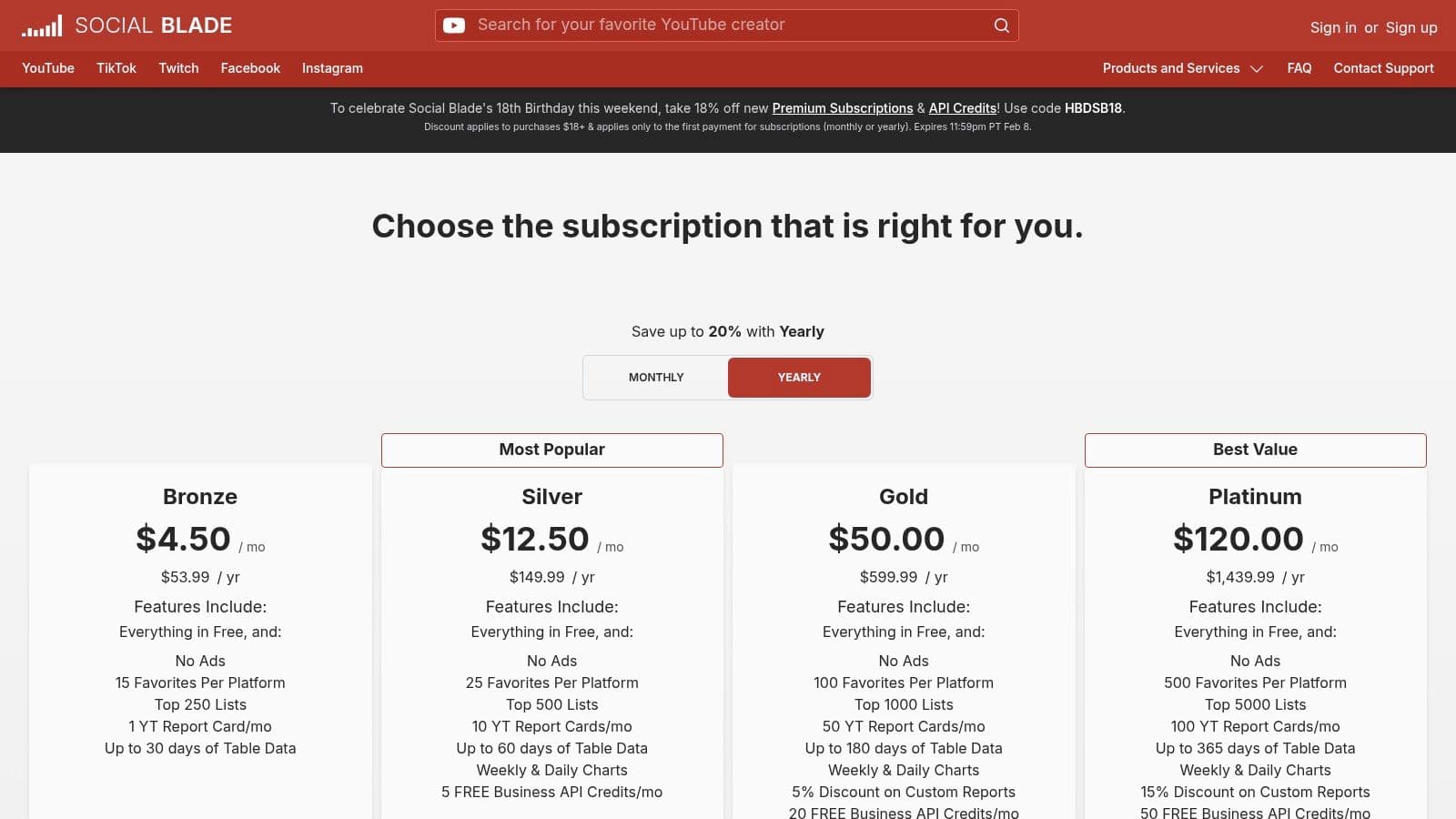
Pricing: Social Blade offers a free tier with basic stats. Premium plans with more features start at Bronze ($3.99/month), Silver ($9.99/month), and Gold ($39.99/month).
Best For: Researchers, brand strategists, and creators focused on competitive analysis and understanding broader YouTube trends.
12 YouTube Automation Tools Compared
| Tool | Core features | Quality & UX (★) | Price & Value (💰) | Target audience (👥) | Unique selling point (✨) |
|---|---|---|---|---|---|
| MyKaraoke Video 🏆 | AI lyrics sync, vocal removal, sync editor, 1080p exports | ★★★★☆ — real-time previews, server rendering | 💰 Free tier; $5/mo (120c) / $10/mo (600c); $0.10/credit PAYG | 👥 Karaoke channel managers, creators, musicians, event pros | ✨ Browser-based 1‑click karaoke + deep visual customization |
| vidIQ | Keyword research, metadata optimization, thumbnail suggestions, AI Coach | ★★★★☆ — robust insights, learning curve | 💰 Free tier; paid plans & credit systems | 👥 Creators, brands, agencies focused on growth | ✨ SEO + Shorts-focused growth suite |
| TubeBuddy | Bulk edits, A/B testing, SEO Studio, canned responses | ★★★★☆ — saves time, UI can feel busy | 💰 Free + paid tiers (annual common) | 👥 Creators needing bulk workflows & tests | ✨ Strong A/B testing and bulk publishing tools |
| Morningfame | Simplified analytics, guided keyword research, optimization workflow | ★★★☆☆ — beginner-friendly, prescriptive | 💰 Affordable entry; invite/trial model | 👥 New/smaller channels seeking guidance | ✨ Probability-to-rank recommendations & step-by-step tasks |
| Hootsuite | YouTube scheduling, analytics, comment moderation, AI ideation | ★★★★☆ — enterprise-grade, multi-network | 💰 Paid plans (team/enterprise pricing) | 👥 Teams, brands, social managers | ✨ Cross-platform scheduling + approvals/workflows |
| Later | Shorts scheduler, drag‑and‑drop calendar, repurposing tools | ★★★☆☆ — simple, Shorts-first UI | 💰 Free trial; paid plans for scale | 👥 Shorts-focused creators & repurposers | ✨ Visual calendar + bulk Shorts scheduling |
| Buffer | Shorts scheduling, planner, basic analytics, AI copy assistance | ★★★☆☆ — lightweight & easy | 💰 Free plan; affordable paid tiers | 👥 Solo creators, small teams | ✨ Simple planner with quick setup |
| Zapier | No-code automations, 8,000+ app integrations, workflow builder | ★★★★☆ — reliable, scalable automations | 💰 Free limited; paid task-based plans | 👥 Businesses & creators automating workflows | ✨ Massive integrations ecosystem |
| IFTTT | Prebuilt applets, simple triggers, webhooks (Pro+) | ★★★☆☆ — very easy, limited depth | 💰 Free; Pro/Pro+ for advanced features | 👥 Casual creators wanting simple automations | ✨ Large gallery of ready-to-use applets |
| SyncWords | Auto-transcription, online caption editor, translations, YouTube export | ★★★★☆ — accurate captions & translations | 💰 Free trial minutes; pay-per-minute | 👥 Creators needing captions & accessibility | ✨ Direct YouTube caption export + multilingual support |
| TubeRanker | Keyword research, tag generator, rank tracking, audits | ★★★☆☆ — focused metadata tools | 💰 Affordable utilities / pay tiers | 👥 SEO-focused creators & optimizers | ✨ Fast, grab-and-go metadata & audit tools |
| Social Blade | Public channel analytics, historical charts, leaderboards, reports | ★★★☆☆ — benchmarking & trend spotting | 💰 Free; premium for deeper data | 👥 Analysts, competitors & trend watchers | ✨ Historical ranking charts and downloadable reports |
Choosing the Right Automation Stack for Your Channel
Navigating the landscape of YouTube automation tools can feel overwhelming, but the journey to a more efficient workflow is less about finding a single magic bullet and more about strategically assembling a custom toolkit. As we've explored, the power lies not in adopting every platform, but in identifying your biggest bottlenecks and deploying specific solutions to solve them. The ideal setup is a personalized "automation stack" that handles the repetitive, time-consuming tasks, freeing you to focus on creative strategy and audience engagement.
Your perfect stack is unique to your channel's needs. A musician creating lyric videos will have different priorities than a small business managing a content calendar across multiple platforms. The key is to start with a clear audit of your own process. Where do you spend the most time for the least creative return? Is it the painstaking process of syncing lyrics for a karaoke track? A specialized tool like MyKaraoke Video is a non-negotiable. Is it the black box of keyword research and competitor analysis? A platform like vidIQ or TubeBuddy becomes your foundational analytics partner.
Building Your Foundational Toolkit
Think of building your stack in layers. First, address your core content creation and management needs.
- For Content Creation & SEO: Start with a combination that tackles both production and discovery. For channels focused on music or text-based visuals, a generator like MyKaraoke Video automates the most labor-intensive part of the process. Pair this with an SEO tool like TubeBuddy or Morningfame to ensure the content you create is actually discoverable. This duo forms a powerful core for content-centric channels.
- For Scheduling & Distribution: If you manage a busy content calendar or post on multiple social platforms, a scheduler is essential. Tools like Hootsuite, Later, or Buffer become the backbone of your distribution strategy, ensuring consistent posting without the need for manual, last-minute uploads.
- For Advanced Integration: Once you have the basics covered, consider how you can connect your tools for maximum efficiency. Platforms like Zapier and IFTTT act as the glue for your digital ecosystem. They can create powerful "if this, then that" workflows, such as automatically creating a social media post whenever you upload a new video, saving you countless small, repetitive actions.
Important Factors to Consider
Before committing to a set of tools, always weigh the practical considerations. Budget is a primary factor; many tools offer free tiers that are perfect for starting out, allowing you to test functionality before investing. Scalability is another crucial element. Choose tools that can grow with your channel, offering more advanced features as your needs evolve. Finally, consider the learning curve. The best youtube automation tools are the ones you'll actually use, so prioritize platforms with intuitive interfaces and strong customer support.
Ultimately, the goal of automation is not to replace your creativity but to amplify it. By offloading the mechanical aspects of channel management, you reclaim valuable time and mental energy. This newfound freedom allows you to experiment with new content formats, engage more deeply with your community, and focus on the strategic vision that will drive your channel's long-term growth. When curating your automation stack, it's also worth exploring specialized tools like shortgenius that cater to specific content formats, such as YouTube Shorts. Building a smart, targeted automation workflow is one of the most significant investments you can make in your YouTube journey.
Ready to eliminate the most time-consuming part of creating music-based video content? MyKaraoke Video automates the entire lyric and karaoke video creation process, turning your audio files into professional, engaging videos in minutes. Start building your powerful content engine today and see how one of the most effective youtube automation tools can transform your channel. Get started with MyKaraoke Video.
