
In today's competitive market, a strong social media presence is not just an advantage for small businesses; it is a fundamental requirement. However, managing content creation, scheduling posts, engaging with followers, and analyzing performance across multiple platforms can quickly become overwhelming. It often feels like a separate, full-time job that pulls focus away from core business operations. The right technology is the key to transforming this chaotic task into a streamlined, efficient, and effective marketing engine.
This comprehensive guide is designed to cut through the digital noise. We have curated a list of the 12 best small business social media tools for 2025, chosen to help you save time, amplify your brand’s message, and achieve measurable results. Instead of spending hours trying to keep up, you can automate and optimize your workflow, allowing you to concentrate on running your business. We will explore powerful platforms for scheduling and analytics, as well as creative tools like MyKaraoke Video for producing unique, engaging content such as promotional lyric videos.
Each recommendation in this listicle includes:
- A detailed breakdown of its key features and ideal use cases.
- Practical pros and cons based on real user experiences.
- Clear pricing information tailored to small business budgets.
- Direct links and screenshots to help you evaluate each tool quickly.
For businesses struggling to produce a steady stream of engaging visual content, understanding modern workflows is crucial. Learning how to create AI video for platforms like TikTok, Reels, and Shorts can be a game-changer, helping you produce high-quality assets efficiently. This resource will equip you with the knowledge to select the perfect toolkit for your specific needs, empowering you to build a powerful and sustainable social media strategy.
1. MyKaraoke Video
MyKaraoke Video establishes itself as an exceptionally efficient tool for small businesses aiming to create high-engagement video content for social media. It is a fully browser-based platform that specializes in transforming any song into a professional-grade karaoke or lyric video in minutes. This eliminates the need for complex, resource-intensive video editing software, making it an accessible choice for teams without dedicated video production staff. Its core strength lies in its AI-powered workflow, which automates the most time-consuming aspects of video creation, such as vocal removal and lyric synchronization.
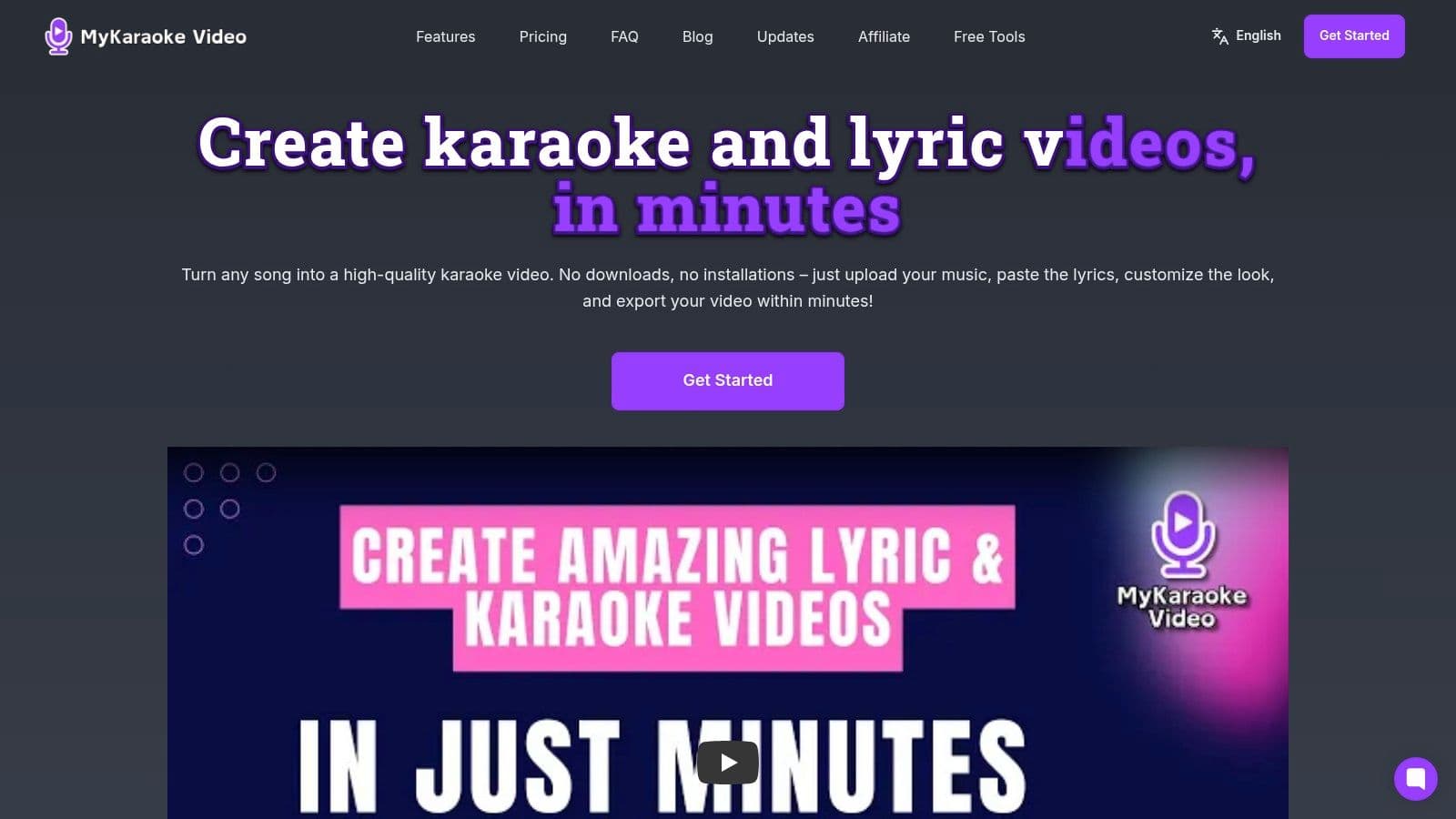
This platform is a standout among small business social media tools because it directly addresses the growing demand for short-form video with a unique, interactive twist. Businesses can leverage it to create catchy promotional videos, lyric-based explainers for products, or fun, shareable content that encourages audience participation. The real-time preview and lightning-fast rendering engine significantly shorten the content creation cycle, allowing for rapid deployment of marketing campaigns.
Key Features & Use Cases
- 1-Click Karaoke & Lyric Video Makers: The AI pipeline automatically removes vocals and syncs lyrics in under two minutes. This is ideal for quickly producing engaging content for Instagram Reels, TikTok, or YouTube Shorts, where timely and trendy audio is key.
- Full Visual Customization: Users can align videos with their brand identity by changing backgrounds (color, image, or video), using any Google Font, and adjusting text styles. This ensures brand consistency across all social channels.
- Duet Mode & Sync Editor: Create interactive duet videos for collaborations or Q&A formats. The powerful Sync Editor allows for precise manual adjustments to timing, ensuring a polished final product.
- Browser-Based & No Installs: The entire tool operates in the browser, offering a frictionless user experience. This removes technical barriers and allows any team member to create content from any computer.
“MyKaraoke Video blew me away with how much time it saves… I honestly couldn’t go back to anything else.” - Marcelo Penco (Karaoke Instrumental, 150K+ YouTube subscribers)
Pricing & Access
MyKaraoke Video offers a scalable pricing structure suitable for various business needs:
- Free Forever: Includes basic features, 10 AI credits, and 10 export credits (with a watermark).
- Standard ($5/mo): Removes the watermark and provides 60 AI & export credits per month.
- Premium ($10/mo): Offers 300 credits, background video support, transparent exports, and priority support.
Pros:
- Exceptional Speed: AI automation and real-time previews drastically reduce production time.
- High-Quality Output: Delivers 1080p MP4 exports with extensive customization.
- Accessibility: Completely browser-based with an affordable and scalable pricing model.
- Active Development: The platform is continuously updated with new features and improvements.
Cons:
- Credit-Based System: Free and lower-tier plans have limits on AI use and exports.
- Sync Accuracy: Auto-sync works best with clean audio tracks; complex songs may require manual fine-tuning.
- Licensing Responsibility: Users must have the appropriate rights to use copyrighted songs commercially.
Website: https://www.mykaraoke.video
2. Buffer
Buffer is a highly accessible and intuitive social media management platform, making it one of the best small business social media tools for those who prioritize simplicity and affordability. It excels at its core function: scheduling content across multiple channels without a steep learning curve. The user interface is clean and straightforward, allowing a solo entrepreneur or a small team to quickly plan and visualize their content calendar.
What sets Buffer apart is its transparent, per-channel pricing model and a genuinely useful free tier. This approach allows businesses to start with a single social profile and add more as they grow, keeping costs predictable and low. While it lacks the deep social listening or advanced enterprise features of more complex suites, its focus on streamlined publishing and clear analytics is a significant advantage for teams who need to work efficiently without getting bogged down in complex features.
Key Details & Use Cases
- Best For: Solo creators, small marketing teams, and businesses needing a no-fuss scheduler with foundational analytics.
- Use Case: A local bakery can use Buffer’s AI assistant to generate post ideas for weekly specials, schedule them across Instagram and Facebook, and review a simple performance dashboard to see which cake photo got the most engagement.
- Integration Tip: Connect Buffer to Canva directly to design graphics and push them straight into your content queue, creating a seamless workflow from creation to publication.
| Feature | Details |
|---|---|
| Pricing | Free plan available. Paid plans start at $6/month per channel. |
| Pros | Very affordable entry point, simple and clean UI, predictable pricing. |
| Cons | Limited social listening tools, advanced features are less robust than competitors. |
Website: https://buffer.com/pricing
3. Hootsuite
Hootsuite is a mature and comprehensive social media management platform, serving as a powerful command center for businesses ready to scale their social strategy. As one of the most established small business social media tools, it offers an all-in-one dashboard covering publishing, engagement, analytics, and team collaboration. Its strength lies in its extensive network integrations and a feature set that supports a growing business’s entire social media lifecycle.
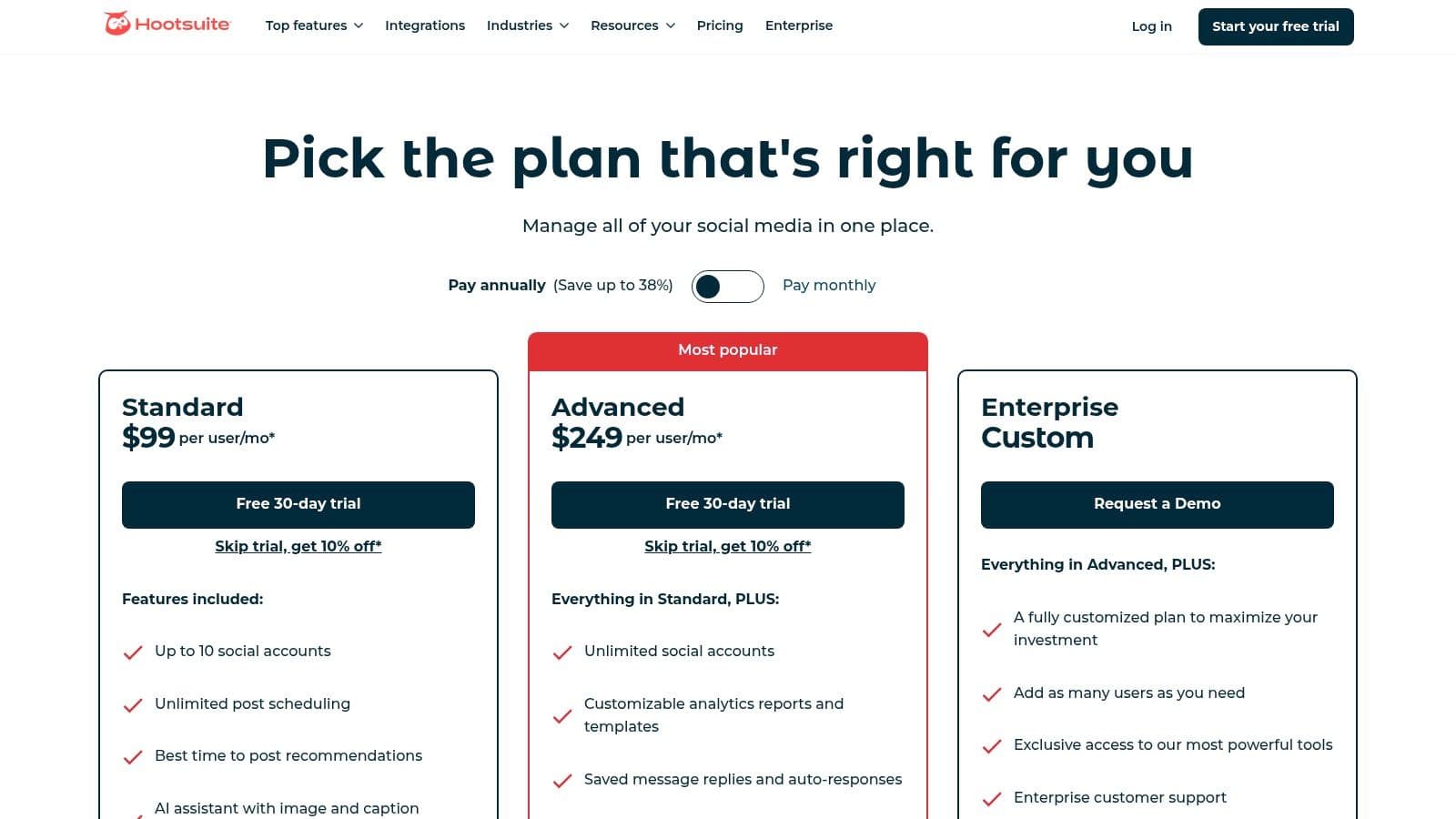
Unlike leaner schedulers, Hootsuite provides a unified inbox to manage comments and direct messages from multiple channels, preventing customer inquiries from falling through the cracks. While its pricing can be a step up from simpler tools, the platform justifies it with robust features like best-time-to-post recommendations, AI-powered captioning, and basic competitive benchmarking, which are essential for businesses looking to professionalize their social media marketing. This level of functionality can be a key part of your wider marketing stack. For more on this, see how Hootsuite fits into a broader strategy.
Key Details & Use Cases
- Best For: Growing SMBs, agencies, and teams needing a single platform to manage multiple clients or brands with robust analytics and engagement tools.
- Use Case: An e-commerce brand can schedule an entire month of product posts across Instagram, Facebook, and Pinterest, use the unified inbox to handle customer service questions, and generate a report comparing their engagement rates against two main competitors.
- Integration Tip: Connect Hootsuite with Canva or Adobe Express to streamline your visual content workflow, allowing you to create graphics and send them directly to your Hootsuite content calendar for scheduling.
| Feature | Details |
|---|---|
| Pricing | 30-day free trial. Paid plans start at $99/month. |
| Pros | Broad feature set in one dashboard, strong third-party app ecosystem, industry-recognized leader. |
| Cons | Can be more expensive than simpler tools, advanced features like social listening often require costly add-ons. |
Website: https://www.hootsuite.com/plans/business
4. Sprout Social
Sprout Social is a premium, all-in-one social media management platform designed for businesses that require robust analytics, team collaboration, and workflow controls. While its feature set is enterprise-grade, it scales down effectively, making it one of the more powerful small business social media tools for teams poised for growth. The platform unifies publishing, a smart inbox for all messages, review management, and advanced reporting into a single, cohesive dashboard.
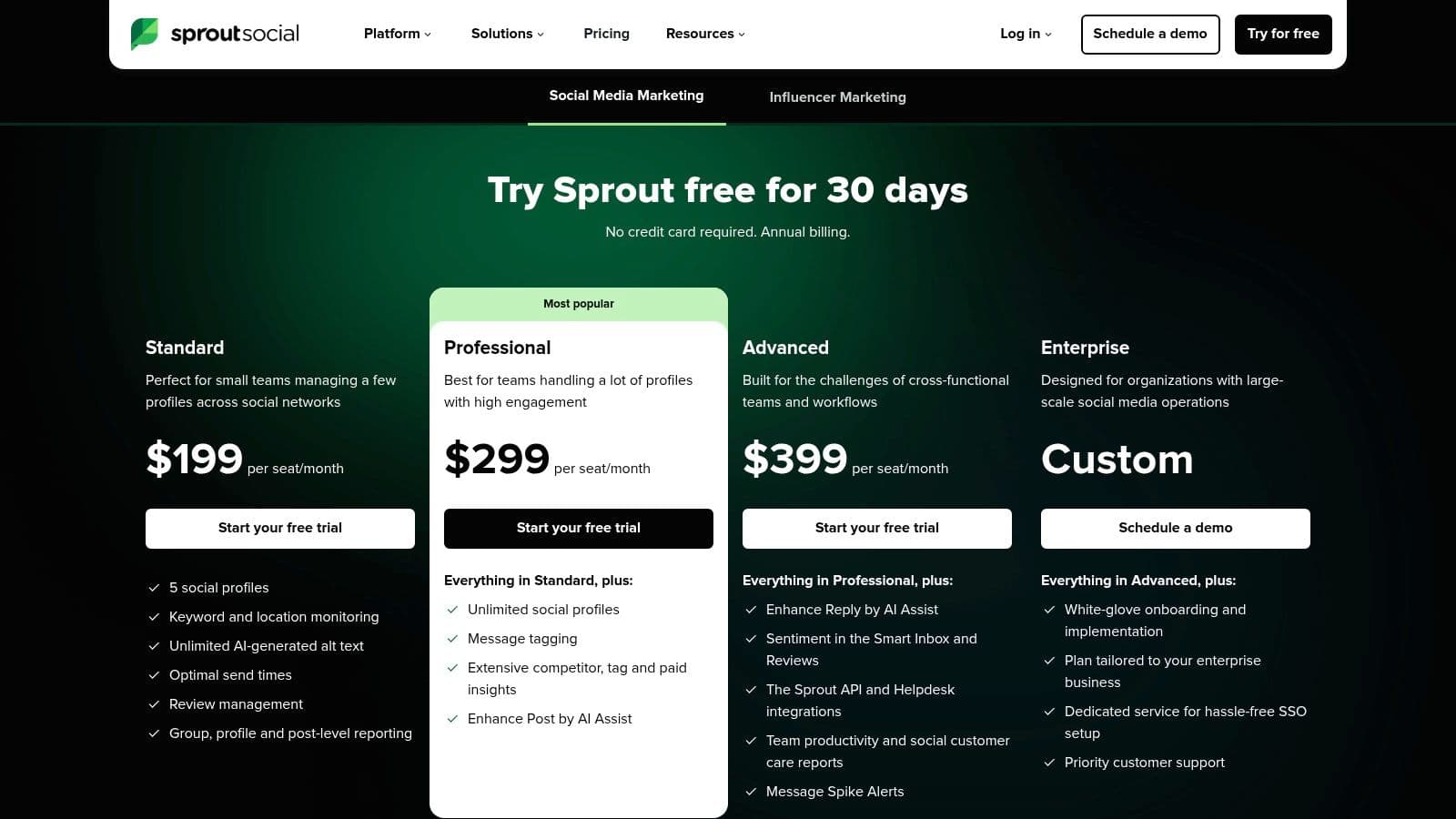
What distinguishes Sprout Social is its deep focus on data and governance. The reporting capabilities are exceptional, providing detailed insights into performance, competitors, and paid campaigns that go far beyond what many simpler tools offer. Features like AI-assisted send times, reply generation, and automated alt-text creation streamline workflows significantly. For small businesses that see social media as a core revenue driver and need to manage multiple stakeholders, its sophisticated collaboration tools are a major advantage.
Key Details & Use Cases
- Best For: Growing small businesses, marketing agencies, and teams that need advanced analytics and strict workflow management.
- Use Case: A small e-commerce brand can use Sprout Social to schedule promotional posts, manage customer service inquiries from its unified inbox, and generate detailed reports to show stakeholders which social channels are driving the most website traffic and sales.
- Integration Tip: Connect your Zendesk or HubSpot account to Sprout Social to create a seamless pipeline between social media engagement and your customer support or sales CRM, ensuring no lead or support ticket gets lost.
| Feature | Details |
|---|---|
| Pricing | Plans start at $249/month per user, with a 30-day free trial. |
| Pros | Deep analytics and reporting trusted by mid-market and enterprise customers, strong collaboration and workflow controls. |
| Cons | Per-seat pricing can get expensive for teams, many advanced features are gated to higher plans or add-ons. |
Website: https://sproutsocial.com/pricing/
5. Later
Later has established itself as a go-to platform for visually driven brands, making it one of the most effective small business social media tools for those prioritizing platforms like Instagram, TikTok, and Pinterest. Its strength lies in its visual-first content calendar, which allows users to drag and drop media to plan their feed's aesthetic with precision. This visual planning capability is a significant differentiator from other schedulers that use a more list-based approach.
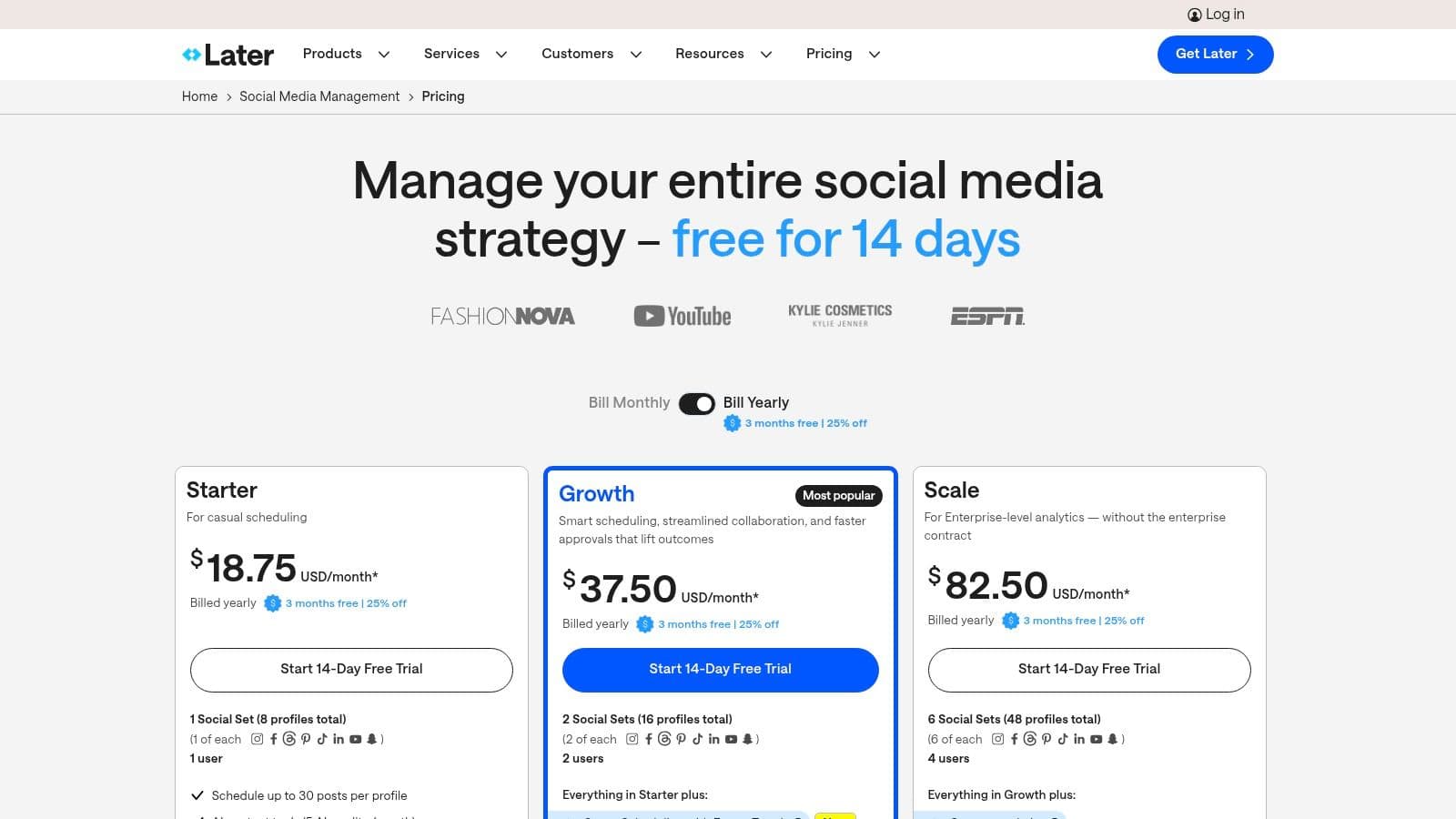
What makes Later particularly compelling for creators and small businesses is its built-in suite of creator-centric tools. The Link in Bio feature creates a customizable landing page for your bio link, turning your social profile into a mini-website to drive traffic and sales. While lower-tier plans have post limits and some features require specific business or creator accounts due to API restrictions, its focus on visual content workflows provides immense value for brands where aesthetics are paramount.
Key Details & Use Cases
- Best For: E-commerce brands, creators, artists, and businesses heavily reliant on Instagram, TikTok, and Pinterest.
- Use Case: A handmade jewelry business can visually plan its entire Instagram feed for the month, schedule Reels and Stories, and use the Link in Bio tool to direct followers to specific product pages for each item featured in their posts.
- Integration Tip: Use Later’s user-generated content (UGC) features to find, collect, and schedule posts from customers who have tagged your brand, providing authentic social proof with just a few clicks.
| Feature | Details |
|---|---|
| Pricing | Free plan available. Paid plans start at $25/month. |
| Pros | Excellent visual-first interface, powerful Link in Bio tool, strong focus on Instagram and TikTok. |
| Cons | Post caps on lower-tier plans can be restrictive, less robust for text-heavy platforms like X (Twitter). |
Website: https://later.com/pricing
6. Loomly
Loomly is a social media management platform that positions itself as a brand and content management system, making it one of the best small business social media tools for teams that prioritize organization and collaboration. It operates with a calendar-first approach, providing a structured workflow from idea generation to client approval and final publication. The platform offers post ideas, optimization tips, and a central library for all your assets, streamlining the entire content creation process.
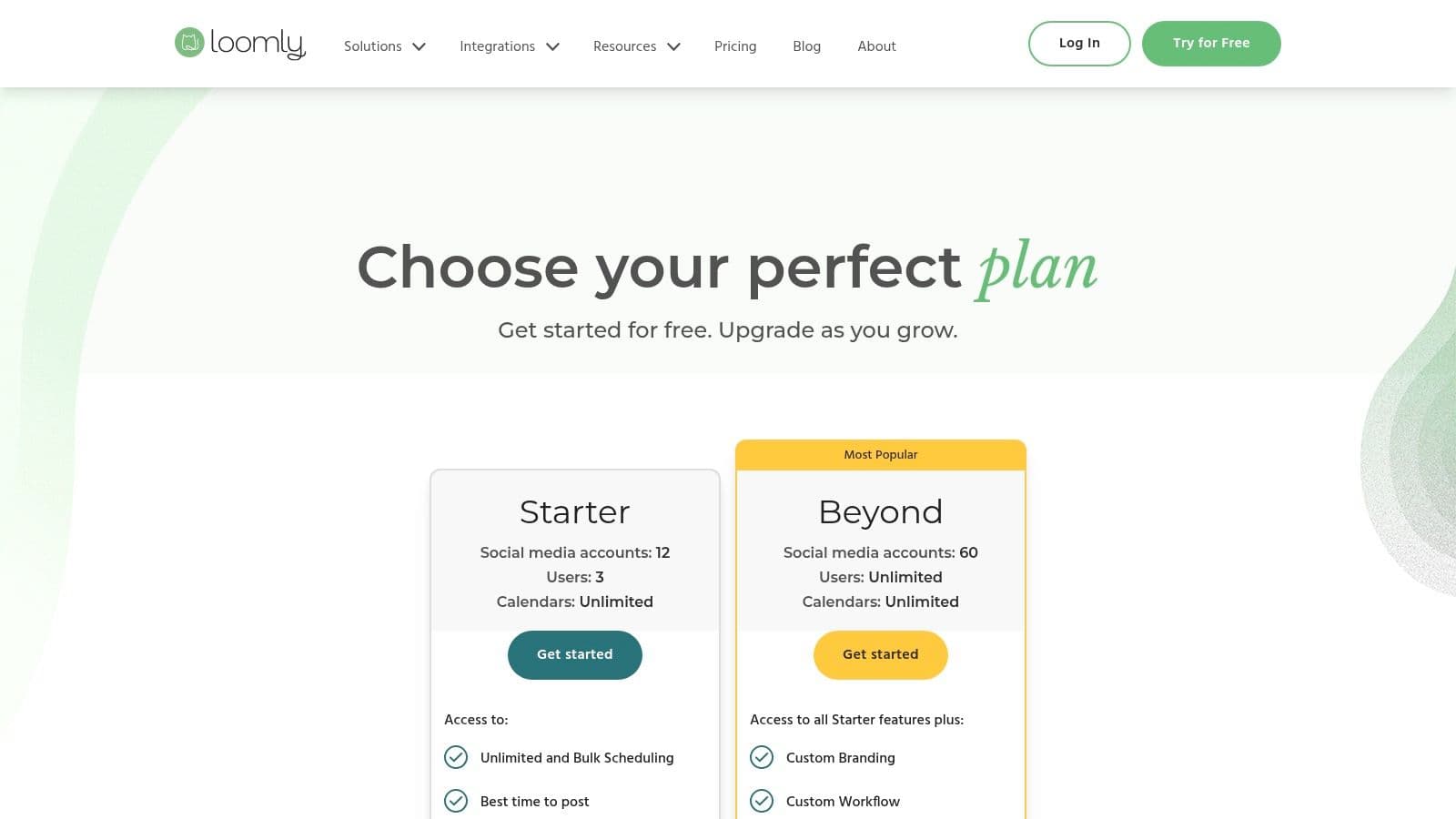
What sets Loomly apart are its robust, built-in approval workflows and collaboration features. It’s designed for teams, agencies, and businesses that need clear, step-by-step processes for creating, reviewing, and scheduling content. While some competitors focus heavily on AI content generation, Loomly’s strength lies in its meticulous organization, making it an excellent choice for maintaining brand consistency and ensuring every post gets the green light before it goes live. This structured environment is ideal for growing teams looking to avoid miscommunication and posting errors.
Key Details & Use Cases
- Best For: Marketing agencies, small-to-mid-sized teams, and businesses with multi-step content approval processes.
- Use Case: A marketing agency managing multiple clients can create a separate calendar for each, assign team members specific roles, and use the approval workflow to let clients review and comment on posts before they are scheduled.
- Integration Tip: Connect Loomly with Slack to receive real-time notifications on post status, comments, and approvals, keeping your entire team updated without leaving their primary communication tool.
| Feature | Details |
|---|---|
| Pricing | Plans start at $32/month for 2 users. Pricing is often updated; check their site for current details. |
| Pros | Excellent collaboration and approval workflows, scales well for teams and agencies, strong organizational features. |
| Cons | Pricing can be higher than entry-level tools, fewer native AI/content-generation features than some rivals. |
Website: https://www.loomly.com/pricing
7. Metricool
Metricool is a powerful, all-in-one social media management platform that packs analytics, scheduling, and competitor analysis into a single dashboard. It stands out as one of the most data-rich small business social media tools, offering deep insights that go beyond basic engagement metrics. For businesses that need to understand their performance against competitors and optimize their strategy with hard data, Metricool provides a robust and cost-effective solution.
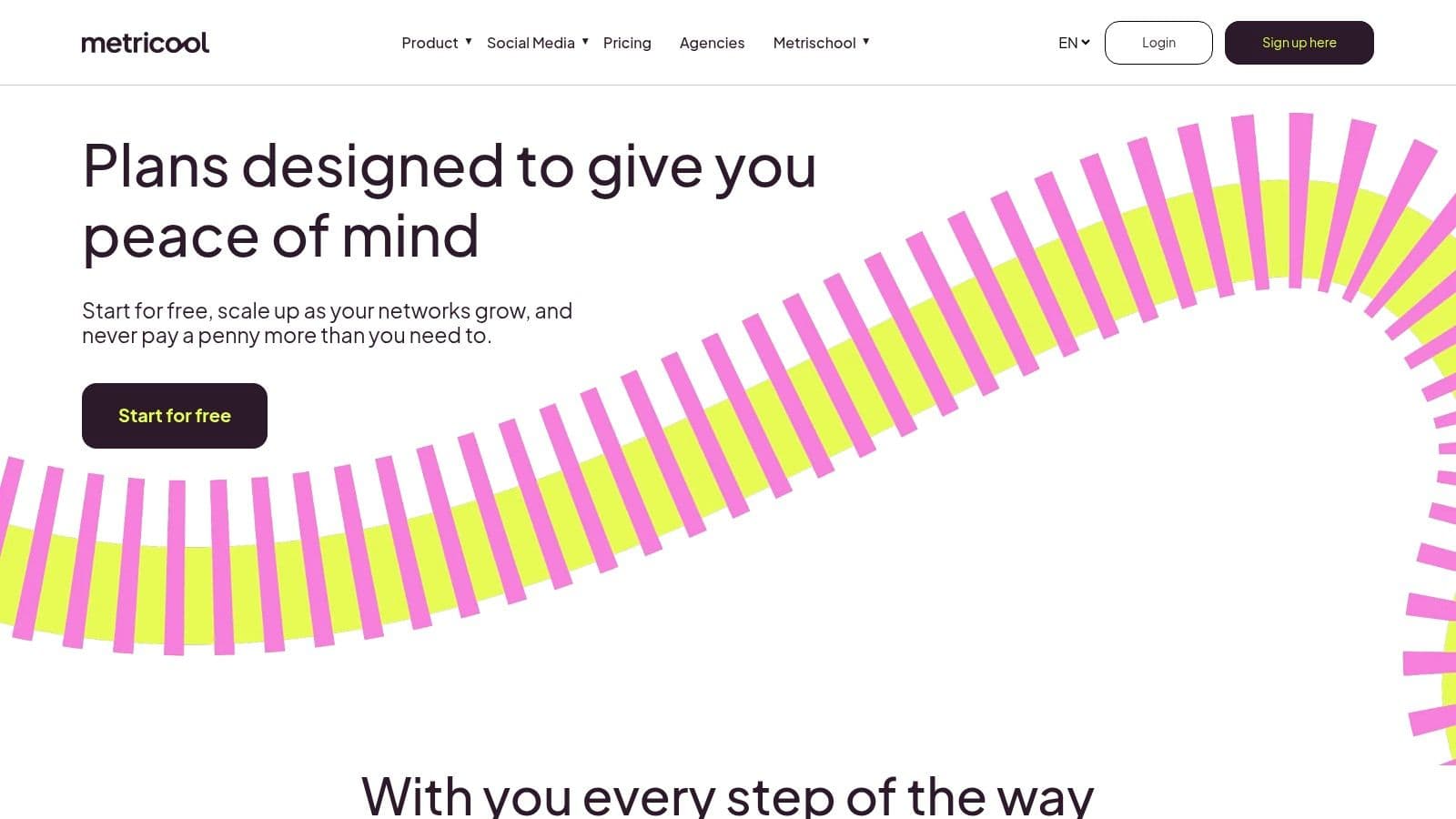
What makes Metricool unique is its flexible "brand-based" pricing model and its emphasis on comprehensive analytics, even at lower price points. It allows a small agency or a business with multiple projects to manage each "brand" separately without paying for features they don't need. The ability to generate professional PDF and PPT reports, monitor ad comments, and track hashtag performance makes it a strategic asset for data-driven marketers who need to justify ROI and refine their content plan efficiently.
Key Details & Use Cases
- Best For: Data-driven small businesses, marketing agencies, and creators managing multiple brands or client accounts.
- Use Case: A digital marketing freelancer can manage five different client accounts from one dashboard, using competitor analysis to inform each client's content strategy and generating downloadable monthly reports to demonstrate progress and value.
- Integration Tip: Connect your Google Drive to Metricool to easily access and schedule your pre-approved content assets, streamlining the workflow between your cloud storage and your content calendar.
| Feature | Details |
|---|---|
| Pricing | Free plan available (1 brand/50 posts). Paid plans start at $22/month. |
| Pros | Flexible pricing by number of brands, strong analytics and competitor tracking for the price. |
| Cons | Free tier is limited, some platforms (like X/Twitter) may require higher tiers for full functionality. |
Website: https://metricool.com/pricing/
8. SocialBee
SocialBee is a powerful yet approachable platform designed for small businesses that need to maintain an active social media presence with maximum efficiency. Its standout feature is category-based scheduling, which allows you to organize posts by type (e.g., blog posts, promotions, quotes) and set a recurring schedule. This system ensures a balanced content mix across your channels automatically, making it one of the best small business social media tools for hands-off content management.
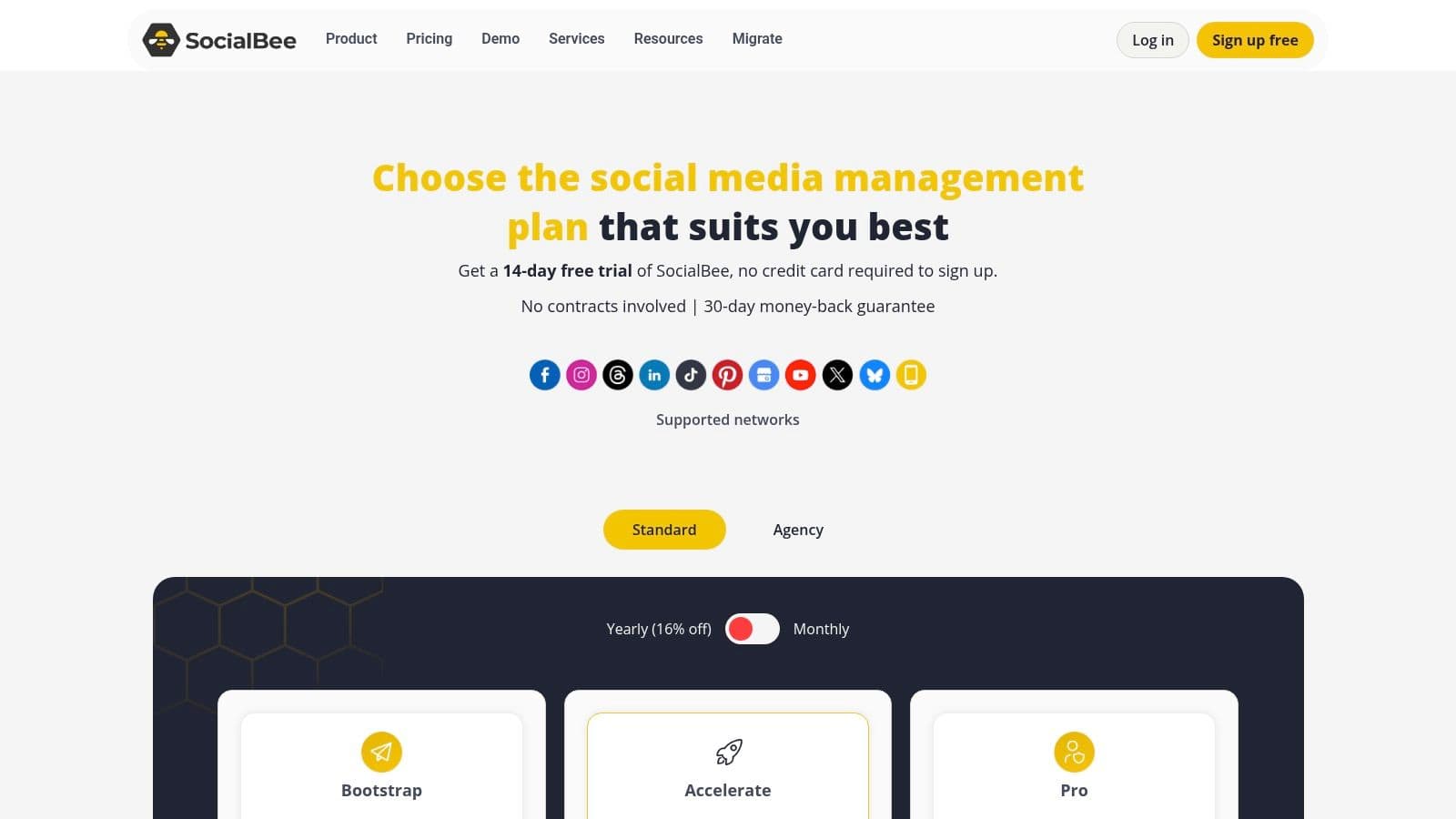
The platform’s emphasis on evergreen content recycling is a game-changer for teams with a limited content library. You can set your best-performing posts to republish periodically, keeping your feeds active and driving continuous traffic without constant manual effort. While its user interface is more functional than flashy, SocialBee strikes an excellent balance between robust features like AI assistance and a unified inbox with an affordable price point, making it ideal for consultants and businesses focused on output.
Key Details & Use Cases
- Best For: Service-based businesses, consultants, and marketers managing multiple brands who need to automate a consistent posting schedule.
- Use Case: A marketing consultant can create content categories like "Industry News," "Client Testimonials," and "Service Promos." They can then fill these queues and let SocialBee automatically post a balanced mix to their LinkedIn and X profiles daily, saving hours each week.
- Integration Tip: Connect your RSS feed from your company blog directly to a content category. This will automatically pull new blog posts into your queue, ready to be scheduled and shared across your social channels.
| Feature | Details |
|---|---|
| Pricing | 14-day free trial. Paid plans start at $29/month. |
| Pros | Competitive pricing, easy-to-use evergreen queues help keep feeds consistently active, supports numerous platforms. |
| Cons | User interface is utilitarian, advanced collaboration features are limited to higher tiers or agency plans. |
Website: https://socialbee.com/pricing/
9. Agorapulse
Agorapulse stands out as a comprehensive social media management suite that balances robust features with user-friendly design, making it a powerful choice among small business social media tools. It excels in team collaboration and inbox management, providing a unified space to handle all comments, messages, and mentions. This centralized approach prevents customer interactions from slipping through the cracks and saves significant time.
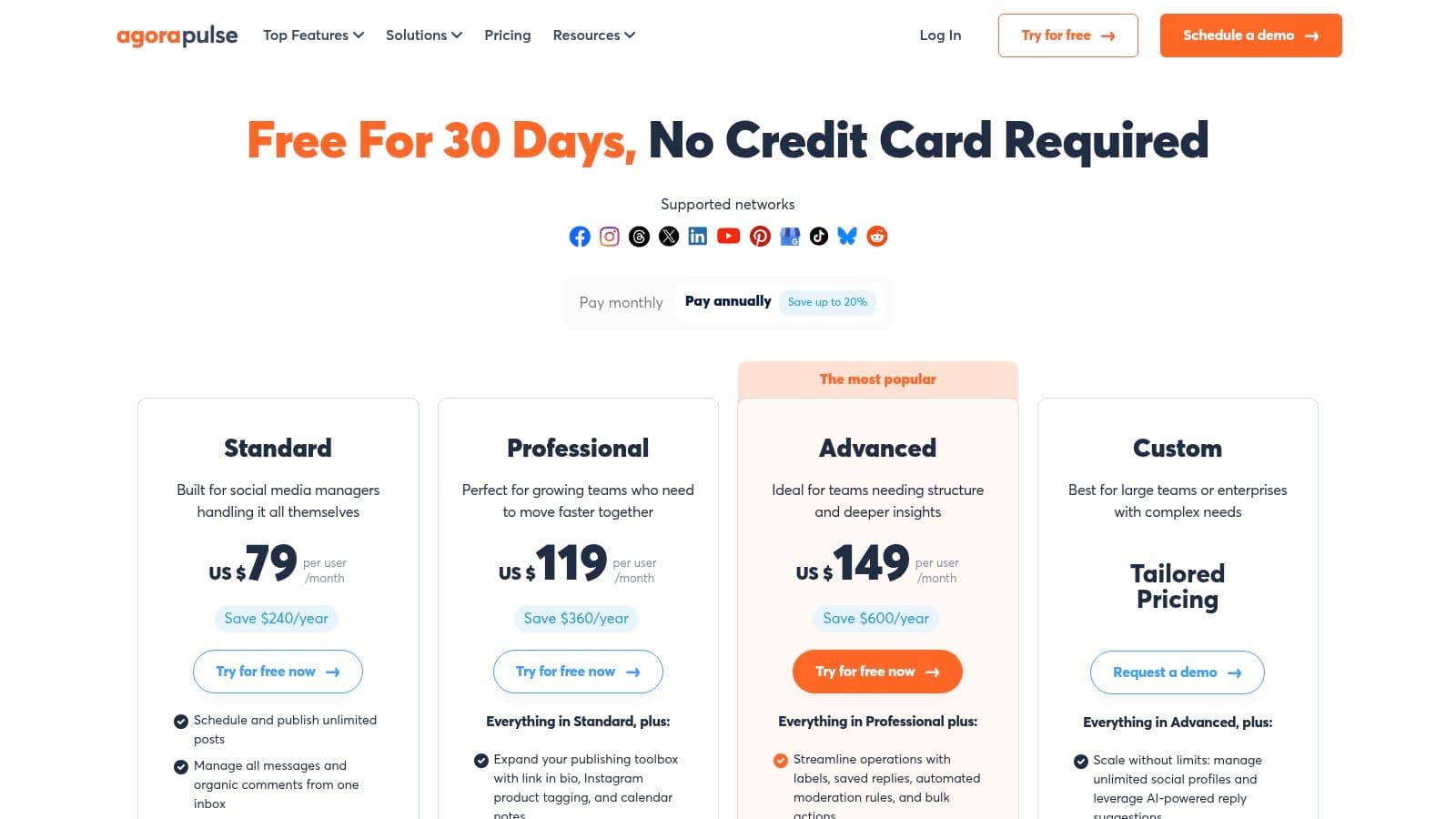
What truly sets Agorapulse apart is its powerful reporting and social listening capabilities, which are often found only in higher-priced enterprise software. It allows small businesses to track brand mentions, monitor relevant keywords, and generate professional, branded reports. Its built-in ROI tracking via Google Analytics integration helps teams connect social media efforts directly to business outcomes, justifying marketing spend with concrete data.
Key Details & Use Cases
- Best For: Marketing agencies, growing teams, and businesses that need strong engagement and reporting tools.
- Use Case: A small digital marketing agency can use Agorapulse to manage multiple client accounts, assign incoming messages to specific team members, and generate custom-branded performance reports to showcase their value to each client.
- Integration Tip: Connect Agorapulse with Canva to streamline your content creation process. Design visuals in Canva and send them directly to your Agorapulse content calendar for scheduling and approval.
| Feature | Details |
|---|---|
| Pricing | Free plan available. Paid plans start at $49/user/month (billed annually). |
| Pros | Excellent unified inbox and team collaboration tools, robust reporting, 30-day free trial. |
| Cons | Per-user pricing can become expensive for larger teams, advanced features are gated to higher tiers. |
Website: https://www.agorapulse.com/pricing/
10. Canva (Pro and Business)
Canva has evolved far beyond a simple graphic design tool, becoming a comprehensive content creation and scheduling powerhouse. This makes it one of the most essential small business social media tools for teams that need to produce high-quality visual content quickly and efficiently. Its strength lies in combining an enormous library of templates with a user-friendly drag-and-drop editor and a built-in content planner, streamlining the entire workflow from idea to publication.
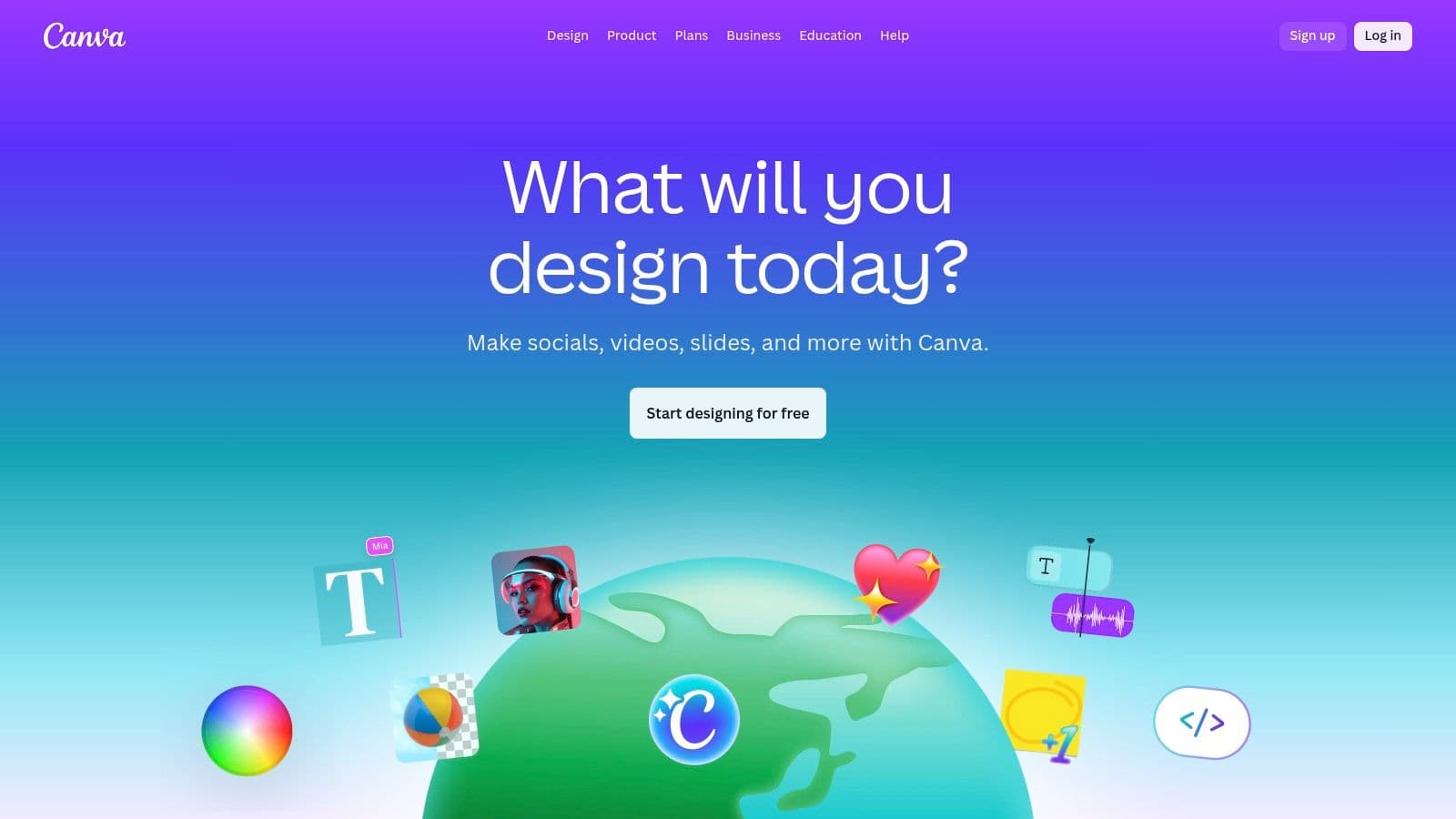
What sets Canva apart for small businesses is its integrated ecosystem. You can design a post, animate it, generate captions with its Magic Write AI, and schedule it to your social channels without ever leaving the platform. The Pro and Business tiers add crucial features like Brand Kits to maintain consistency, a background remover for professional product shots, and enhanced AI capabilities like text-to-video. This all-in-one approach saves immense time and removes the friction of using multiple disparate applications.
Key Details & Use Cases
- Best For: Teams needing an integrated design and scheduling solution, businesses focused on visual-heavy platforms like Instagram and Pinterest.
- Use Case: A real estate agent can use a Canva video template to create a quick property tour, apply their brand colors and logo with one click, and schedule it directly to their Instagram Reels and Facebook page for the upcoming weekend.
- Integration Tip: While Canva has a native scheduler, you can also connect it to dedicated tools like Buffer or Later. Design your assets in Canva and seamlessly push them to your preferred social media management platform’s content calendar.
| Feature | Details |
|---|---|
| Pricing | Free plan available. Canva Pro starts at $14.99/month for one person. |
| Pros | All-in-one design plus scheduling workflow, massive template library reduces production time. |
| Cons | Scheduler is lighter on features than dedicated suites, past price changes have caused user complaints. |
Website: https://www.canva.com
11. CapCut
CapCut has rapidly become a go-to video editor, establishing itself as one of the essential small business social media tools for creating professional-looking vertical video content. It excels at making advanced features like AI background removal, auto-captions, and audio cleanup incredibly accessible, even for absolute beginners. The platform is built for speed, with countless templates and a streamlined workflow that lets businesses produce engaging social media content without the complexity of traditional video software.
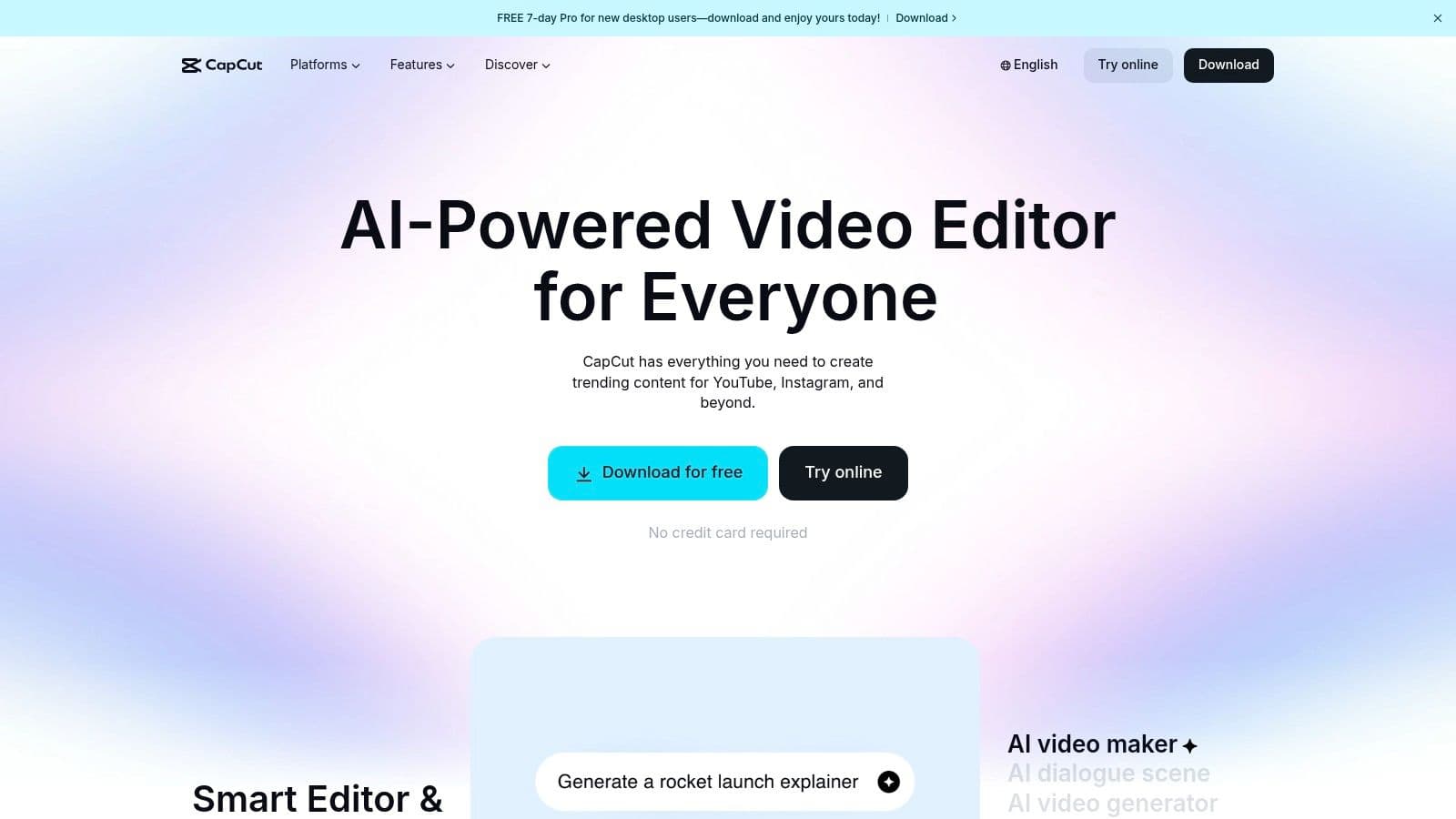
What sets CapCut apart is its seamless integration with social platforms, particularly TikTok, and its powerful mobile-first design. This allows for quick edits on the go and direct publishing in social-ready aspect ratios. For businesses that rely on short-form video to drive engagement, CapCut removes the technical barriers to production, making it possible for a small team to create dynamic teasers, product demos, or even simple lyric videos for promotions. Effective video is a cornerstone of modern marketing; you can read more about content marketing for small businesses to see how it fits into a broader strategy.
Key Details & Use Cases
- Best For: Businesses creating TikToks, Reels, and Shorts; marketing teams needing a quick and powerful mobile video editor.
- Use Case: A local band can use CapCut to create a 15-second lyric video teaser for a new song, using the auto-caption feature to animate the text and then post it directly to their Instagram Reels and TikTok.
- Integration Tip: Record video on your phone, edit it in the CapCut mobile app, and then use the cloud sync feature (on Pro plans) to make final adjustments on the desktop version for more precise control.
| Feature | Details |
|---|---|
| Pricing | Free version available with robust features. Pro plans offer more effects, cloud storage, and start around $7.99/month. |
| Pros | Fast learning curve with abundant templates, very affordable, powerful AI and auto-captioning features. |
| Cons | Pricing and plan names can vary by store and region; occasional availability or policy changes may occur. |
Website: https://www.capcut.com
12. TubeBuddy
For any small business leveraging YouTube, TubeBuddy is an indispensable browser extension that acts as a powerful channel optimization toolkit. While not a traditional scheduler, it's one of the most critical small business social media tools for anyone serious about growing a YouTube presence. It integrates directly into the YouTube interface, providing advanced keyword research, SEO guidance, and competitive analysis right where you need it.
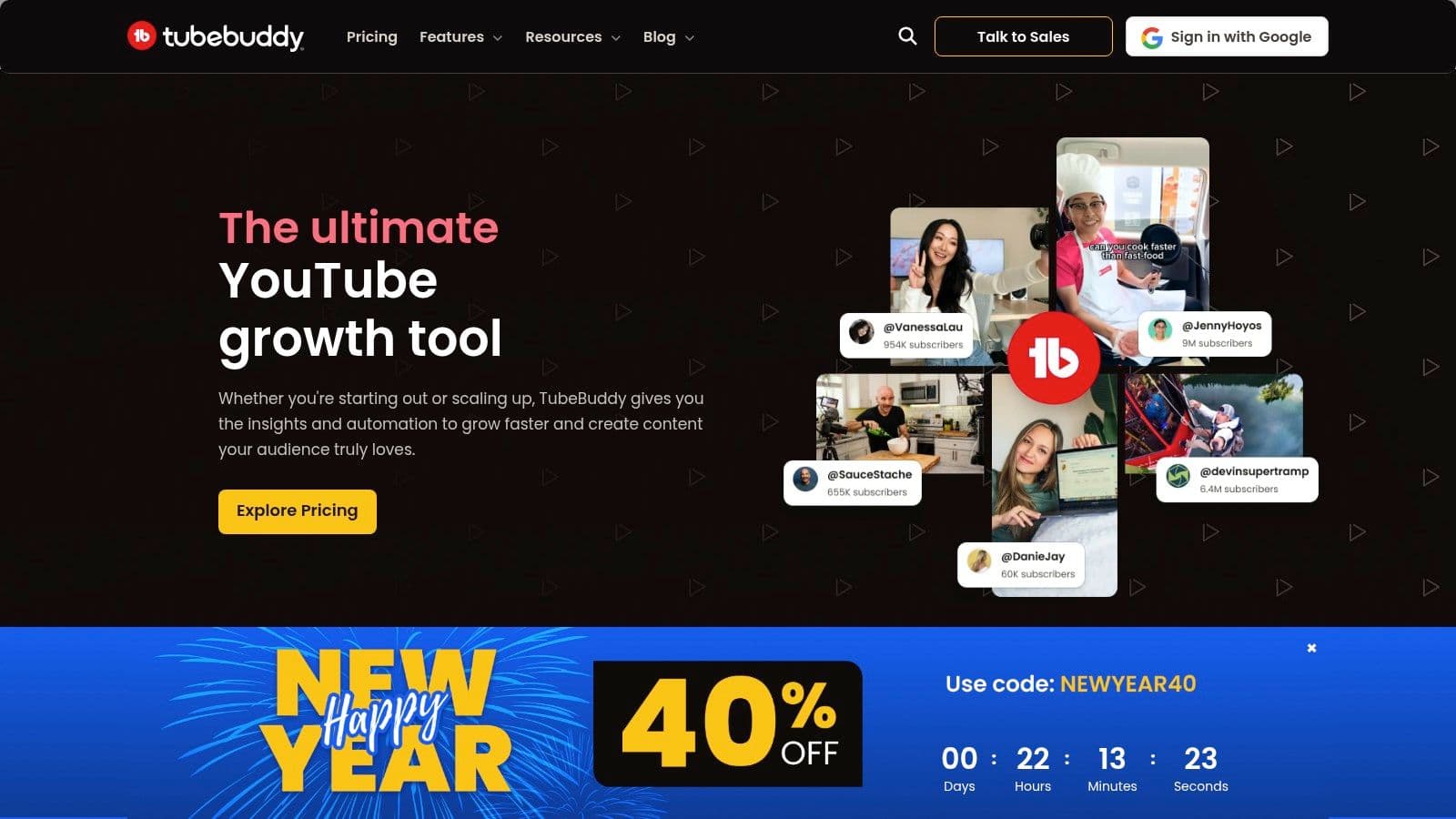
What makes TubeBuddy essential is its ability to demystify the YouTube algorithm. Its SEO Studio tool guides you through creating perfectly optimized titles, descriptions, and tags to improve your video's search ranking. The extension also offers invaluable time-saving features, like bulk metadata editing and pre-written comment responses, freeing up hours that can be better spent on content creation. It's a must-have for turning a simple video channel into a strategic marketing asset.
Key Details & Use Cases
- Best For: Businesses using YouTube as a primary marketing channel, video content creators, and marketing managers focused on video SEO.
- Use Case: A karaoke channel using a tool like MyKaraoke Video can use TubeBuddy to find trending song keywords, A/B test different thumbnail styles to see which gets more clicks, and track their ranking against competitor channels for popular tracks.
- Integration Tip: For businesses using video, this tool is foundational. You can learn more about how to incorporate it into your strategy by exploring our guide to video marketing for small business.
| Feature | Details |
|---|---|
| Pricing | Free version with limited features. Paid plans start at ~$3.50/month. |
| Pros | Tangible time-savers for repetitive tasks, low entry price, deep SEO tools. |
| Cons | Creator-focused licenses; pricing can be complex with promotional offers. |
Website: https://www.tubebuddy.com
Top 12 Small Business Social Media Tools Comparison
| Product | Core features | Quality / UX | Price & value | Target audience | Unique selling points |
|---|---|---|---|---|---|
| MyKaraoke Video 🏆 | AI vocal removal, auto-lyrics sync, Sync Editor, 1‑Click Karaoke/Lyric makers, 1080p MP4 export | ★★★★★ · real-time previews | 💰 Free / $5/mo / $10/mo (credit tiers) | 👥 Karaoke channels, creators, hobbyists, small teams | ✨ Browser-based, duet mode, transparent BG, fast chunk rendering |
| Buffer | Scheduling, basic→advanced analytics, integrations, AI assistant | ★★★★ · simple UI | 💰 Free tier; low entry price | 👥 Solo creators & small teams | ✨ Predictable per-channel pricing, easy onboarding |
| Hootsuite | Publishing, unified inbox, analytics, listening & ads add‑ons | ★★★★ · full‑stack suite | 💰 Higher pricing; add-ons for advanced features | 👥 Growing SMBs needing broad coverage | ✨ Wide network support, strong ecosystem |
| Sprout Social | Publishing, unified inbox, advanced reporting, governance | ★★★★★ · enterprise-grade UX | 💰 Expensive per-seat; premium tiers | 👥 Mid-market & enterprise teams | ✨ Deep analytics, collaboration & workflow controls |
| Later | Visual scheduler, auto-publish, link-in-bio, creator tools | ★★★★ · visual-first UI | 💰 Free→tiered with post caps | 👥 Visual creators, Instagram/TikTok focus | ✨ Creator monetization + brand collaboration tools |
| Loomly | Multi-calendar planning, approvals, media library, reports | ★★★★ · calendar-first workflows | 💰 Team/agency pricing (tiered) | 👥 Agencies & organized SMB teams | ✨ Strong approval flows & content ideas |
| Metricool | Scheduler, analytics, competitor tracking, downloadable reports | ★★★★ · analytics-forward | 💰 Flexible brand-based pricing | 👥 Creators, agencies, SMBs | ✨ Deep analytics for the price, multi-brand support |
| SocialBee | Category queues, evergreen recycling, AI assistant, inbox | ★★★ · utilitarian UI | 💰 Affordable with promos; 14‑day trial | 👥 SMBs & consultants seeking evergreen posting | ✨ Easy evergreen queues to keep feeds active |
| Agorapulse | Unlimited scheduling, unified inbox with automations, reporting | ★★★★ · team-friendly | 💰 Mid-market; per-user can add up | 👥 Teams & agencies needing client reports | ✨ Branded exports, inbox automations, ROI basics |
| Canva (Pro/Business) | Templates, brand kits, content planner, AI media tools | ★★★★ · design-first UX | 💰 Pro/Business paid tiers | 👥 Designers, marketers, social teams | ✨ Massive template library + AI content tools |
| CapCut | Templates, auto-captions, AI background removal, audio cleanup | ★★★★ · creator-friendly | 💰 Affordable; regional plan variance | 👥 Short-form video creators | ✨ Fast templates and strong AI effects |
| TubeBuddy | YouTube SEO, keyword research, A/B testing, bulk metadata tools | ★★★★ · creator-focused tools | 💰 Low entry price; creator licenses | 👥 YouTube creators (incl. karaoke channels) | ✨ Channel SEO, bulk edits, publish timing insights |
How to Choose the Right Social Media Stack for Your Business
Navigating the landscape of small business social media tools can feel overwhelming, but the journey from confusion to clarity is about strategy, not just selection. We've explored a dozen powerful platforms, from all-in-one management suites like Buffer and Hootsuite to specialized content creation powerhouses like Canva and MyKaraoke Video. The key takeaway is not to find a single, mythical "best" tool, but to thoughtfully assemble a technology 'stack' that aligns perfectly with your specific business goals, budget, and workflow.
The most effective approach is to build a system where each tool serves a distinct purpose, creating a seamless process from idea to analysis. Your perfect combination of tools will be as unique as your brand's voice.
Auditing Your Needs and Building Your Stack
Before you commit to any subscription, perform a simple audit of your current social media efforts. Where are the bottlenecks? What tasks consume the most time with the least return? Answering these questions will illuminate the path forward.
- For the Time-Strapped Solopreneur: If your primary challenge is consistency, a stack combining a straightforward scheduler like Later with a quick-edit video tool like CapCut could be your solution. This pairing allows you to batch-create and schedule a week's worth of visual content in just a few hours.
- For the Data-Driven Marketer: If analytics and ROI are your main focus, a more robust platform like Metricool or Agorapulse is essential. Combine this with a powerful design tool like Canva to ensure your data-backed strategies are executed with professional, on-brand creative assets.
- For the Engagement-Focused Brand: If building a community is your top priority, consider tools that foster interaction. A tool like MyKaraoke Video helps you create fun, participatory content like lyric videos for promotions or events. Paired with a management tool like Sprout Social that has strong engagement and listening features, you can actively build and nurture your audience.
A Practical Framework for Selection
Don't get distracted by endless feature lists. Instead, focus on the practical application of these tools within your daily operations. The goal is to find solutions that simplify complexity, not add to it.
- Prioritize Core Functionality: Start with your most significant pain point. Is it scheduling, content creation, or analytics? Choose your "cornerstone" tool to solve that primary problem first, then build around it.
- Leverage Free Trials: Nearly every tool on this list offers a free trial or a freemium plan. Use this opportunity to test the user interface and see how it integrates into your actual workflow. Does it save you time? Is it intuitive for you or your team?
- Consider Your Growth Trajectory: Select tools that can scale with you. While a simple, free tool might be perfect today, consider its limitations. Will you need more advanced analytics, team collaboration features, or a higher post limit in six months? Planning ahead prevents disruptive platform migrations later.
Ultimately, the right set of small business social media tools acts as a force multiplier, automating repetitive tasks so you can focus on what truly matters: creating authentic content and engaging with your community. For a deeper comparison of management-specific platforms, you can explore detailed reviews of the 12 Best Social Media Management Tools for Small Business to further aid in selecting the ideal solutions for your business. The perfect stack empowers you to execute your social media strategy efficiently, turning your online presence from a chore into a powerful engine for business growth.
Ready to create video content that stops the scroll and gets your audience singing along? MyKaraoke Video makes it easy to produce professional-quality lyric and karaoke videos for your social media promotions, announcements, and events. Start creating unforgettable content today at MyKaraoke Video.
