Whether you're creating accessible content, localizing videos for a global audience, or producing engaging lyric videos, the right subtitle editor is crucial. A great tool saves you time, prevents frustrating sync issues, and ensures your message is clear and professional. But with so many options, from complex broadcast software to nimble browser-based tools, how do you choose?
This guide cuts through the noise. We'll explore the 7 best subtitle editor software options available, breaking down their strengths, weaknesses, and ideal use cases. You'll get a clear comparison of features, pricing, and workflows, so you can confidently select the software that aligns perfectly with your project's needs.
Each review is designed for quick decision-making, featuring screenshots, direct links, and actionable insights. We cover everything from professional-grade tools like EZTitles and Telestream CaptionMaker to community favorites like Subtitle Edit and specialized platforms like MyKaraoke Video. For a comprehensive overview of the entire process from generation to editing, delve into this practical guide on how to create subtitles for videos.
This roundup is built to help you find the perfect fit, whether you're a social media creator needing quick, stylized captions, a professional subtitler requiring broadcast-standard compliance, or a karaoke channel enthusiast crafting perfectly timed lyric videos. Let's find the software that will elevate your video content.
1. MyKaraoke Video
MyKaraoke Video distinguishes itself in the crowded field of the best subtitle editor software by focusing on a specific, high-demand niche: creating professional-grade karaoke and lyric videos with astonishing speed and simplicity. It's a fully browser-based platform, meaning there are no downloads or installations required. This powerful tool leverages AI to transform the traditionally tedious process of timing lyrics to audio into a nearly instantaneous task, making it a standout choice for creators who value efficiency without sacrificing quality.
The platform is engineered for a diverse audience, from YouTube karaoke channel operators and independent musicians to social media managers and event professionals. Its core strength lies in its dual-approach editing system. Users can simply paste their lyrics and let the AI handle the synchronization automatically, or they can dive into the intuitive visual sync editor to manually adjust timing down to the millisecond. This flexibility ensures both speed for bulk projects and precision for artistic expression.
Key Features and Capabilities
MyKaraoke Video is more than just a syncing tool; it's a complete production suite for lyric-based video content.
- AI-Powered "1-Click" Syncing: The platform's standout feature is its ability to automatically align lyrics with an uploaded audio track (MP3, WAV, FLAC, etc.). This dramatically reduces production time, a benefit highlighted by users like Marcelo Penco of the Karaoke Instrumental YouTube channel, who credits the software with shrinking his editing time significantly.
- Robust Customization: Creators have full control over the visual aesthetic. This includes setting custom background colors, images, or even videos (Premium plan). The integration with Google Fonts offers thousands of typographic choices, and fine-tuning options like text outlines, color wipes, and special styling for duet voices allow for a truly polished, branded look.
- High-Performance Rendering: Videos are exported in crisp 1080p MP4 format. The platform uses a unique parallel chunk rendering technology, which drastically speeds up the export process, a critical factor for creators working on tight deadlines.
- Built-in Audio Tools: A handy vocal remover is included, allowing users to create instrumental tracks directly within the app, streamlining the karaoke creation workflow.
Pricing and Accessibility
MyKaraoke Video offers a scalable pricing structure that makes it accessible to everyone from hobbyists to professional enterprises.
- Free Tier: A generous free plan provides 10 AI sync credits and 10 export credits per month. This is perfect for trying out the platform's core functionality, though videos will include a watermark.
- Standard Plan ($5/month): This affordable plan removes the watermark and increases credits to 60 for both AI syncs and exports, making it ideal for regular creators.
- Premium Plan ($10/month): The top-tier plan is built for power users, offering 300 credits for both AI syncs and exports. It also unlocks advanced features like background video support, transparent background exports (for use in other video editors), priority support, and early access to new features.
It's important to note that while the tool is powerful, users are responsible for ensuring they have the legal rights and licenses to use the songs for their intended commercial projects. With its blend of AI efficiency, deep customization, and an accessible web-based interface, MyKaraoke Video is a formidable and highly specialized solution in the subtitle and lyric editing space.
Website: https://www.mykaraoke.video
2. EZTitles
EZTitles is a professional-grade, desktop-based subtitling and closed-captioning software suite designed for high-stakes media environments. It caters to broadcasters, streaming services, and post-production studios that require precise, compliant, and feature-rich tools for creating deliverables for cinema, OTT platforms, and Blu-ray. Unlike simpler online tools, EZTitles is built around frame-accurate workflows and comprehensive quality control.
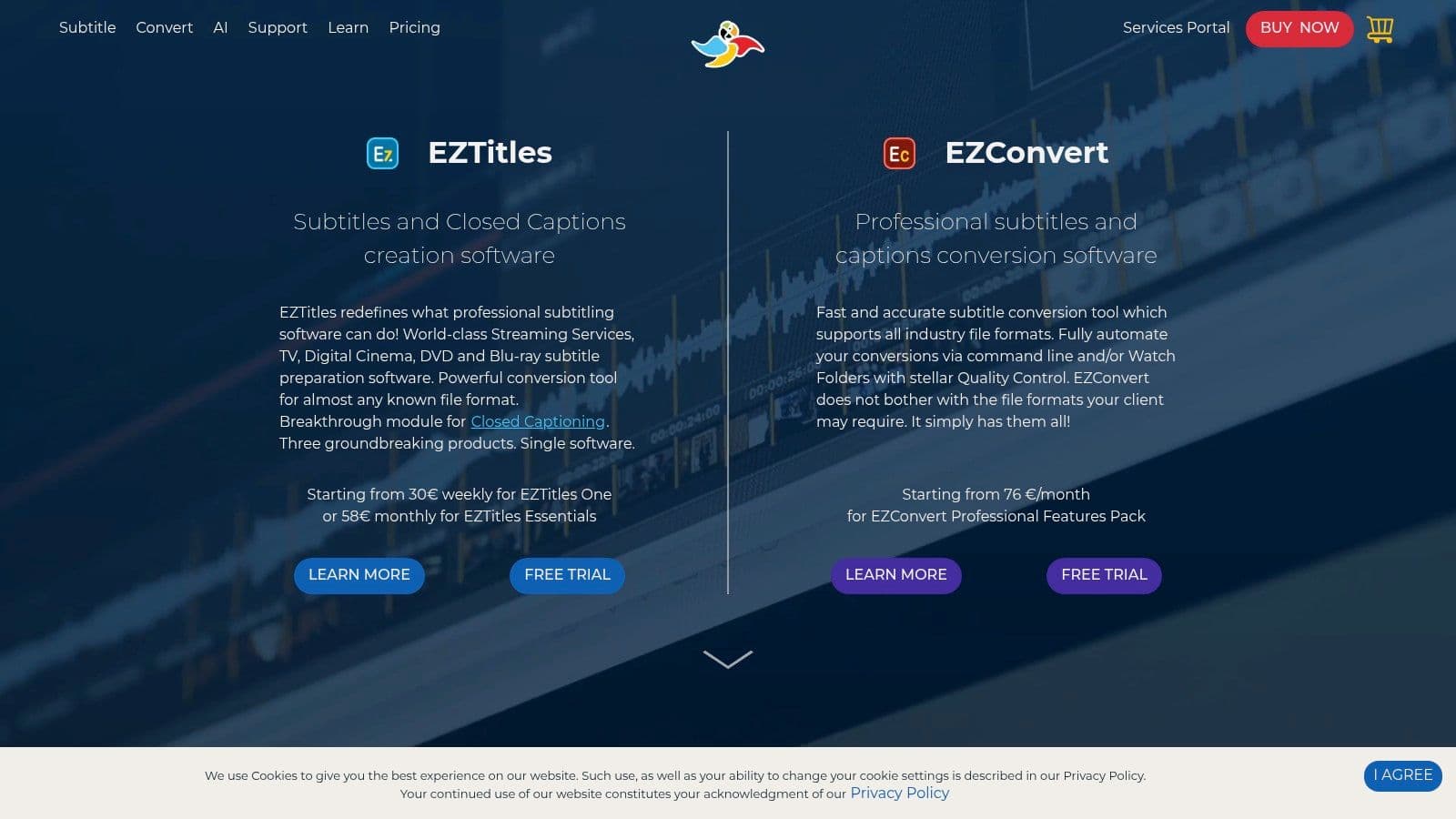
This platform stands out due to its immense format compatibility and strict adherence to industry standards. For professionals who must deliver subtitles compliant with Netflix, Amazon Prime, or traditional broadcast specifications, EZTitles provides the necessary presets, automated checks, and error-fixing capabilities to ensure the final product passes rigorous technical quality control.
Key Features and Workflow
EZTitles streamlines the professional subtitling process from start to finish. Its powerful toolset includes automated shot-change detection, which helps prevent subtitles from spanning across scene cuts, and a sophisticated quality control engine that flags issues like reading speed violations, character-per-line inconsistencies, and timing errors.
The software also integrates modern AI-assisted features, including speech-to-text for initial transcription and machine translation modules for localization workflows. This blend of manual precision and automated assistance makes it one of the best subtitle editor software options for teams handling large volumes of content. If you're comparing professional-grade tools, you can discover more about how EZTitles' capabilities fit into a wider ecosystem of software for transcribing video.
Pricing and Licensing
EZTitles offers a flexible licensing structure to accommodate different budgets and project needs. This is a significant advantage over competitors who often lock users into a single purchase or subscription model.
| License Type | Duration | Best For |
|---|---|---|
| Subscription | Weekly / Monthly | Short-term projects or freelancers |
| Perpetual | Lifetime | Studios and dedicated professionals |
It's available in three main editions: Essentials, Standard, and Ultimate, allowing users to pay only for the features they need. While the upfront cost is higher than consumer-focused software, the option for installment payments on perpetual licenses makes it more accessible.
Pros:
- Enterprise-Grade Compliance: Unmatched support for professional delivery formats and QC standards.
- Flexible Licensing: Subscription and perpetual options cater to various user needs.
- Robust Support: Excellent vendor support and detailed documentation.
Cons:
- High Cost: Significantly more expensive than web-based or consumer tools.
- Complexity: The feature set can be overwhelming for beginners or casual users.
- Hardware Dongle: Some perpetual licenses require a physical USB dongle, which can be inconvenient.
You can learn more and request a demo at the official EZTitles website.
3. Telestream CaptionMaker
Telestream CaptionMaker is a professional desktop application firmly rooted in the North American broadcast industry. It is designed for creating, editing, and delivering closed captions and subtitles that meet stringent regulatory standards, such as those set by the FCC and ADA. This tool is a go-to for broadcasters, post-production houses, and corporate video teams who need to ensure their content is accessible and compliant.
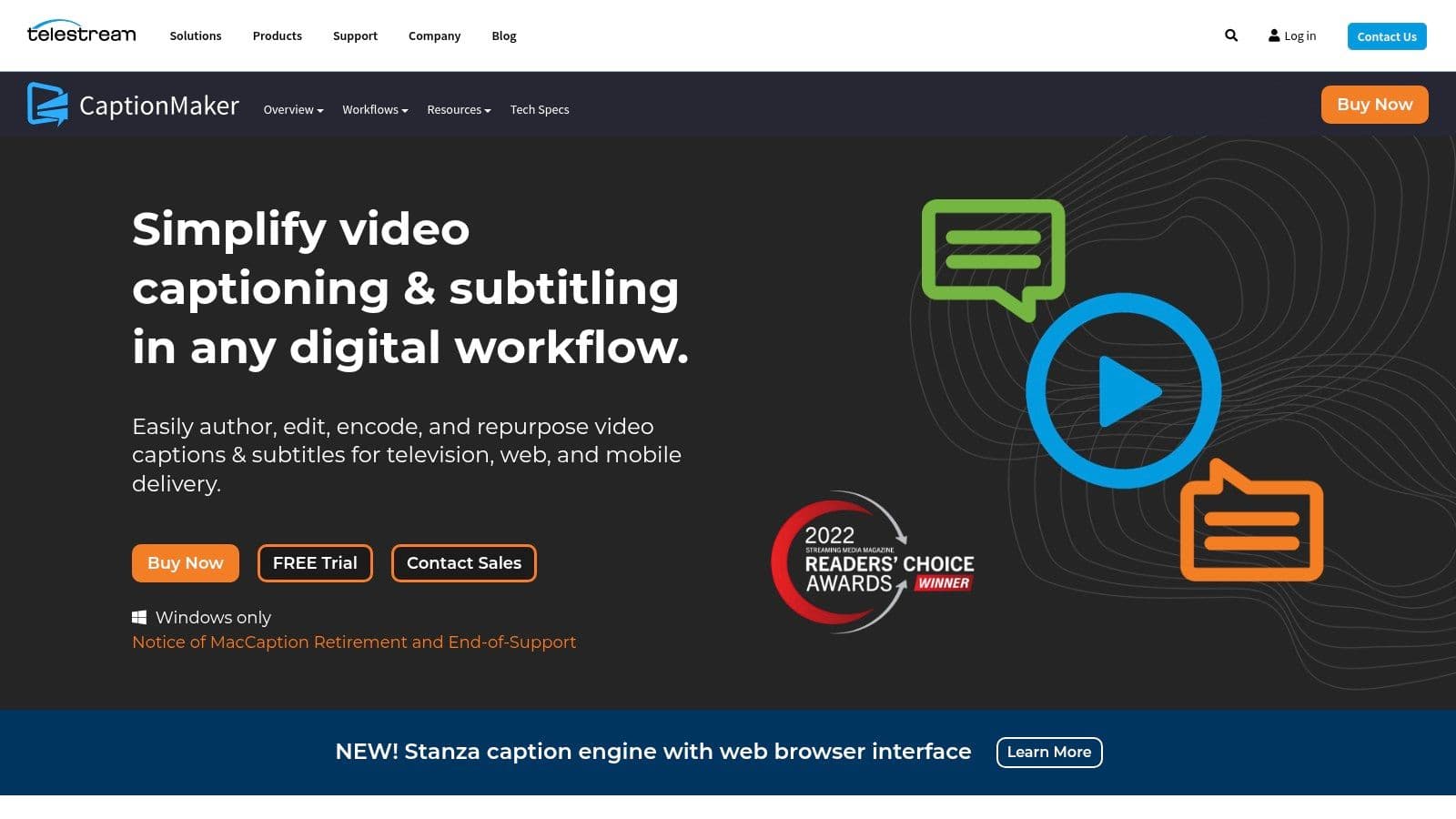
This platform's primary strength lies in its deep integration with professional video workflows and its robust handling of broadcast-specific formats. For users in the US market who need to embed CEA-608/708 captions directly into video files like MXF or ProRes, CaptionMaker offers a reliable and time-tested solution. It bridges the gap between subtitle creation and technical video encoding, a crucial step for professional delivery.
Key Features and Workflow
CaptionMaker provides an end-to-end workflow, from transcription to final delivery. Its features include automated transcription and timed-text generation powered by speech recognition, which gives users a solid starting point for editing. The software also supports auto time-stamping to sync text with video efficiently, significantly speeding up the initial setup.
For larger-scale operations, the Enterprise edition offers powerful automation capabilities, including command-line interface (CLI) control for batch processing. This allows teams to integrate CaptionMaker into automated media pipelines. The software supports a wide range of import and export formats, from common files like SCC and WebVTT to professional standards like TTML/IMSC, making it a versatile tool in a complex media environment. This comprehensive feature set makes it one of the best subtitle editor software choices for compliance-focused workflows.
Pricing and Licensing
Telestream offers CaptionMaker in different tiers, allowing users to select the version that best fits their technical requirements and budget. The procurement process is straightforward, with options to purchase directly from their online store.
| Edition | Primary Use Case | Key Differentiator |
|---|---|---|
| Desktop | Basic caption/subtitle creation and editing | Foundational toolset for compliance |
| Pro | Professional post-production | Advanced embedding/extraction features |
| Enterprise | Large-scale broadcast and automation | Full automation, batch processing, and API access |
A free trial is available, which is a significant advantage for organizations wanting to evaluate its compatibility with their existing workflows before committing. While the cost is substantial compared to consumer-level tools, it reflects its position as a specialized, professional-grade application.
Pros:
- Broadcast-Standard Compliance: Trusted within US broadcast chains for FCC and ADA compliance.
- Workflow Integration: Excellent support for embedding captions in professional video formats.
- Free Trial Available: Allows for thorough testing before purchase.
Cons:
- Windows-Only: The Mac version (MacCaption) has been retired, limiting its user base.
- High Cost: Pricing is aimed at professional and enterprise budgets, not casual creators.
- Complex for Beginners: The broadcast-centric interface can be intimidating for new users.
You can learn more and request a free trial on the official Telestream website.
4. OOONA
OOONA is a comprehensive, cloud-based platform designed for the modern media localization industry. It provides a suite of browser-based tools that cater to every stage of the subtitling and captioning workflow, from authoring and translation to quality control and final delivery. Because it operates entirely in the cloud, OOONA is built for collaborative, remote teams and is widely adopted by localization vendors, broadcasters, and major streaming services.
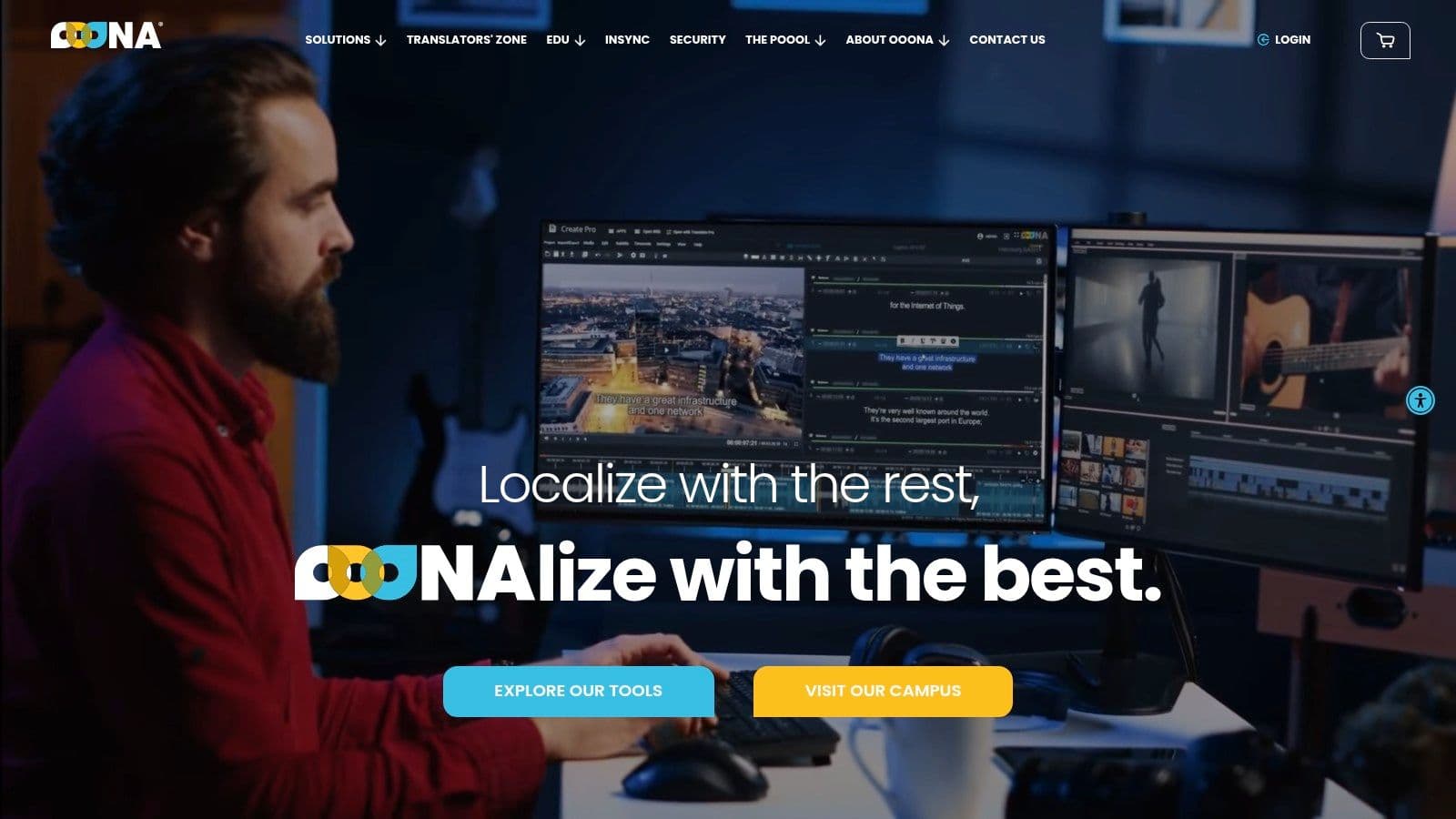
The platform's key differentiator is its integrated ecosystem that combines powerful production tools with structured professional training. This unique approach allows companies not only to equip their teams with state-of-the-art software but also to upskill them with certified courses on topics like subtitling for accessibility. This makes it an ideal solution for organizations looking to standardize quality and onboard new talent efficiently.
Key Features and Workflow
OOONA’s toolkit is modular, allowing users to select the specific tools they need for their pipeline. The core modules include Create, Translate, Transcribe, and a powerful Converter for handling various file formats. The platform supports fully collaborative workflows, enabling multiple users to work on the same project simultaneously with real-time updates, making it an excellent choice for distributed teams.
A standout feature is its professional training catalog. Users can enroll in courses to earn certificates, ensuring they are proficient in industry best practices. The combination of an intuitive user interface with robust, enterprise-level functionality makes OOONA one of the best subtitle editor software options for professional environments that prioritize flexibility and skill development. Its cloud-native design also means no software installation is required, and projects are accessible from any location with an internet connection.
Pricing and Licensing
OOONA's pricing is primarily quote-based, tailored to the needs of professional freelancers and enterprise clients. The platform offers different tool packages to ensure users only pay for the capabilities they require.
| Package Tier | Components | Best For |
|---|---|---|
| Standard | Create, Translate, Converter | Freelancers and small teams |
| Pro | Adds Transcribe, Burn & Encode | Production houses with diverse needs |
| Enterprise | Adds QC module and advanced features | Large-scale localization providers |
While specific pricing isn't public, OOONA provides free trials for its tools, allowing potential users to evaluate the platform before committing. The training courses are priced separately, offering a pathway for individuals to gain certified skills.
Pros:
- Cloud-Based Collaboration: Enables seamless real-time teamwork from anywhere.
- Integrated Training: Offers certified courses to improve user proficiency and industry knowledge.
- Industry Adoption: Widely used and trusted by major media and localization companies.
Cons:
- Quote-Based Pricing: Lack of transparent pricing can be a hurdle for smaller users.
- Internet Dependent: Requires a stable and strong internet connection for smooth operation.
- Can Be Costly: Professional-tier tools are aimed at businesses and can be expensive.
You can learn more and request a trial at the official OOONA website.
5. Subtitle Edit
Subtitle Edit is a powerful, free, and open-source subtitle editor that has become a staple for creators, translators, and indie teams. As a Windows-first application, it offers a comprehensive suite of tools for creating, editing, syncing, and converting subtitles. Its reputation is built on its incredible format support, precision timing features, and an active community that ensures it receives frequent updates and improvements.
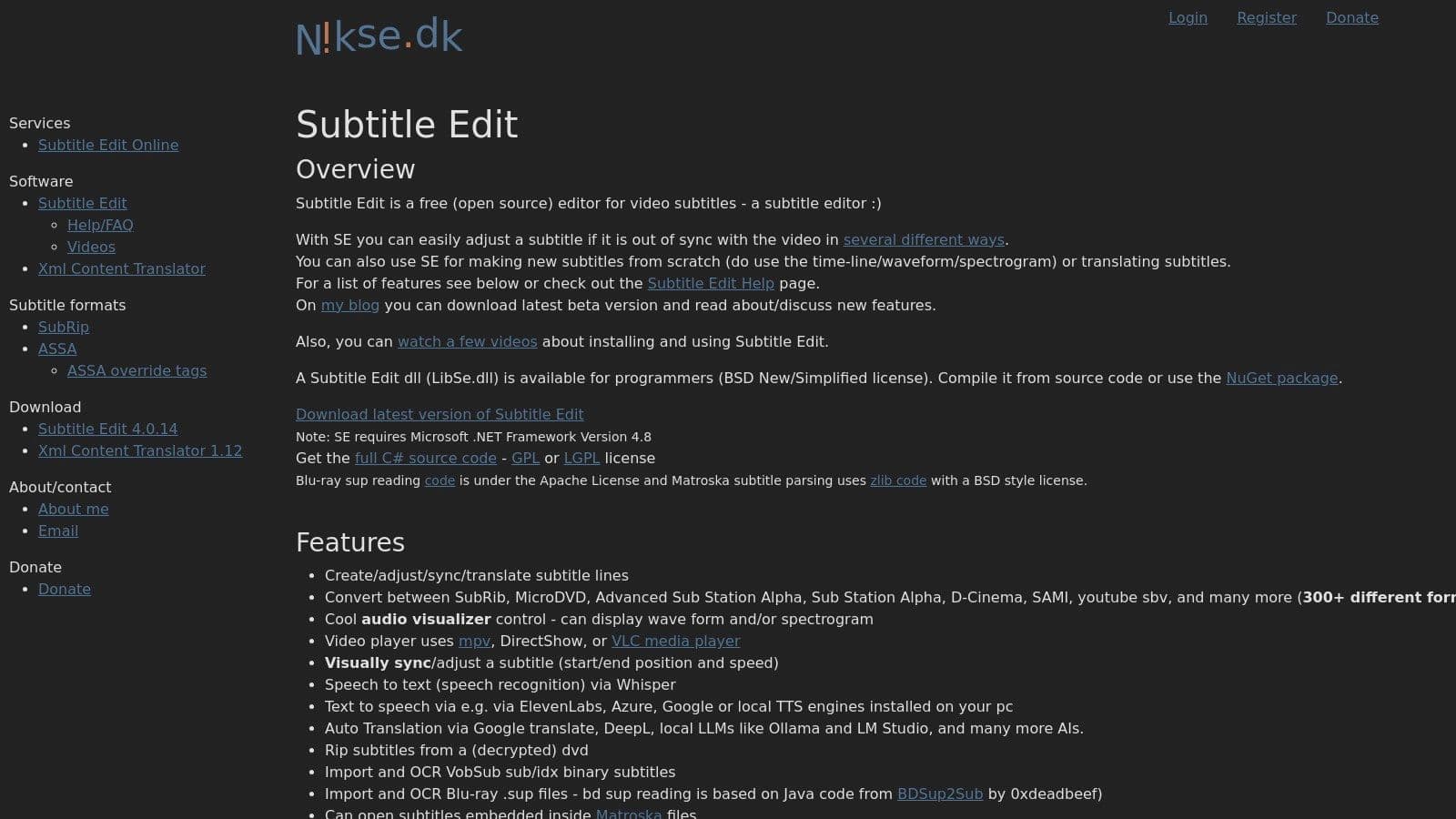
This platform stands out by offering professional-grade functionality without any cost, making it arguably the best subtitle editor software for users on a budget who still need advanced capabilities. Its ability to handle over 280 different subtitle formats makes it an invaluable tool for converting files for various platforms, from YouTube (SRT, WebVTT) to advanced formats like ASS/SSA for stylized karaoke or D-Cinema for theatrical releases.
Key Features and Workflow
Subtitle Edit provides a robust workflow centered around its visualizer, which displays the audio waveform and even a spectrogram. This allows for extremely precise synchronization of subtitles to dialogue or lyrics. Users can visually drag and adjust subtitle start and end times directly on the timeline, ensuring perfect timing.
The software also includes numerous automated tools to enhance productivity. It integrates with auto-translate APIs and speech-to-text engines for generating initial drafts. Furthermore, its batch conversion and "Fix common errors" wizards can automatically correct issues like overlapping times, short durations, or lines that are too long. For those new to the complexities of timing, you can discover techniques on how to sync audio and video that can be applied within this tool.
Pricing and Licensing
Subtitle Edit is completely free and open source, which is its most significant advantage. There are no subscriptions, hidden fees, or different tiers of functionality. This commitment to accessibility makes it a top choice for a wide range of users.
| License Type | Duration | Best For |
|---|---|---|
| Open Source | Lifetime | Everyone from beginners to professionals |
The software is primarily available as a downloadable installer for Windows, but a browser-based version exists for quick, platform-agnostic tasks. Users on other operating systems like macOS or Linux can also run the full version using compatibility layers like Mono or Wine, though this may require some initial setup.
Pros:
- Completely Free: No cost for a full-featured, professional-level toolset.
- Extensive Format Support: Unparalleled ability to read, edit, and convert between hundreds of formats.
- Precision Tools: The waveform and spectrogram views provide exceptional control over timing.
Cons:
- Windows-First: The primary experience is on Windows; other platforms require workarounds.
- Learning Curve: The vast number of features and settings can be intimidating for new users.
- Codec Configuration: May require users to install or configure specific video codecs (like LAV Filters) for optimal performance.
You can download and learn more at the official Subtitle Edit website.
6. Aegisub
Aegisub is a highly respected free, open-source subtitle editor that has been a dominant force in the fansubbing community for years. Unlike general-purpose editors, Aegisub specializes in advanced typesetting, styling, and timing, making it the go-to tool for creating dynamic, visually complex subtitles often seen in anime, music videos, and motion graphics. Its power lies in its deep control over the Advanced SubStation Alpha (ASS) format.
This platform stands out due to its granular control over every aspect of a subtitle's appearance and behavior. For creators who want to go beyond simple text at the bottom of the screen, Aegisub provides the tools to animate text, create karaoke-style effects, and position subtitles with frame-accurate precision. It is built for a specific kind of creative subtitling that prioritizes artistic expression alongside readability.
Key Features and Workflow
Aegisub’s workflow is centered around its powerful typesetting and timing tools. It includes a real-time video preview that instantly reflects any changes made to styling or timing. Its most acclaimed feature is its karaoke timing mode, which allows users to time subtitles syllable by syllable for precise lyric highlighting, a critical function for music video creators.
The software also supports scripting through the Lua programming language, enabling users to automate repetitive tasks and create complex visual effects that would be tedious to do manually. This level of customization and automation makes it a uniquely powerful and best subtitle editor software for technical and creative users. While it’s free, it provides capabilities that many premium tools lack in the creative styling department.
Pricing and Licensing
Aegisub is entirely free and open-source, maintained by a community of volunteers. This is its most significant advantage, offering professional-grade typesetting features with no financial barrier to entry.
| License Type | Duration | Best For |
|---|---|---|
| Open-Source | Lifetime | Everyone, from hobbyists to professional typesetters |
Being a community-driven project means it is available for Windows, macOS, and Linux without any cost. This accessibility has made it a foundational tool for entire communities dedicated to subtitling. Portable versions are also available, allowing you to run the software from a USB drive without installation.
Pros:
- Exceptional Typesetting: Unmatched control over styling, positioning, and effects for ASS/SSA formats.
- Completely Free: No cost for a powerful, feature-rich editor.
- Powerful Karaoke Tools: Advanced syllable-by-syllable timing for music and lyric videos.
Cons:
- Steep Learning Curve: The interface and workflow can be very intimidating for beginners.
- macOS Warnings: The application may not be signed, requiring users to manually bypass security warnings.
- Niche Focus: Less suited for standard broadcast formats like SRT or VTT without conversion.
You can learn more and download the latest version from the official Aegisub website.
7. VEED.io
VEED.io is a popular browser-based video editor designed with social media creators, marketers, and teams in mind. Its primary strength lies in its accessible and rapid subtitle workflow, which is integrated directly into its online video editing suite. Instead of requiring a standalone desktop application, VEED allows users to upload a video, automatically generate subtitles, and edit them within minutes, making it an excellent choice for fast-paced content production.
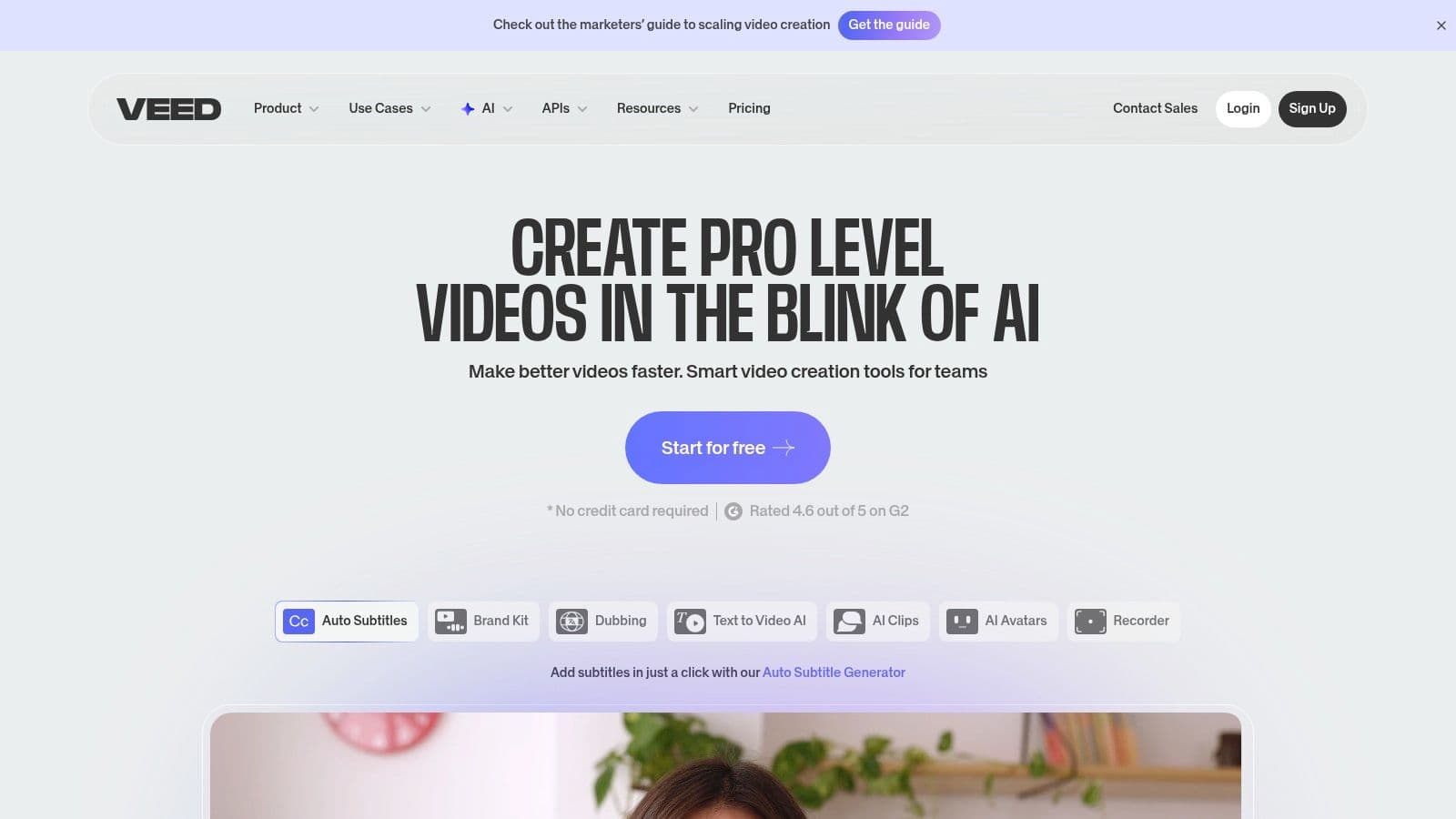
The platform stands out by bundling powerful auto-subtitling and styling tools with a full-featured video editor. This all-in-one approach eliminates the need to switch between different programs for transcribing, editing, and finalizing a video. For creators who need to quickly produce engaging, accessible content with burned-in captions for platforms like Instagram, TikTok, or YouTube, VEED provides an incredibly streamlined and user-friendly experience.
Key Features and Workflow
VEED's workflow is built for speed and simplicity. Users can generate subtitles in dozens of languages with impressive accuracy, complete with speaker detection. The intuitive timeline editor allows for easy correction of text, adjustment of timings, and application of custom styles like fonts, colors, and animations. You can also export the subtitles as separate SRT or VTT files or burn them directly into the video.
The platform also includes a suite of creator-focused templates and a well-documented help center, making it one of the best subtitle editor software options for those new to video editing. While it excels at social media captions, users creating music content can learn more about how to add lyrics to a video with similar tools for different creative outputs.
Pricing and Licensing
VEED.io operates on a freemium model, offering several tiers to suit different usage levels, from casual creators to professional teams.
| Tier | Key Features | Best For |
|---|---|---|
| Free | Limited exports with watermark, basic tools | Testing the platform or very light use |
| Basic / Pro | No watermark, higher export limits, auto-subtitles | Regular content creators and marketers |
| Business | Team collaboration, branding kits, full feature access | Agencies and businesses with high-volume needs |
The free tier is generous enough for short projects, while the paid plans unlock higher export quality, longer video lengths, and access to more advanced AI features and stock media libraries.
Pros:
- Zero Installation: Entirely browser-based for quick and easy access from any computer.
- User-Friendly: Highly intuitive interface is perfect for non-technical users and beginners.
- All-in-One Editor: Combines subtitling with comprehensive video editing features.
Cons:
- Variable Pricing: Plan features, limits, and credit systems can change over time.
- Tier Limitations: Advanced features and higher export quality are locked behind paid plans.
- Requires Internet: Being web-based means it is dependent on a stable internet connection.
You can learn more and get started for free at the official VEED.io website.
Top 7 Subtitle Editors Comparison
| Tool | Complexity 🔄 | Resources ⚡ | Expected outcomes 📊⭐ | Ideal use cases 💡 | Key advantages ⭐ |
|---|---|---|---|---|---|
| MyKaraoke Video | Low — browser AI + visual sync editor, easy workflow | Low — runs in browser; free + low-cost plans with credit limits | Polished 1080p karaoke/lyric videos quickly; good accuracy from AI sync | Karaoke channels, musicians, creators, live events, marketing clips | Fast AI auto-sync, parallel rendering, rich customization, affordable tiers |
| EZTitles | High — professional, frame‑accurate broadcast workflows | High — paid licenses (subscription/perpetual), possible USB dongle, desktop hardware | Broadcast/OTT‑compliant subtitles with broad format support and QC | Studios, broadcasters, OTT deliverables requiring strict compliance | Enterprise‑grade format coverage, QC tools, flexible licensing |
| Telestream CaptionMaker | High — compliance‑focused captioning, encoding workflows | High — Windows‑only, enterprise pricing, procurement for broadcast chains | Regulatory and distribution‑ready captions (FCC/ADA) with embed/extract options | US broadcast chains, compliance‑driven captioning and delivery | Trusted broadcast toolset, wide delivery/format support, trial available |
| OOONA | Medium — cloud modular toolkit with collaborative workflows | Medium — subscription/quote pricing; requires stable internet and bandwidth | Scalable cloud subtitling/localization pipelines and QC | Localization vendors, streamers, teams needing collaboration & training | Web collaboration, training/certificates, end‑to‑end localization modules |
| Subtitle Edit | Medium — feature‑rich timing and conversion tools; Windows‑first | Low — free open‑source; may need codec/player setup for some media | Precise timing, extensive format conversions, QC utilities at no cost | Creators, educators, indie teams needing accurate timing & conversions | Free OSS, active community, 250+ format support, waveform/spectrogram views |
| Aegisub | Medium‑High — advanced typesetting, scripting and timing workflows | Low — free open‑source; cross‑platform builds; possible macOS approvals | Highly styled ASS/SSA subtitles and frame‑accurate karaoke timings | Fansubbing, anime subtitling, motion‑graphics subtitle effects | Exceptional typesetting/styling, scripting automation, community support |
| VEED.io | Low — browser editor with auto‑subtitle and simple styling | Low‑Medium — web service with free/paid tiers and export limits; internet required | Quick auto‑subtitles, translations and styled captions for social video | Social creators, marketing teams, quick captioning and edits | Easy UI, templates, rapid auto‑subtitling and integrated video editing |
Choosing the Right Tool for Your Subtitling Workflow
Navigating the landscape of subtitle editors can feel overwhelming, but the perfect tool for your project is within reach. We've explored a wide spectrum of options, from enterprise-grade broadcast solutions to powerful open-source alternatives and streamlined online platforms. The key takeaway is that the "best" software is entirely dependent on your specific workflow, budget, and creative goals. Your choice will shape not just the final quality of your captions but also the efficiency and enjoyment of your creation process.
Making an informed decision requires a clear understanding of your own needs. Are you a broadcast professional who lives and breathes FCC compliance and requires flawless delivery in multiple formats? Or are you a budding YouTuber focused on creating engaging, stylish captions to capture your audience's attention in a crowded social feed? The answer to these questions will guide you to the right solution.
How to Select Your Ideal Subtitle Editor
To distill the information from this guide into an actionable choice, consider these three core factors before committing to a tool:
- Primary Use Case: What is the main type of content you produce? Professional broadcasters will gravitate towards the robust, compliance-focused features of EZTitles and Telestream CaptionMaker. Independent filmmakers and hobbyists seeking maximum control without a price tag will find their homes with Subtitle Edit or Aegisub. For marketers and social media managers who prioritize speed and ease of use, a cloud-based tool like VEED.io is often the most practical choice.
- Technical Proficiency and Time: Be realistic about your technical skills and the time you can dedicate to learning new software. Tools like Aegisub offer immense power but come with a steeper learning curve. Conversely, browser-based editors are designed for immediate productivity, letting you get started in minutes. If your workflow involves collaboration, cloud-based platforms like OOONA or VEED.io offer significant advantages.
- Budget and Scalability: Your budget is a critical constraint. Free, open-source software provides incredible value, but it lacks dedicated customer support. Subscription-based online tools offer a balance of features and support at a predictable cost. For those looking for specialized AI-driven solutions, exploring various tools and their pricing is key; when exploring your workflow, consider checking out alternatives like Submagic, which specializes in subtitle solutions for short-form content. High-end, licensed software is a significant investment best suited for established production houses.
Final Thoughts on Finding the Best Subtitle Editor Software
Ultimately, choosing the best subtitle editor software is an investment in your content's accessibility, engagement, and professional polish. For the vast majority of creators, the goal is to find a tool that removes friction from the subtitling process, allowing you to focus on the creative aspects of your work. Whether it's the precise manual control of Subtitle Edit or the collaborative power of OOONA, the right editor will feel less like a taskmaster and more like a creative partner.
For our target audience of karaoke channel creators, musicians, and lyric video artists, the choice is especially clear. While other tools can get the job done, they often require cumbersome workarounds to achieve the dynamic, perfectly synced results your audience expects. MyKaraoke Video was built from the ground up to solve this specific challenge, blending powerful AI with an intuitive visual interface to make lyric video creation faster and more enjoyable than ever before. By aligning your specific needs with the strengths of the software we’ve covered, you can elevate your video content and connect more deeply with your viewers.
Ready to create stunning, perfectly synchronized karaoke and lyric videos? Discover how MyKaraoke Video can transform your workflow with its specialized AI and intuitive visual editor. Start your free trial of MyKaraoke Video today and see why it's the ultimate choice for musicians and creators.
